Animated backgrounds
Build popups that move, with AI.
When a popup’s photo can move, the agent suggests how. Change the idea if you like, click create, and a minute later you have an animated variant to test.
Free to start. No credit card.
Examples
From a still photo to a popup that moves.
Every example started as a static popup. One sentence describes the motion, and the background comes to life. The headline, form and button stay exactly where they were.
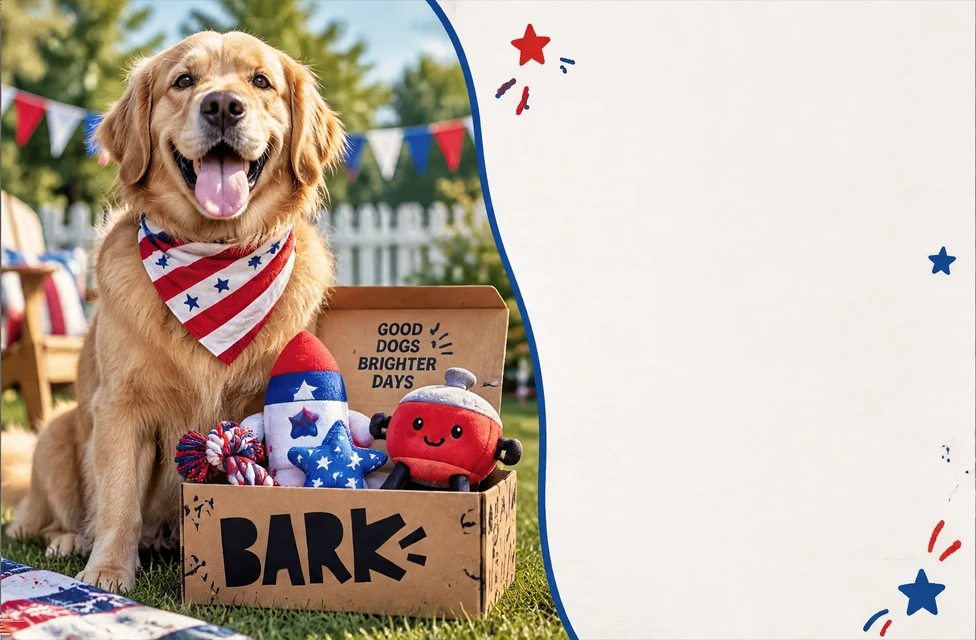


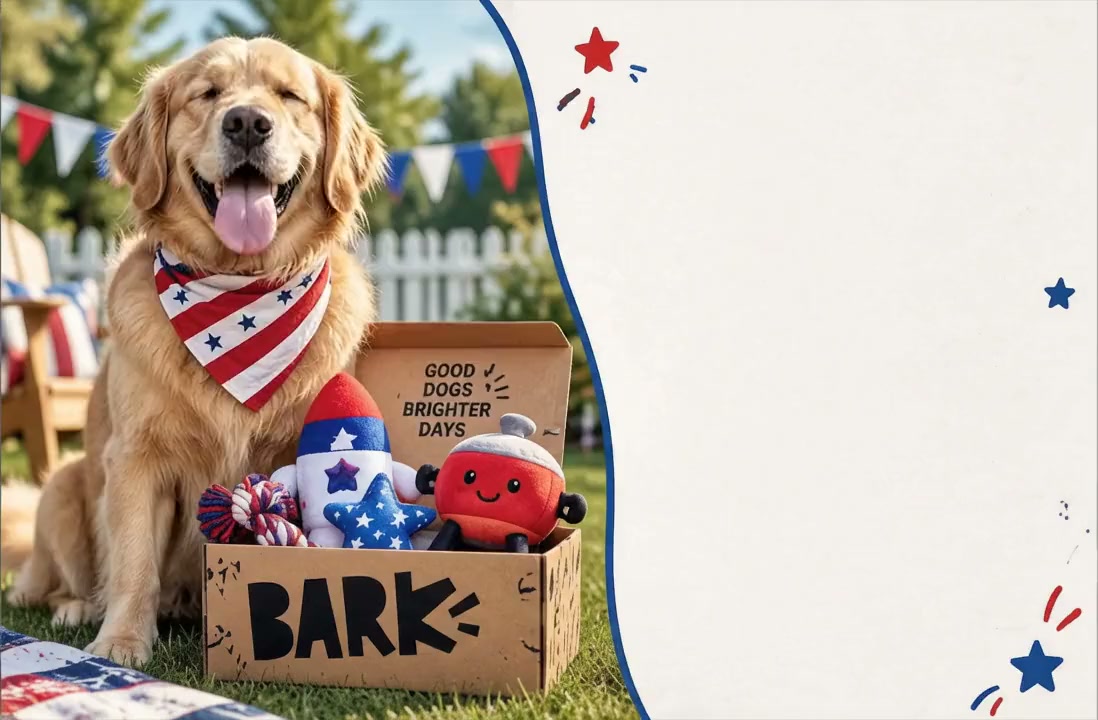
Let the dog breathe and blink, with a soft breeze moving its fur and the bunting behind it.
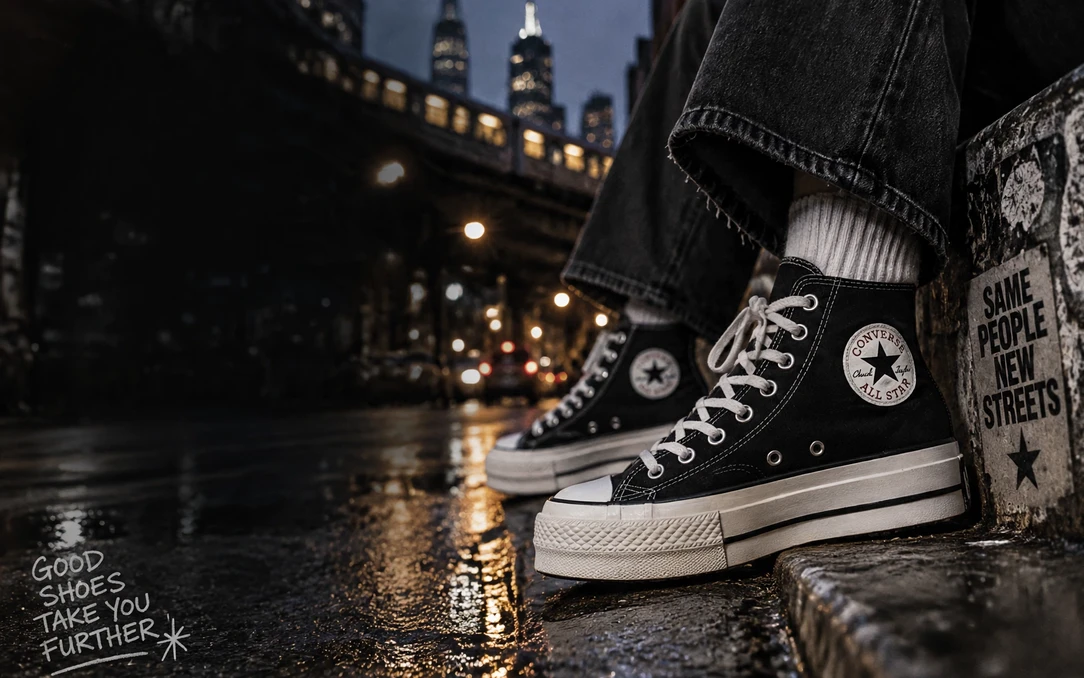

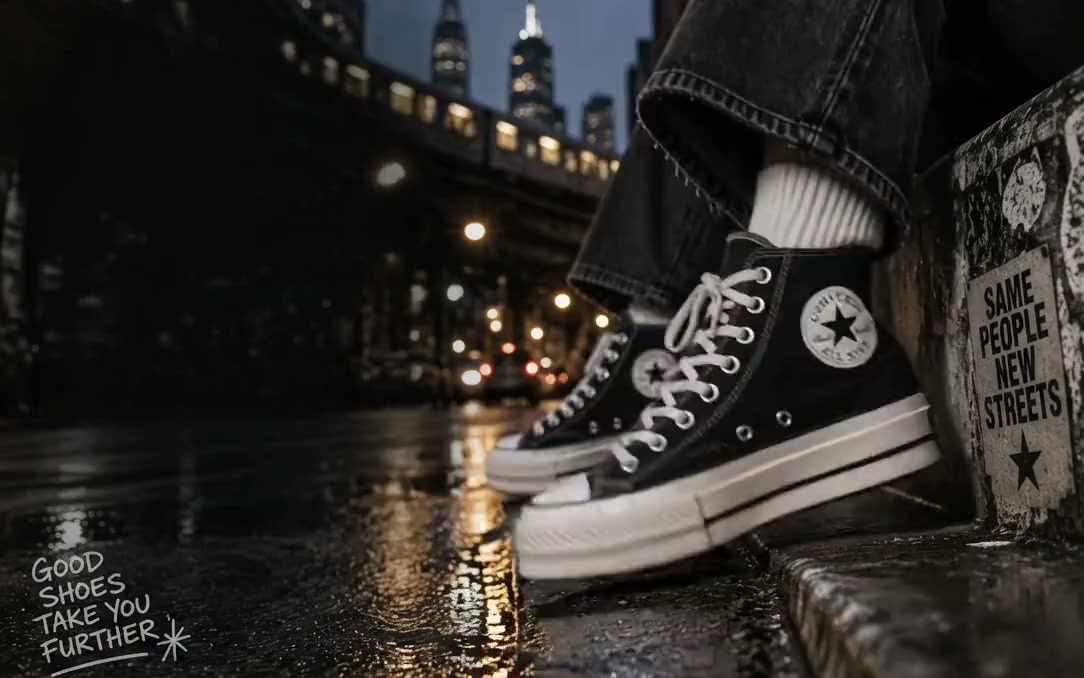
Let the sneakers swing slowly over the ledge while rain ripples through the puddles and the city lights shimmer.
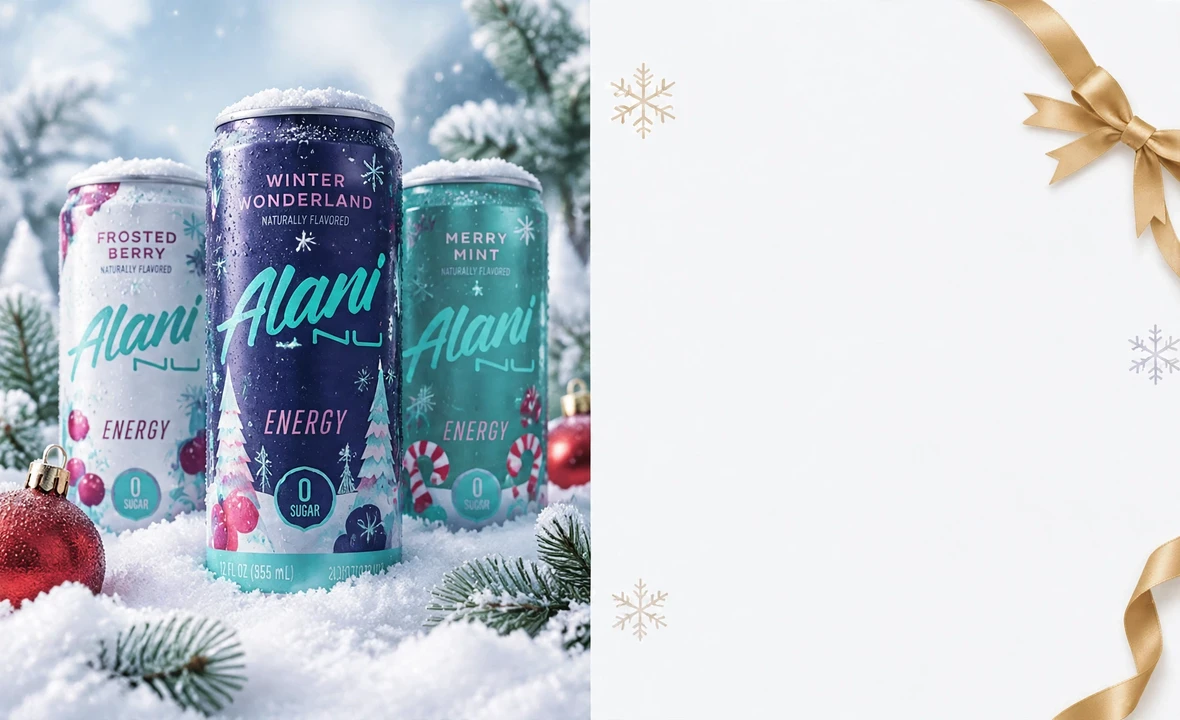
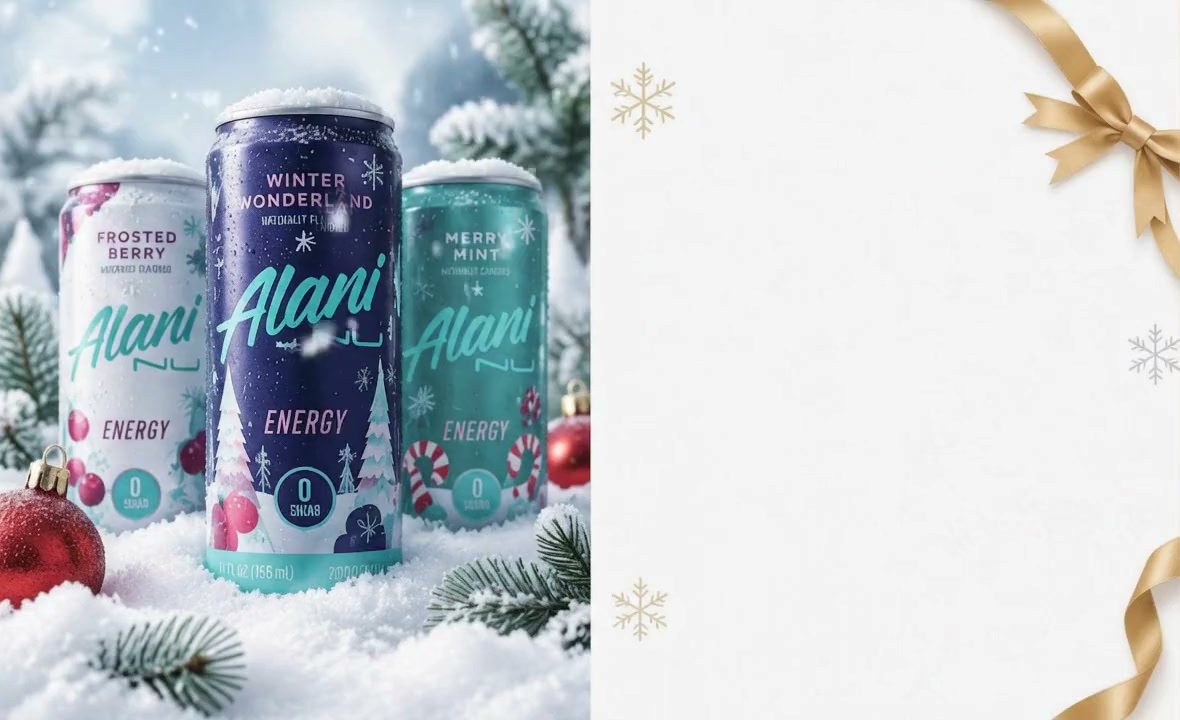
Let soft snow fall in front of the cans while the frosty background drifts gently.
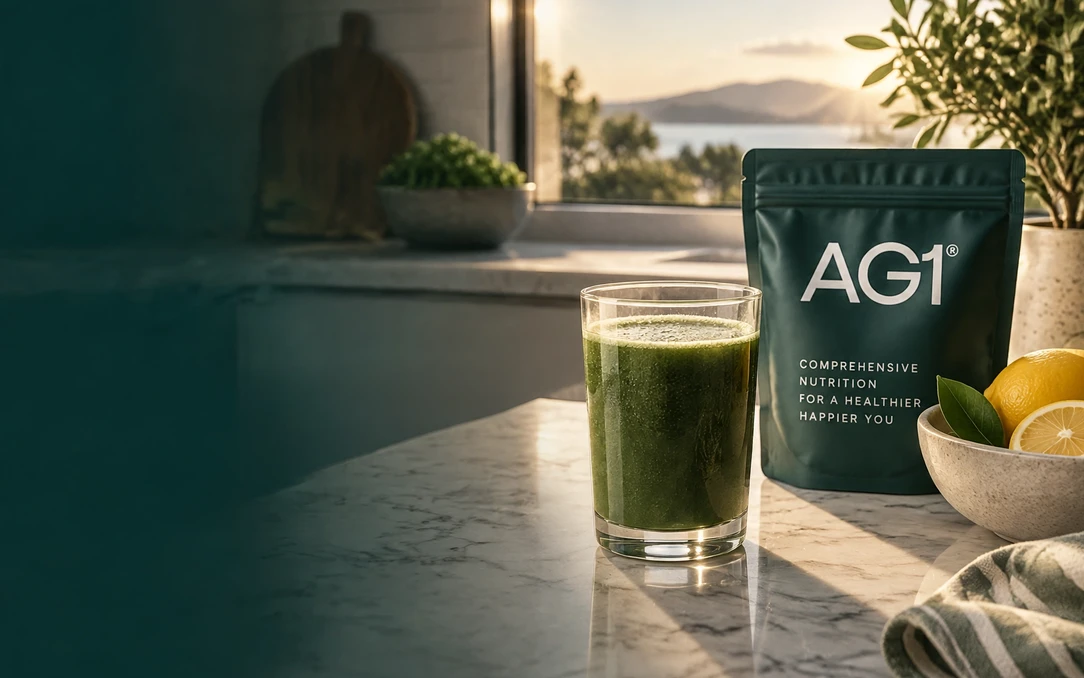

Let the leaves by the window sway slightly while warm light drifts slowly across the counter.


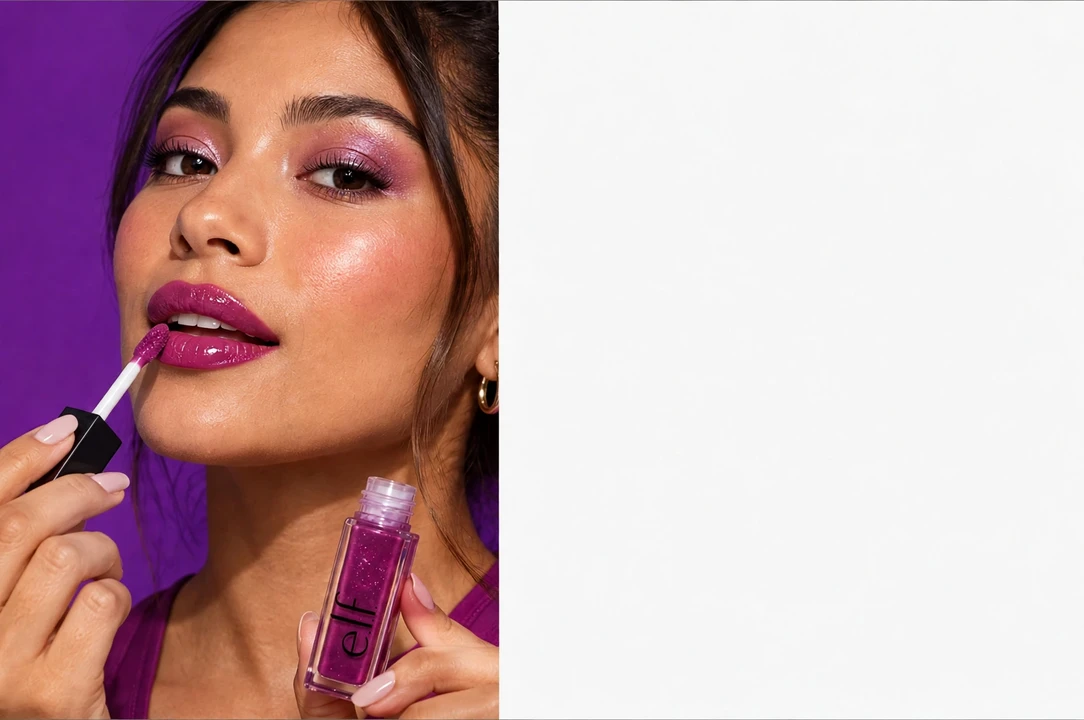
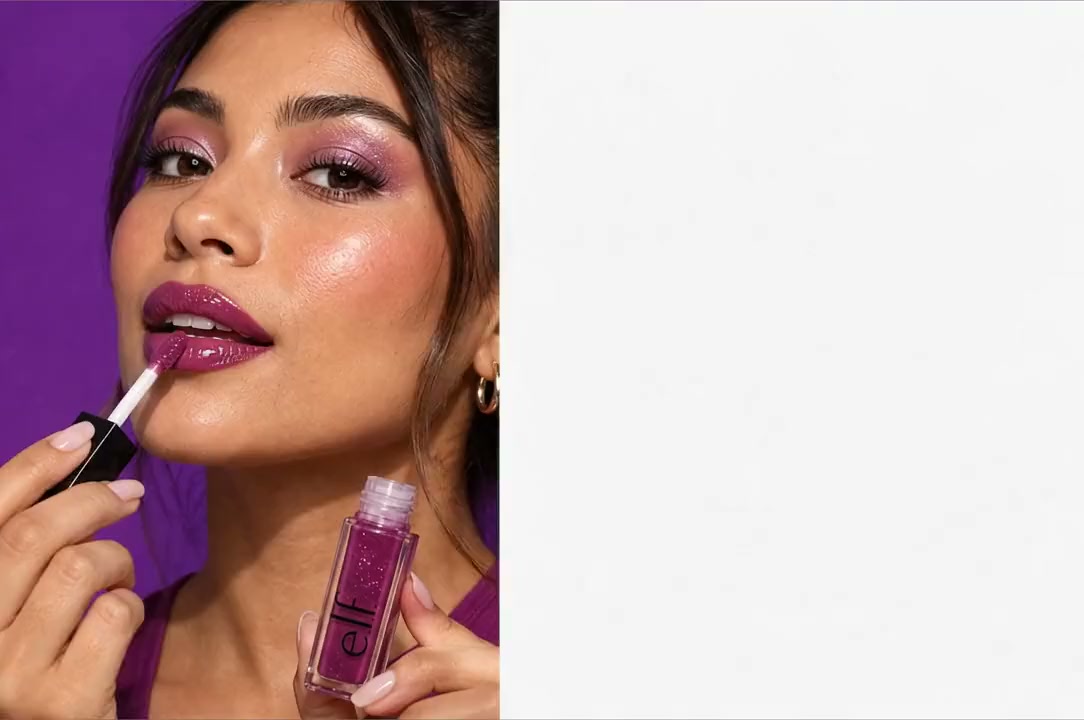
Let her hair move softly in a light breeze while the fabric behind her ripples slowly.

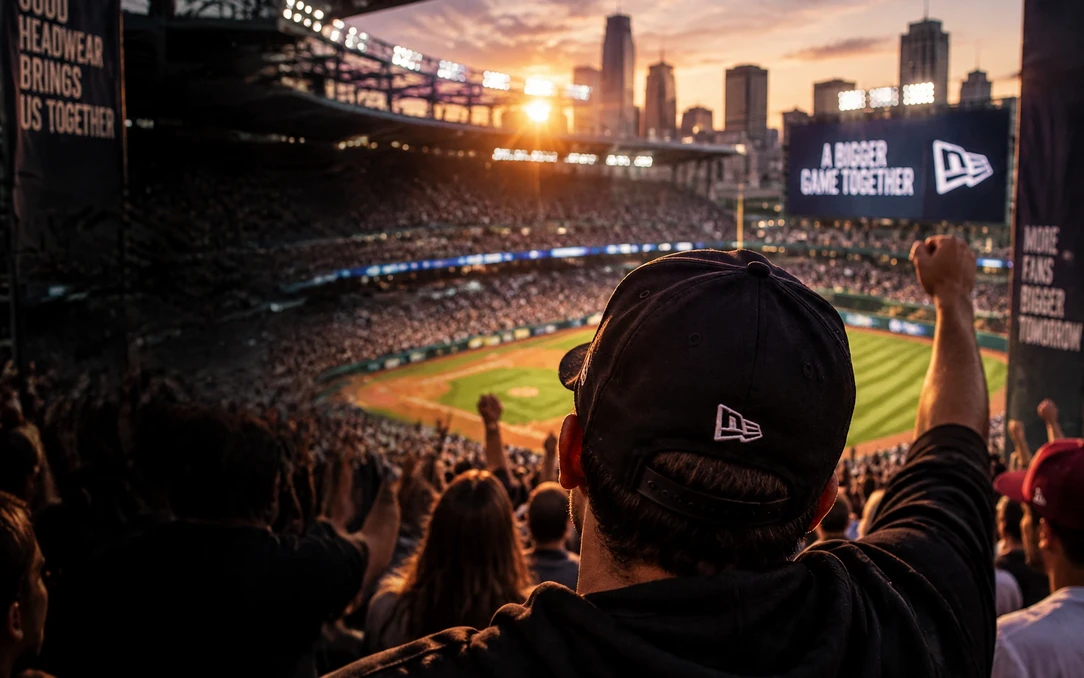

Let the fan pump his fist while the crowd around him cheers under the stadium lights.
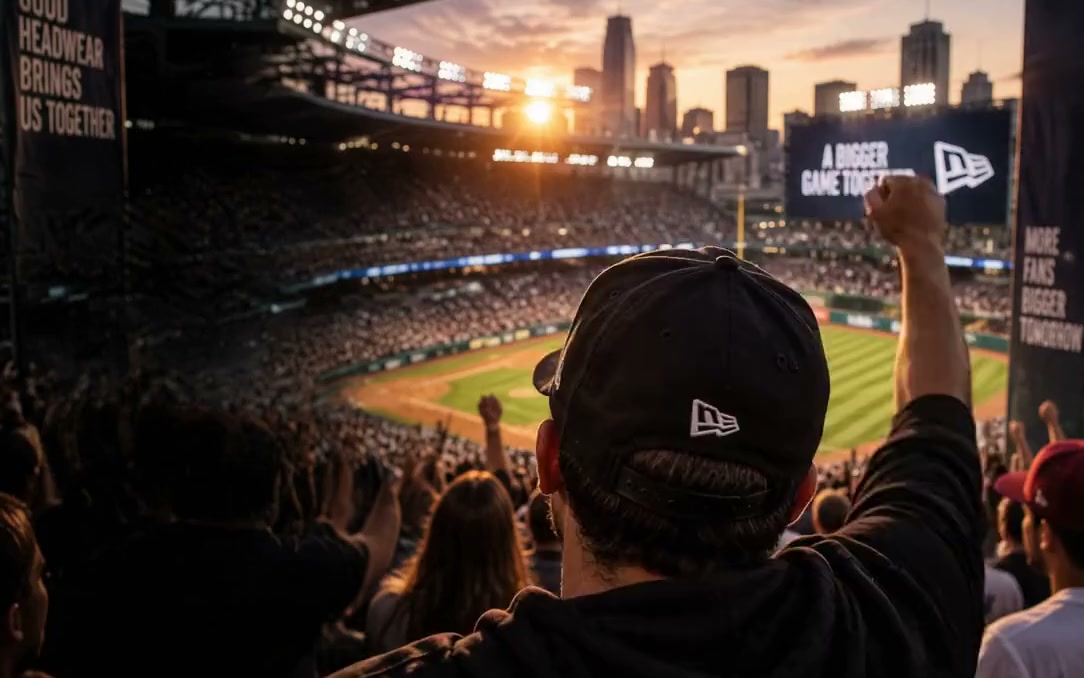
Demo popups designed by the OptiMonk agent.
How it works
The agent suggests. You decide.
Motion is never added behind your back. The agent spots the chance, writes the idea down, and waits for you.
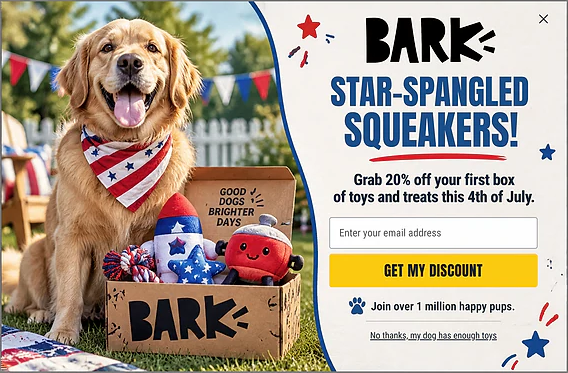
Your popup is ready.
A happy pup, a toy box, a clear offer.
Build your popup with the agent
Describe the campaign you want, and the agent designs it. Nothing about this step changes.
It looks for what can move
If the photo has light, water, leaves or fabric in it, the agent offers to animate it. If not, it tells you.
Let the dog breathe and blink, with a soft breeze moving its fur and the bunting behind it.
Read the idea, then create it
Keep the agent’s motion idea or change it in your own words. Click create, and it’s ready in about a minute.
Keep it as a variant, or drop it
Keep the animated version next to the still one and test them against each other, or let it go.
A/B testing
Don’t guess. Test it.
Motion catches the eye, but your visitors get the final word. Run the animated and the still version side by side and keep the one that brings in more signups.
- Both versions live in the same campaign, with the same offer and the same targeting.
- You choose how much traffic each one gets.
- Keep the winner, pause the other. No rebuilding.
What can move, what stays still
What moves, and what stays put.
The agent only animates the photo behind your offer, and only when there’s something in it that would move anyway. Slow and subtle, on a seamless loop.
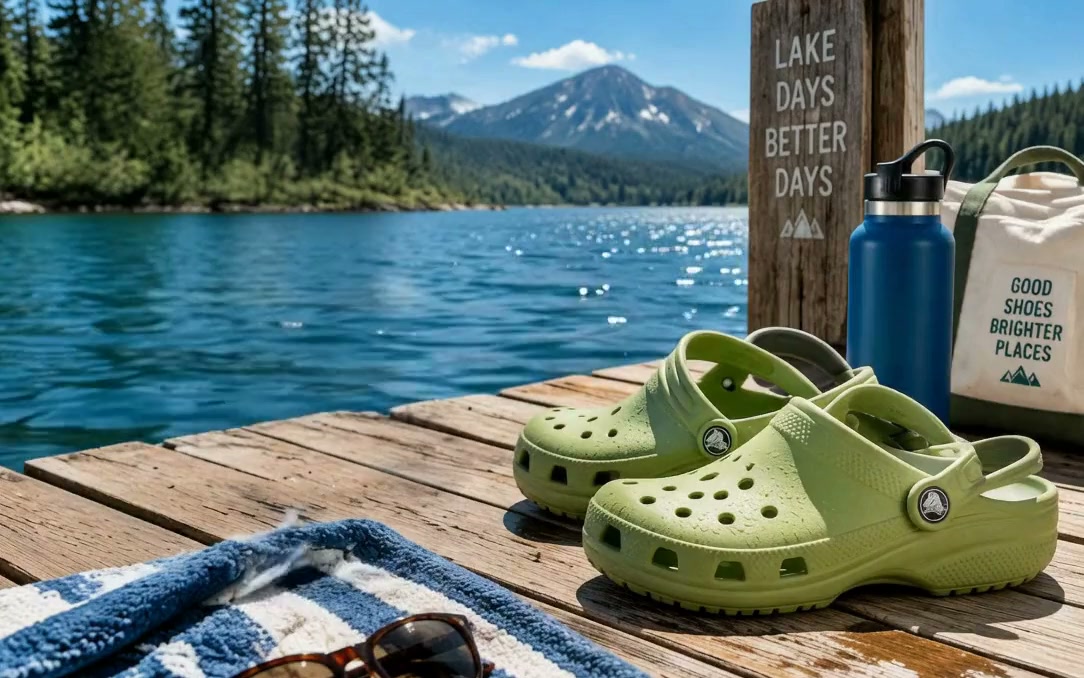

Can move: light, water, leaves, fabric, steam, snow.
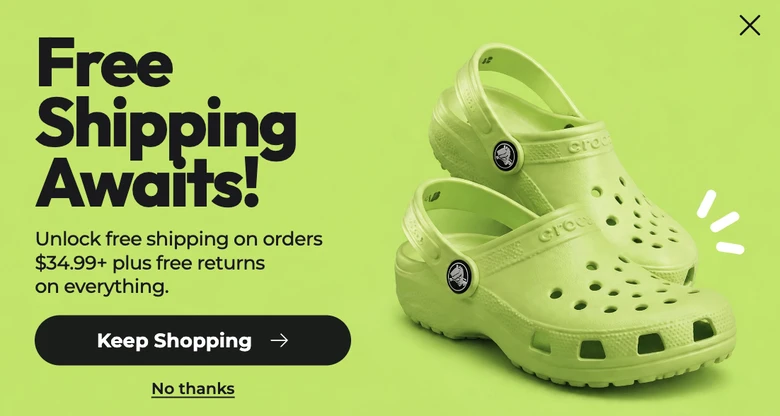
Stays still: flat colours, illustrations, cut-out products.
FAQ
Photos with something that naturally moves: light, water, leaves, fabric, steam, snow or rain. Flat colours, illustrations and cut-out product shots stay still.
No. It checks the background of the popup it built and suggests an animation only when the photo can carry one. Nothing is made until you click Create animated variant.
Yes. The agent writes down what it plans to move. Before you create it, you can change the idea and describe the motion you want instead.
About a minute, two at most. You can leave the page while it works; the animated version will be waiting when you come back.
No. Your popup opens just as fast as the still version, and the animated background never gets in the way of your offer.
Yes. Keep the animated version as a second variant of the same campaign, then set a traffic split or run an A/B test.
Yes. Creating an animated variant uses credits, only when you click Create. The suggestion itself is free.