



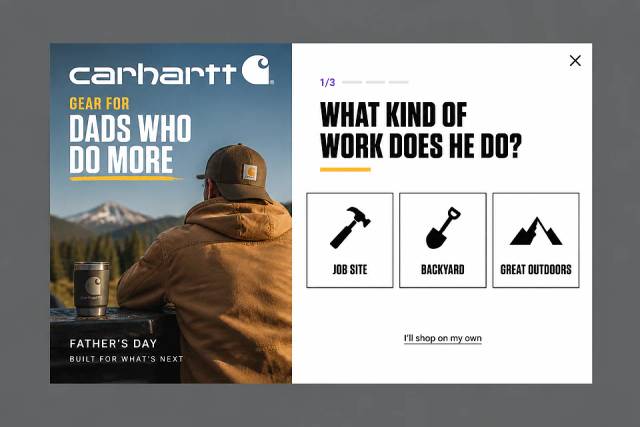
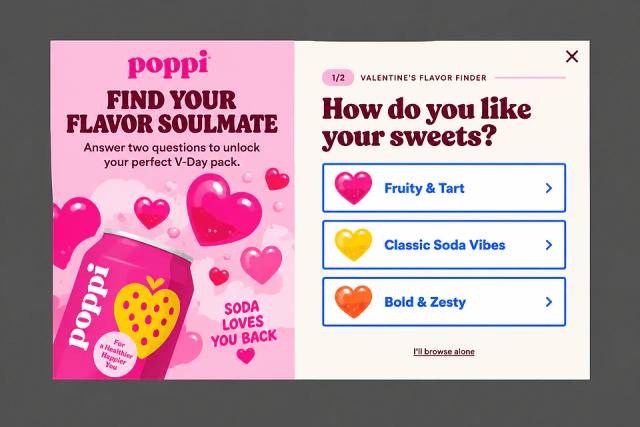
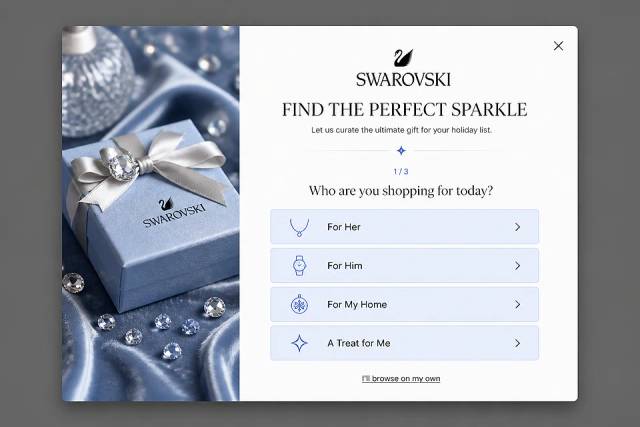
Modal vs Popup vs Overlay: What's the Difference?
What separates a modal, a popup and an overlay, how to make a modal accessible, and which one an online store should use when.
Learn from this guide how to create high-converting exit-intent surveys to capture customer feedback and boost sales.
In short
Learn how to create effective exit-intent surveys to boost conversion rates by collecting valuable feedback from website visitors. This guide covers the benefits of using exit surveys, key moments for deployment, and a step-by-step process for crafting them using customizable templates. Enhance your website's user experience and optimize product offerings with actionable insights from exit-intent survey feedback.
For ecommerce store owners, understanding why visitors leave without making a purchase is crucial. Exit-intent surveys offer a simple way to collect feedback right before a visitor exits your site.
Using an exit-intent survey template can streamline the process and ensure you capture the most relevant feedback from your visitors.
This feedback can reveal why potential customers didn’t convert—whether it’s your pricing, site usability, or something else—allowing you to make targeted improvements.
In this guide, we’ll walk you through the process of creating effective website exit-intent surveys so you can gather the insights needed to boost conversions and grow your business—templates included!
Let’s get started…
An exit survey is a last-chance effort to understand why a visitor is leaving your website.
It appears just before the visitor exits—typically when they move their mouse toward the close button or show signs of leaving.
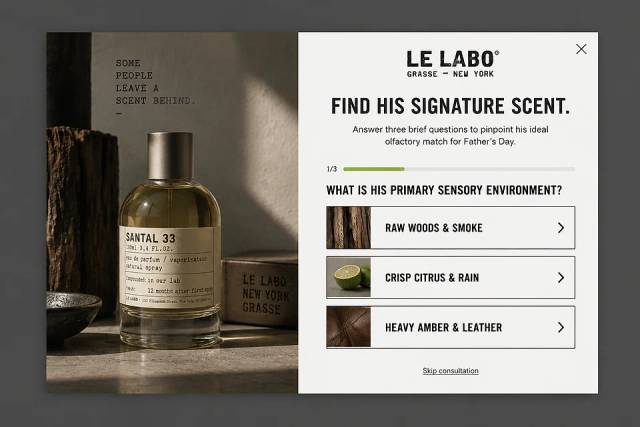
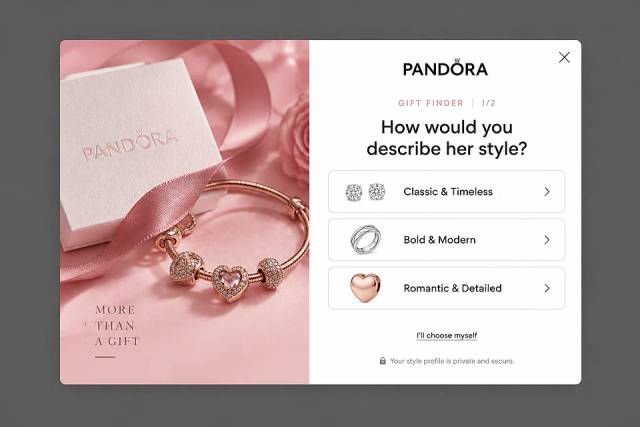
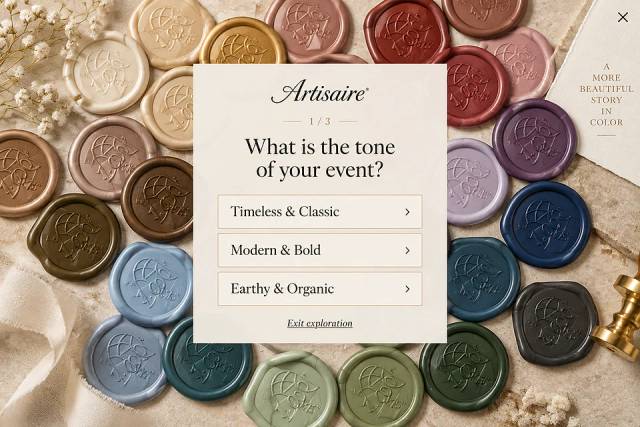
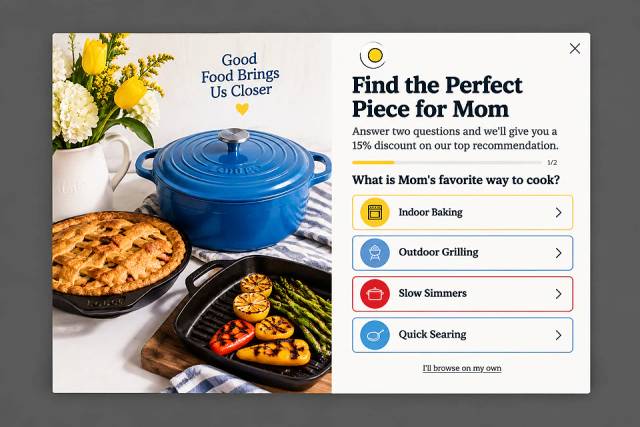
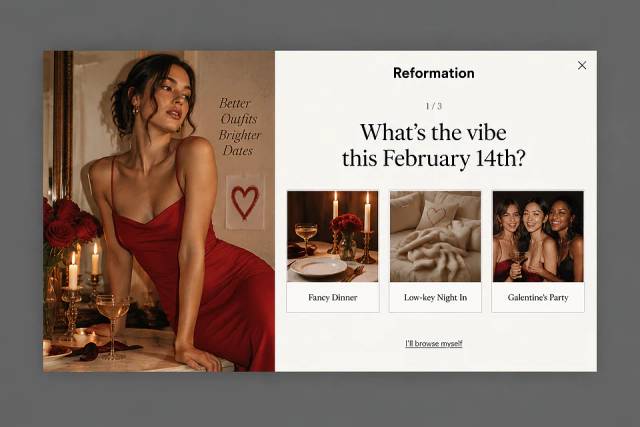
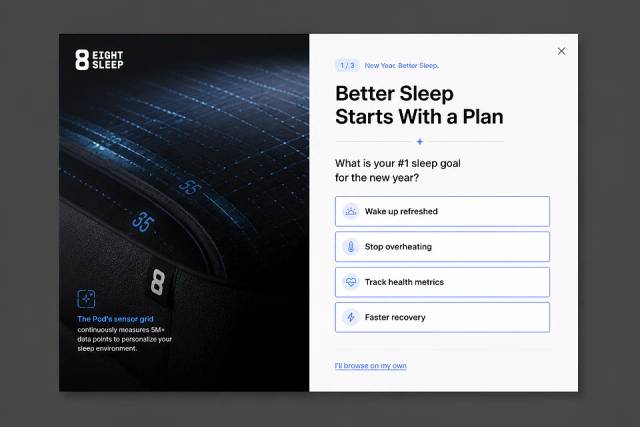
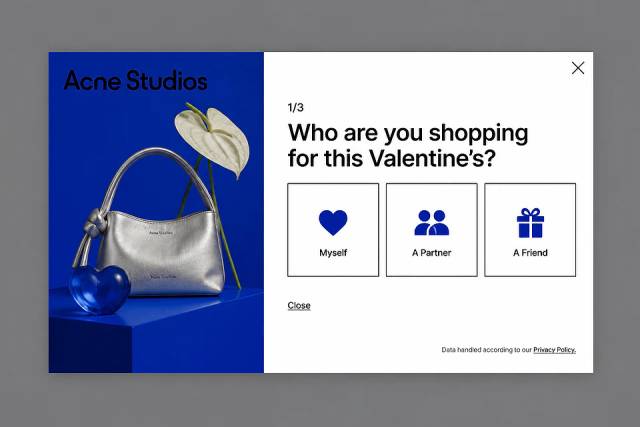
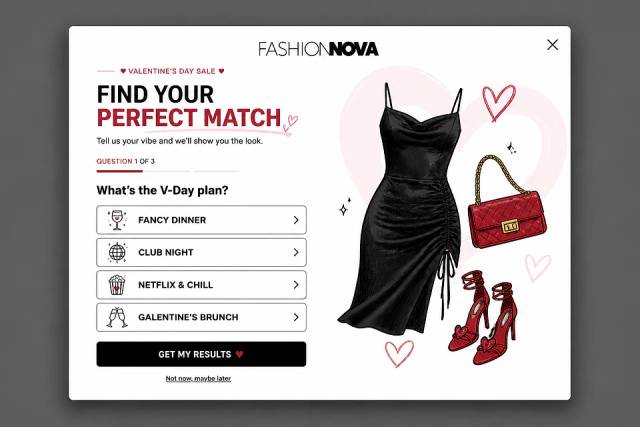
The website survey might be as simple as a multiple-choice question asking why they didn’t complete a purchase…
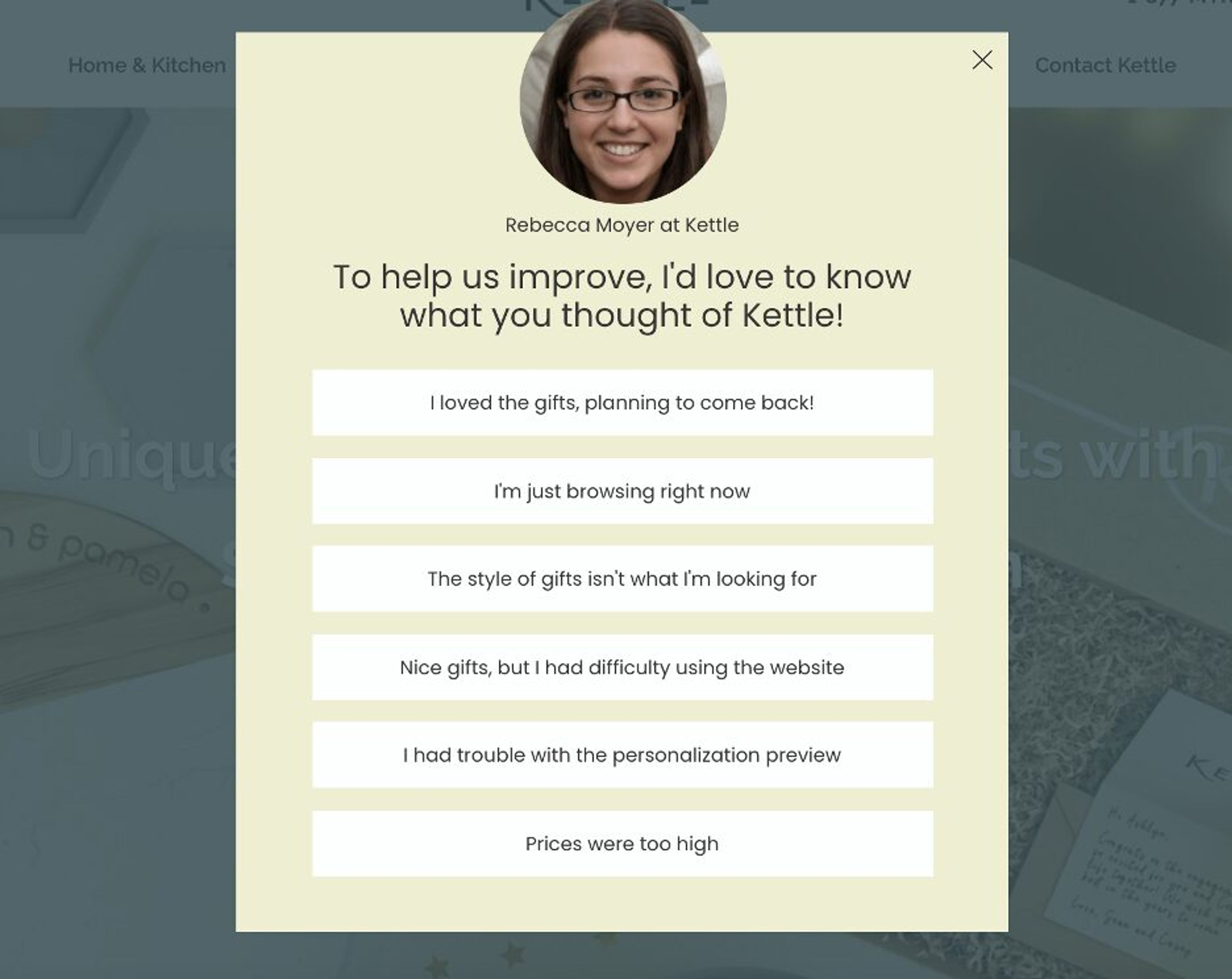
Or a text box inviting them to share their thoughts…
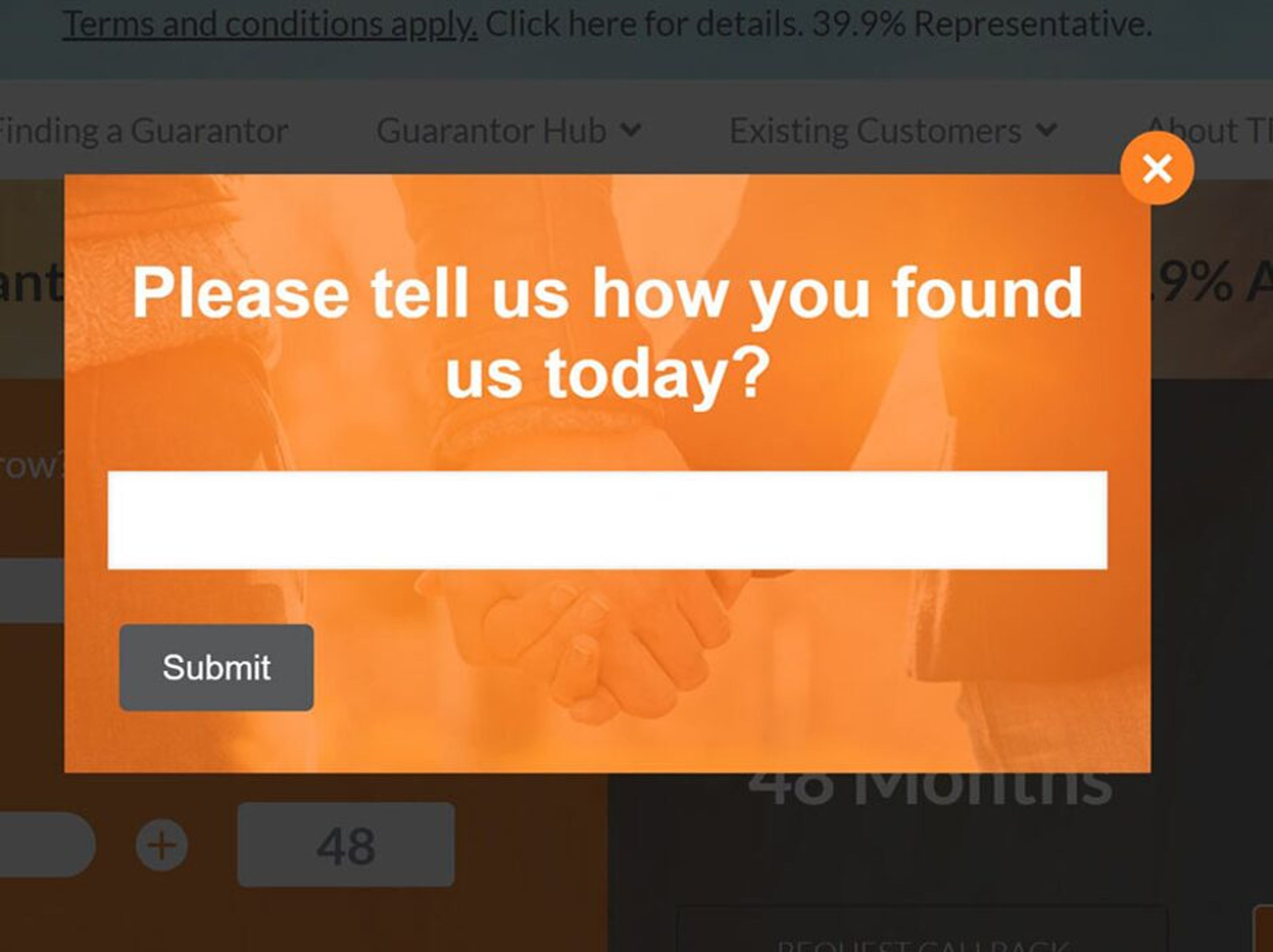
This quick interaction can reveal crucial insights into what’s causing visitors to leave, helping you make better decisions to enhance your website, improve your offerings, and, ultimately, boost your conversion rates.
So, why go through the trouble of setting up an exit survey? Here’s why it’s worth your time:
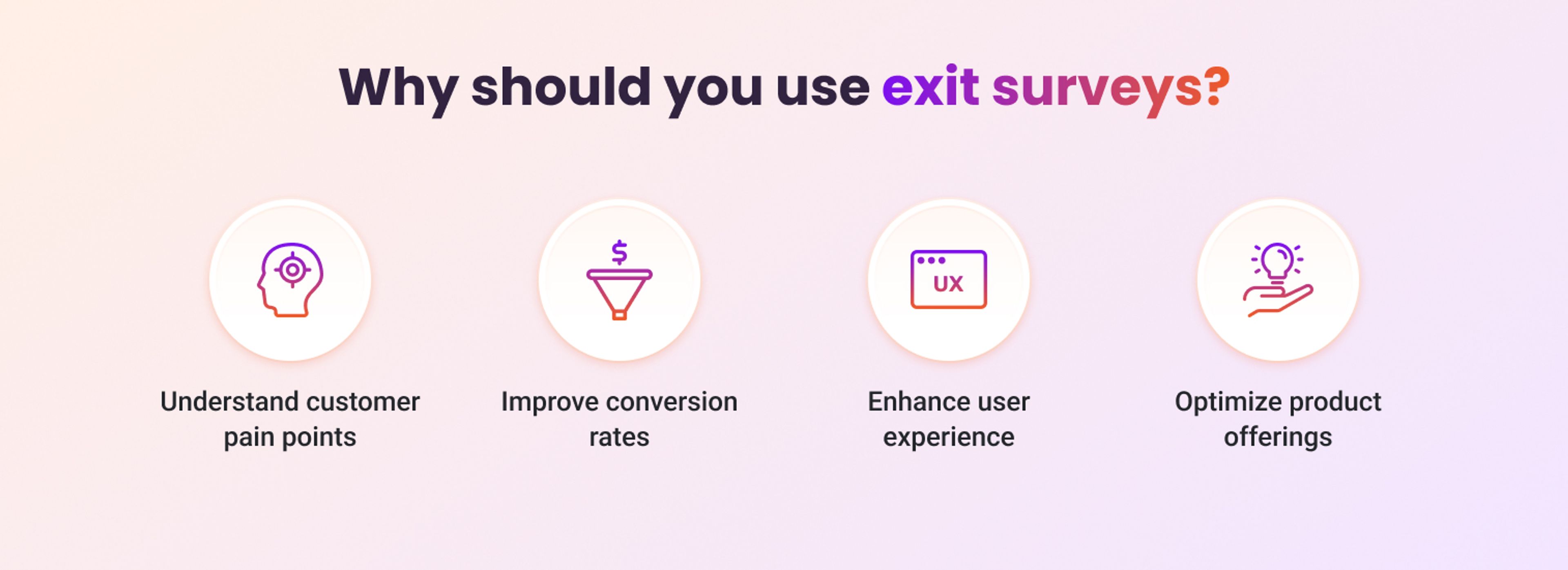
Now, let’s explore five key moments when using an exit survey can provide the most valuable insights.
Visitors that abandon their shopping cart… they’re every ecommerce owner’s nightmare.
Fortunately, triggering a survey just as a user is about to abandon their cart can help you understand exactly why they decided not to complete their purchase. Was it the total cost? Concerns about shipping fees? Or maybe they just got distracted?
By gathering this data, you can identify patterns and make the necessary adjustments to reduce cart abandonment rates.
Website exit surveys are also highly effective on landing pages where conversions are the primary goal, such as pricing, checkout, or product pages.
These are high-intent areas where site visitors are close to making a decision.
If they decide to leave instead, a quick website exit survey can provide insights into what might have deterred them—whether it’s pricing concerns, lack of information, or something else entirely.
When visitors engage with something significant (like a product demo, a free trial, or a valuable piece of content) but then don’t proceed further, it’s a prime opportunity to deploy a website exit survey.
This user feedback can reveal why they chose not to move forward—was it confusion, lack of interest, or unmet expectations?
Understanding their reasons allows you to refine these key interactions to encourage deeper engagement next time.
If certain pages on your site consistently have a high bounce rate, it’s a clear sign that something isn’t working.
Create exit surveys on these bounce-prone pages to identify the specific issues driving visitors away.
Whether it’s confusing content, slow load times, or irrelevant information, pinpointing the problem can lead to targeted improvements and lower bounce rates.
Finally, website surveys can be useful even after a visitor has completed a purchase. As they’re about to leave your site, gather feedback on their shopping experience.
This is an ideal time to gain insights on what went well and what could be improved, helping you refine the post-purchase experience and boost customer satisfaction for future sales.
Creating a website exit survey doesn’t have to be complicated.
Here’s a step-by-step guide to help you create customer surveys that will give you the actionable feedback you want.
A tool like OptiMonk makes creating website exit surveys a breeze: describe the survey you want, and its AI agent builds it for your brand, no technical skills needed.
OptiMonk's Popup Library has survey popup ideas for different use cases, and the agent rebuilds any of them in your brand, with a separate mobile version.
Keep your exit-intent survey questions short and to the point.
Questions like “What prevented you from making a purchase today?” or “How can we improve your experience?” are great starting points. The goal is to gather useful feedback without overwhelming the visitor.
By creating your own exit-intent survey, you can tailor the questions to gather the most relevant feedback for your business.
The agent designs the survey in your brand's colors, fonts, and logo. To change anything, ask it in plain words or fine-tune it in the visual editor.
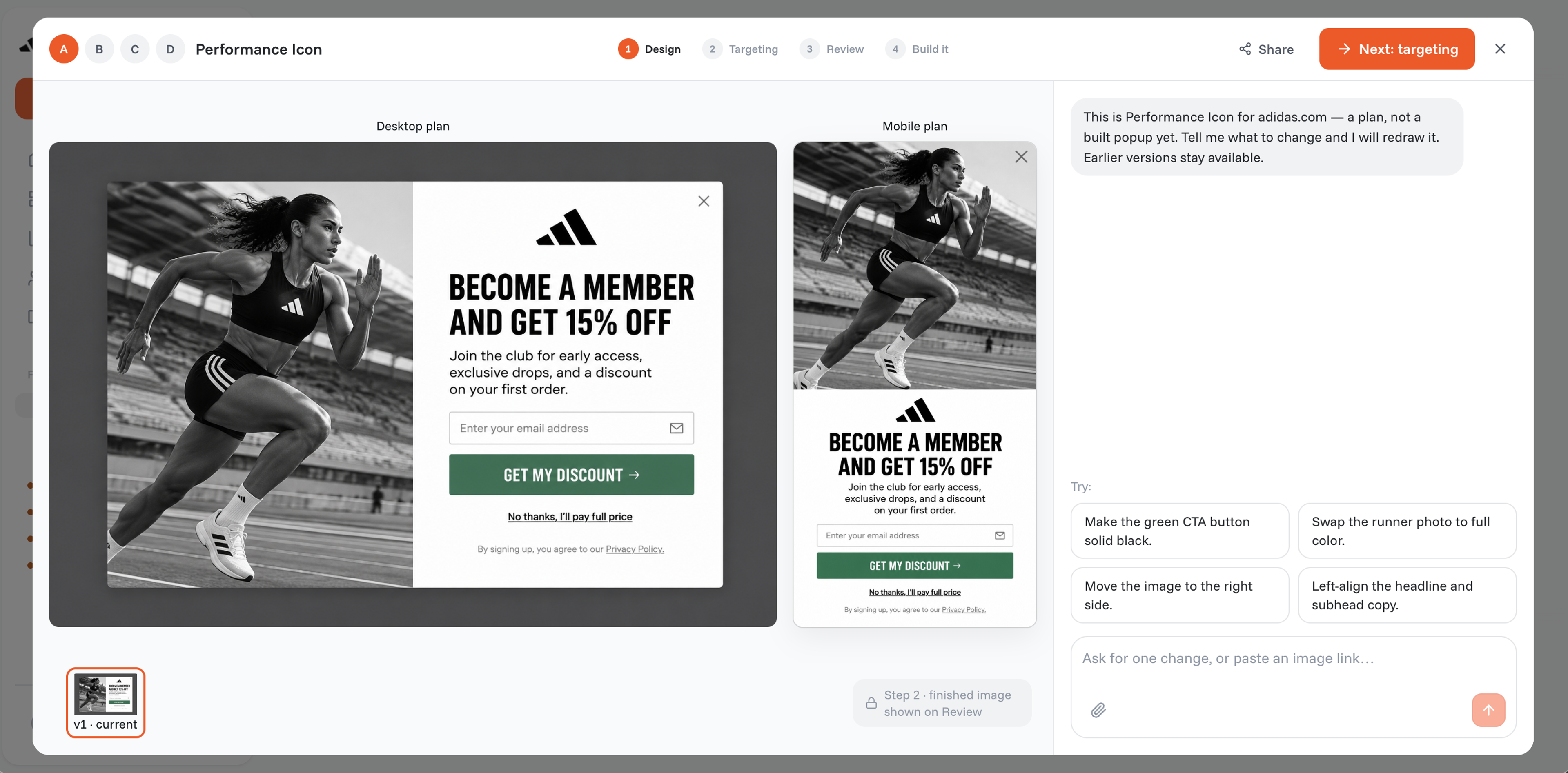
Decide when and where your exit-intent survey will appear. Common triggers include when the visitor’s mouse moves toward the browser’s close button or when they remain inactive for a set period of time.
Once everything is set up, it’s time to activate your website exit survey and start collecting user feedback! The data you gather will be invaluable in making targeted improvements to your site.
Not sure what questions to include when creating exit intent surveys? Here are some real-world examples of exit survey questions tailored for different situations:
For abandoned carts, an effective question could be: "What stopped you from completing your purchase today?"
You can offer response options like:
When the exit intent survey appears, it helps you identify the reasons shoppers hesitate at checkout, enabling you to adjust your pricing strategy or clarify shipping costs accordingly.
On pricing pages, an exit survey could ask: "Did something stop you from signing up today?" Possible answers might include the high price, the need for more information, or a desire for additional features.
If multiple visitors cite pricing as a barrier, you might consider testing discounts, flexible payment plans, or clearer explanations of the value your product provides.
For content downloads, a useful exit survey question could be: "Was this content helpful?"
Users could respond with options like "Yes, it was great!" or "It didn’t meet my needs." This feedback helps you adjust your lead magnets to ensure they provide real value to potential customers.

A post-purchase exit survey can ask: "How was your shopping experience?"
A positive response confirms you’re on the right track, while negative feedback highlights areas for improvement in checkout flow, customer service, or product expectations.
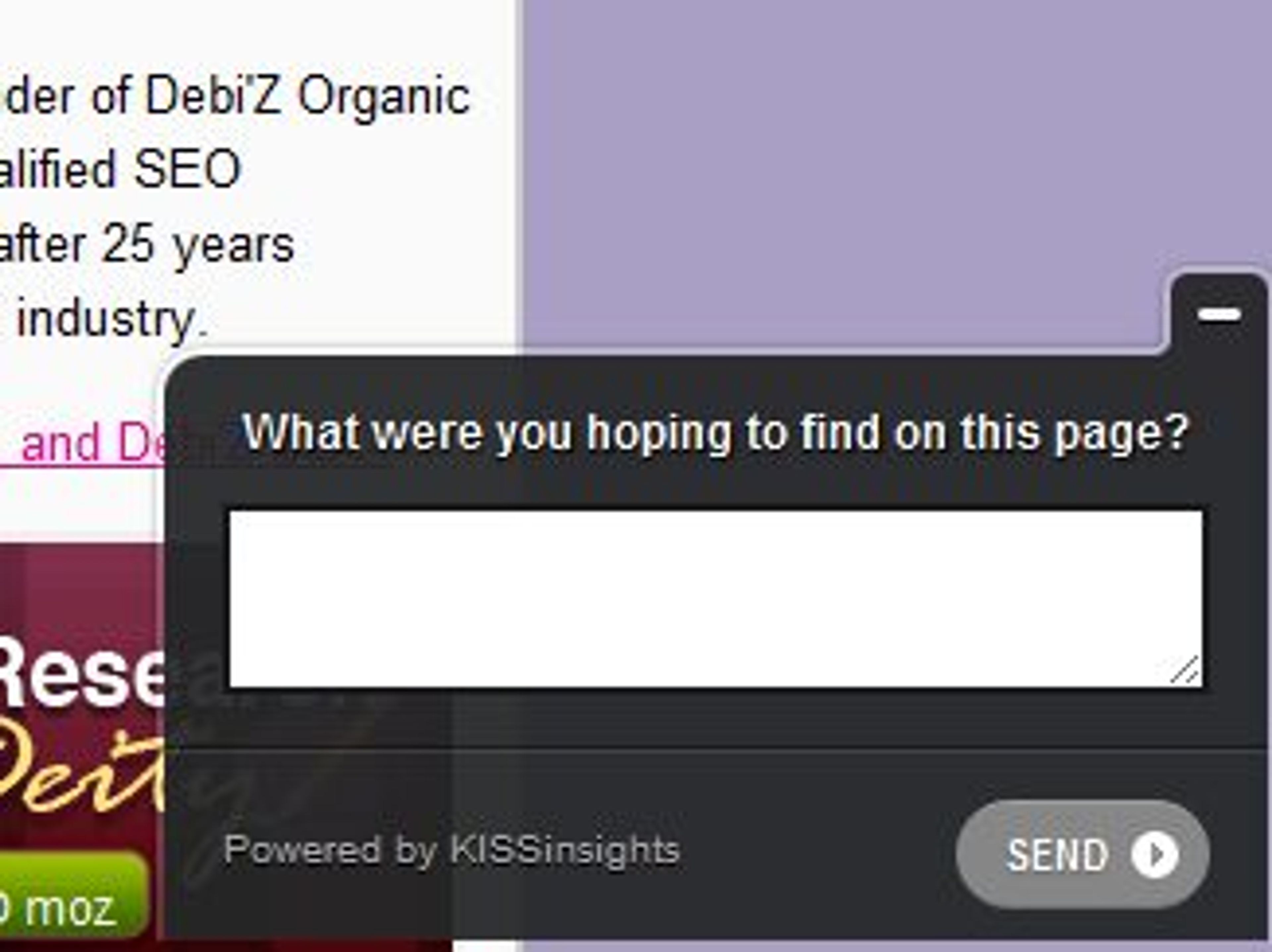
If a page has a high bounce rate, an exit survey can provide clarity by asking: "What were you hoping to find on this page?"
If visitors indicate they were looking for product details, pricing information, or customer reviews, you can optimize the page to better align with their expectations.
Collecting customer feedback is just the beginning. The real value lies in using the insights from a website exit-intent survey to make meaningful improvements.
Here's how you can turn those insights into action:
Examine the feedback for recurring themes. If multiple users mention pricing as a barrier, especially on your pricing page, it’s a clear signal that your pricing strategy may need to be reassessed.
Identifying these patterns in the survey responses helps you pinpoint the most pressing issues.
Use the feedback to develop hypotheses and run A/B tests.
For example, if users consistently mention that your site lacks product information, try adding more detailed descriptions or videos. Then, test these changes to see if they lead to a better conversion rate.
This approach ensures that your adjustments are backed by data.
If you notice that a specific demographic frequently leaves your site, it might be time to rethink your targeting strategy.
Adjust your marketing efforts or personalize content to better appeal to this group so your messaging resonates more effectively.
Not all feedback can be addressed at once, so focus on the most commonly mentioned issues first.
By tackling the most critical pain points, you can make the biggest impact with your updates, improving the overall user experience and driving better results.
Tools like OptiMonk build a separate mobile version of every survey popup, so your website surveys are effective on both desktop and mobile devices.
Deploy exit-intent surveys on high-intent pages such as checkout, pricing, or product pages, where visitors are close to making a decision. They’re also effective on pages with high bounce rates or after key interactions, like viewing a demo or signing up for a free trial.
After collecting survey responses, look for common patterns or recurring themes in the feedback. This analysis can help you identify specific issues that need attention, such as website usability, pricing concerns, and so on. You can then prioritize changes based on the most frequently mentioned issues.
Website exit-intent surveys are a powerful tool for understanding why visitors leave your website.
You can gather actionable insights that lead to improvements by asking the right exit survey questions at the right time.
Whether you’re aiming to increase conversions, enhance the user experience, or refine your product offerings, the feedback from these surveys can guide your decisions and help you build a more effective website.
So, don’t let those visitors leave without getting some answers—start using exit surveys today!

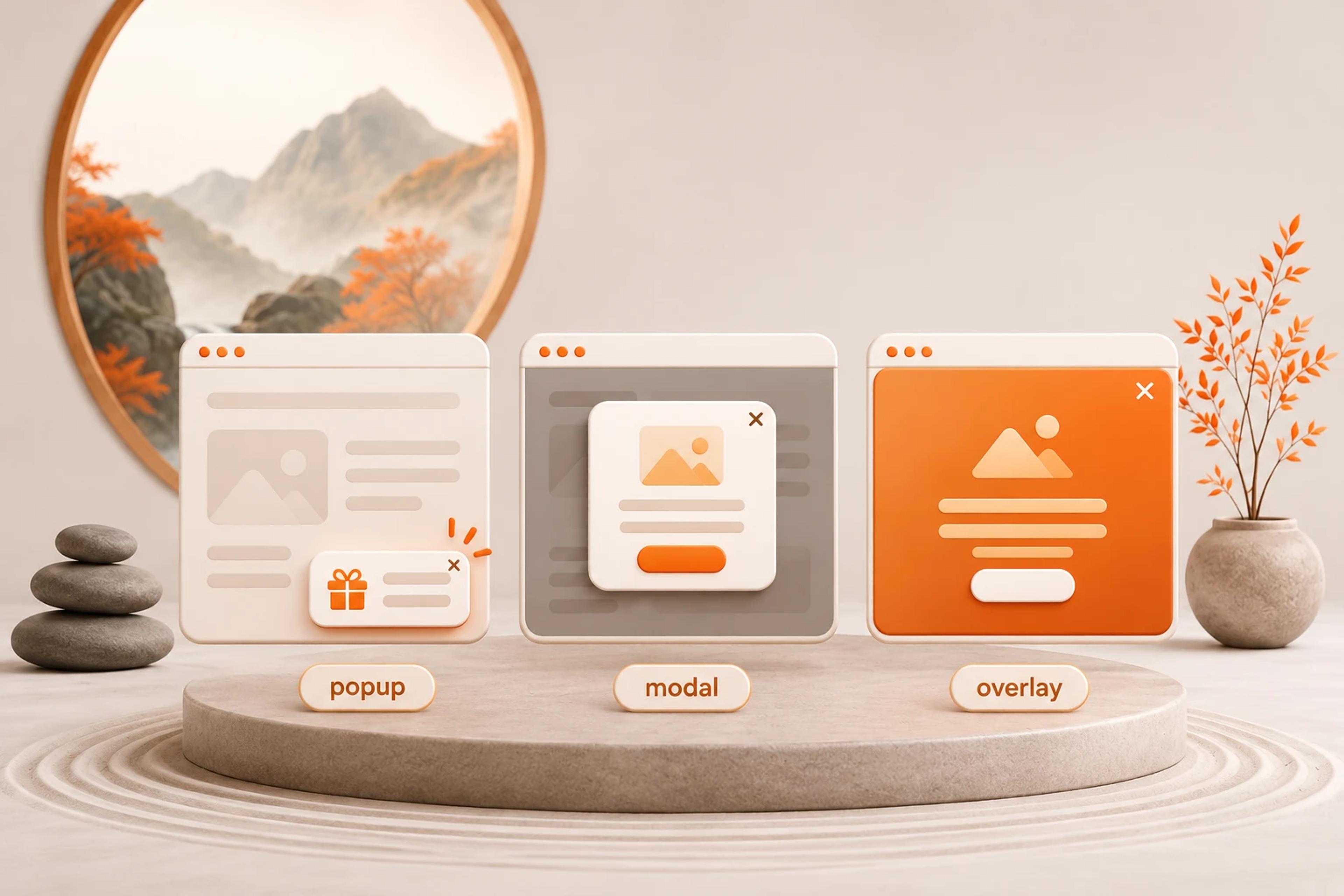
What separates a modal, a popup and an overlay, how to make a modal accessible, and which one an online store should use when.
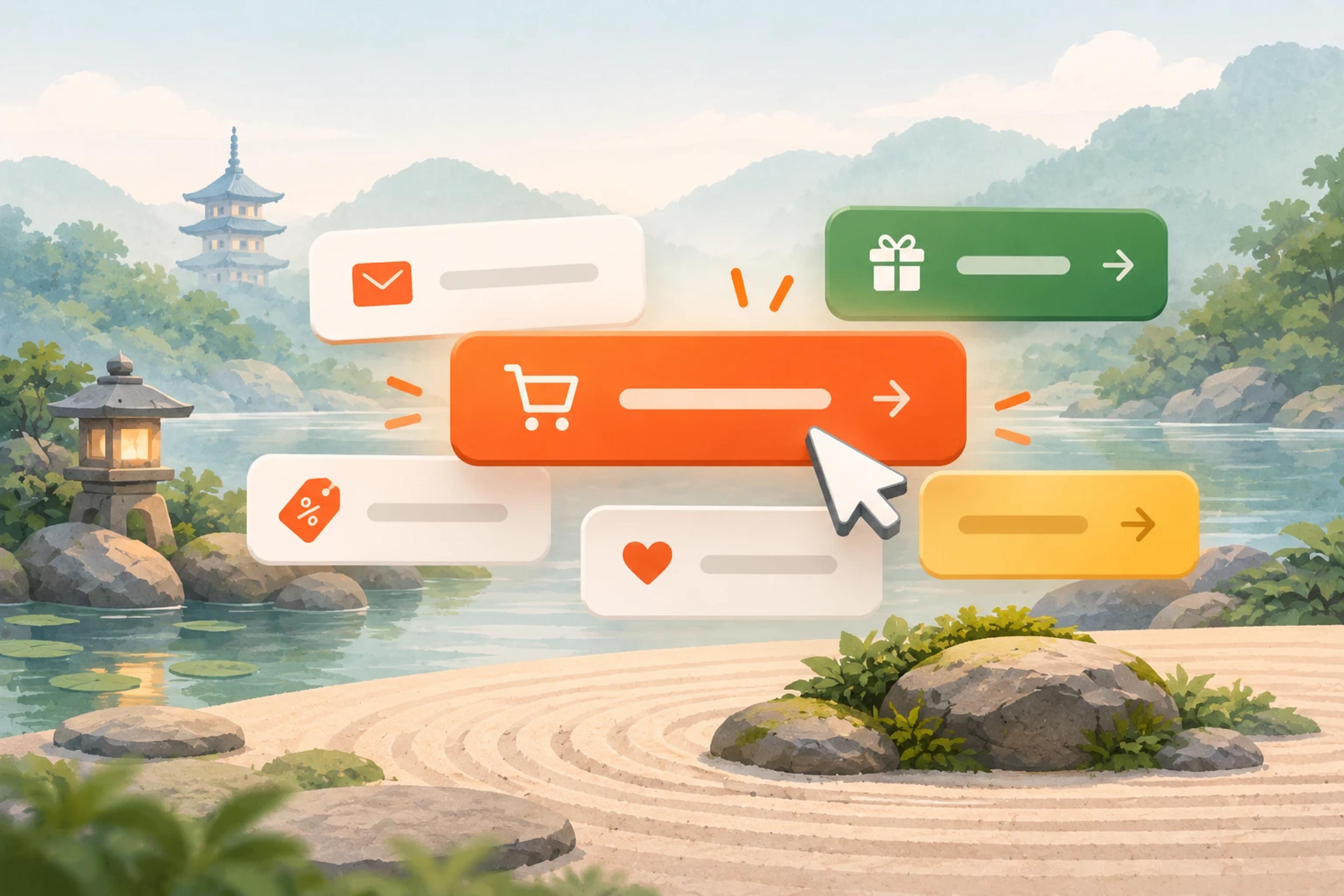
50 CTA button texts for online stores and popups, grouped by the shopper's moment, plus what makes a button worth clicking.

40 website welcome message examples for online stores, grouped by situation and industry, ready to copy into a welcome popup.


