
 Show preview
Announcement popup examples
127 popups: announcement popups and bars for launches, restocks, shipping cutoffs and store news, with one action and no hard sell. Open any example and rebuild it for your store in one click.
Narrow it down
Announcement popups for fashion & apparel13Announcement popups for beauty & cosmetics9Announcement popups for jewelry & accessories7Announcement popups for food & drink64th of July announcement popups6Announcement popups for health & wellness5Father's Day announcement popups5Winter announcement popups5
Announcement popup examples

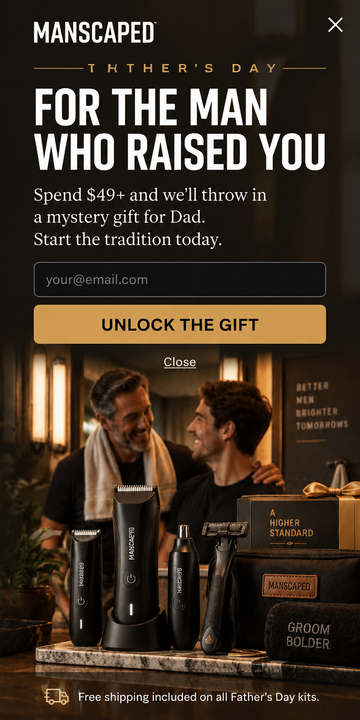
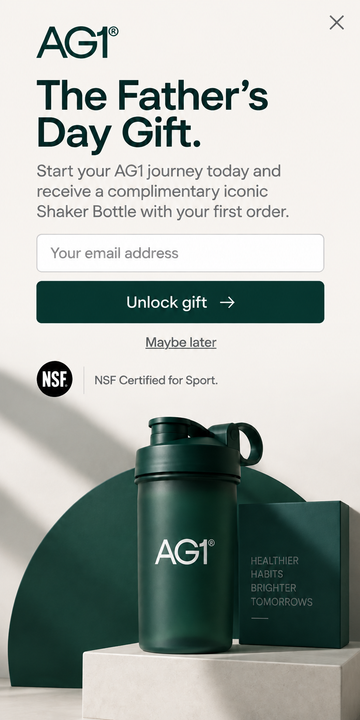
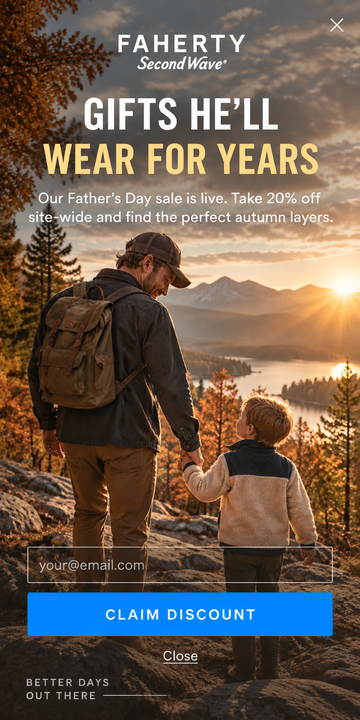
Getting news noticed without a hard sell
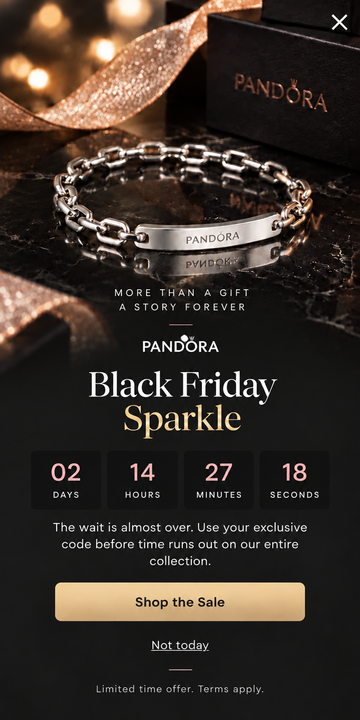
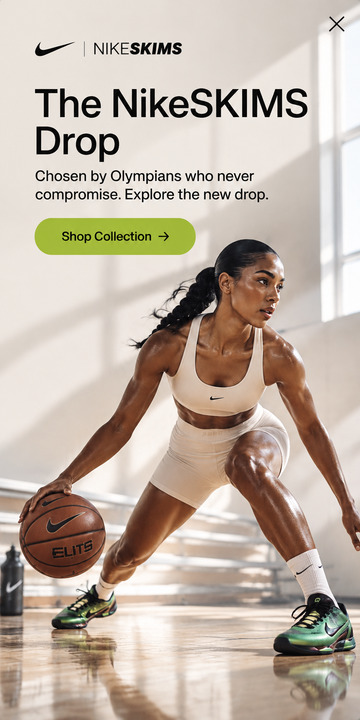
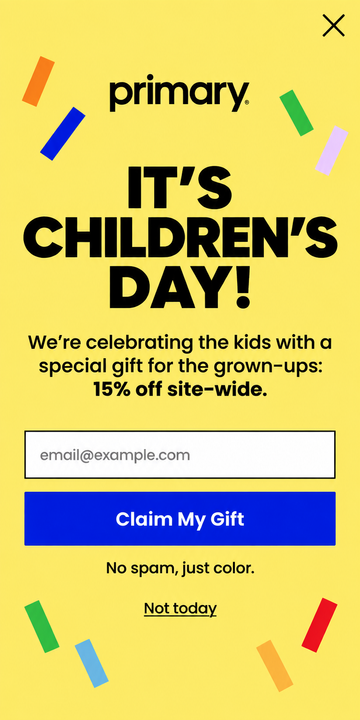
An announcement has one job: make sure visitors know something new. The examples above lead with the news, add one image that shows it and give a single button (“See the collection”, “Get notified”). There is no countdown pressure and no form, unless the news hasn’t happened yet.
Good announcements also look like the store. Your fonts, colors and product photos make the news read as yours, so visitors take it as information rather than an ad.
Fitting the format to the news
Use a popup for news worth a moment of attention: a launch, a restock, a store opening or a change customers must know before they order. Information that stays true all week, like a standing free-shipping threshold, is better placed in your site header.
Show each announcement once per visitor and end it when the news is old. A restock popup still running after the item sold out again costs more trust than it earns.
If the news is a future launch, turn it into a signup and build a waitlist; the list building collection has examples.
Rebuild one for your store
Open any example and choose “Use this as inspiration”: OptiMonk’s agentic popup builder recreates it with your logo, colors and news, with a separate mobile version. For more ideas, browse these announcement popup examples.
Build your own announcement popup
Paste your store URL — OptiMonk AI drafts a popup in your brand in about a minute.
Announcement popups: common questions
A sticky bar for information that stays true all week (shipping cutoffs, free-shipping thresholds), a popup for one-off news worth a moment of attention (a launch or a restock).
Once per visitor, or once per session for time-critical news. An announcement seen on every page stops being news.
Yes, for news that hasn’t happened yet: “get notified when it’s back in stock” turns the announcement into a waitlist.
The news in a few words and why it matters to the reader: “The linen collection is back, in four new colors”. Leave the details for the page the button opens.
Not by default. A launch or a restock is reason enough to click. Add an offer only when it is part of the news, such as an opening-week price.
Yes, and they should. Target by page: a restock message on that product’s collection, a shipping cutoff on product and cart pages, a store opening on the homepage.