
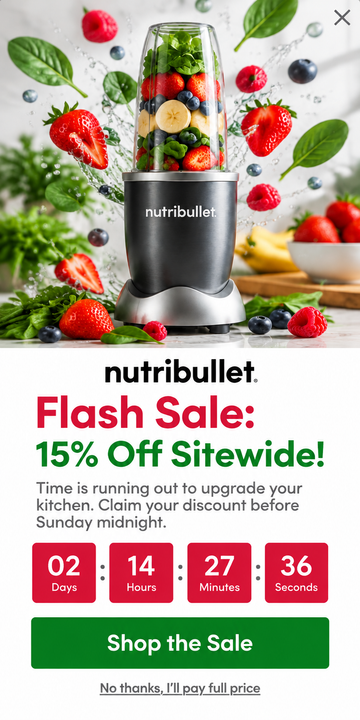
 NewShow preview
The Popup Library
Get inspired by the world’s best popups.
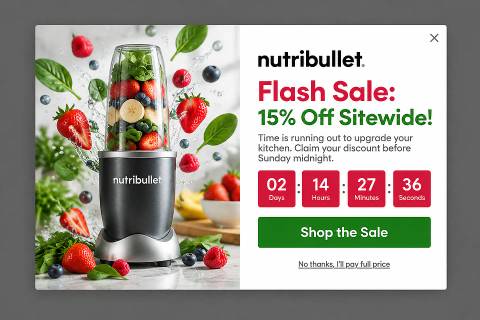
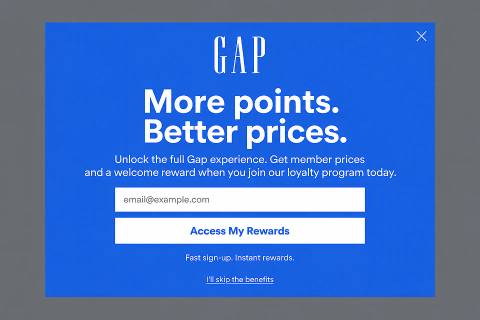
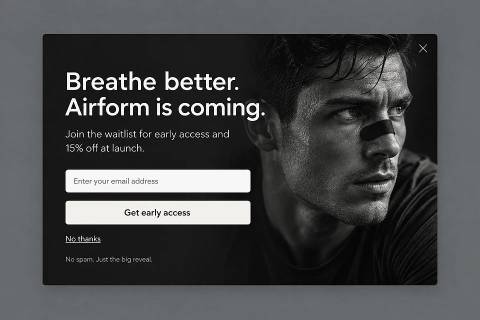
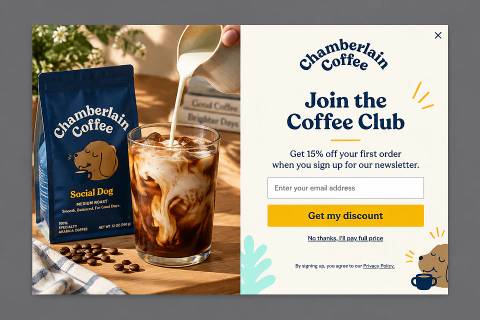
952 popup examples inspired by leading brands, sorted by goal, industry and season. Find one you love and rebuild it for your store in one click.
Upcoming seasons
Coming up nextBlack Friday · Nov 27 · tomorrow
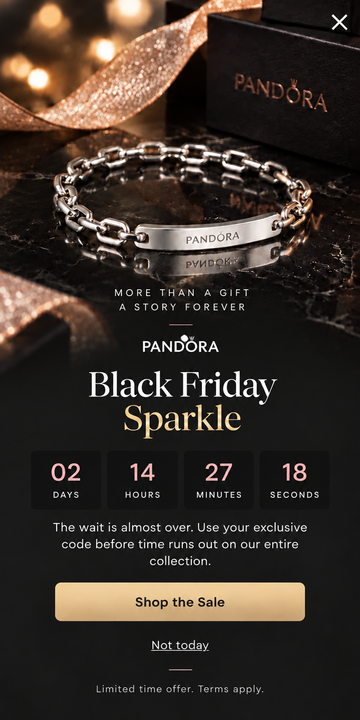
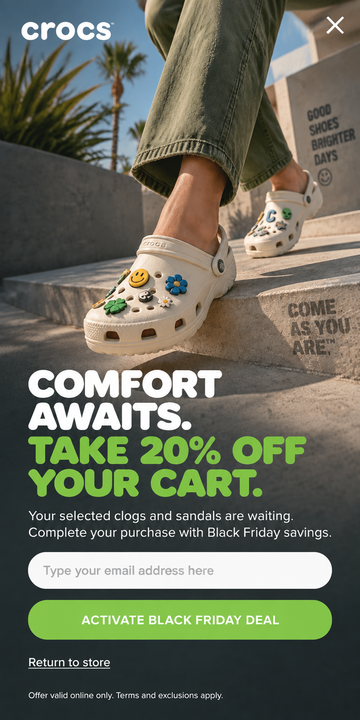
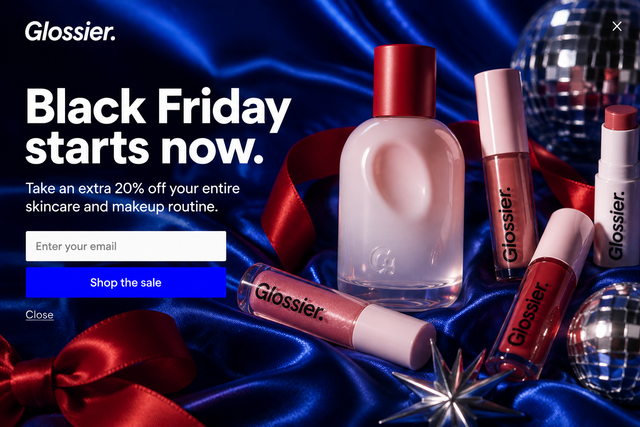
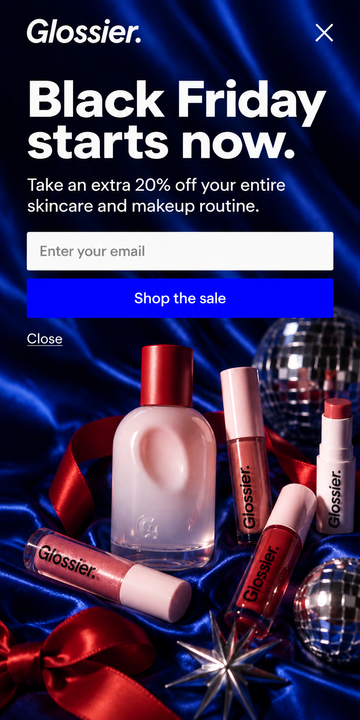
Black Friday popups, on a real store
Desktop and mobile side by side. Pick one below, then make it yours.
01 / 04
Black Friday Glow-Up
glossier.com
The value of joining is the whole offer. One field, one reason, a polite skip.
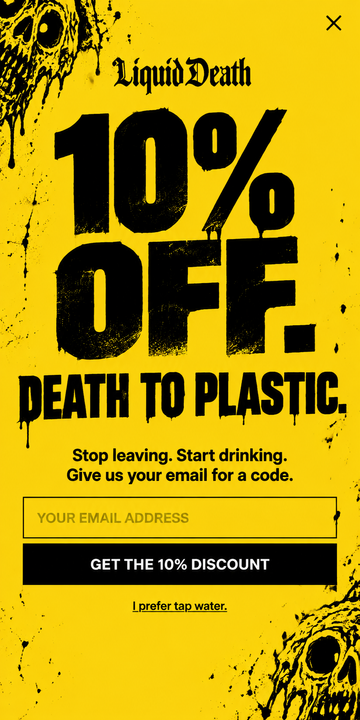
New this week
The latest popups added to the library.
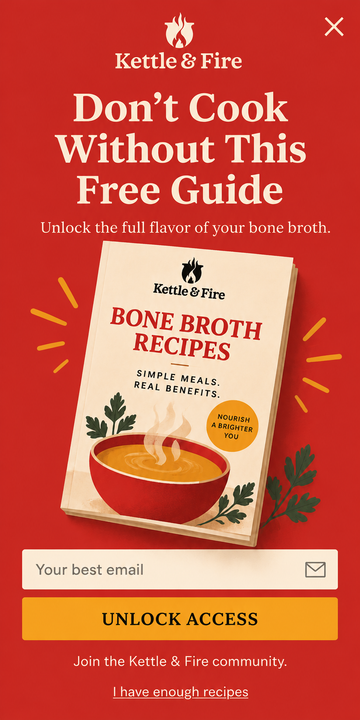
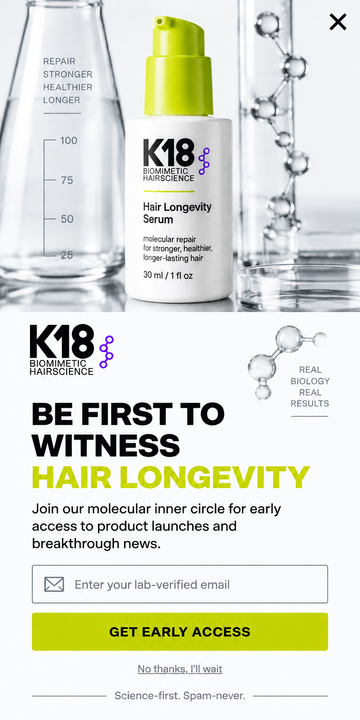
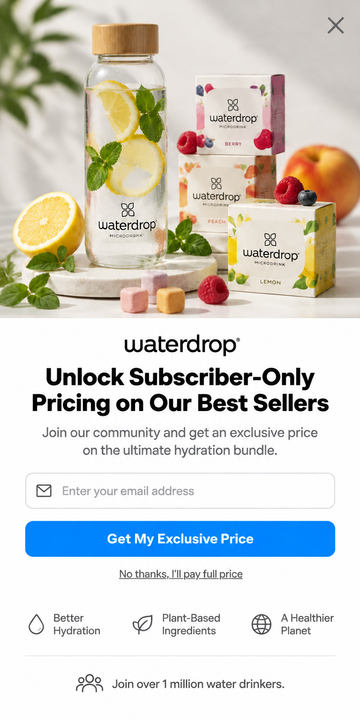
Browse by industry
Popups designed for stores like yours.
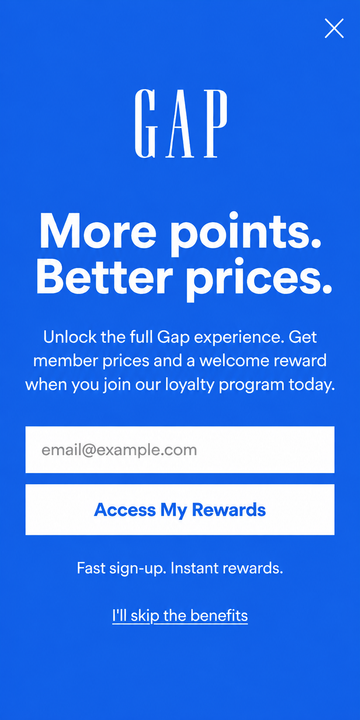
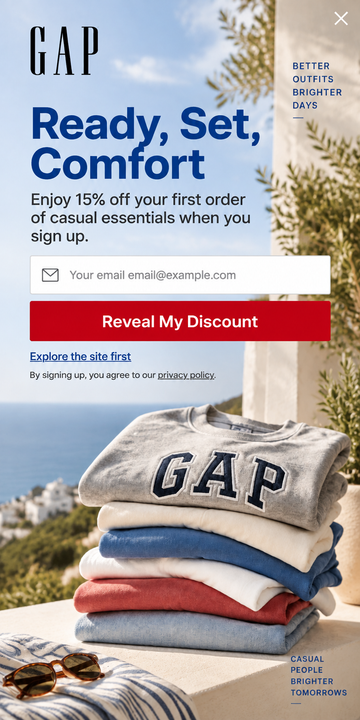
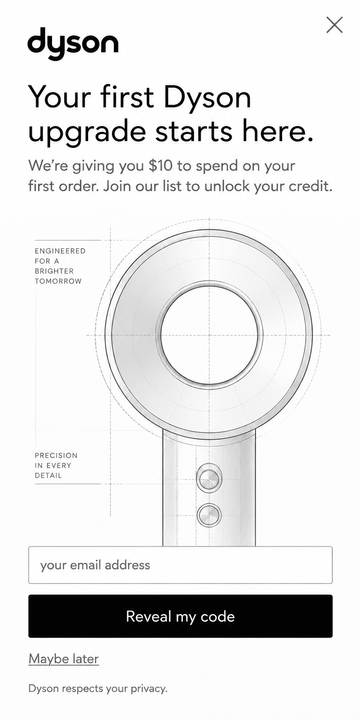
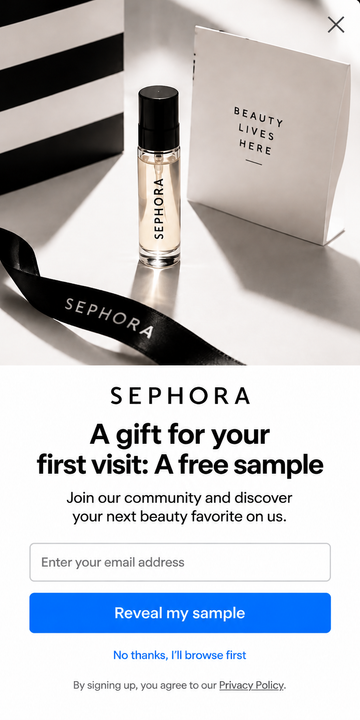
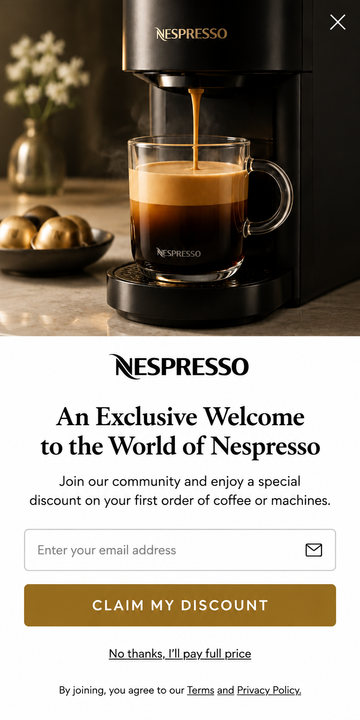
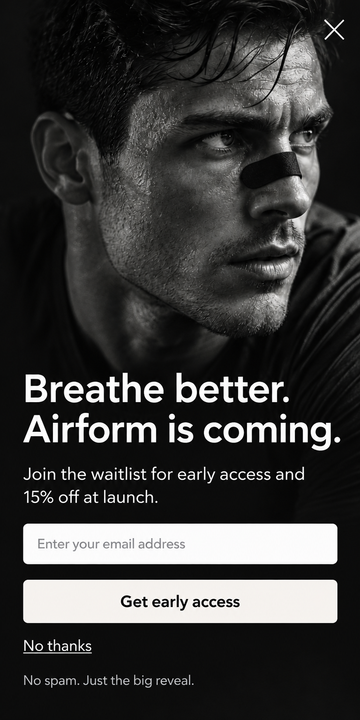
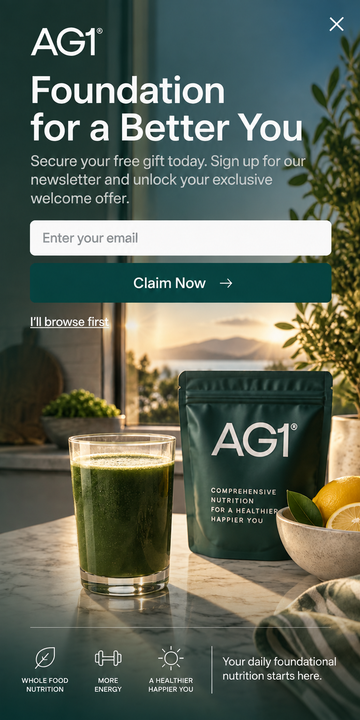
List building popups
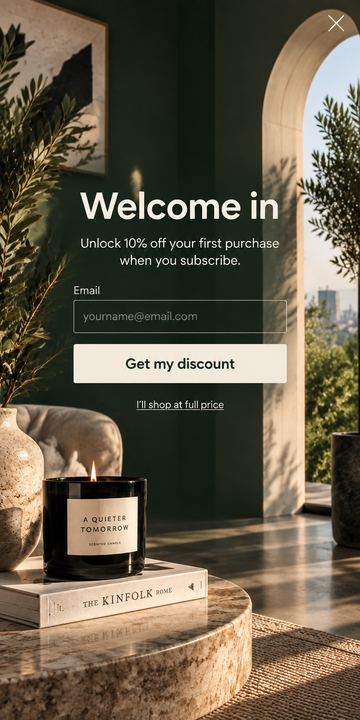
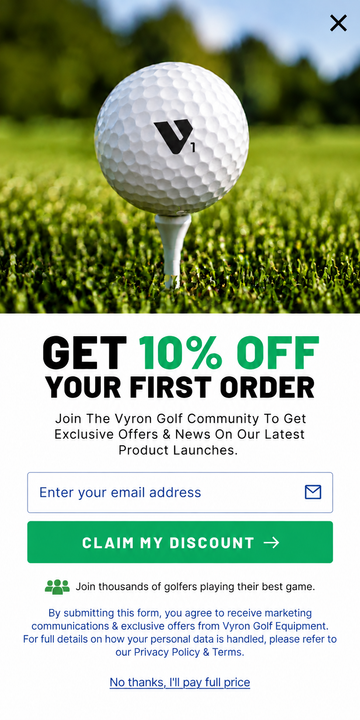
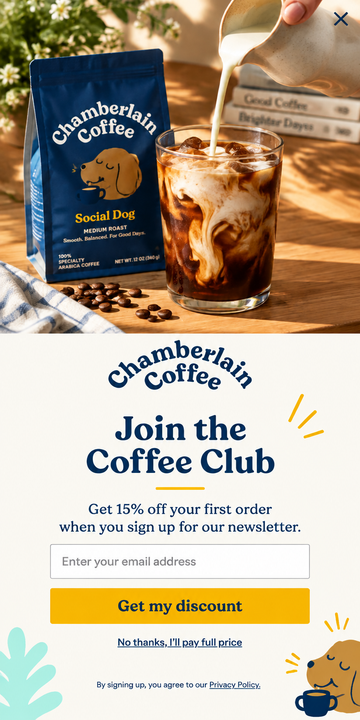
Welcome discount popups
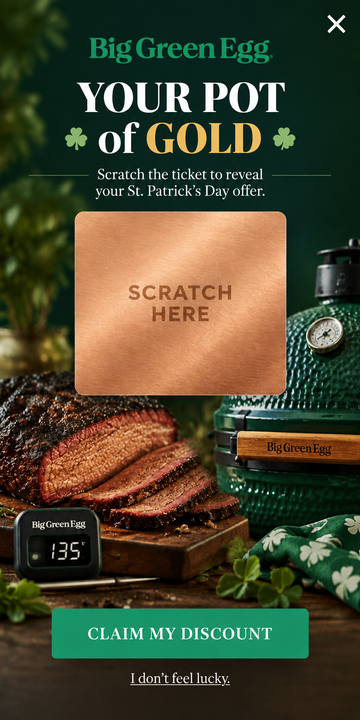
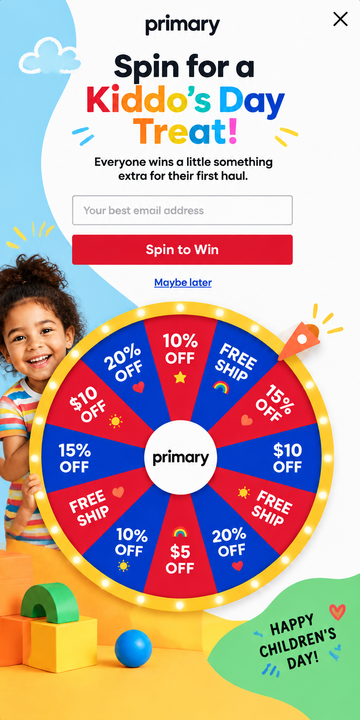
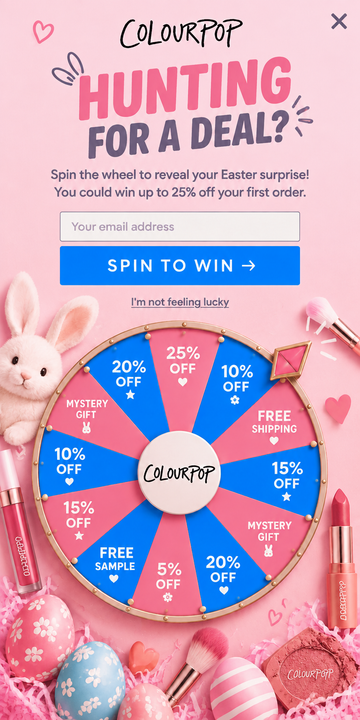
Spin-to-win popups
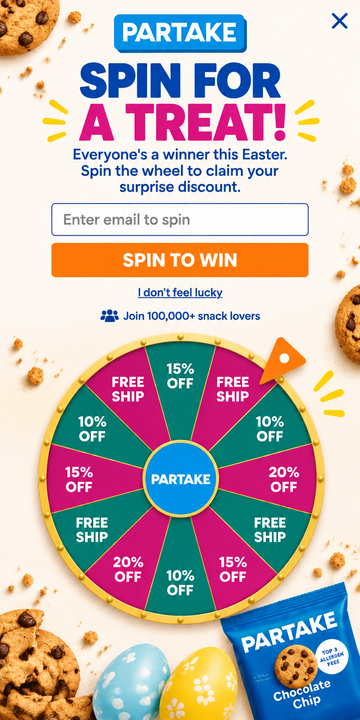
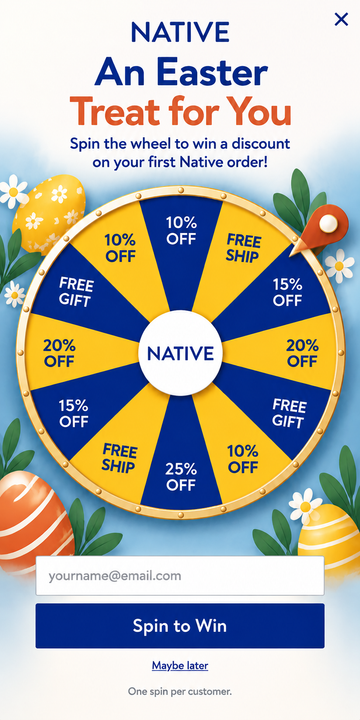
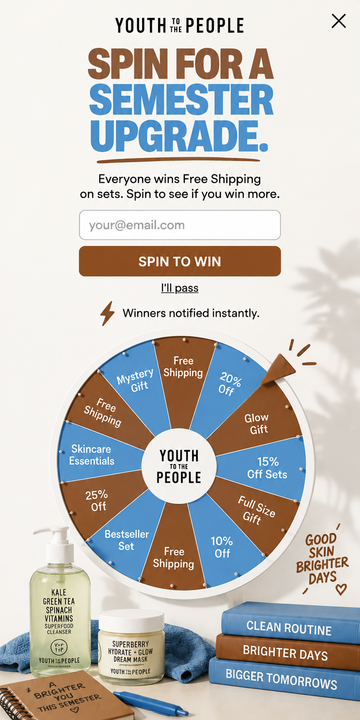
Popup types: what each one does
Nine jobs a popup can do. Pick one to see a real example from the library.
1 / 9 · First-order offer for an email
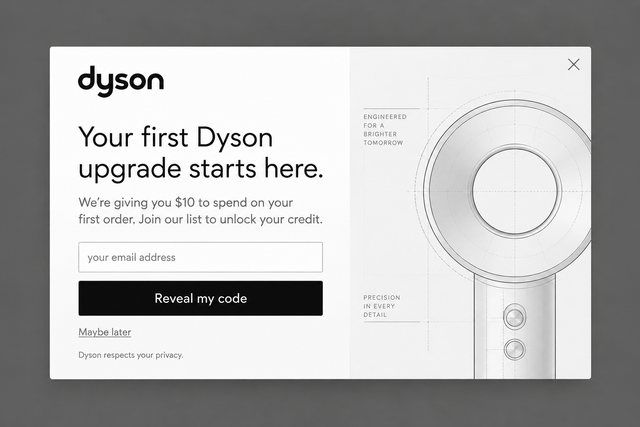
Welcome discount
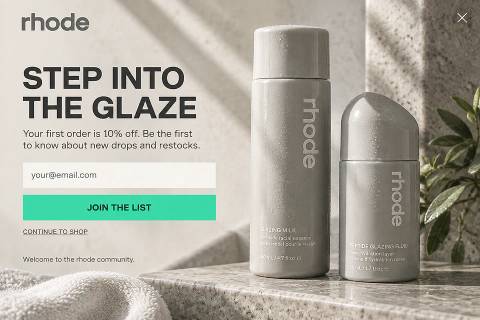
A single lifestyle photo carries the brand; the offer is one sentence, one field, one button. The “No thanks” link keeps the exit polite and the list clean.
- Offer
- 10% off first order
- Fields
- Trigger
- On entry, 5 s
Live example
Popup questions, answered
They are concept designs made with OptiMonk’s AI designer, each inspired by a real store’s website and brand. The brands don’t run them; open any example to rebuild it for your own store.
OptiMonk’s embed code loads asynchronously, so your page renders without waiting for it. Keep popup images light (the library’s examples are a good size reference) and the campaign stays quick when it appears.
Not when they are timed well. Google penalizes intrusive interstitials that cover the content right after a visitor arrives from search on mobile; popups shown after a delay, on scroll or on exit, and banners that use a reasonable share of the screen, are fine.
Usually not on mobile: a well-timed fullscreen with one field and one button often converts better than a small centered box. On desktop a centered popup is the safer default, so test both.
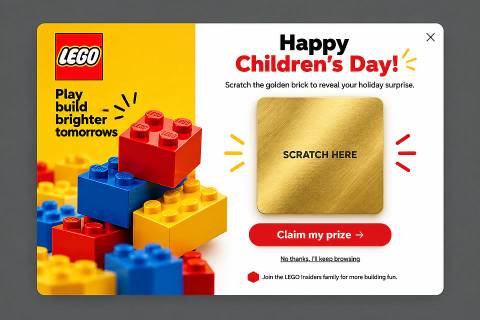
It depends on the job. Welcome discounts and gamified popups (spin-to-win, scratch cards) collect the most emails, quizzes collect the best data, and exit reminders and cart-abandonment popups recover sales.
Open the popup and choose “Use this as inspiration”. The OptiMonk AI designer rebuilds it with your store’s logo, colors and copy, and you can edit or A/B test it before it goes live.
Found one you like?
Open any popup and rebuild it for your brand in one click — copy, colors and logo adapted automatically.
Try it free