Back to all use cases
Social List Builder

The most powerful way to boost your social followings

Boost your social following by encouraging visitors to follow you using OptiMonk's Social List Builder Popup.

Social List Builder

Expected results

2-5%click-through rate

Difficulty

Easy

Industry

Any, Ecommerce, Media, Saas, Service

Goals

Guide your visitors

When to use it?

Ready to boost your social following and take your brand presence to new heights? Say hello to the Social List Builder!

Using this strategy, you can easily invite visitors to join your community and stay in the loop with all the content and updates you share on social media.

It's a seamless and effective way to expand your online community, drive engagement, and enhance your brand presence.

How to set it up?

Step 1: Create a new campaign

Scroll down and choose a template.
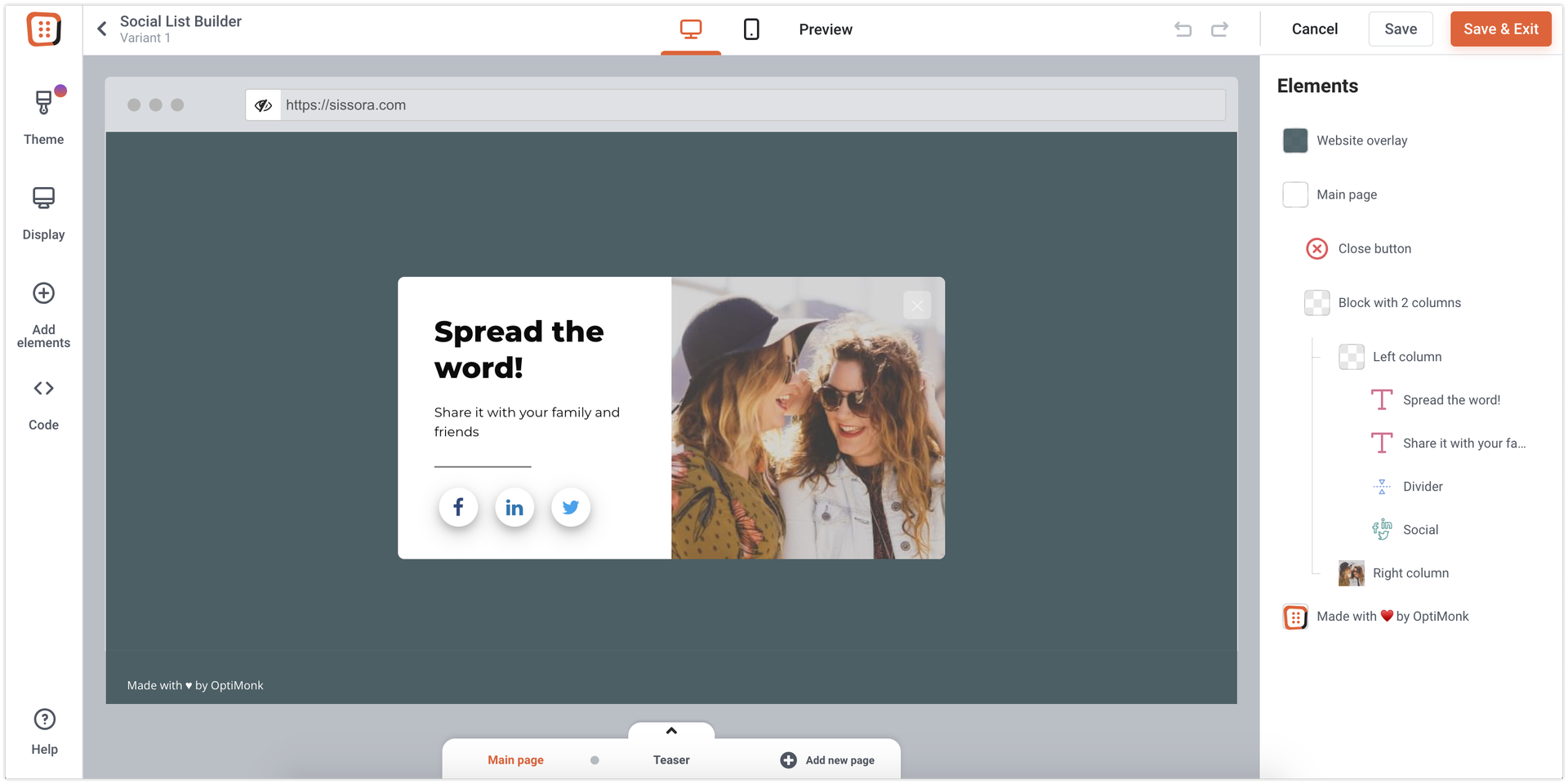
Create a social list builder campaign in OptiMonk

Step 2: Set up the Social element

Add the links of your social pages, so your visitors will be redirected there after clicking on the social icons.


Step 3: Activate your campaign

Pick a template and launch your first
Social List Builder campaign in 2 minutes

Preview
Preview
Preview
Preview
Preview
Preview
Preview
Preview
Preview
Kate - CRO Expert
Kate
CRO Expert

Want us to set this
up for you?

Register a new OptiMonk account today and get your first campaign professionally set up by our team of conversion specialists.

Looking for more
personalization tactics?

Browsing Reminder

Browsing Reminder

Remind returning visitors of their last visited products

EasyView use case
New Product Recommender

New Product Recommender

Promote a new offer for returning visitors

IntermediateView use case
Shopping Quiz

Shopping Quiz

Segment your visitors based on interest and help them choose

EasyView use case