














Black Friday Marketing Strategy: 30 Ideas for 2026
In this article, we'll share 30 actionable Black Friday marketing ideas for ecommerce businesses to make 2026 your most successful yet.
Discover the top WordPress form plugins for 2026! From user-friendly interfaces to robust security features, find the perfect plugin.
In short
Discover the best WordPress form plugins for 2026 with our comprehensive guide. Learn how to choose the right form builder for your website, featuring top plugins like OptiMonk, Jotform, and WPForms. Enhance your site's user engagement and data collection with customizable, mobile-friendly forms that integrate seamlessly with your existing systems.
Collecting personal information from website visitors is a lot like fishing. Without the right bait and equipment, you’ll be waiting a long time for a bite.
Contact forms on your website allow you to collect visitor contact details and build your email subscriber list. This article will look at why you need to use a WordPress contact form plugin on your website.
With tons of WordPress form builder plugins and software, it can get overwhelming to pick the right one for you.
In this article, we’ll share our selection criteria for picking the right form builder and discuss in detail seven form plugins for WordPress that will allow you to collect contact details from your website visitors.
First, let’s look at why you need to use a form builder on your WordPress website.
A basic form on your website enables you to collect useful information from your website visitors. And the easiest way to do it is by using a WordPress form builder plugin.
WordPress form plugins are essential tools designed to facilitate the creation and management of forms on WordPress websites.
These plugins offer a user-friendly interface that enables website owners to create simple forms and advanced forms, such as contact forms, subscription forms, registration forms, conversational forms, surveys, and more, without needing to write any code.
The primary purpose of WordPress form plugins is to streamline the process of collecting information from website visitors, enabling better communication, data collection, and user engagement.
With so many options to choose from, how do you decide which the best WordPress form builder plugin is?
In the next section, we’ll cover some of the criteria you can use to evaluate and choose the right visual form builder for your WordPress website.
There are hundreds of form plugins, extensions, and add-ons in the WordPress Plugins directory. So it can be overwhelming to choose the right option for your website, especially when most of them have similar features and pricing.
Let’s look at some of the criteria that will help you choose.
Now let's delve into a curated list of the top WordPress form plugins available.
| Plugin | Key features | Pricing |
|---|---|---|
| OptiMonk | Popup forms designed by an AI agent, multi-step forms, custom form fields, A/B testing, built-in analytics | Free plan, plus paid plans based on pageviews and domains. All features included in every plan. |
| Jotform | No-code form builder, 10,000+ templates, advanced data management with Jotform. Tables, 100+ widgets, mobile app creation. | Free plan available with limited form submissions. Paid plans start at $39/month (Bronze), up to $129/month (Gold). Enterprise pricing available. |
| WPForms | Drag-and-drop builder, mobile-friendly forms, instant email notifications, multi-page forms advanced customizations | No free version. Paid plans start at $99/year (Basic) and go up to $599/year (Elite). |
| Gravity Forms | 30+ form fields, conditional logic, email notifications, user-generated content, automation integrations | No free version. Paid plans start at $59/year (Basic) and go up to $259/year (Elite). |
| Ninja Forms | Styling options, multi-step forms, file uploads, conditional logic, CRM & automation integrations. | Freemium model. Paid plans start at $99/year (Plus) and go up to $499/year (Elite). Individual add-ons cost $29–$129/year. |
| Contact Form 7 | Simple contact form builder, shortcode support, third-party add-ons, email autoresponder | Completely free. No premium version available. |
| Formidable Forms | Advanced form builder, 100+ pre-built templates, file uploads, payment collection, survey & quiz tools | Freemium model. Paid plans start at $79/year (Basic) and go up to $599/year (Elite). |
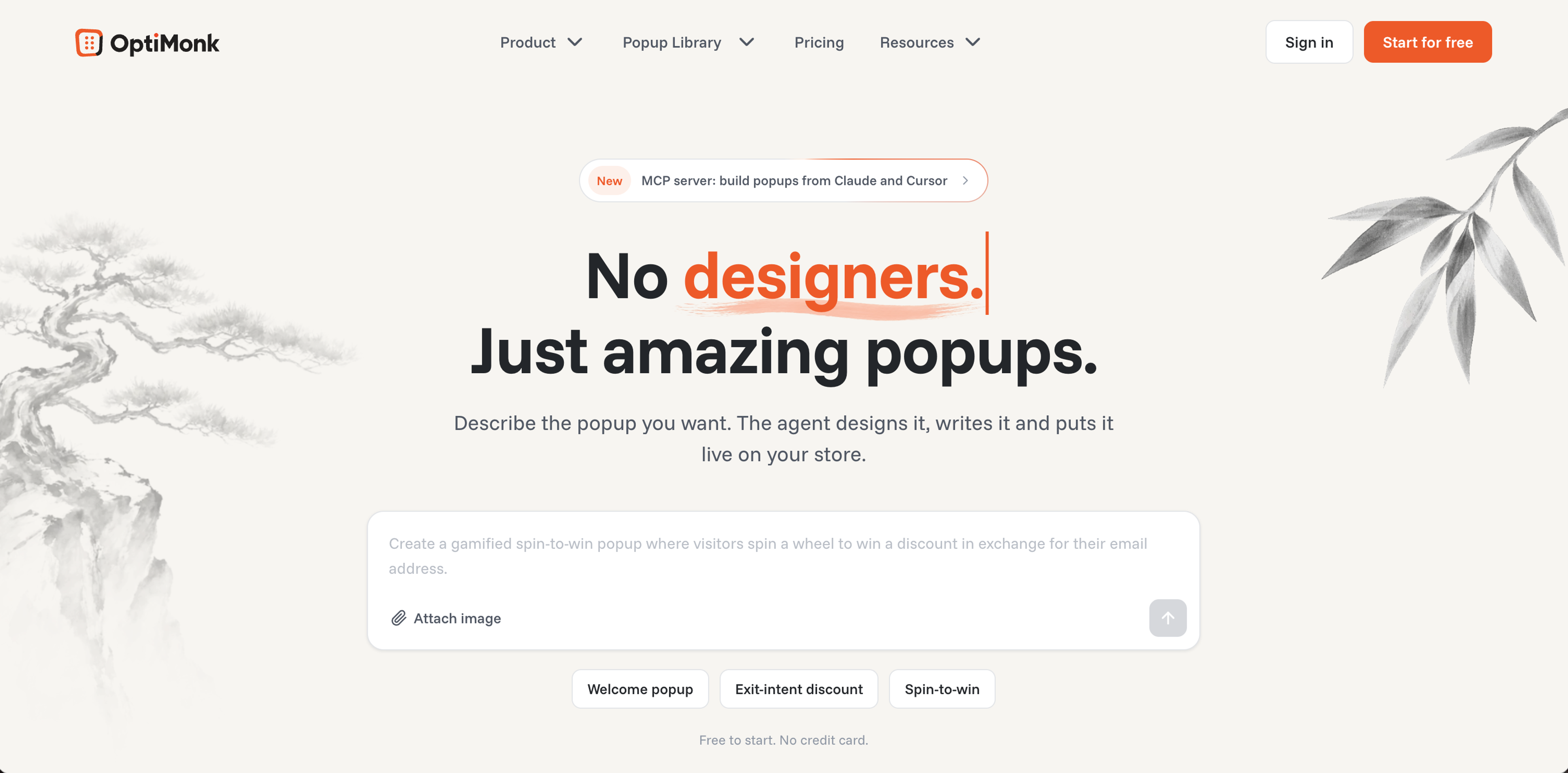
OptiMonk is an agentic popup builder: you describe the form you want, and the AI agent designs it on brand, writes the copy and builds a mobile version.
It lets WordPress sites show contact forms, signup forms and surveys in card or fullscreen popups.
OptiMonk helps WordPress users build email subscriber lists, collect feedback, increase form submissions, and grow sales.
More than 30,000 brands use OptiMonk to convert visitors into revenue and long-term customers.
Wanna take a closer look at the key features? Let's check them out.
There are no templates to pick: the agent designs each form popup in your brand's colors, fonts and logo, with a mobile version. For ideas, browse these popups from the library:
To change a form, tell the agent what to change in plain language, and it redraws it. For full manual control, the visual editor lets you customize every element without any coding knowledge.
With OptiMonk, you can show the right message to the right visitor at the right time. Target visitors based on their behavior, browsing history, location, and more to maximize engagement and results.
The built-in analytics dashboard provides real-time insights into your forms' performance. Track key metrics like conversion rates, impressions, and revenue to optimize your campaigns.
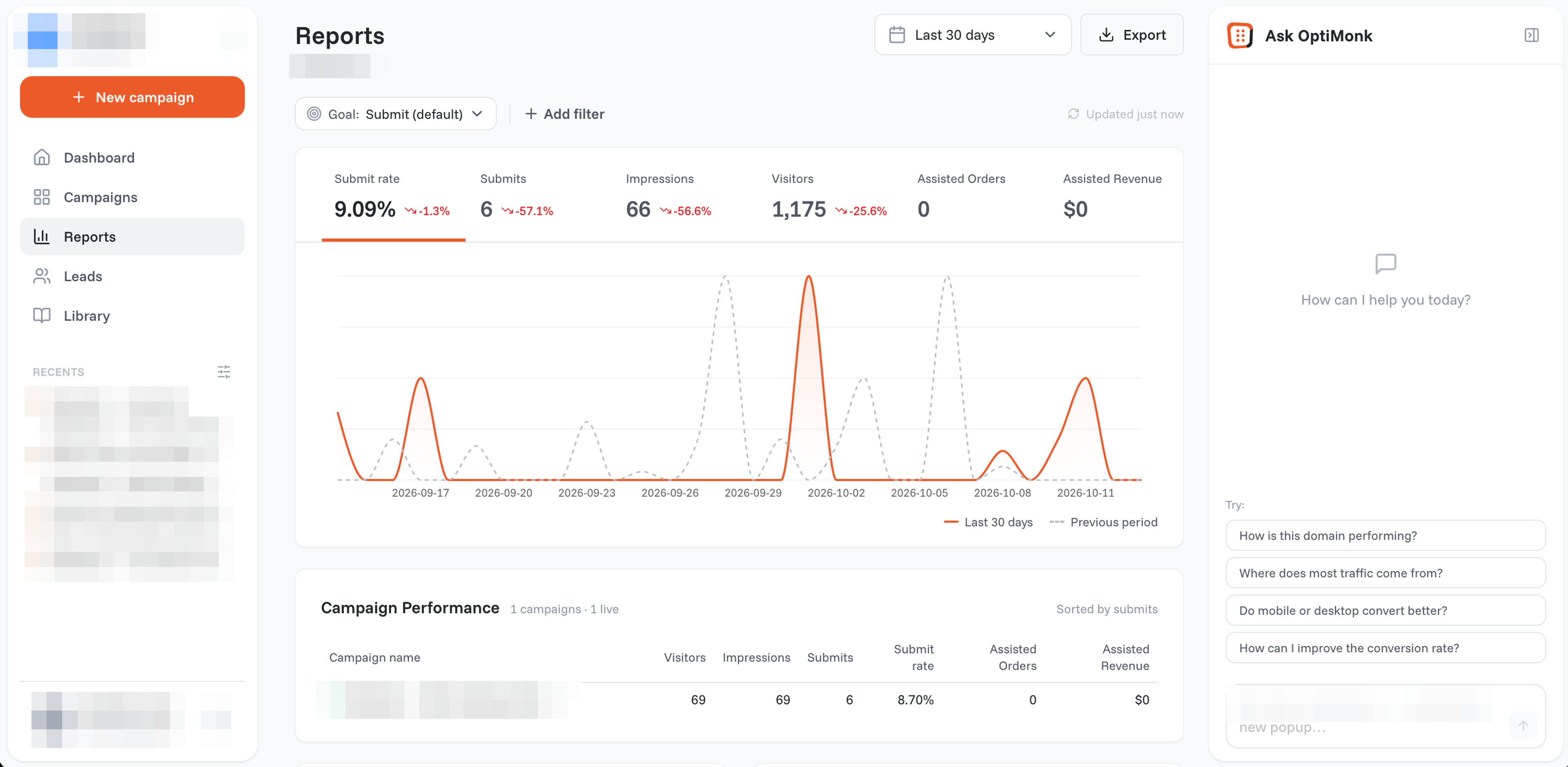
OptiMonk enables you to collect valuable zero-party data directly from visitors. Custom fields allow you to gather emails, names, preferences, and other essential information for better segmentation.
OptiMonk allows you to create forms that are fun and engaging with the help of gamification. Gamified popups, such as spin-the-wheel or scratch-to-win, make form interactions more captivating.
Easily run A/B tests to compare different form variations and track performance. By analyzing the results, you can refine your strategies and improve conversions.
Ask a question first and the contact details second, or show a thank-you step with a discount code after signup. Multi-step forms tend to feel lighter and get more completions.
OptiMonk has a free plan and four paid plans based on the number of pageviews and domains: Essential (from $19/month billed yearly), Growth, Premium and a custom Master plan. Each of them includes all features.
Check out OptiMonk’s pricing page for more details.
OptiMonk integrates with 60+ email, SMS and CRM tools and ecommerce platforms.
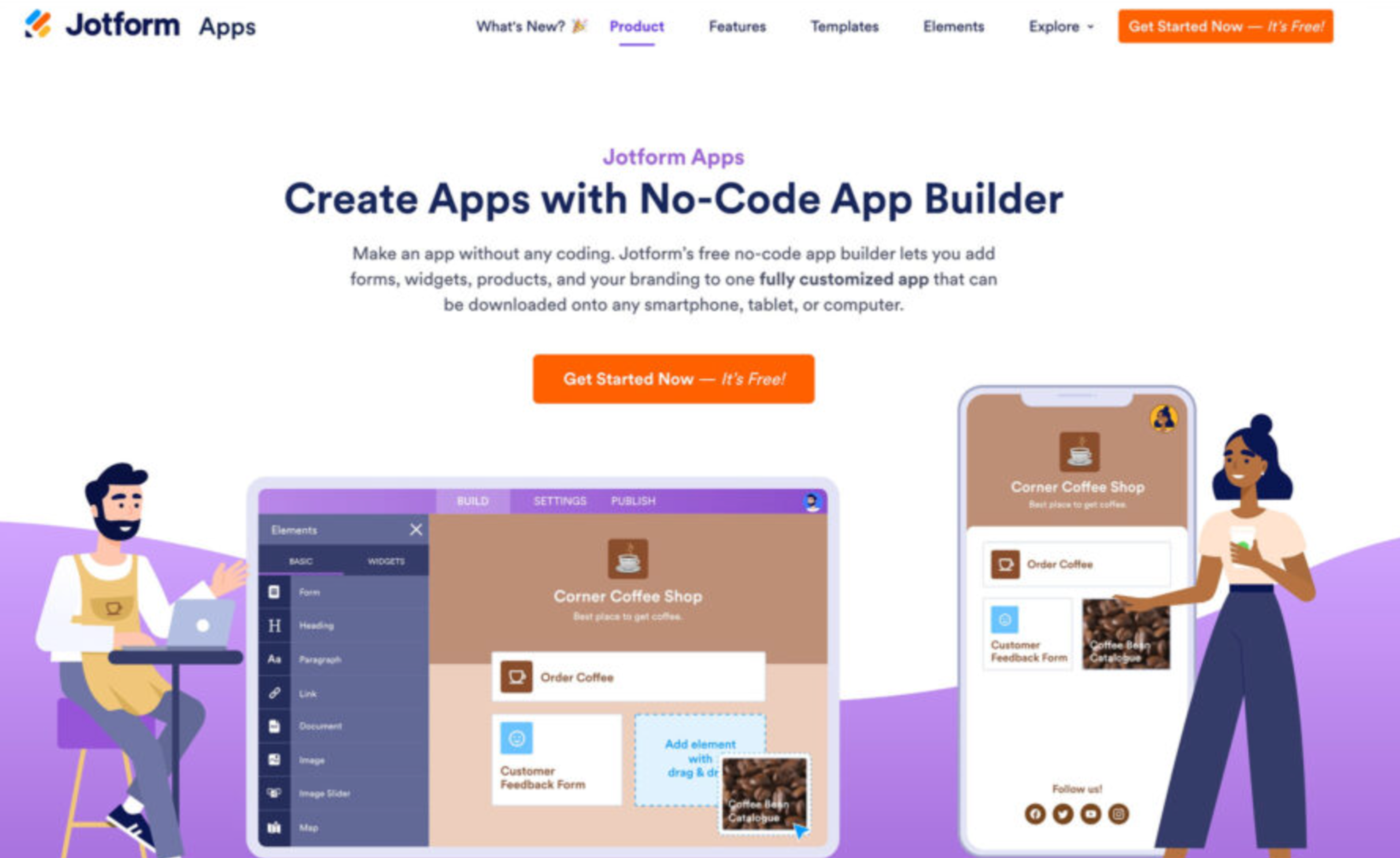
Jotform is a no-code online form builder that is packed with features. You can utilize these features to set up your online store, create a custom mobile app to increase your brand identity, or collect form submissions and keep track of your data.
Jotform’s WordPress form plugin lets you use all these features while letting you embed your forms securely on your website.
Jotform has a free plan that includes all of its features just with a limited form creation and submission count. It also has four different paid plans so you can choose which one best suits your needs.
WPForms is a drag-and-drop WordPress form plugin installed and used by over three million WordPress users.
WPForms customers use the WordPress forms plugin to build customizable contact forms, surveys, user registrations, and workflows to help power their businesses.
WPForms has no free trial or free plan. It has four different premium plans, each with unique features and integration options:
Gravity Forms is a WordPress form plugin that allows you to create unlimited forms on your WordPress website. Its extensive list of integrations will enable you to automate your marketing workflows and create an exceptional user experience.
Gravity Forms does not offer a free trial or a freemium version.
There are three different pricing options for Gravity Forms, based on the features you would need:
For a list of features included in each of the four Gravity Forms pricing plans, check out their pricing page.
Ninja Forms is a freemium WordPress form plugin and lead generation software that allows you to collect website leads.
The premium or paid licenses will enable you to extend the software’s functionality by integrating with other software and building a marketing workflow. Ninja Forms has been downloaded over 20 million times.
Ninja Forms has both a freemium pricing model, which includes a free version, and three premium versions.
Besides, there are individual add-ons that you can purchase, costing from $29 to $129 per year per add-on.

Contact Form 7 is a free WordPress form builder plugin installed and used on over 5 million WordPress websites. It's a simple yet useful WordPress plugin that allows you to collect information from your visitors and send an automated email.
Contact Form 7 is a free WordPress form plugin.
Formidable Forms is one of the best WordPress form plugin out there. Installed and used by over 30,000 businesses, Formidable Forms allows you to collect and build data-driven business applications.
Formidable Forms has a freemium pricing model, which includes a free version and four premium versions.
The Free version includes all the core features to collect information from your website visitors. The Free version also does not have any direct support from the Formidable Forms team.
If you want access to integrations and additional features, you need to upgrade to one of the premium versions.
Most WordPress form plugins are designed to be compatible with a wide range of WordPress themes. However, it's essential to check compatibility before installing a plugin. Some plugins may offer customization options to better integrate with your theme's design.
No, most WordPress form plugins are designed with a user-friendly interface that allows users to create and manage forms without any coding knowledge. However, some advanced customization options may require basic HTML or CSS skills.
Yes, WordPress form plugins typically offer the flexibility to create various types of forms, including contact forms, registration forms, surveys, polls, quizzes, feedback forms, and more. Look for a plugin that offers customizable form fields and advanced features to meet your specific needs.
To create a payment form, choose a WordPress form plugin that supports payment form functionality. Many popular plugins offer this feature, such as Gravity Forms, WPForms, Ninja Forms, and Formidable Forms.
The best WordPress form plugin for you depends on your budget, feature requirements, design requirements, and necessary integrations.
If you're looking for a simple form builder that also has a free version, then Contact Form 7 might be the right choice.
If you need to collect a lot of data from your forms and convert them into actionable business, then both Gravity Forms and Formidable Forms could be excellent choices.
If you're looking for a form builder that collects visitor information with custom fields and multi-step forms, while also helping you grow your subscriber list and boost revenue, OptiMonk is an excellent choice.
You can get started with one of our popup ideas now:


In this article, we'll share 30 actionable Black Friday marketing ideas for ecommerce businesses to make 2026 your most successful yet.

Learn about email marketing frequency for ecommerce stores. Most send 1-3 emails per week, with frequency adjusted by subscriber engagement and store type.

Let's take a look at the 21 best lead generation software for 2026 and discuss the features that any lead generation tool should have.


