


50 CTA Button Examples for Online Stores and Popups
50 CTA button texts for online stores and popups, grouped by the shopper's moment, plus what makes a button worth clicking.
In this guide, you'll discover how easy it is to create eye-catching popups with OptiMonk’s drag-and-drop editor—no coding required!
In short
Learn how to create effective popups with OptiMonk in minutes, no coding required. This step-by-step guide covers everything from describing your popup to setting triggers and targeting, ensuring your popups boost conversions and enhance user experience. Discover tips to avoid campaign conflicts and track performance, making OptiMonk the ultimate tool for website conversion optimization.
Creating a popup can often feel overwhelming. But the good news? It doesn’t have to be.
With OptiMonk, building high-converting popups is simple—no coding skills or tech experience is needed. Whether you're looking to grow your email list, increase sales, or engage your visitors, OptiMonk gives you the tools to make it happen effortlessly.
Ready to take your popups to the next level? Let’s jump in and make some magic!
Follow this step-by-step guide, and you’ll have your popups up and running in minutes.
If you don't have an account yet, it's time to get one here. It only takes a couple of minutes, and you’re on your way!
Once you're inside, tell OptiMonk's AI agent what you want. For ideas, browse the Popup Library.
Whether you want to collect emails, offer discounts, or reduce cart abandonment, the agent draws four on-brand concepts in about a minute.
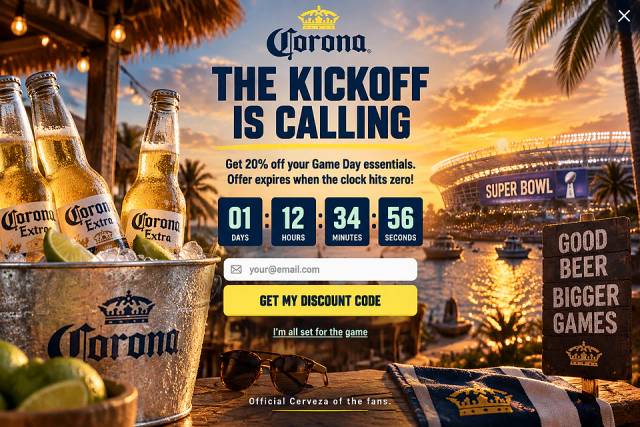
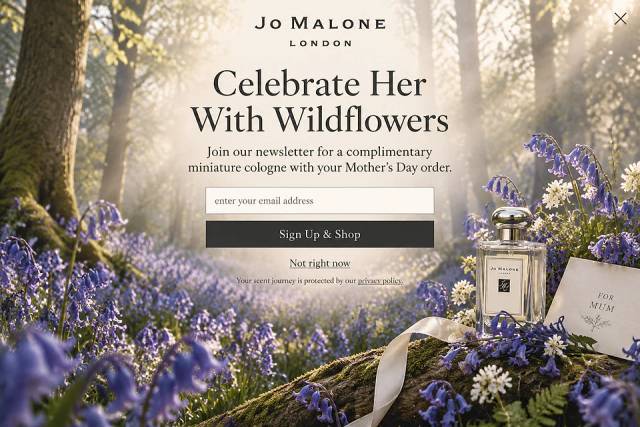
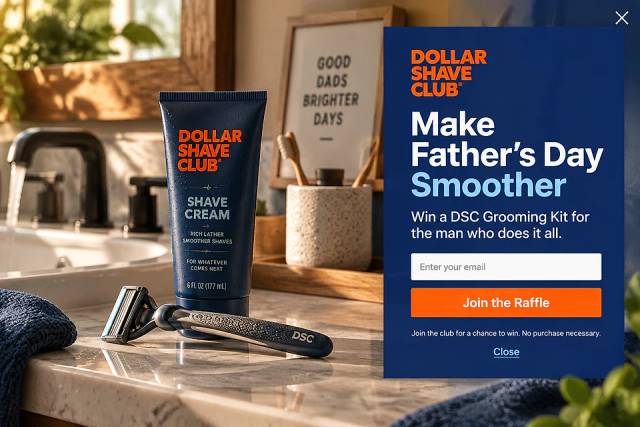
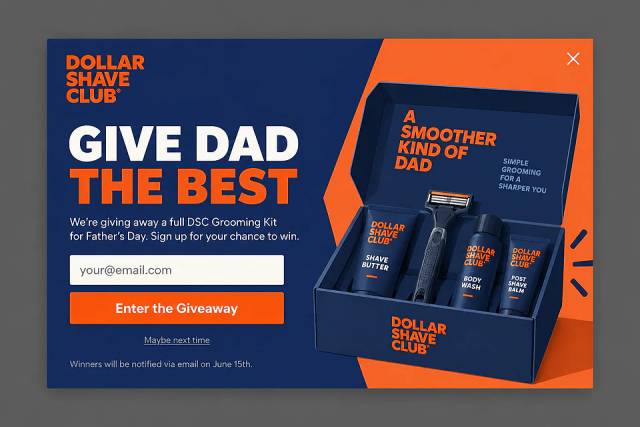
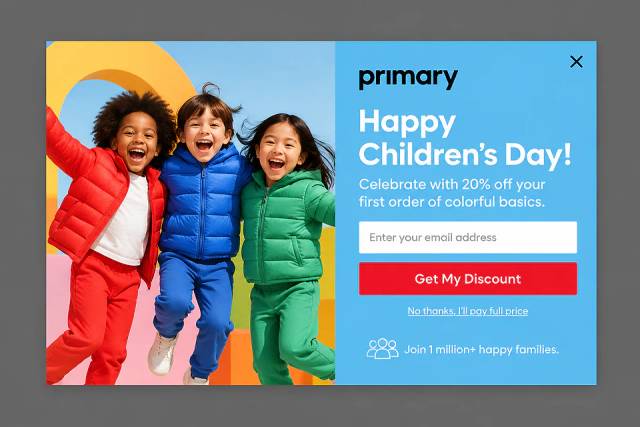
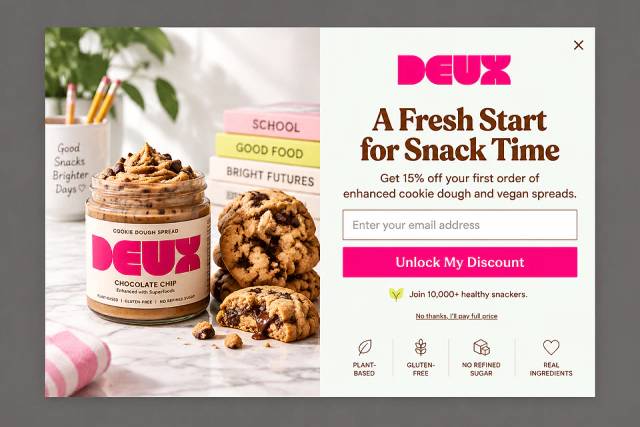
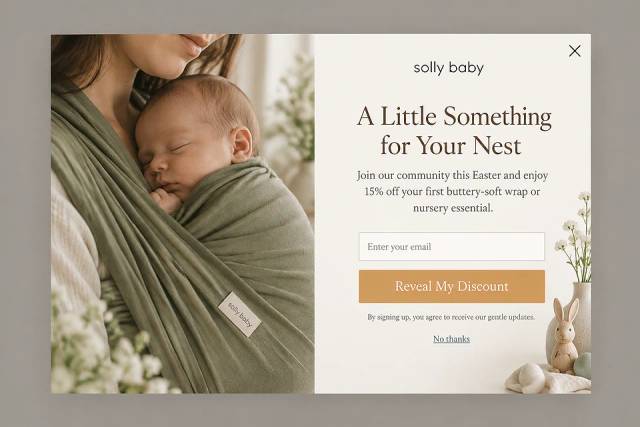
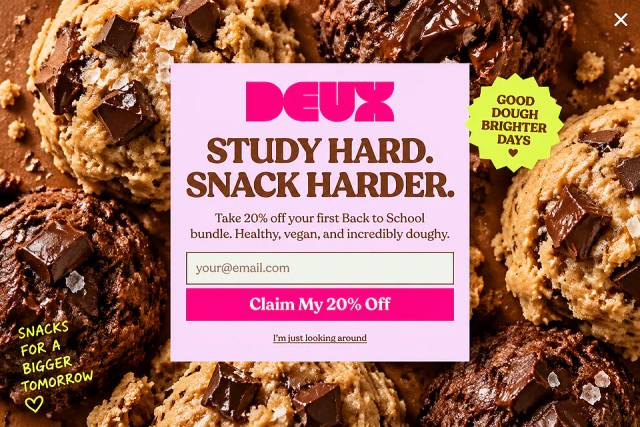
Pick the one that matches your goal. Here are a few ideas to get started:
Now comes the fun part: make the popup your own! Ask the agent to change the text, background color, or images, or to add buttons, countdown timers, or coupon codes, or fine-tune it in the visual editor.
All of this can be done without touching a single line of code.
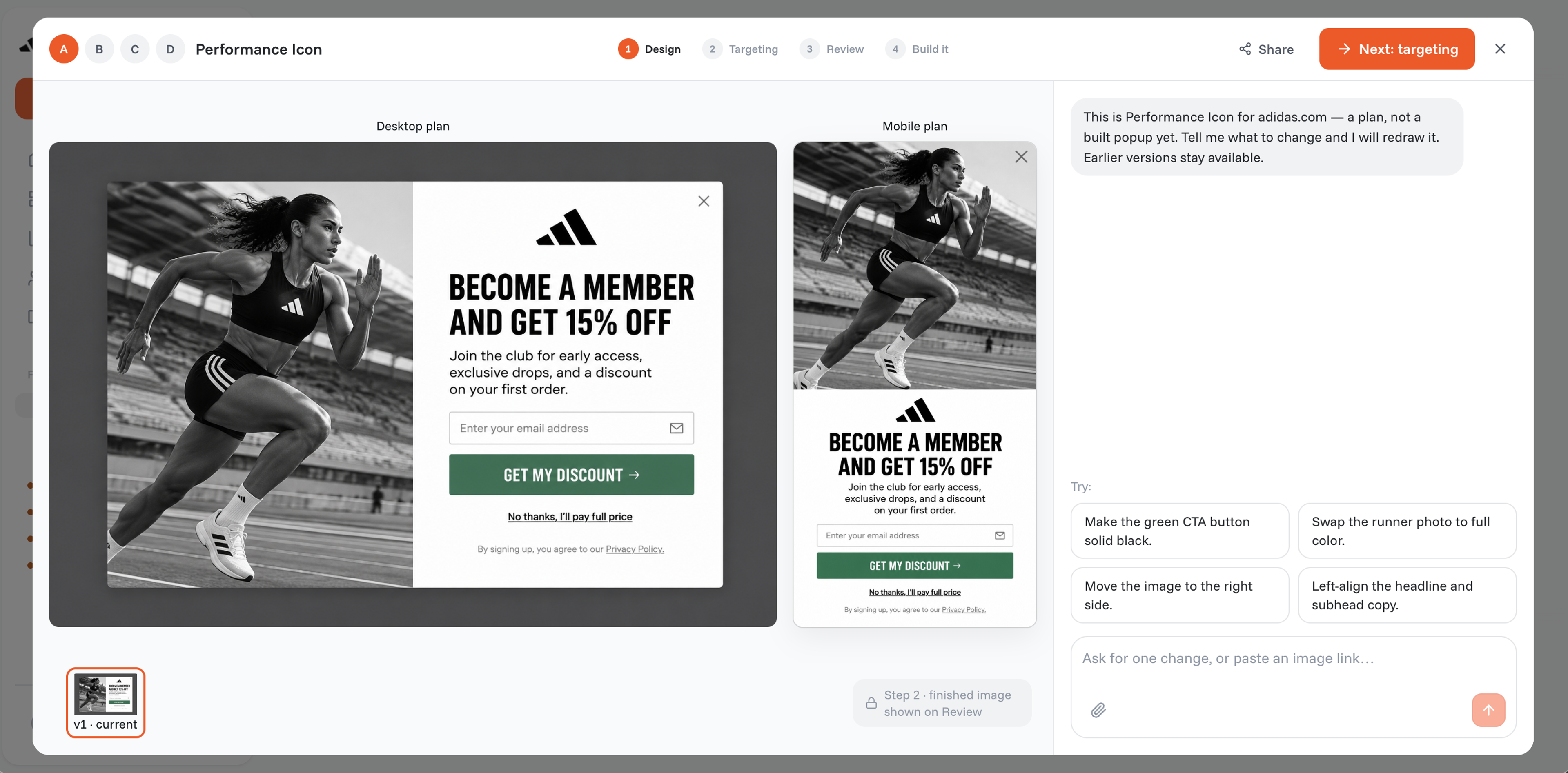
Want to reach mobile users? Every OptiMonk popup gets a separate mobile version. No extra work is required!
When do you want your popup to appear? Perhaps when a user is about to leave the page, or maybe after they’ve scrolled halfway through? Choose the best trigger for your audience.
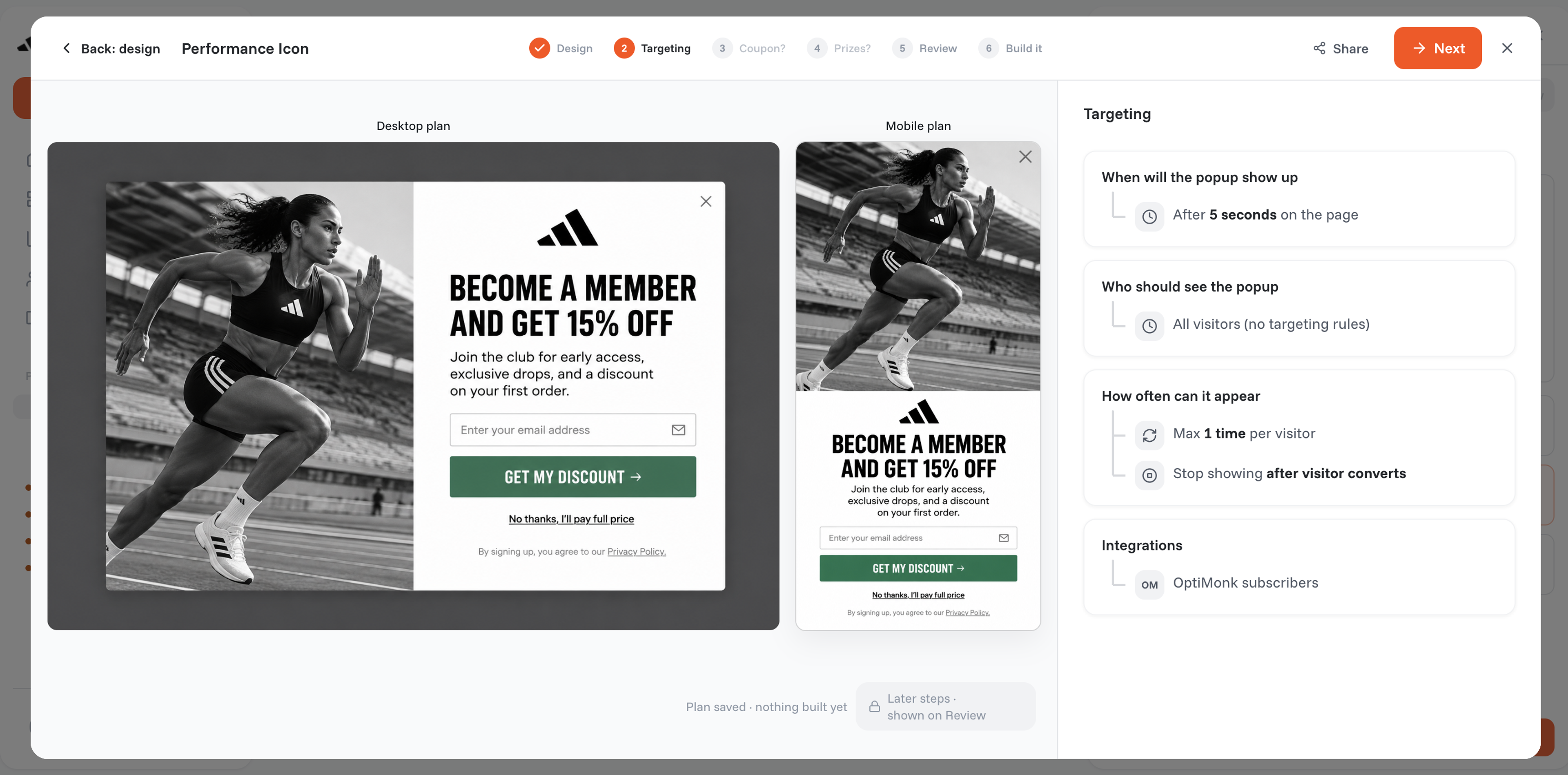
You can also fine-tune your targeting. Want to show specific popups to new visitors versus returning ones? It’s easy to segment your audience and ensure the right message reaches the right people.
Once you're happy with the look and feel of your popup, click "Publish." Your popup will go live instantly and be ready to engage your visitors!
Now that your popups are up and running, let’s talk about preventing potential conflicts if you have multiple campaigns running at once.
You don’t want your visitors bombarded with popups, right? Here are three tips to make sure your popups complement each other, not clash.
We’ve already touched on targeting new vs. returning visitors. Here’s why that matters: by targeting distinct segments with different campaigns, you avoid showing the same visitor multiple popups.
For example, one campaign could target new users while another targets users who’ve made a purchase in the past.
This keeps the user experience smooth, and you won’t confuse or annoy your visitors with multiple messages.
Sometimes, your segmentation might overlap. A visitor might qualify for both a “new user” popup and one that targets people from a certain country.
This could result in the same person seeing two popups in a row, which isn’t ideal.
Thankfully, OptiMonk's User Experience Protector caps how many campaigns a visitor sees and lets the most important one through first. That way, your visitors won't be overwhelmed by multiple popups at once.
Even the best-laid plans can have hiccups, like forgetting to exclude certain segments or triggering popups too often. To prevent your visitors from feeling bombarded by popups, OptiMonk’s UX Protector feature has you covered.
This ensures your popups won’t overwhelm visitors with too many messages, keeping the experience smooth and user-friendly.
Setting up a popup can take just a few minutes! From describing it to customizing it and selecting triggers, the process is quick and intuitive, especially with a platform like OptiMonk. You can have a fully functional popup live in no time.
When designed properly, popups can significantly boost conversions. By timing them correctly and offering something valuable, like a discount or special offer, you can encourage visitors to take action—whether it's signing up, making a purchase, or completing a form.
Yes! OptiMonk and similar platforms offer analytics to track how well your popups are performing. You can see metrics like views, conversions, and engagement to understand what’s working and optimize future campaigns.
Creating popups that engage and convert doesn't have to be a complicated process. With OptiMonk, you describe the popup, the AI agent designs it, and you set up targeting rules and launch it, all without the need for coding expertise.
Plus, by following the tips to avoid conflicts, you can make sure your campaigns work in harmony to boost your website’s performance.
So, are you ready to create popups that not only look great but drive results? With OptiMonk, it’s just a few clicks away!
Ready to create? Make your free OptiMonk account today—or visit our Popup Library and pick out one of our popup ideas.

50 CTA button texts for online stores and popups, grouped by the shopper's moment, plus what makes a button worth clicking.

40 website welcome message examples for online stores, grouped by situation and industry, ready to copy into a welcome popup.
12 Christmas popup examples for online stores, from welcome offers and spin-to-win wheels to gift quizzes and last-chance countdowns.


