

What's New - June 2026
Six new features to help you prep for peak season — from a brand new analytics dashboard to unique coupon codes for Lucky Wheel, autosave, and more.
Love 'em or hate 'em, discounts work. With our new features, we want to make them work for you. Pro features & best practices.
In short
Discover how to maximize your eCommerce success with advanced discount code strategies and the launch of OptiMonk Labs. Learn about new features like Fixed and Unique Discount Codes, Auto Redeem, and Discount Code Reminders to boost conversion rates and customer loyalty. Join the OptiMonk Family Facebook Group for exclusive insights and support in optimizing your campaigns.
Coupons are not dead. They just got a serious upgrade over the years with ecommerce. In fact, every second person making a purchase online does so due to a discount.
A well designed discount strategy can
This is why we're putting all our eggs into one – the coupon basket in February – and bringing several – including brand new – solutions for you to capitalize on the true power of discounts:
What’s more, we have something special as well if you’re sucker for trying out the newest tech to optimize campaigns percentile by percentile:
Coupons are not dead. They just got a serious upgrade over the years with ecommerce. In fact, every second person making a purchase online does so due to a discount.
A well designed discount strategy can
This is why we're putting all our eggs into one – the coupon basket in February – and bringing several – including brand new – solutions for you to capitalize on the true power of discounts:
What’s more, we have something special as well if you’re sucker for trying out the newest tech to optimize campaigns percentile by percentile:
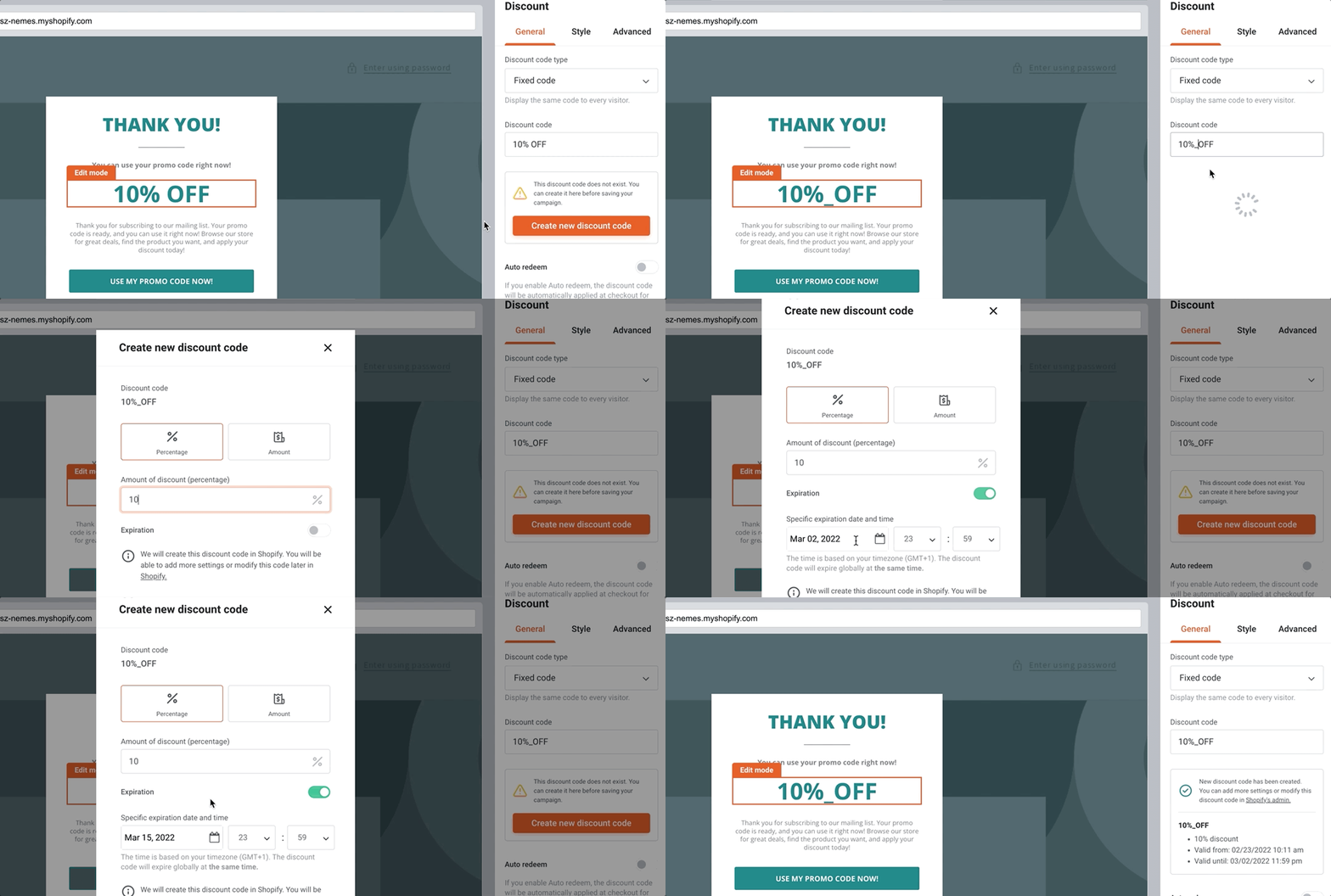
Fixed discount codes, like “10OFF” are the most common way to offer discounts. If you want to create a popup featuring a fixed code, first, you’ll have to set up the code on the admin page of your store. However, if you run a Shopify store, you can save this step by creating it from OptiMonk.
What’s more, Shopify users creating a new discount code from OptiMonk will now be notified if the code already exists in Shopify.
As for already-existing discount codes, you’ll get a heads up that
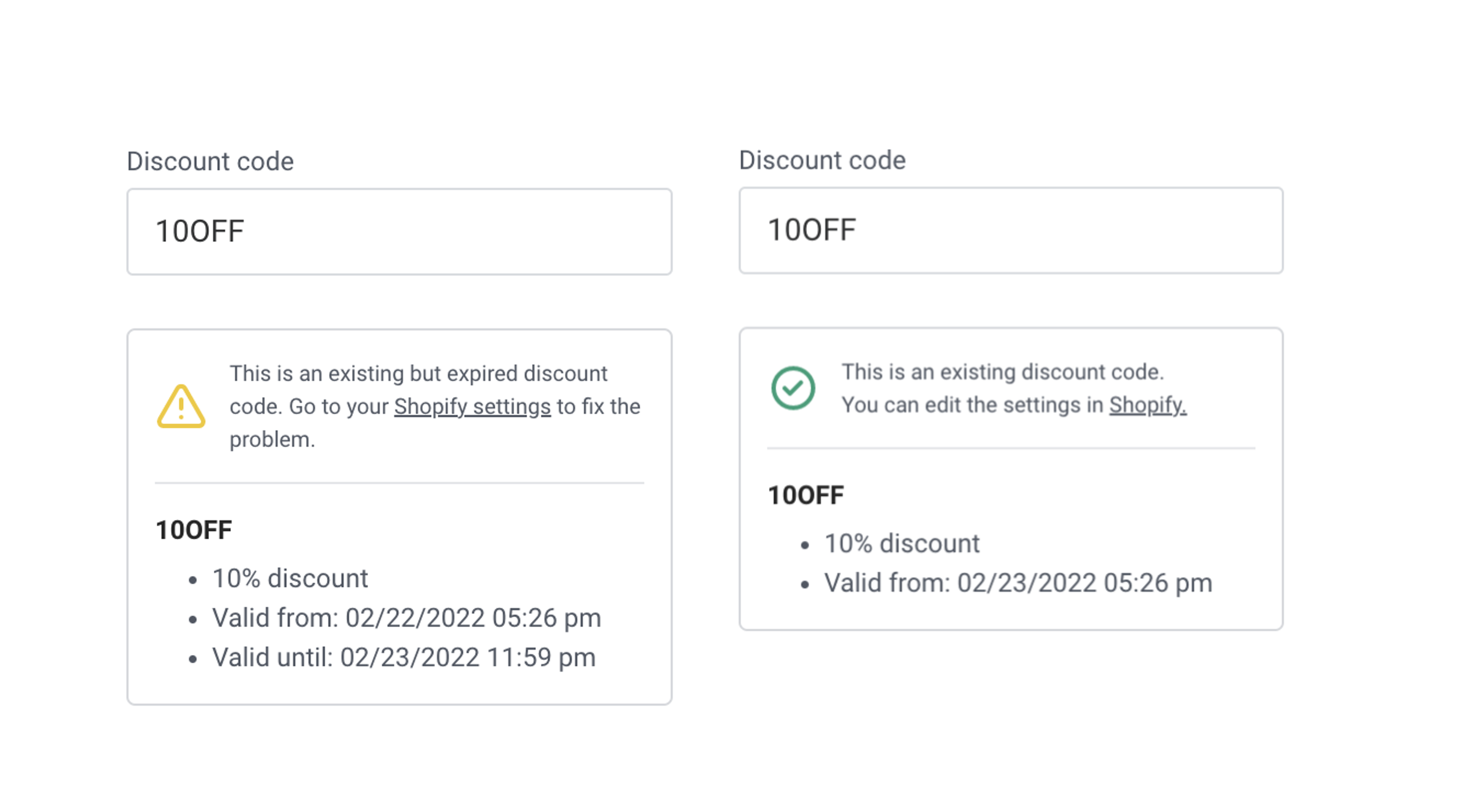
If your discount code is not valid any more, we’ll give you a heads up, as well.
As for discount codes not yet created in your Shopify store, you can
Please, note that the discount code auto redeem option is only available for Shopify stores.
Keep in mind:
For a detailed guide on how to set them up, check our support article.
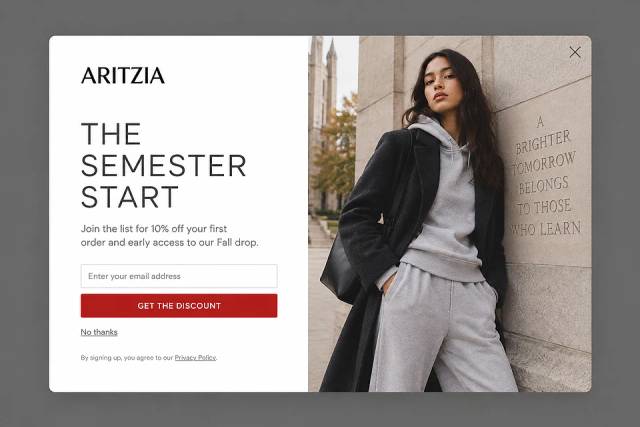
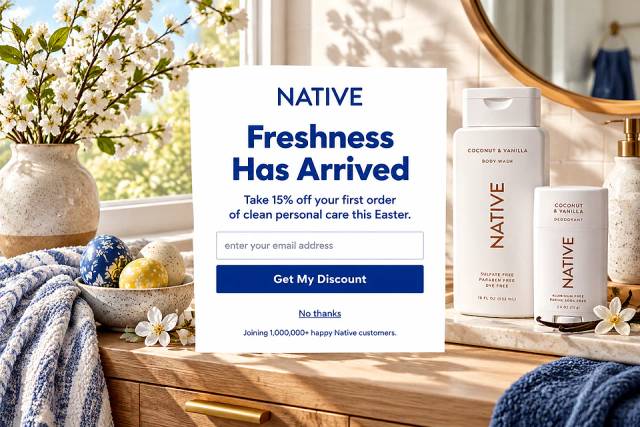
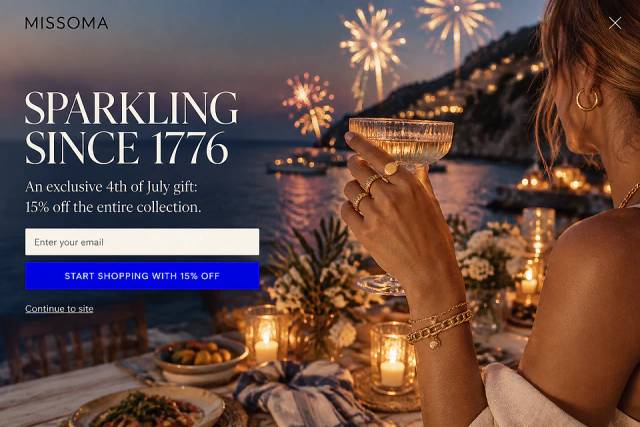
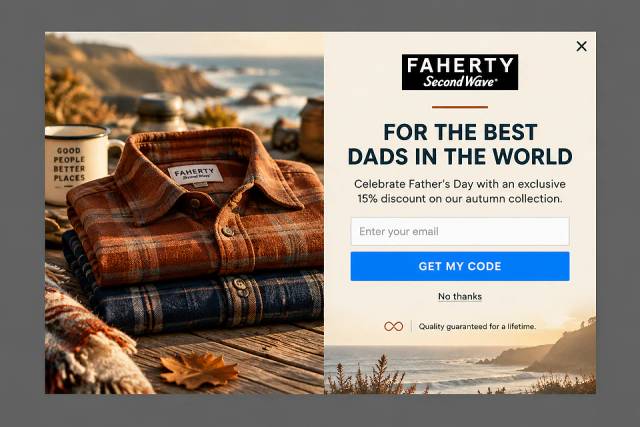
And start experimenting with all the discount popup ideas:
Unique discount codes such as “DR3v67b” have two major benefits:
OptiMonk allows users to upload such unique codes in bulk, which requires some manual labor for non-Shopify users.
However, we came out with a real pain killer for Shopify users: you can save this step by generating unique discount codes right from OptiMonk that will be added automatically to your Shopify account.
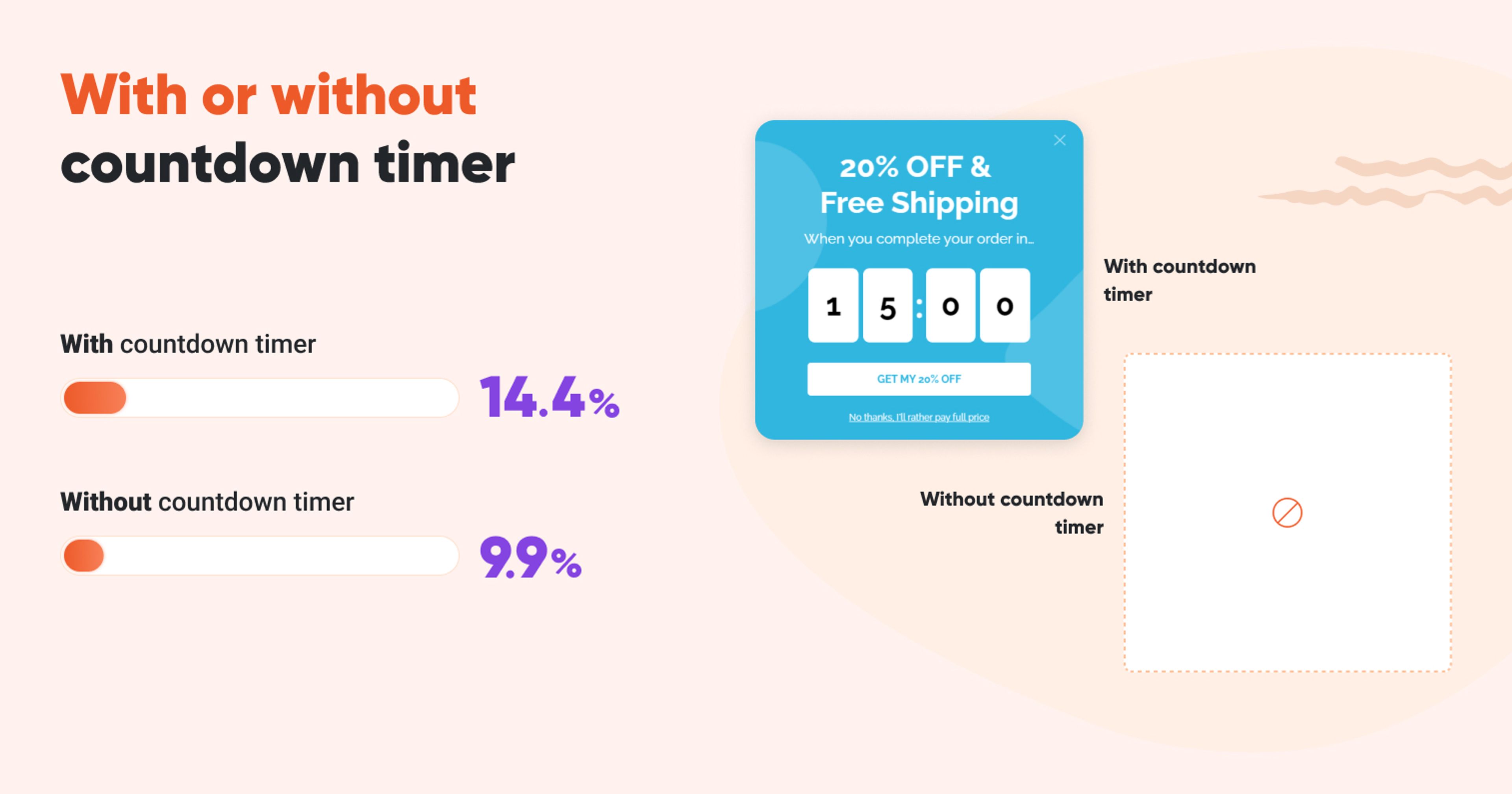
This way, you can create FOMO with powerful countdown templates and achieve 46% higher conversion rates according to our findings compared to popups without a limited time offer.
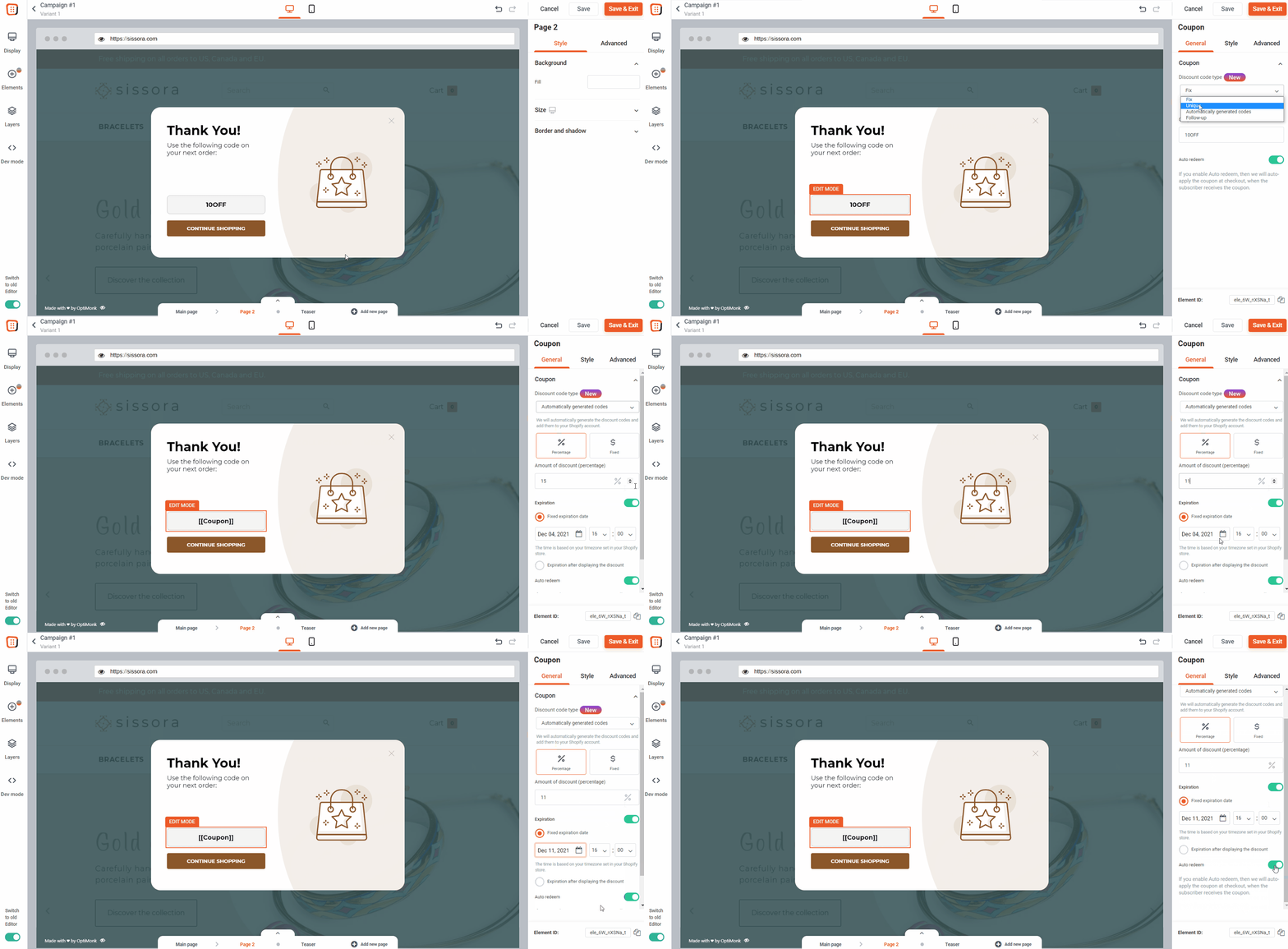
When someone subscribes through your campaign, we generate a unique code with your settings for the subscriber.
Please note that automatically generated unique codes are not available for gamification templates.
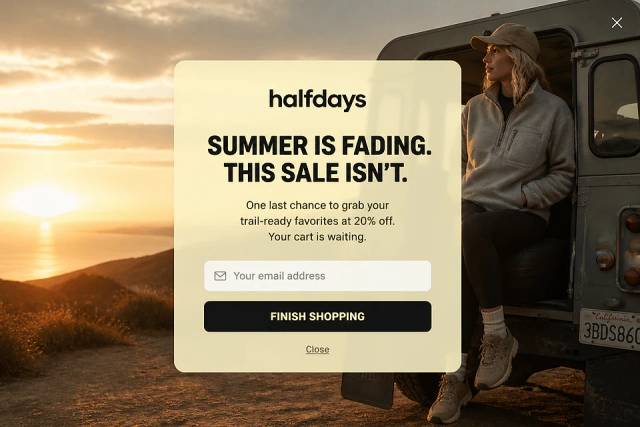
Closing a popup, deleting an email or simply navigating away from a site with the right discount code can be so annoying. Especially, if you’re on the hunt for something you had eyes on for so long!
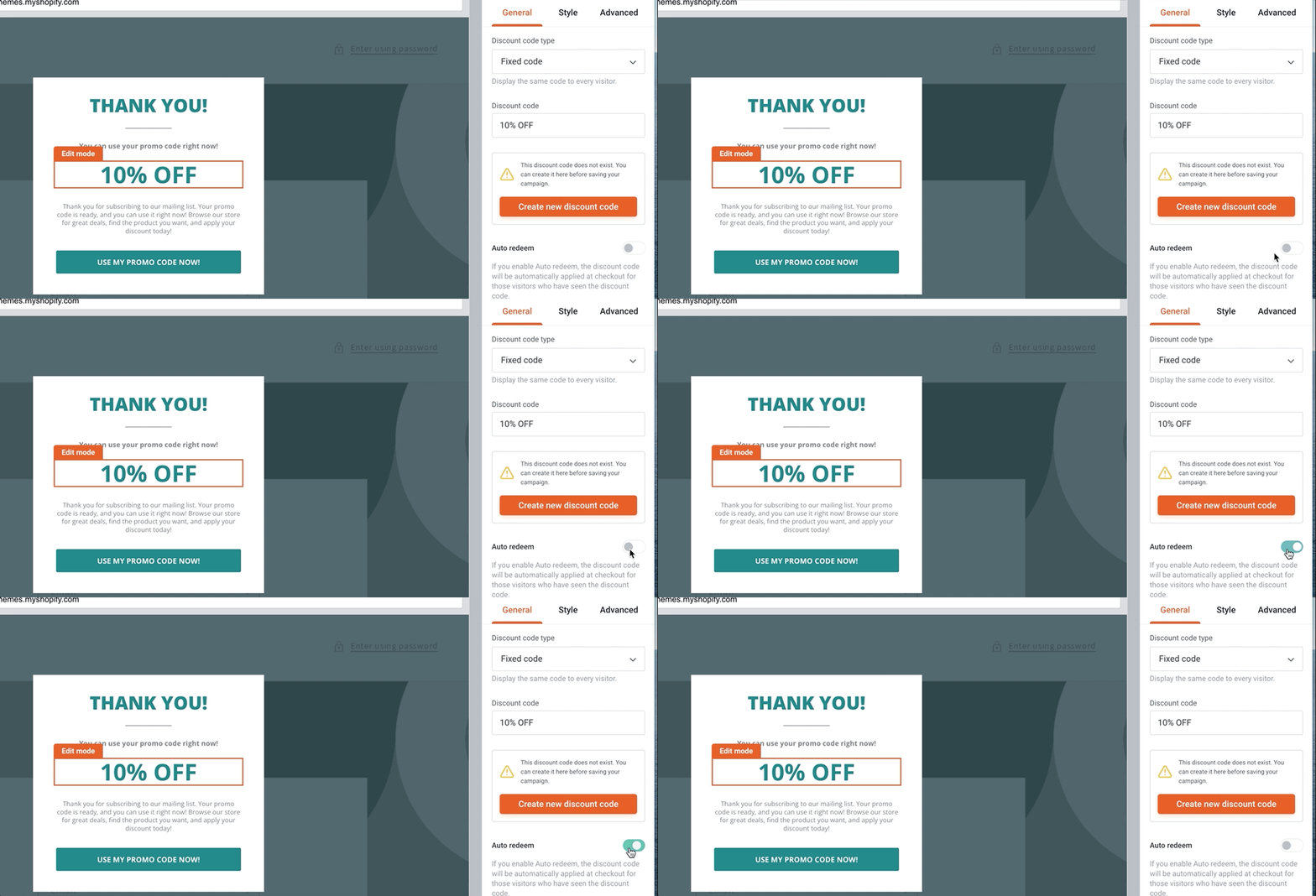
With Discount Code Auto Redeem, this can never happen again to your customer. If you enable this option, the promo code will be applied automatically to your visitors’ cart during checkout if they have been shown a code previously. This way, you can make sure that a forgotten promo code will never get in the way of making a sale again!
Discount Code Reminder campaigns are a brand new way to remind visitors about an active coupon code they haven’t used, yet. This might just be the last incentive they need to make a purchase. Our reminder campaign templates come in the form of sticky bars that don’t disrupt the shopping experience but keep the information on hand when shoppers are ready to check out.
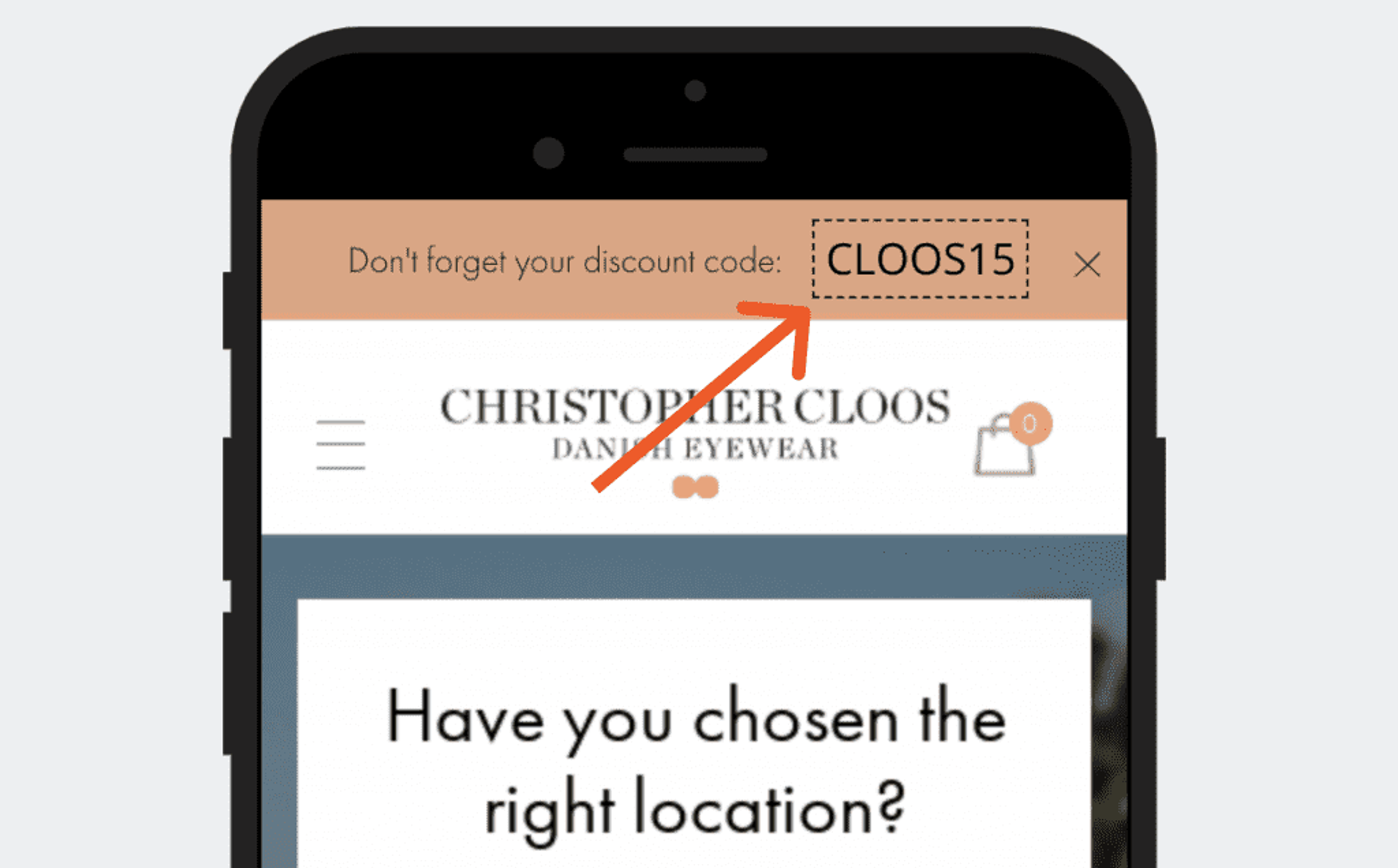
Discount code reminder campaigns startappearing automatically when a visitor has seen a discount code and hasn't redeemed it yet.
Discount code reminder campaigns end if
We tested reminder campaigns with Kiss My Keto, an American nutrition and diet supplement brand with the mission of making a healthy lifestyle easy, fun and satisfying. Visitors that received a discount code without using it right away were split into two groups:
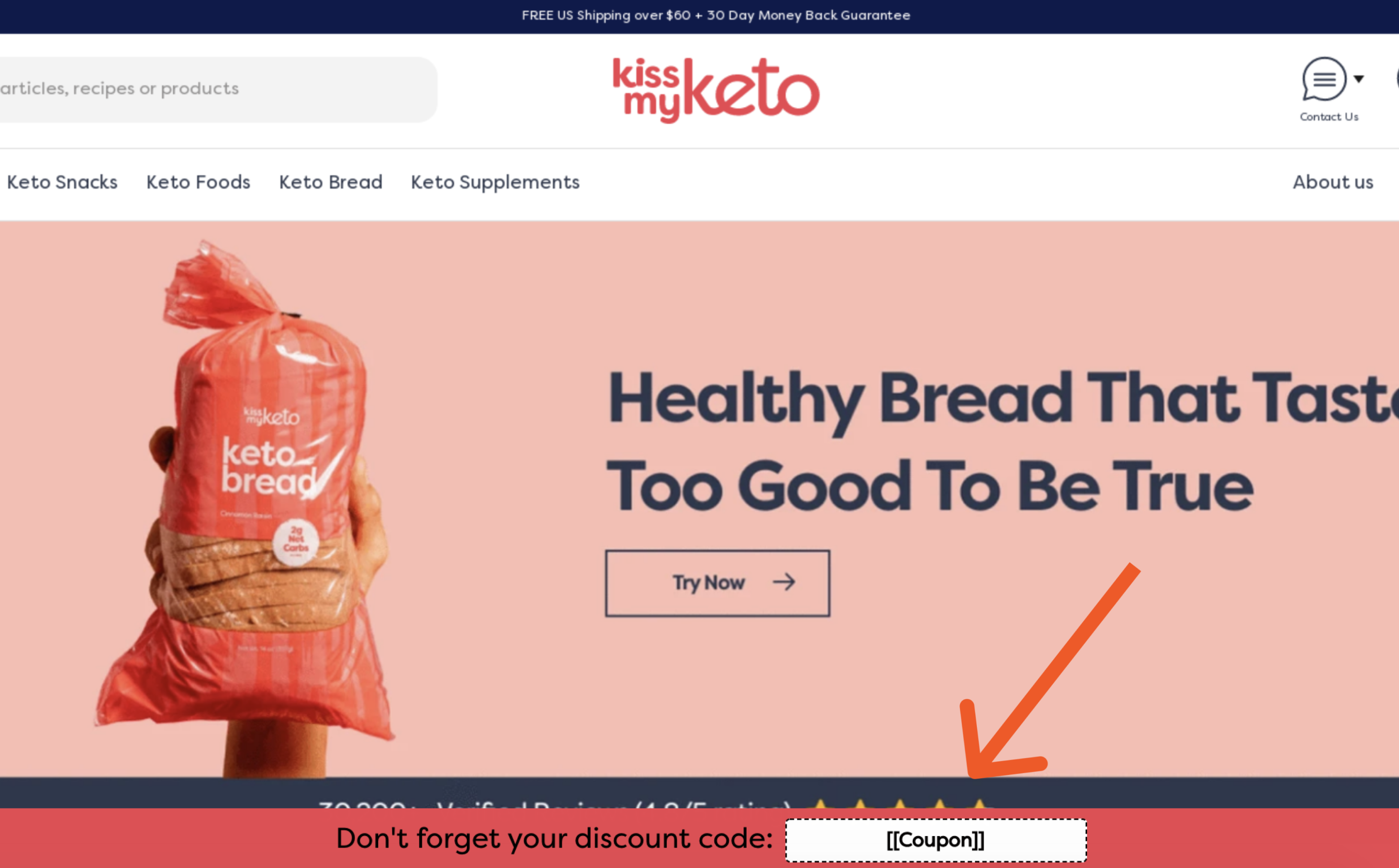
And the results?
Kiss My Keto experienced a wow-worthy 20% increase in conversion with Discount Code Reminder Campaigns. To boost your discount redemption and conversion rates, we recommend combining your discount campaigns with reminder campaigns to make sure customers always keep your offers in mind.
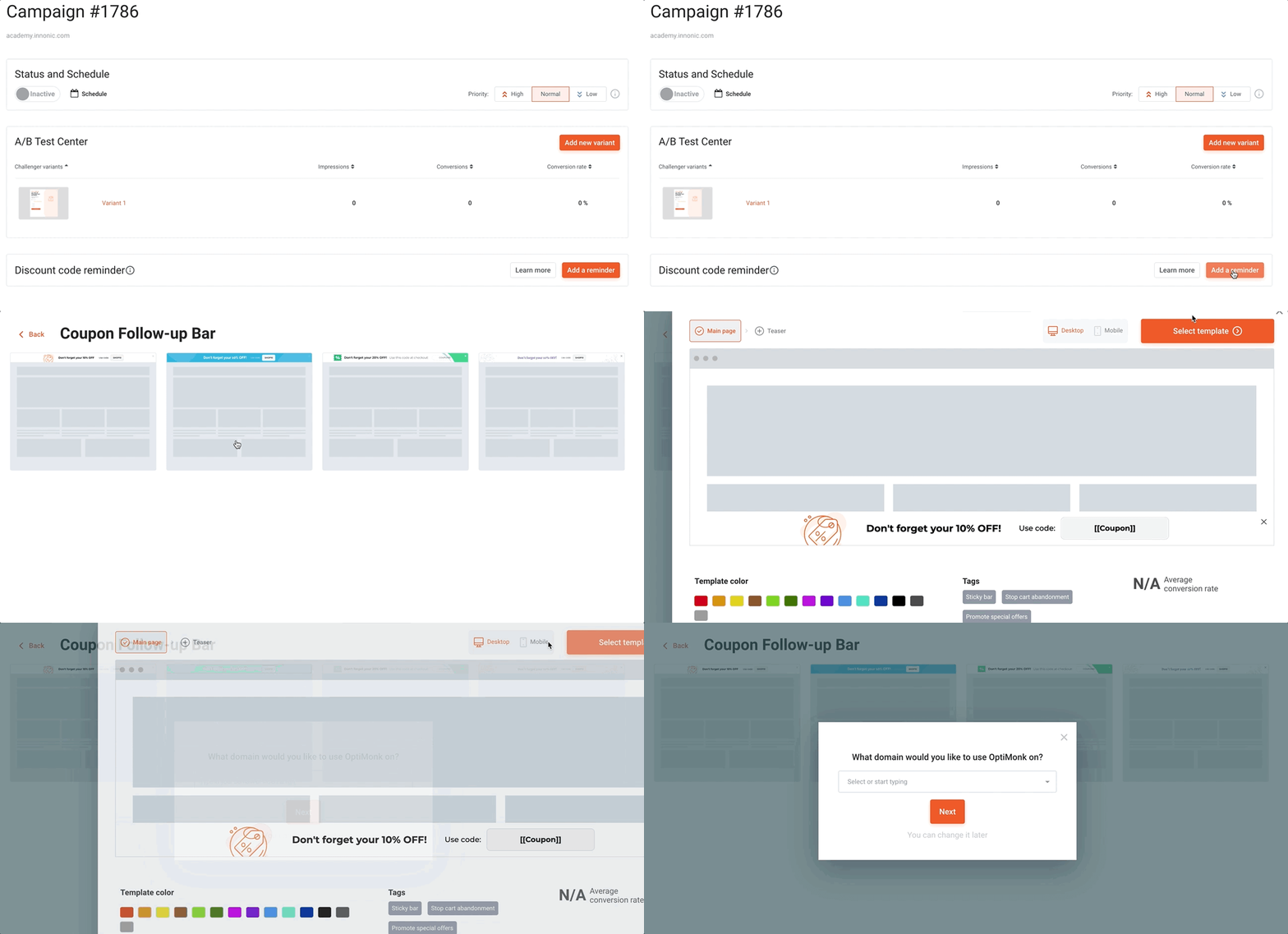
Note: A Discount Code Reminder Campaign can be created either linked to a standard popup campaign you already have running or as a separate campaign on its own.
Check out our discount code reminder campaign popup ideas:
We’re rolling out OptiMonk Labs – home to all our experimental features. Our research team works hard on new solutions in close collaboration with our users to finetune your popup campaigns bit by bit. This process is fed entirely by your feedback, so we wanted to make our features still under development available for everyone.
If you’re a sucker for the newest optimization solutions, make sure to explore this menu item! We’d love to hear your feedback.
P.S. These features might not have detailed documentation and user guides, but we’re happy to give you a hand, should you need help using them!
Visitors can get distracted by a number of things and end up abandoning their carts. Once they navigate to a different site, your options to make them return are – to put it nicely – limited. But far from non-existent!
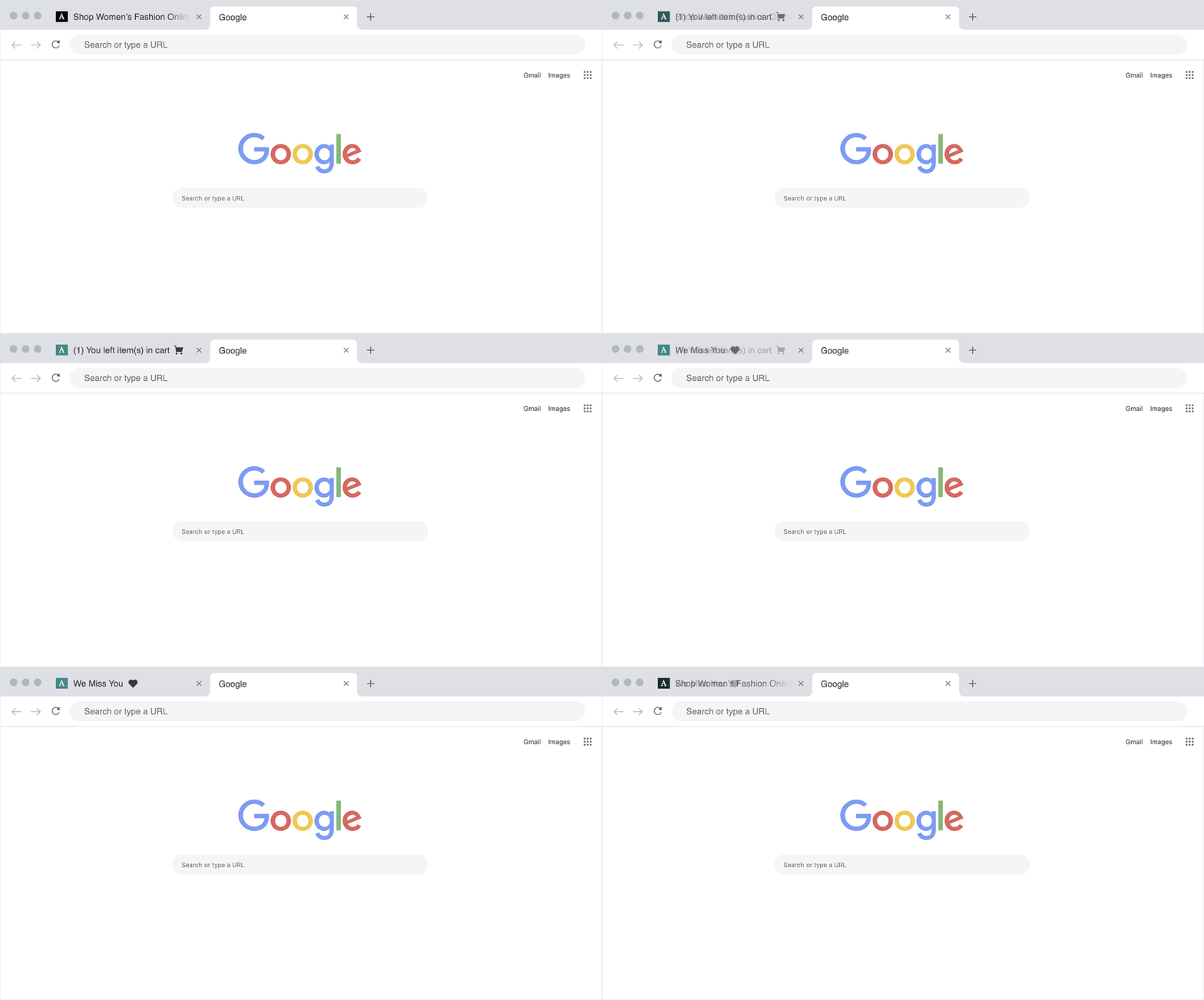
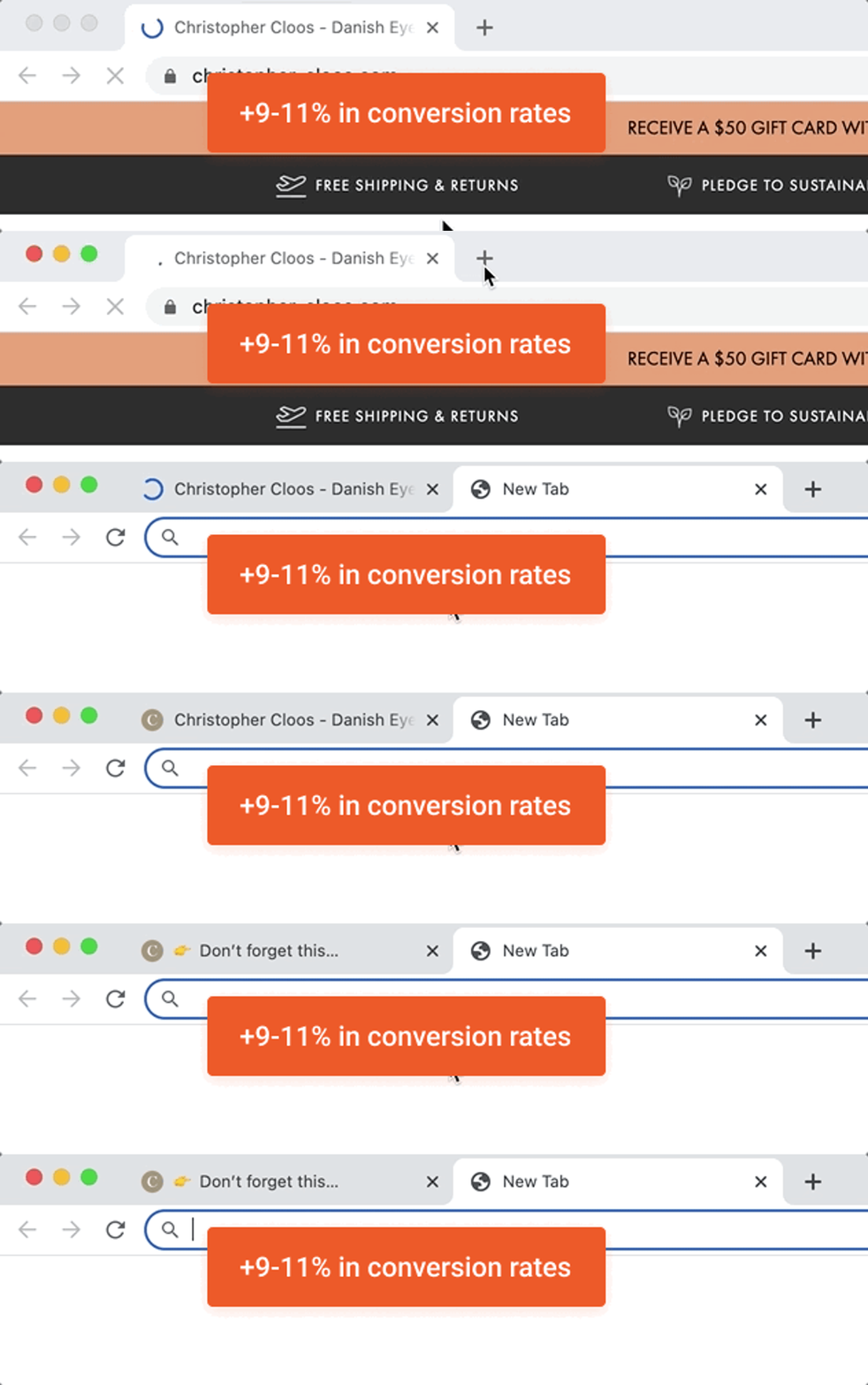
Flashing Browser Tab Notifications are a subtle, but fun way to leave them a compelling message about why they should definitely come back.
What messages can make your tab-abandoner re-engage with your site?
Here are a few ideas for inspiration:
Accessible from OptiMonk Labs, this feature allows you to set up a custom message to appear on browser tabs alternating with your site’s title.
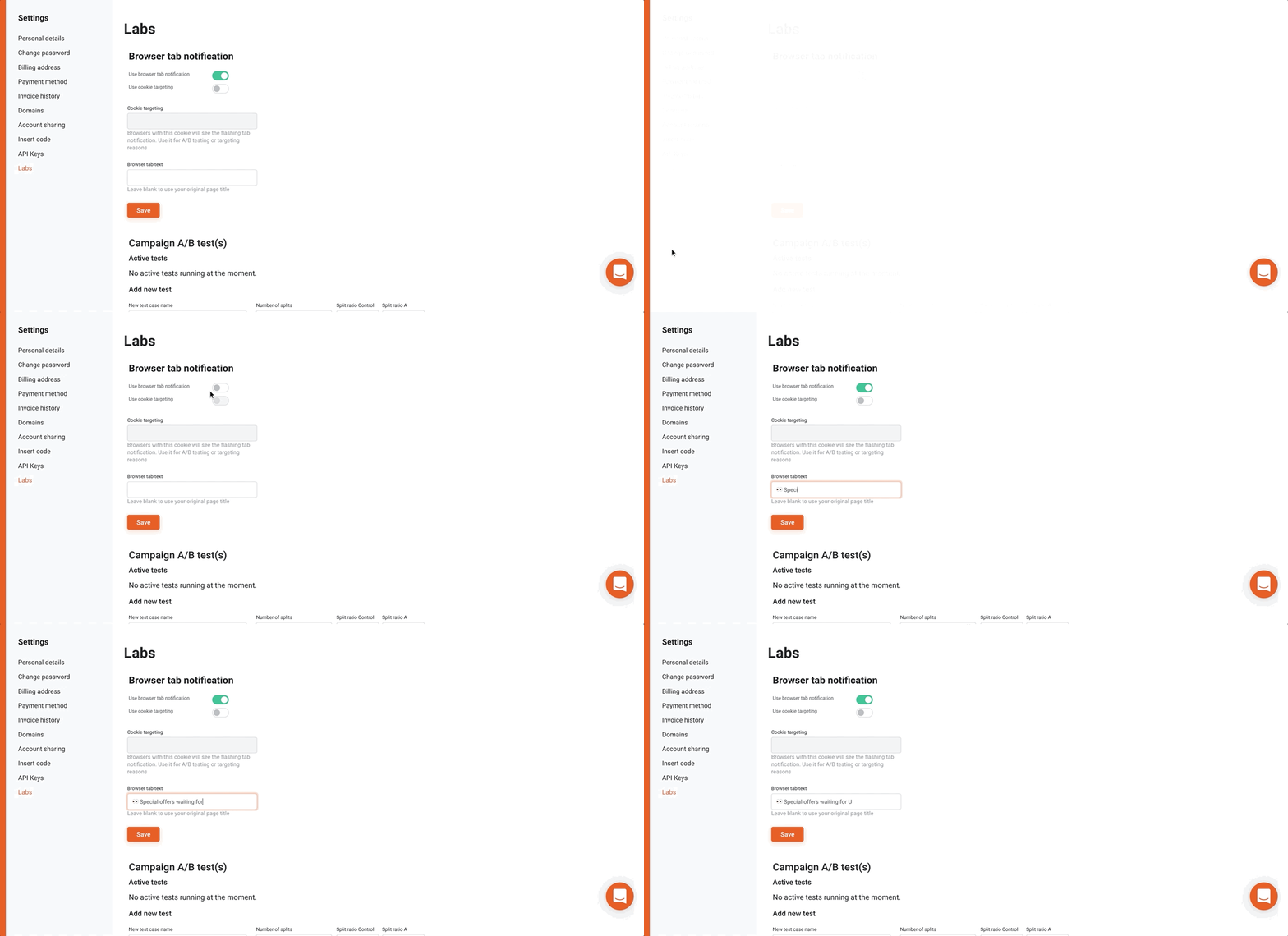
With cookie targeting, you can make these messages even more personal. You can use any cookie stored by your site, even targeting cookies of your campaigns.
P.S. If you’re testing this feature out, you may want to use an incognito window to avoid caching issues. Also, make sure to wait for a sec because we added a one second delay.
A small change can go a long way
If you’re wondering whether such a small detail makes a difference, according to the test campaign ran on Christopher Cloos and Alinda stores for a month in January, a flashing browser tab can achieve a 9-11% increase in conversion rates.
Best popup variants have long been selected with A/B testing, but what if you want to compare entire campaign settings against each other? You can now find out which campaign setting works best with Store-level A/B testing.
MyObvi, a health and beauty brand, wondered whether popup campaigns actually improve conversion rates during a seasonal campaign such as Black Friday when turnover usually peaks anyway. So we ran a global A/B test and showed a discount campaign to half of their visitors, while the other half did not receive any incentive from a popup to make a purchase.
Do popup campaigns actually work? – They sure do for MyObvi
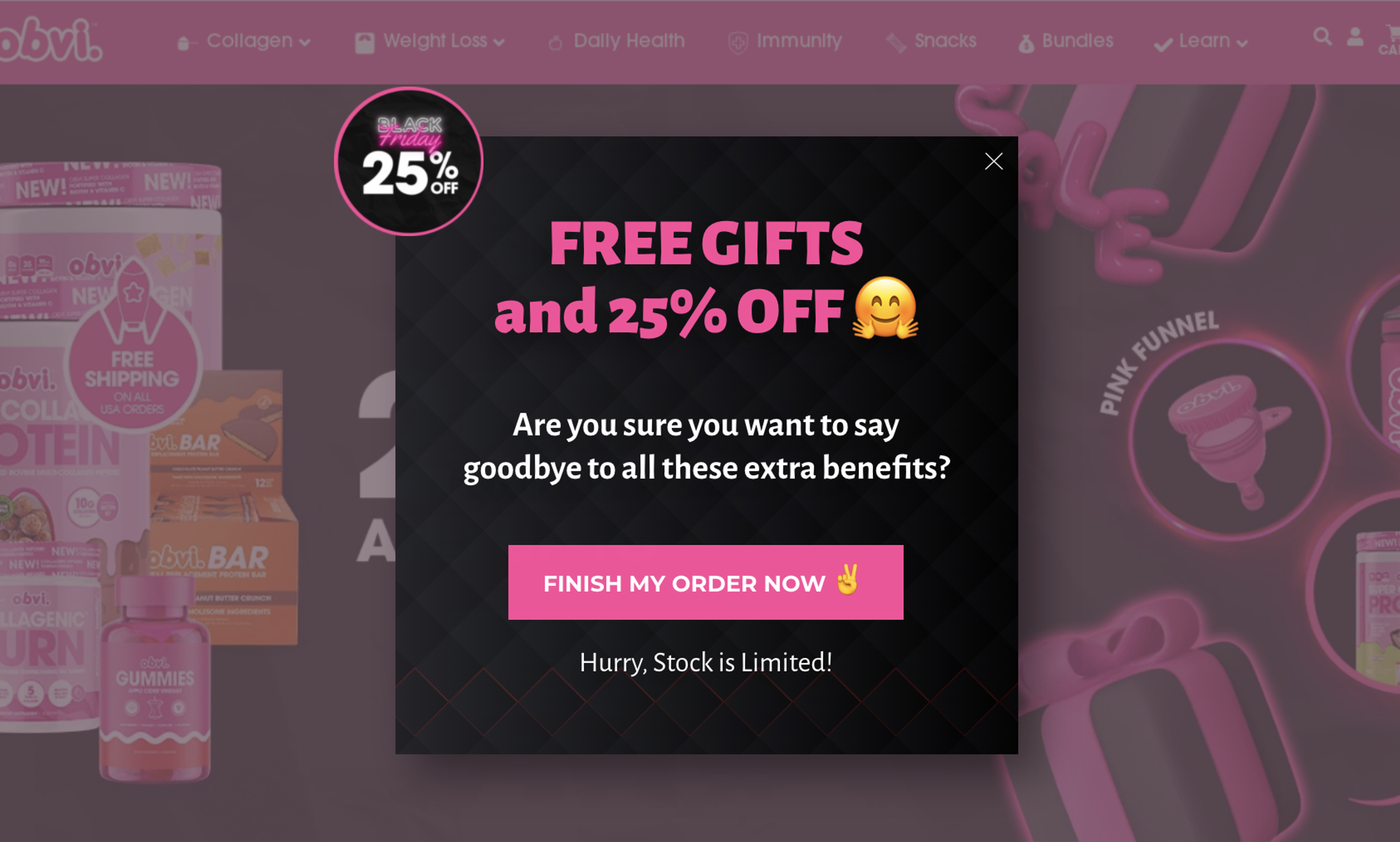
… and drumroll please!
During the 6 days the test campaign ran, we found that visitors who were shown the OptiMonk Black Friday campaign converted 13,41% higher and spent 13,437 USD more.
Impressive, huh? Take the guessing game out of how effective your campaigns are with Store-level A/B tests!
How Store-level A/B testing works
To put it simply, you can split up your website’s traffic to a certain number of slices (up to 5) and target different campaigns to each segment. For example, if you have two campaigns to compare, you may want to split up your site traffic to two equal (50% – 50%) segments.
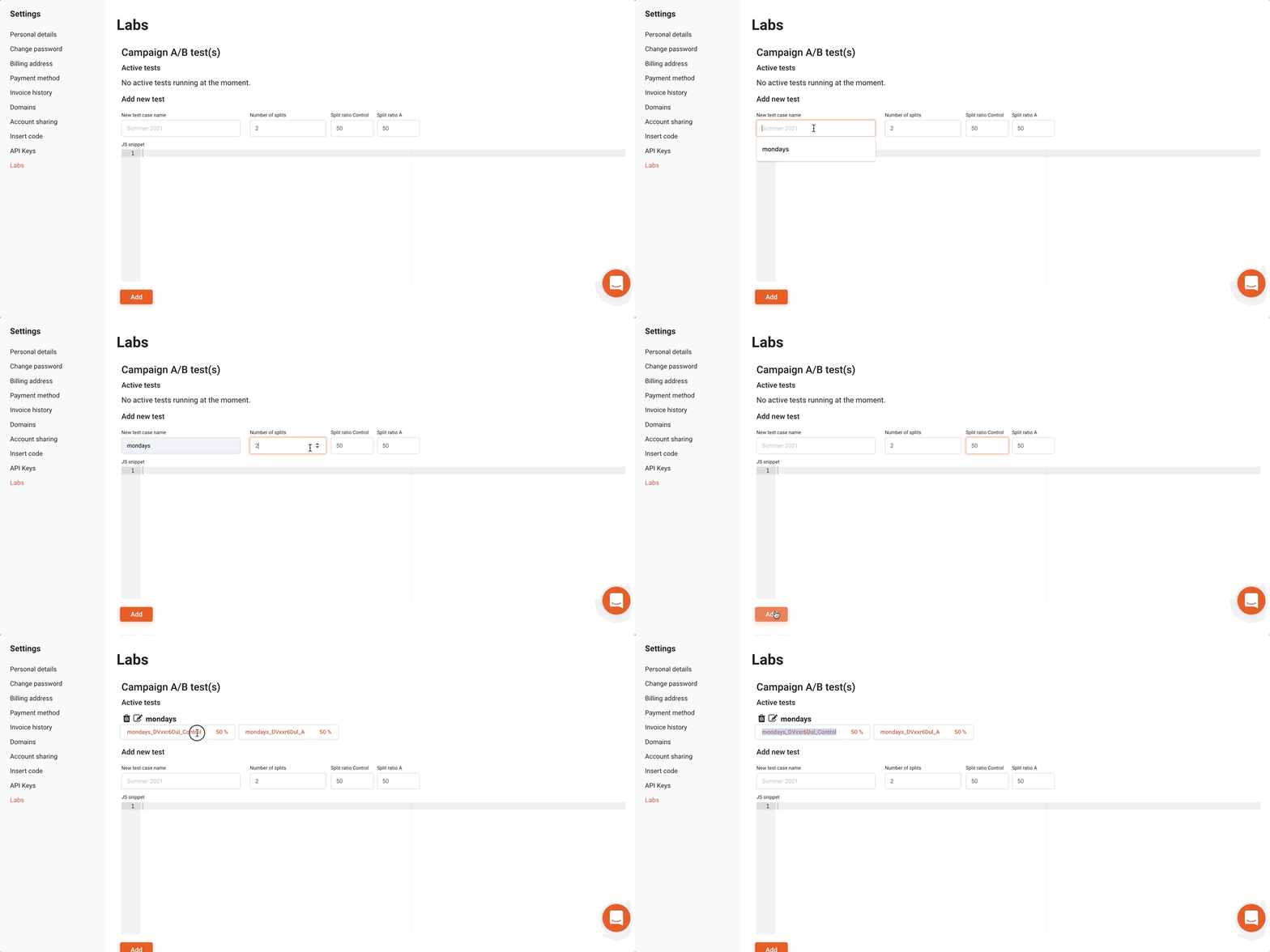
A cookie will be attributed to each segment with the name of your test case. Visitors will then be randomly assigned either of the two cookies.
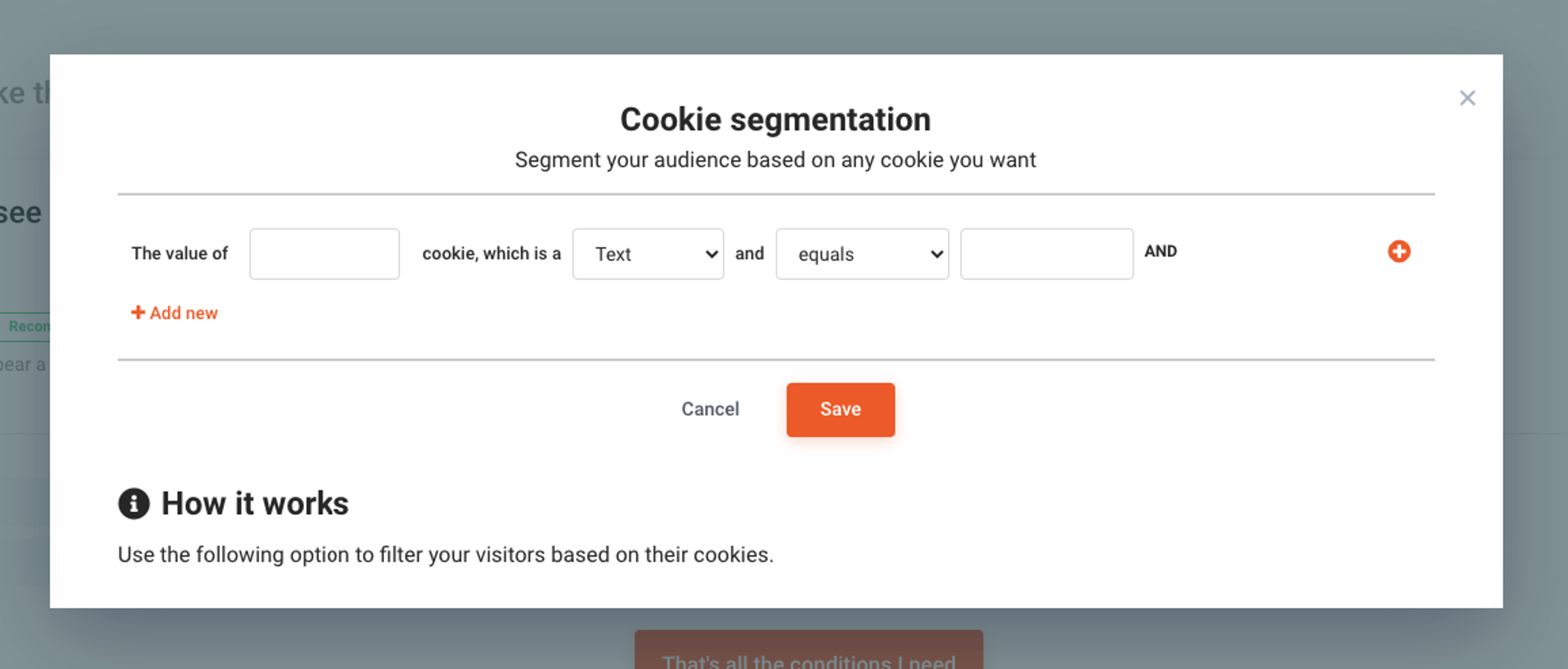
To test campaigns against each other, you can use these cookies to segment your audience
A couple of hypotheses you might want to test
If all that sounds like a piece of cake, we have something else in the bag for you. You can also run a custom script such as a Google Analytics code snippet sending information about visitors receiving one or the other cookie into GA for additional statistics between segments.
We are a community for eCommerce business owners who want to find smarter ways to increase sales & drive conversions with the help of Customer Value Optimization (CVO). Get your eCommerce game to the next level and become a Family member to
Interested? Click here to join the party.
We hope you’ll find our newest features helpful. Please give them a try and don’t hesitate to let us know what you think in the comments section.

Six new features to help you prep for peak season — from a brand new analytics dashboard to unique coupon codes for Lucky Wheel, autosave, and more.
This release brings smarter, faster, and more personalized popup campaigns, powered by AI Editor, AI Popups, product page optimization, and deeper integrations.

This release focuses on new features that make it easier to turn your visitors into customers, from smart product recos to more flexible campaign management.


