
 Show preview
Upsell popup examples
113 popups: upsell and cross-sell popups that suggest a bundle, an add-on or a free-shipping threshold next to a decision the shopper already made. Open any example and rebuild it for your store in one click.
Narrow it down
Upsell popup examples
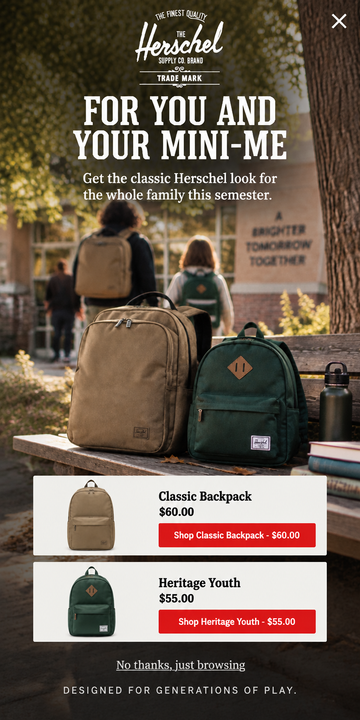
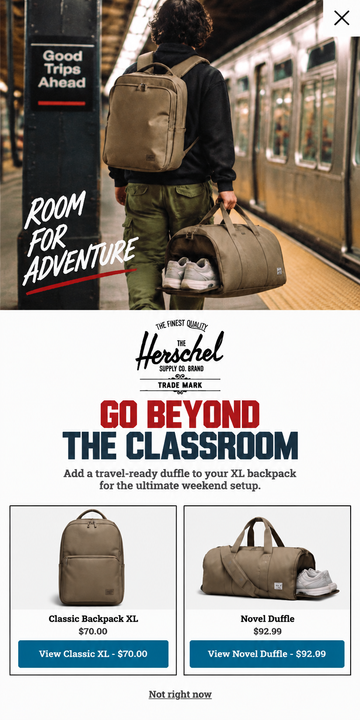
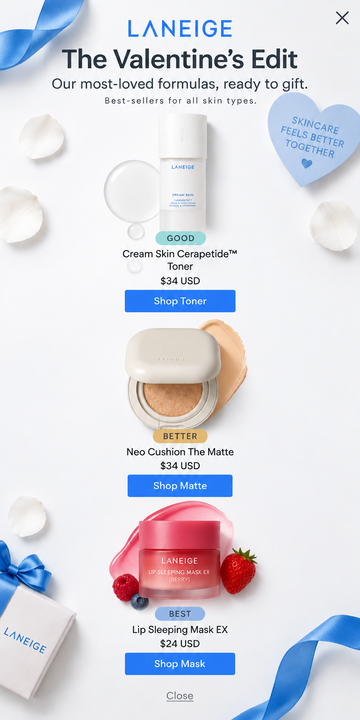
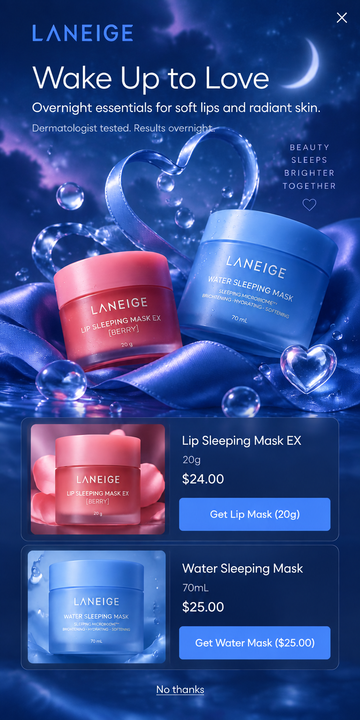
Why the best upsells feel like help
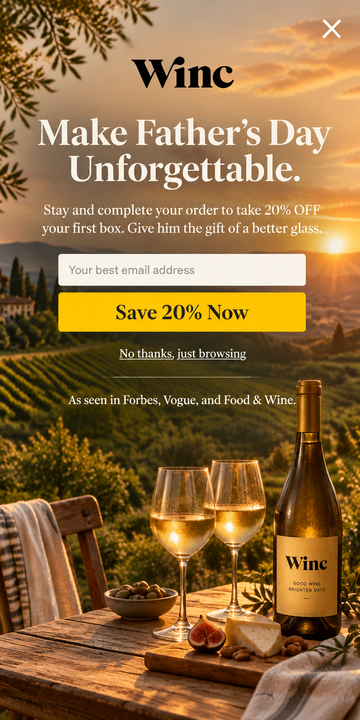
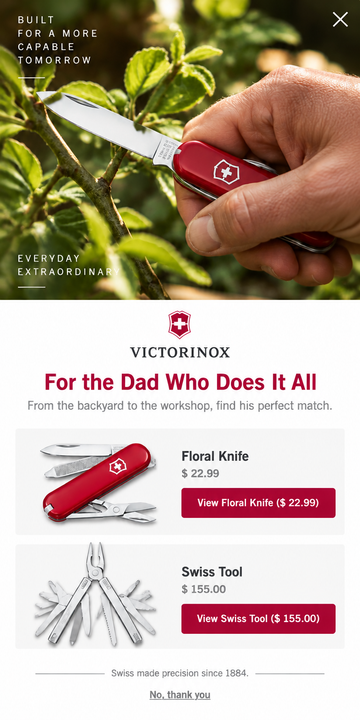
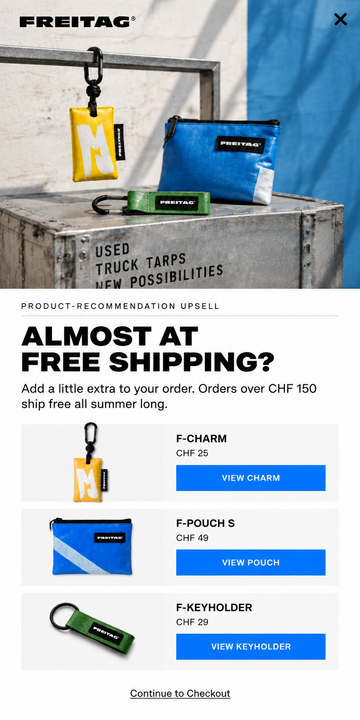
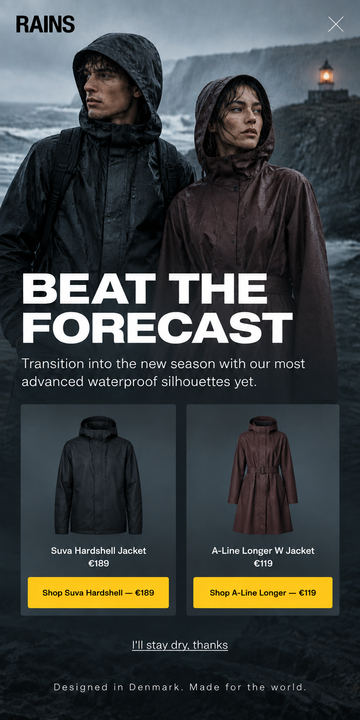
A good upsell suggests what the shopper would have looked for next. The examples above show one to three products that fit the cart, each with a photo, a price and a button, and they say why in a few words: “Complete the set”, “Most people add a refill”.
Just as important, they are easy to dismiss. A shopper who says no should continue to checkout without a second ask, or the upsell starts to cost orders instead of adding to them.
Picking the moment and the product
The strongest moments are right after an add-to-cart and on the cart page. Target the popup by what is in the cart: a matching accessory for a specific product, or a nudge when the cart is just under your free-shipping threshold (“Add $12 more for free shipping”).
Suggest products that cost less than the main item and make sense without a product page: refills, accessories, bundles, a larger size. Keep accepting quick, with one button and no detour away from the cart.
Shoppers who are leaving rather than adding need something else; an exit reminder fits them better.
Rebuild one for your store
Open any example to see it full size, then choose “Use this as inspiration”: OptiMonk’s agentic popup builder recreates it with your logo, colors and products, with a separate mobile version. For more ideas, read these upsell popup examples and the guide on how to upsell.
Build your own upsell popup
Paste your store URL — OptiMonk AI drafts a popup in your brand in about a minute.
Upsell popups: common questions
Right after an add-to-cart, or in the cart when the order is close to a free-shipping threshold. Earlier than that, the shopper has nothing to add to.
One to three, chosen for the cart: a matching item, a refill, or a bundle. A full catalog inside a popup is a second store page, not an upsell.
Yes. OptiMonk can pull products from your store’s feed and show the ones that fit the cart, so the popup doesn’t need a hand-picked list for every product.
Only on the add-on, and only when it helps: “add the matching case for 15% off” works, while a discount on the whole order teaches shoppers to wait. A free-shipping threshold often needs no discount at all.
Well below what is already in the cart; a common rule of thumb is a quarter of the cart value or less. A small add-on is an easy yes, a second big purchase needs a decision of its own.
Track clicks on the suggested products and compare the average order value of visitors who saw the popup with those who didn’t. An A/B test against no popup gives the cleanest answer.