


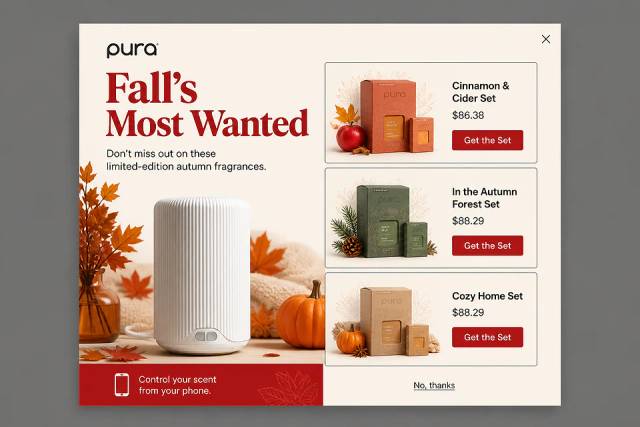
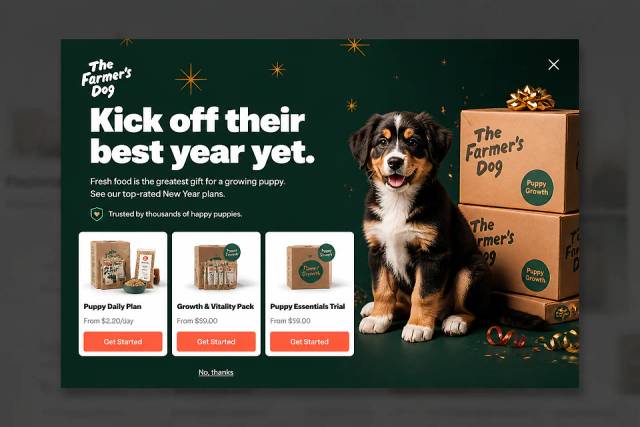
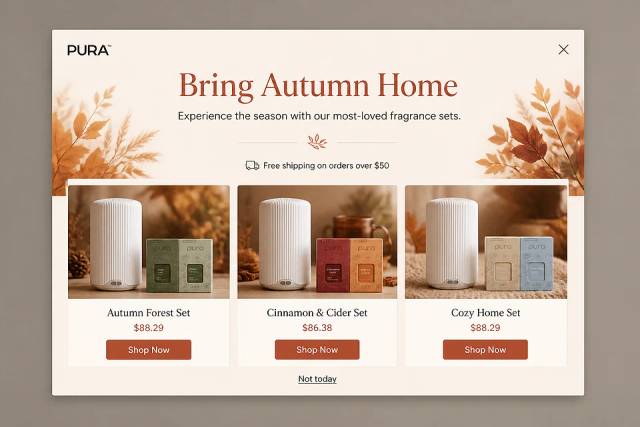
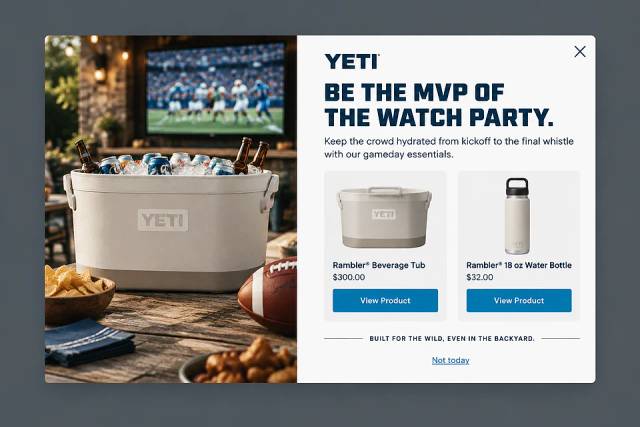
Modal vs Popup vs Overlay: What's the Difference?
What separates a modal, a popup and an overlay, how to make a modal accessible, and which one an online store should use when.
In this article, we’ll dive into five upsell popup examples that can help boost your AOV and sales, and we’ll also walk you through how to create your own.
In short
Discover how upsell popups can significantly boost your average order value (AOV) and sales with five high-converting examples. Learn to create your own effective Shopify upsell popups using OptiMonk, a leading tool for conversion rate optimization. Enhance customer experience and retention by strategically offering product upgrades, bundles, and related items at the right moment.
Most ecommerce store owners focus on driving more traffic and generating leads. But while bringing in new customers is important, increasing youraverage order value (AOV) can make an even bigger impact on your bottom line.
After all, getting people to your online store is only half the battle—once they’re there, you want them to spend as much as possible. This is where upsell popups come into play.
These strategically placed offers can help you maximize each customer’s purchase, turning a casual shopper into a higher-value buyer without increasing your marketing budget.
In this article, we’ll dive into five upsell popup examples that can help boost your AOV and sales, and we’ll also walk you through how to create your own.
Let’s jump in!
An upsell popup is a strategically placed overlay that pops up while someone is shopping online. Typically, it appears when a customer adds an item to their cart or is about to complete a purchase, encouraging them to consider an upgrade or a related product.
The goal is simple: to nudge the shopper to spend a bit more by offering something beneficial they might have overlooked.
Now that we’ve explained what upsell popups are, let’s dive into why they’re worth using.
When a customer is about to buy, they're already in the mindset to spend. A well-timed upsell can boost your AOV by 10-30% simply by showing them an additional or upgraded item they’ll appreciate.
Customer satisfaction isn’t just about making more money—it’s about improving the shopping experience. When you suggest valuable, relevant products, customers feel like you’re looking out for them, which builds loyalty and encourages repeat purchases.
By tailoring your upsell offers based on each customer’s preferences or shopping behavior, you can significantly enhance the customer experience and make the shopping journey feel more personalized. And who doesn’t love a custom shopping experience?
Looking for some cart upsell popup inspiration?
Let’s take a look at five great Shopify upsell popup examples that show how you can boost your average order value.
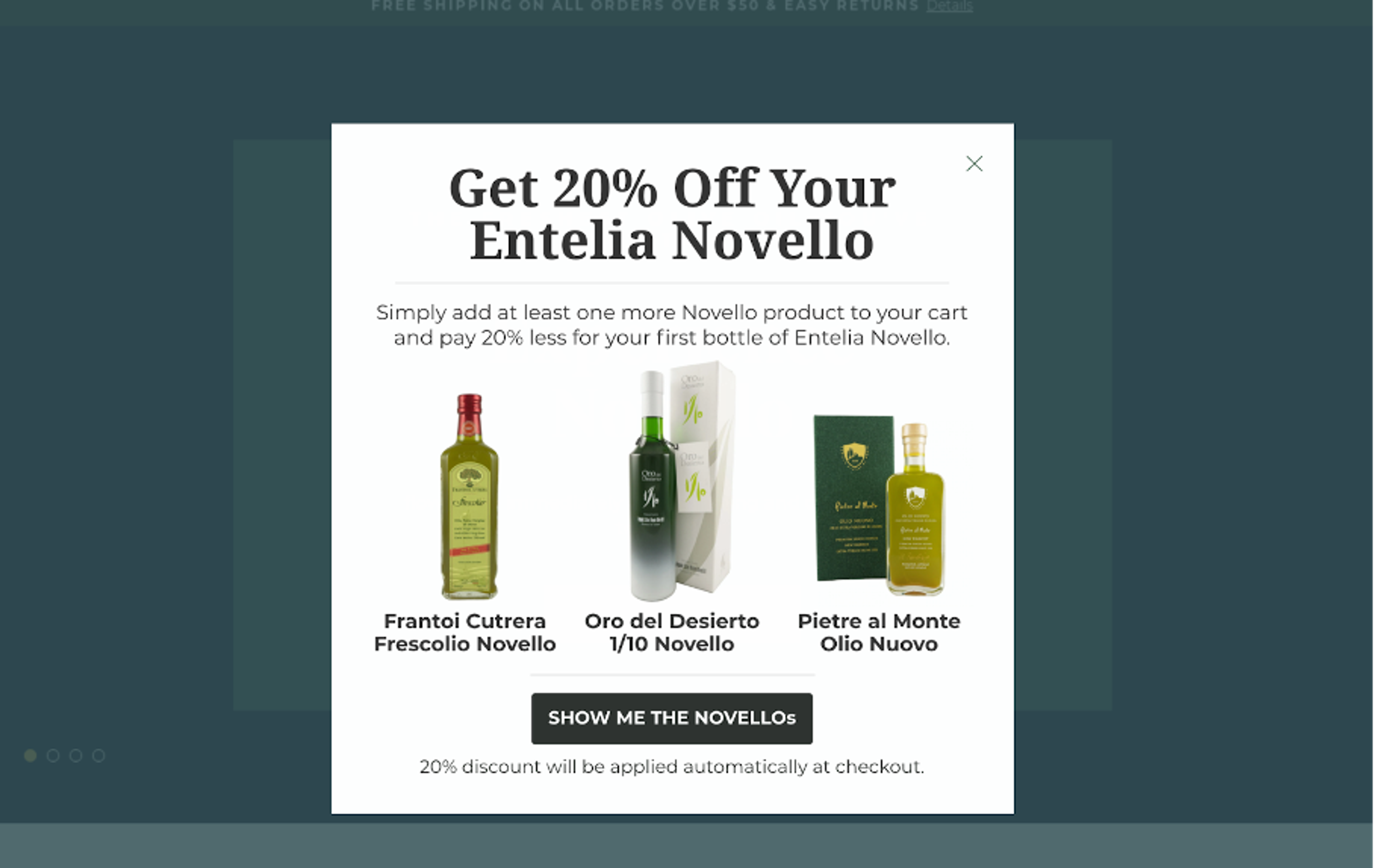
Our first Shopify upsell popup example is from Olive Oil Lovers. They wanted to boost their AOV by offering exclusive discounts triggered when specific products were added to the cart.
They promoted one of their bestsellers with a 20% discount to entice customers to move further in the shopping process.
The result? A conversion rate of about 37%, with an AOV increase of at least 15%!
Learn more about this campaign.

Gymshark’s upsell popup offers three additional products right after a customer adds something to their cart to complement the customer's shopping journey.
The Shopify store cleverly uses the phrase “People also bought” to encourage customers to explore additional products and add more items to their carts.

Simply Chocolate tempts customers with a sweet upsell offer. When purchasing an advent calendar, shoppers are encouraged to add extra treats like Crispy Carrie or Minty Cindy, making the offer hard to resist.
This strategic placement helps upsell products, encouraging additional purchases even after the initial checkout.
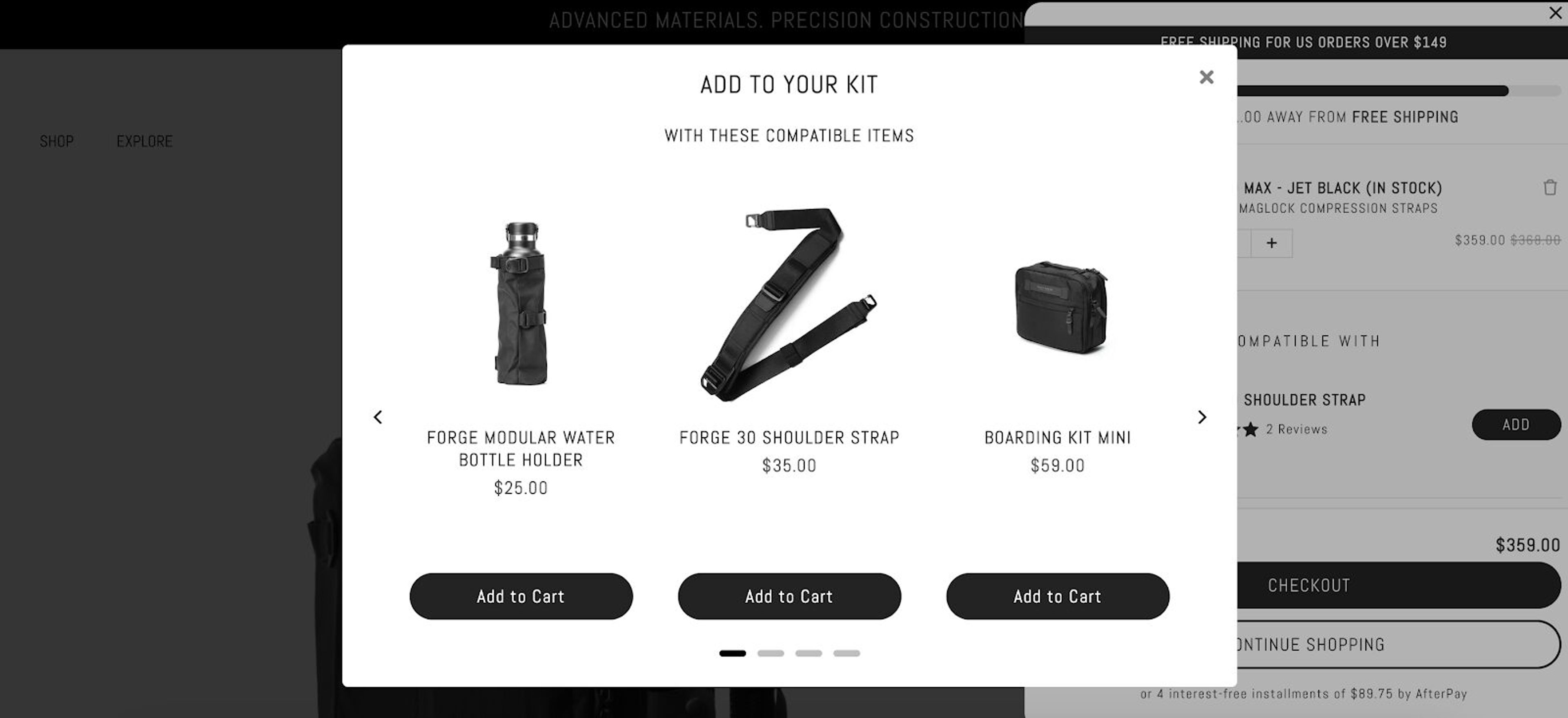
Black Ember’s upsell popup shows customers different complementary items right after they add something to the cart. With a sleek, swipeable interface, it creates a seamless upsell and cross-sell experience.
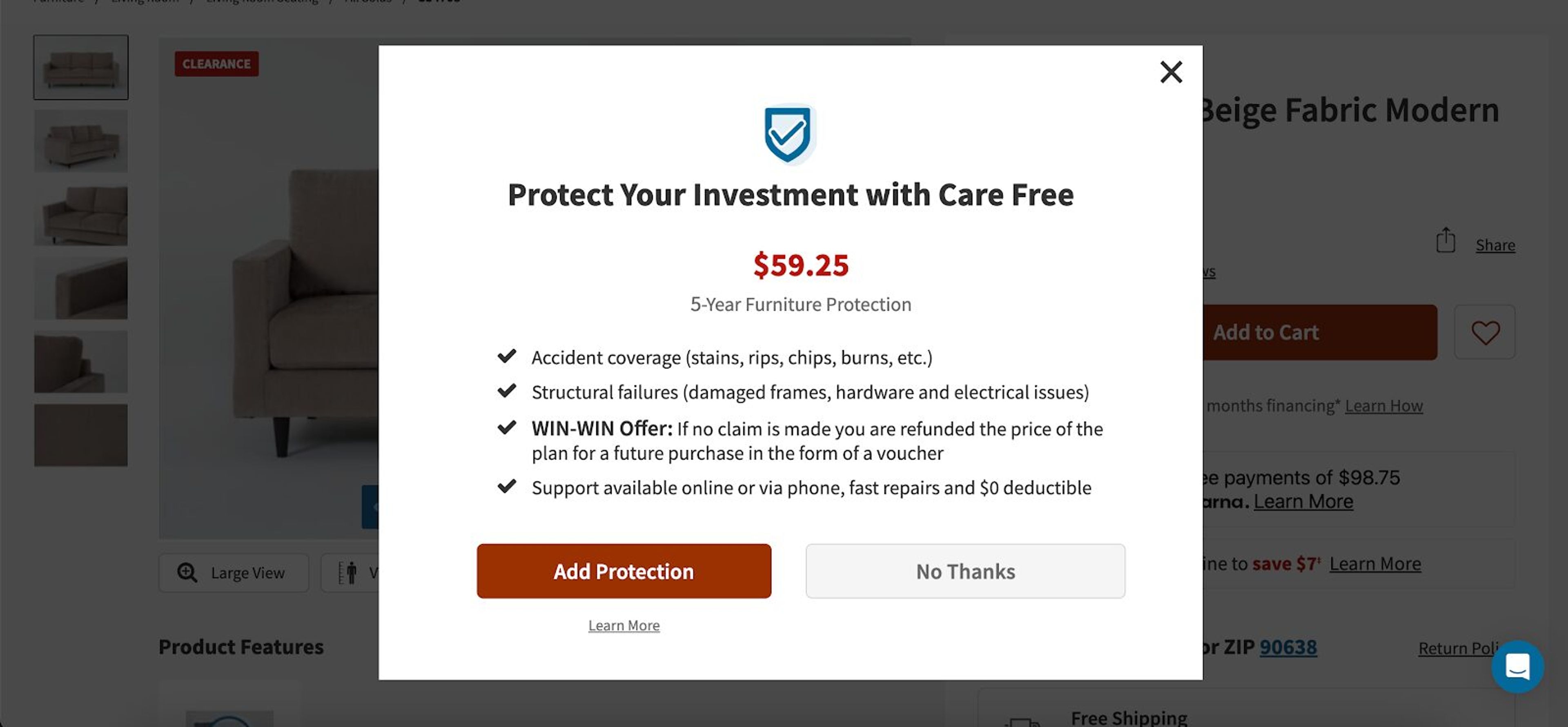
Living Spaces incentivizes customers to enhance their furniture purchases by adding protection.
When a customer adds furniture to their cart, the upsell popup appears and uses bullet points to explain the benefits and features, with a clear “Add Protection” call-to-action (CTA) button, making the offer hard to ignore
Creating upsell popups for your Shopify store is simple with OptiMonk, a user-friendly popup app designed tomboost conversions.
Here’s how you can use it to create high-converting upsell popups:
First, head to the Shopify App Store and install the OptiMonk app. Once installed, connect it to your Shopify store with just a few clicks and access the dashboard to begin creating your popups.
Tell OptiMonk's AI agent what you want to offer, whether product upgrades, bundle offers, or cross-sell opportunities, and it designs the popup for your store.
For ideas, browse these upsell and cross-sell popups:
The popup already matches your brand's colors, fonts, and style. To change anything, ask the agent in plain words or fine-tune it in the visual editor.
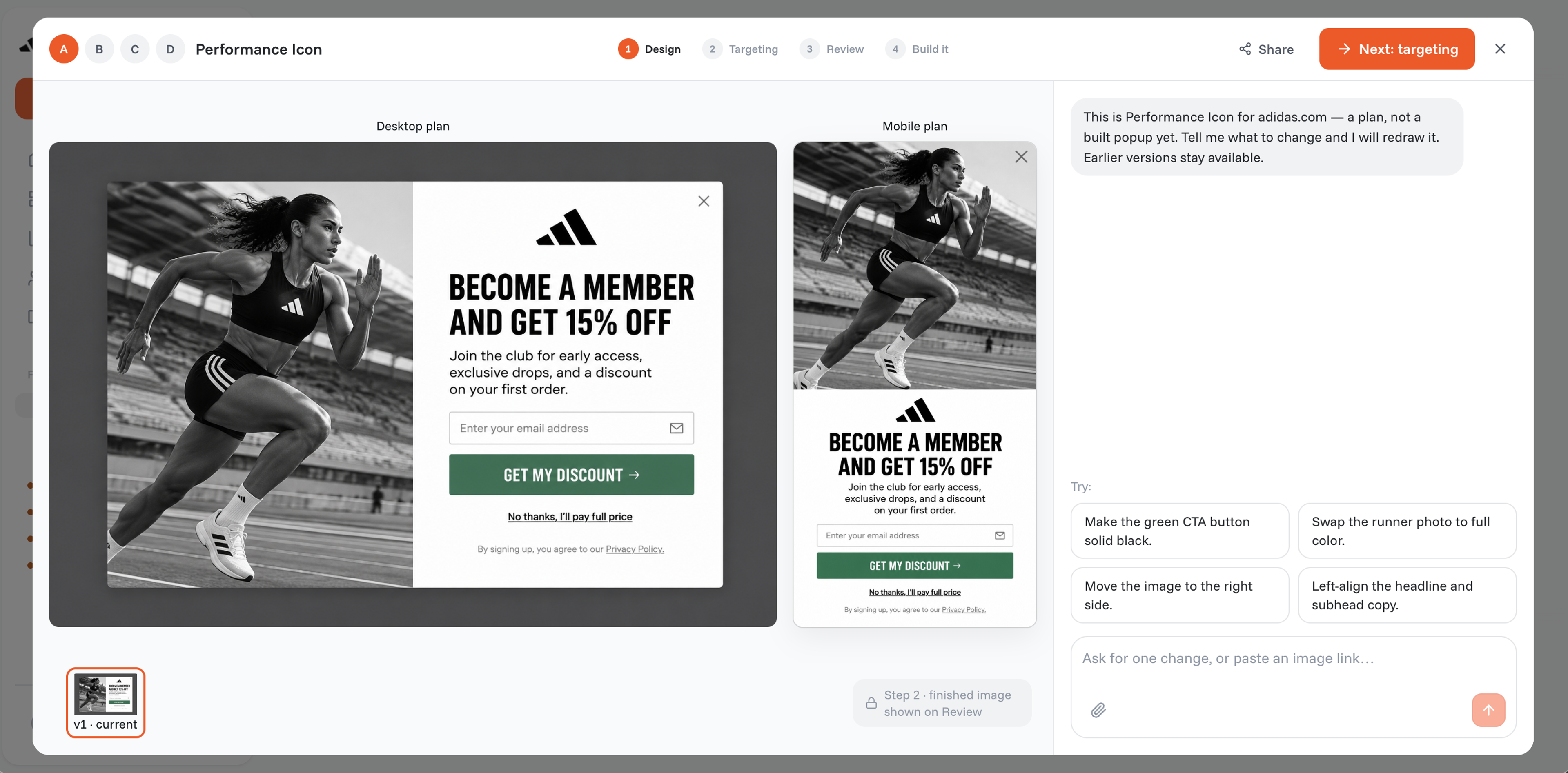
Timing is key. OptiMonk lets you set specific triggers for when the upsell popup will appear—such as when a customer is about to check out or after they’ve added an item to their cart.
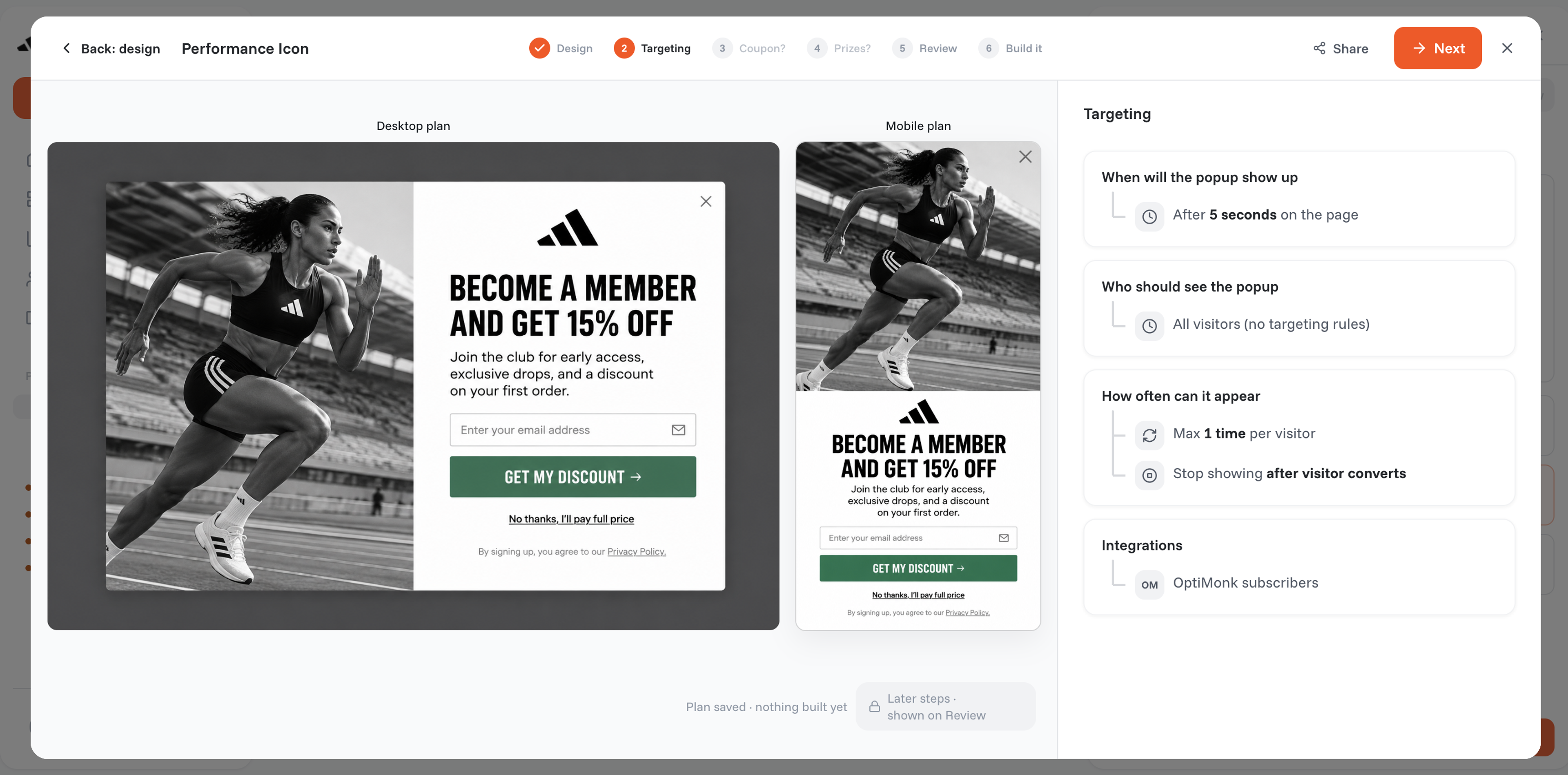
Use OptiMonk’s advanced targeting options to show your upsell popup to the right customers at the perfect time.
You can target the popup based on products in the customer's cart, specific product pages, or whether they're on the cart page.
If you use Klaviyo, you can even target returning customers based on their Klaviyo lists and segments, incorporating post-purchase upsells to maximize the customer's potential average order value.
This ensures your upsell feels relevant and well-timed.
Once your upsell popup is live, track its performance using OptiMonk’s built-in analytics. This allows you to see conversion rates, engagement metrics, and more.
Looking to get the most out of your upsell popups? Of course you are! Here are six best practices to help boost your average order value.
The right timing is crucial. You don’t want to overwhelm customers with an upsell too early in their shopping journey, but you also don’t want to wait until it’s too late to capitalize on that shopping mindset.
The sweet spot? Show the popup during checkout or right after a purchase, when the customer is already in buying mode and receptive to offers.
One of the key elements of a successful popup is relevance. Tailor your offer based on what the customer is already buying or has shown interest in.
For example, if they’re purchasing a laptop, offer them a discounted mouse or laptop bag—not a blender.
Your upsell popup should be visually appealing without being intrusive. It should feel like a natural part of the user’s journey, not a roadblock.
Keep the design clean, ensure it fits with your store’s branding, and place the popup where it’s easy to see but not too distracting.
When crafting the message for your upsell, focus on how the product will benefit the customer. It’s not enough to simply offer a product—explain why it’s worth adding to their cart. Use persuasive language and make sure the message is clear, concise, and compelling.
Using limited-time offers in your upsell popups can create urgency and encourage shoppers to act quickly. For example, offering a 10% discount on an additional product—but only if purchased within the next 10 minutes—can be a highly effective strategy.
Never assume your first upsell popup is perfect. A/B testing allows you to try out different variations in design, copy, and timing to see what works best for your audience. Test one element at a time, analyze the results, and keep optimizing your popup for better performance.
A newsletter sign-up form, also known as a mailing list signup form, is a digital form on your website that allows visitors to subscribe to your email marketing list. It typically asks for basic information like an email address (and sometimes additional details to help personalize future communication).
You can create a newsletter signup popup or signup form using popup tools like OptiMonk or email marketing software like Mailchimp, HubSpot, or ConvertKit. These platforms offer customizable templates to help you design a form that fits your brand and integrates seamlessly with your website.
A good newsletter signup rate can vary by industry, but they typically range between 1% and 5%. If your newsletter subscription form rate is lower, try A/B testing different elements like headlines, CTAs, or offers to improve performance.
Upsell popups can be a game-changer for your Shopify store. When done right, they’re a win-win: your customers get more value, and you boost your AOV.
By following the steps and best practices outlined here—and learning from brands like Gymshark and Simply Chocolate—you’re well on your way to creating popups that convert!
So, are you ready to turn your shoppers into big spenders? Create your free OptiMonk account today and start building high-converting upsell popups that drive results.

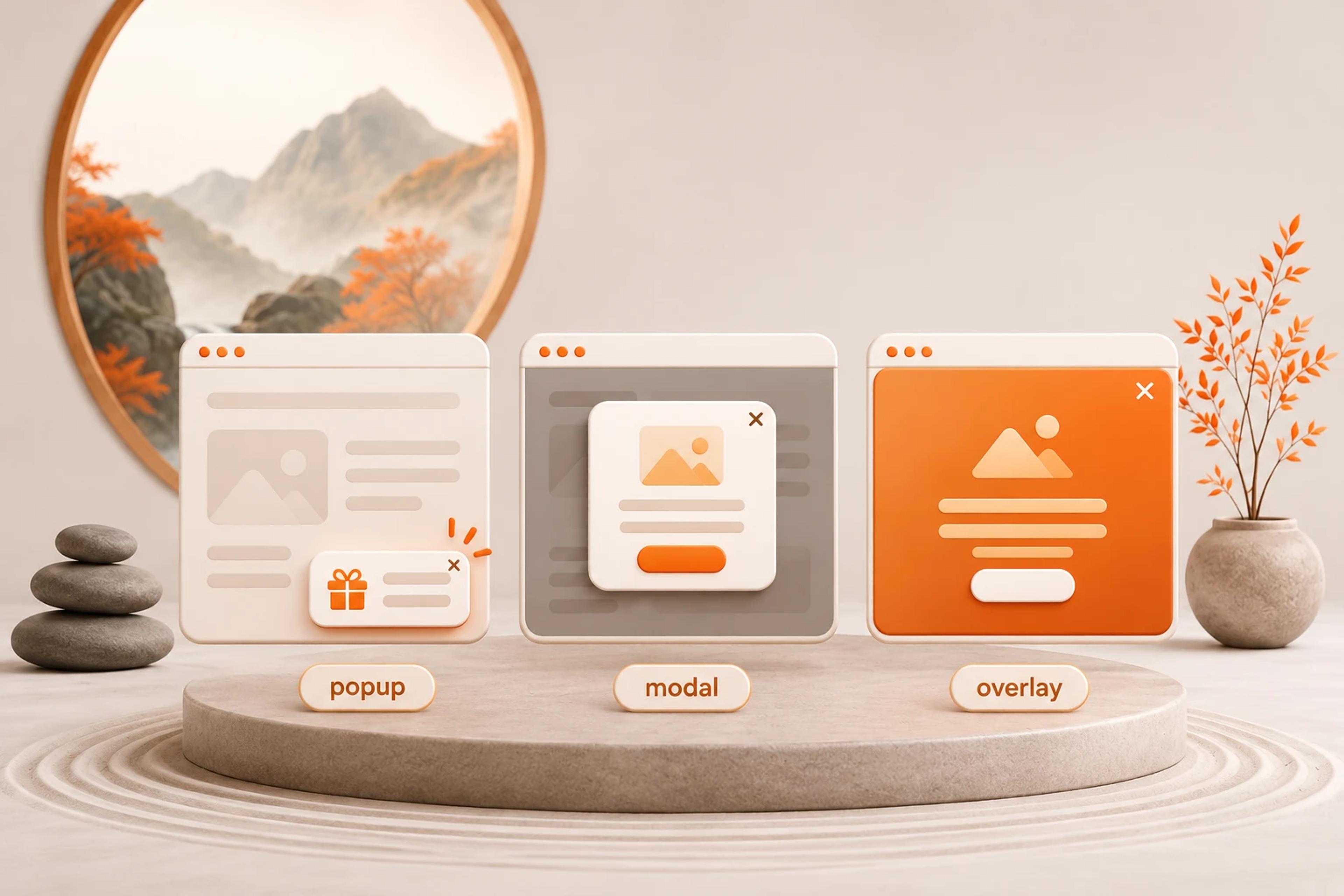
What separates a modal, a popup and an overlay, how to make a modal accessible, and which one an online store should use when.
50 CTA button texts for online stores and popups, grouped by the shopper's moment, plus what makes a button worth clicking.

40 website welcome message examples for online stores, grouped by situation and industry, ready to copy into a welcome popup.


