

The Popup Library
Get inspired by the world’s best popups.
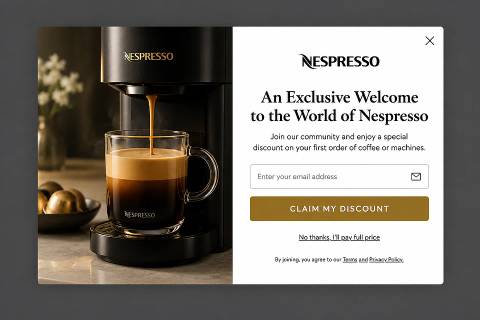
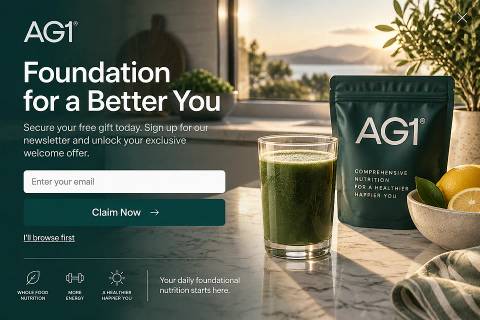
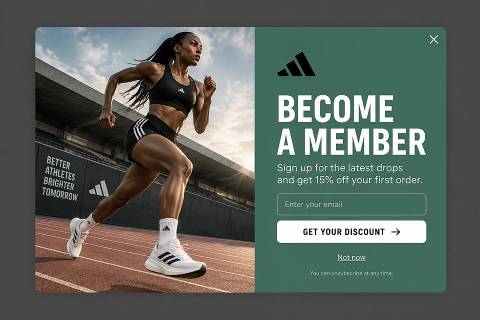
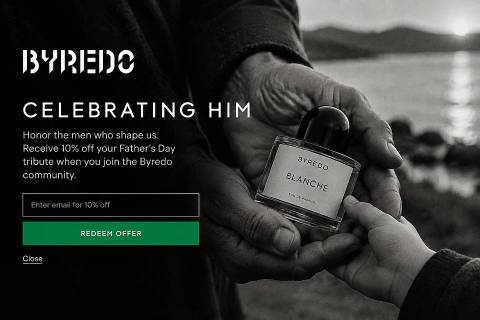
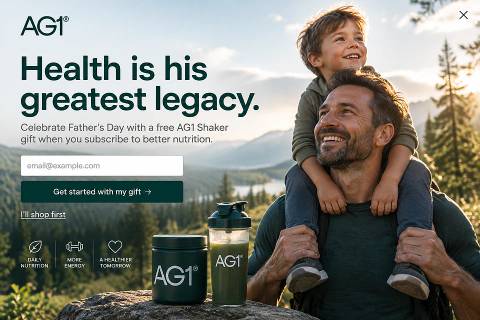
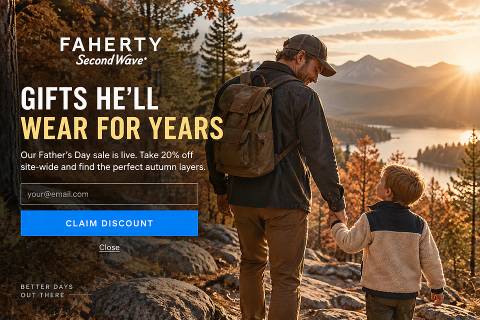
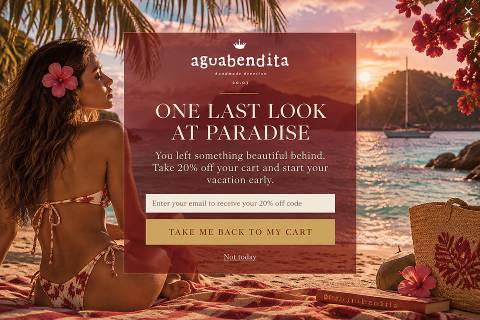
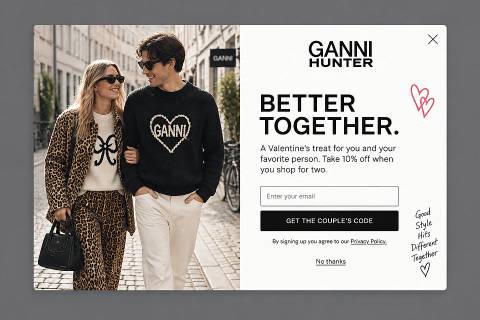
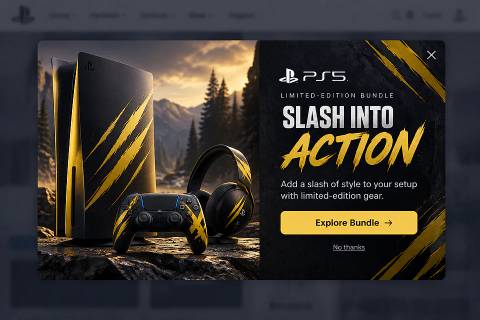
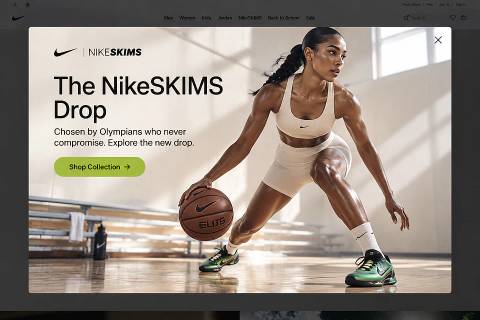
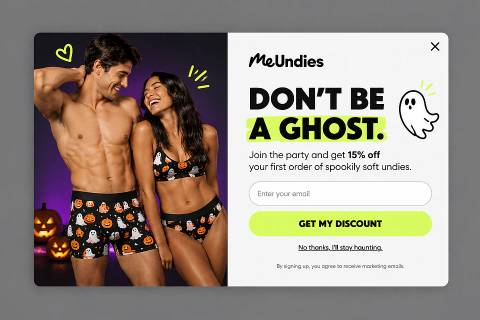
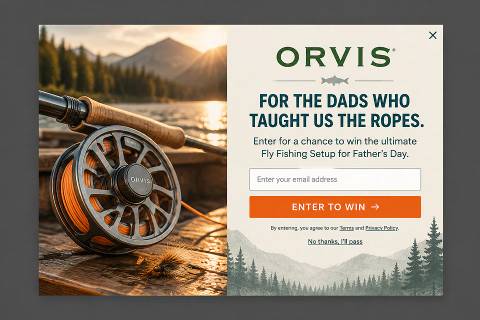
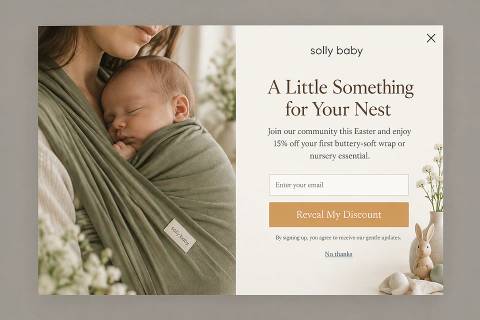
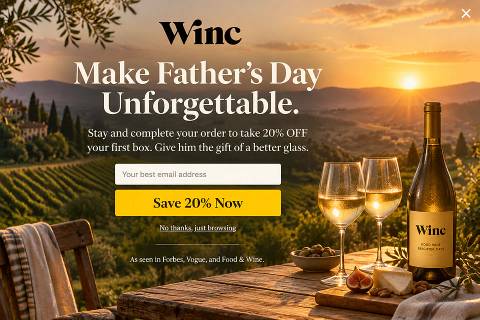
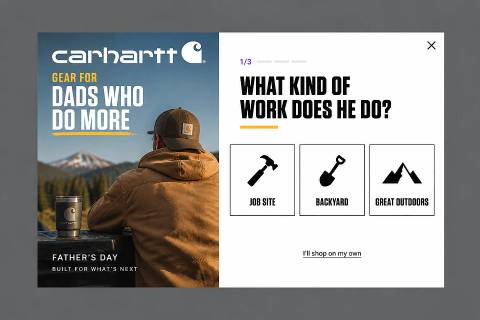
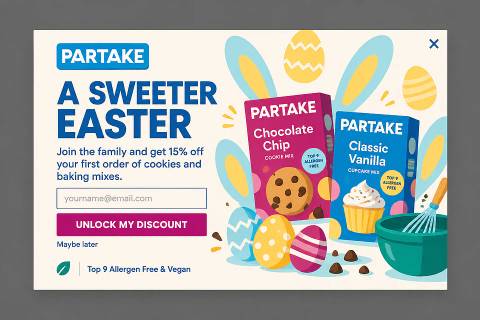
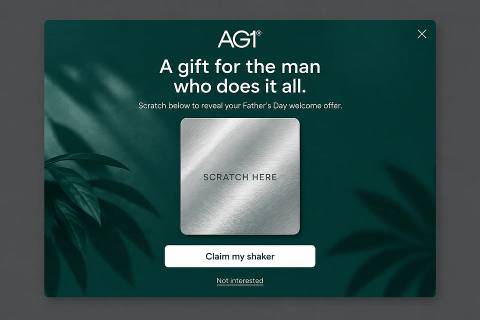
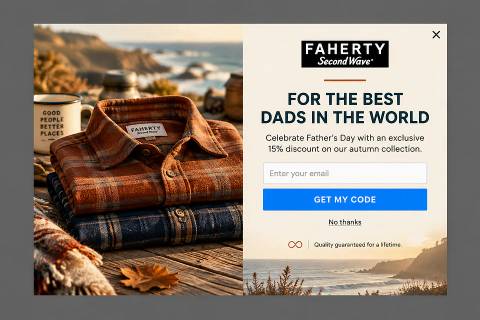
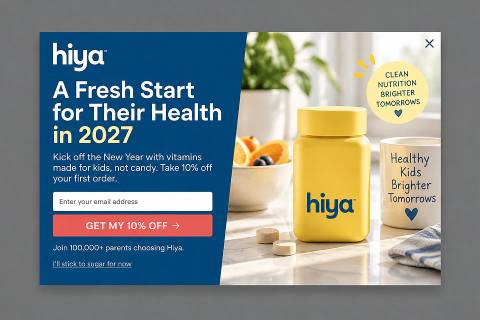
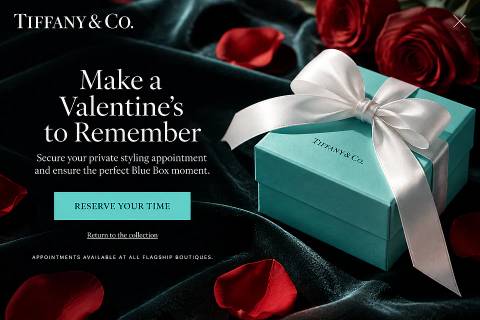
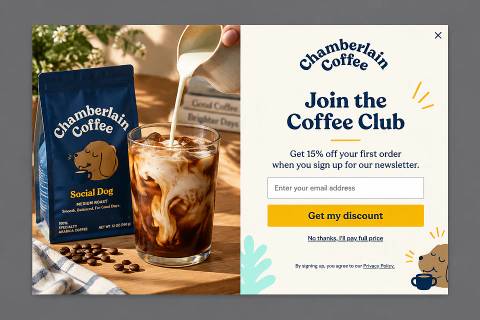
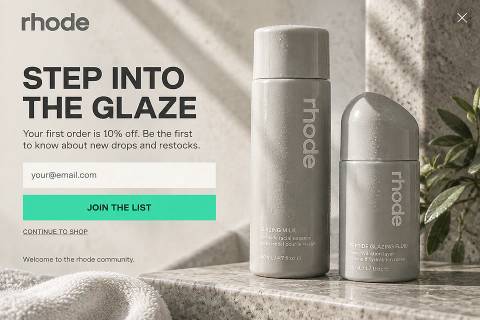
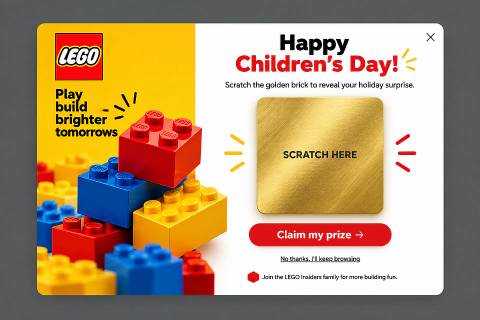
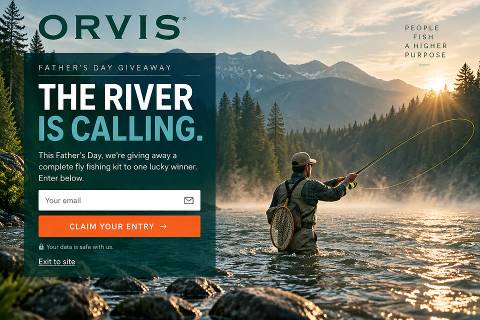
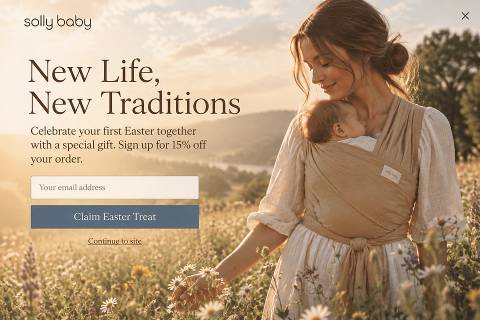
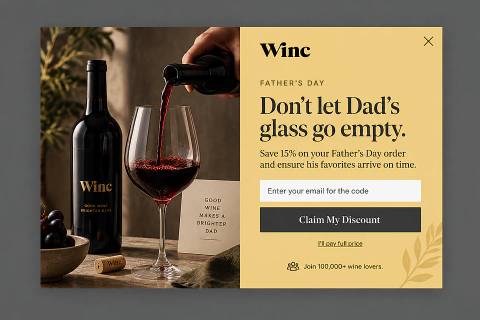
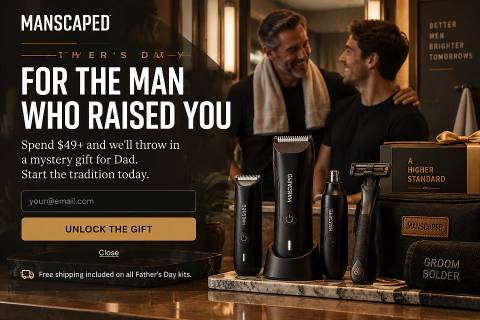
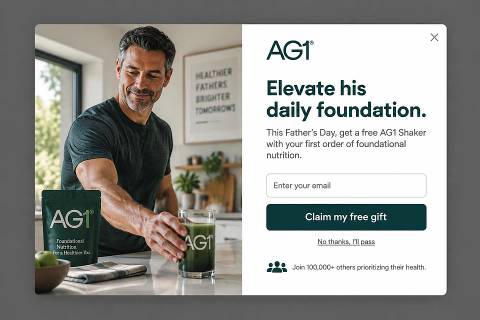
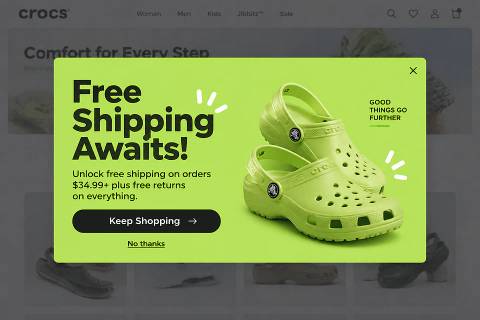
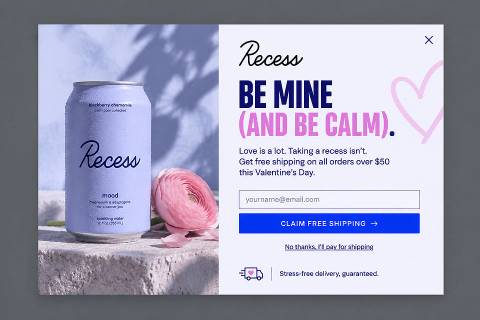
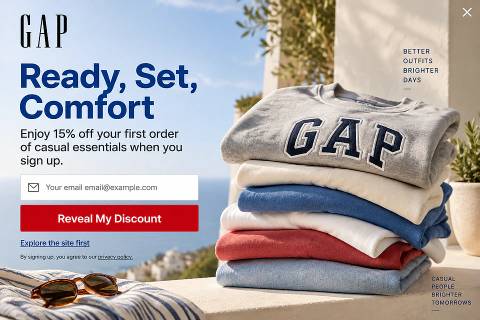
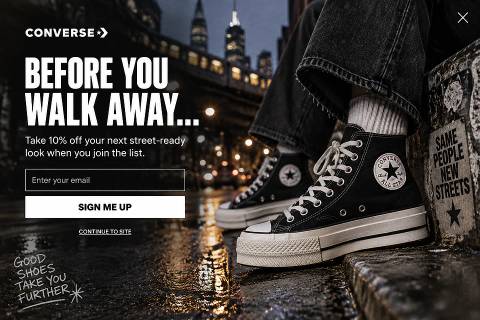
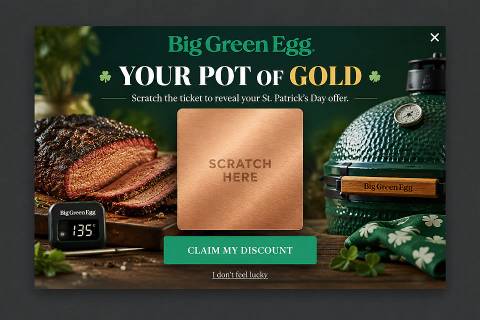
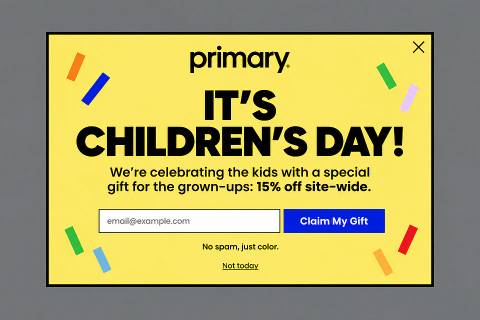
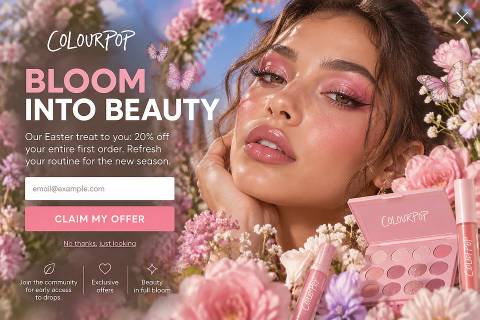
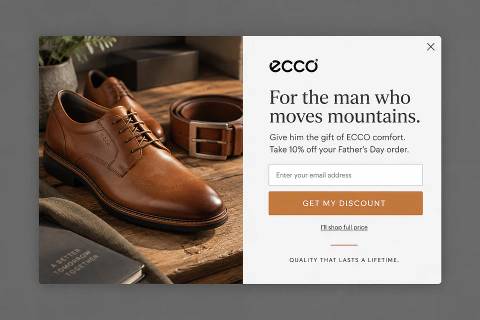
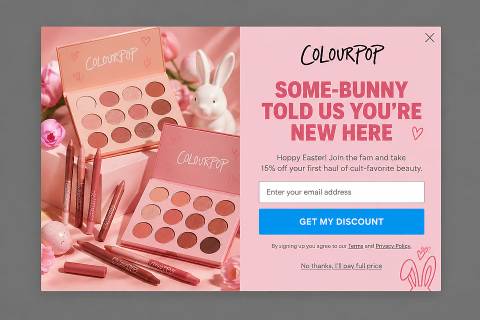
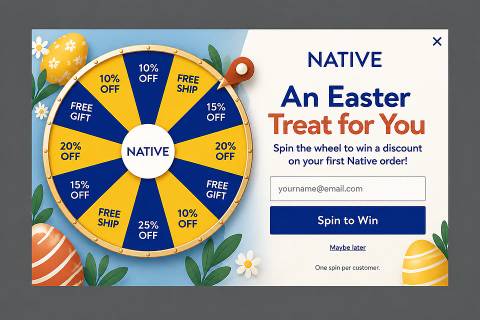
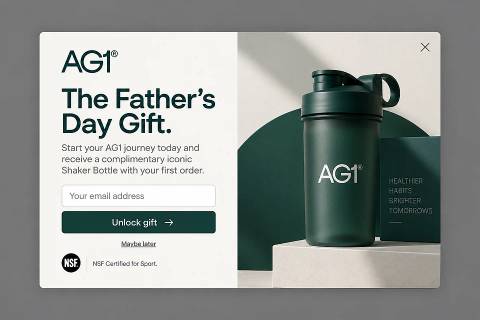
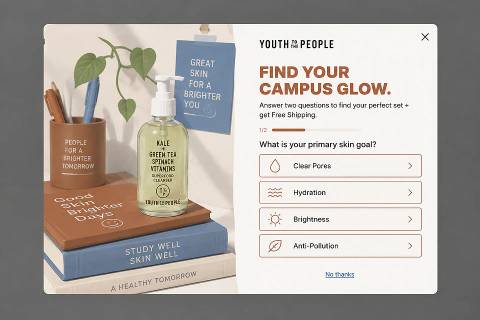
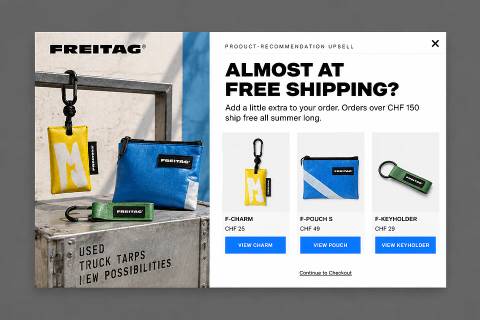
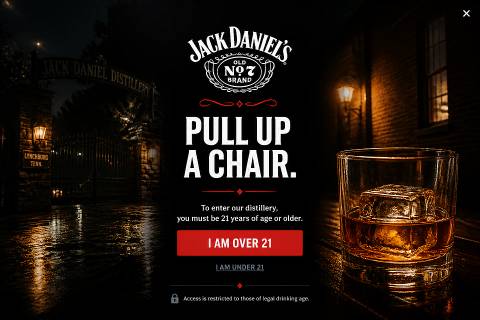
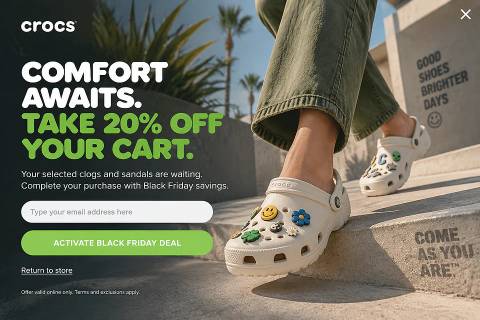
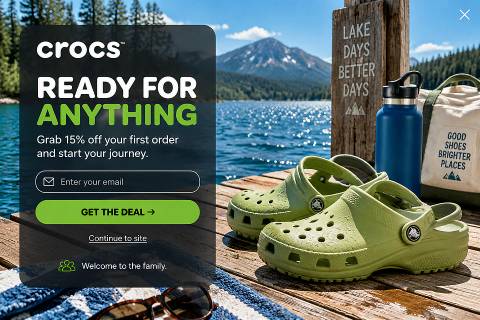
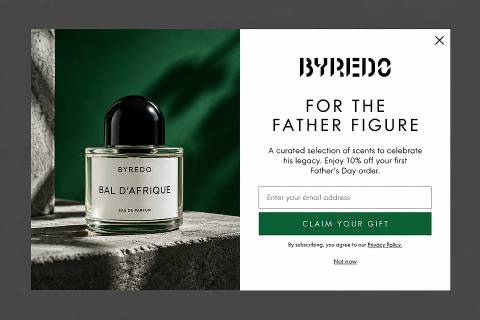
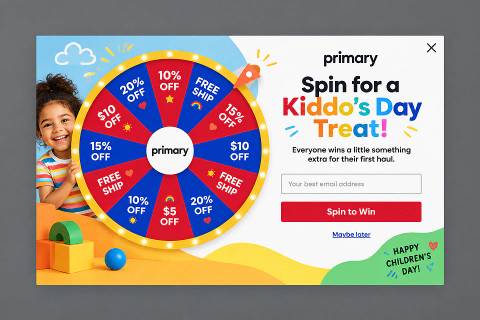
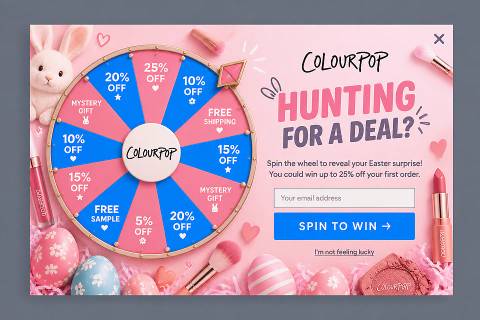
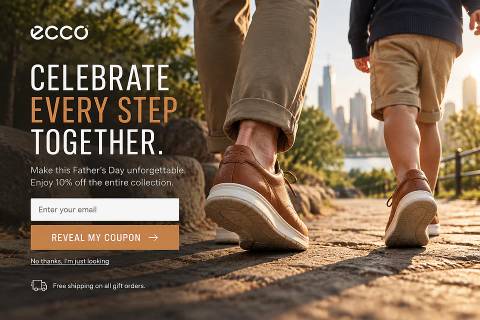
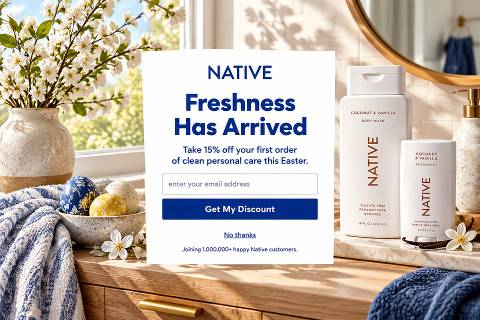
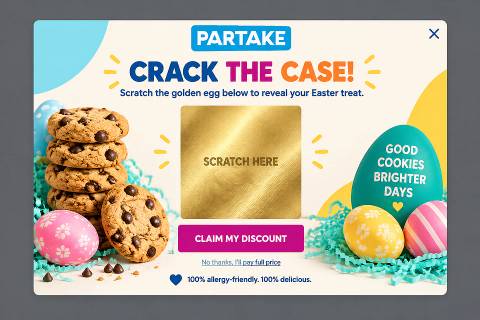
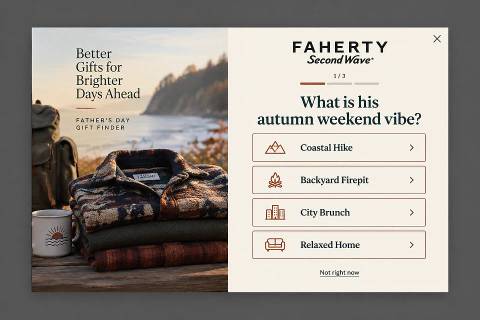
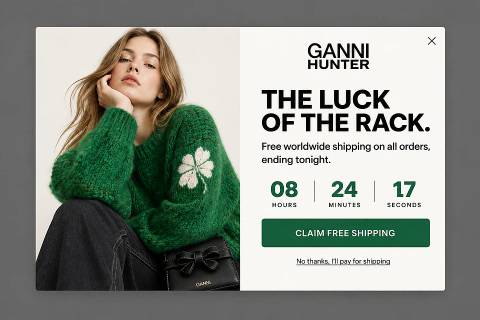
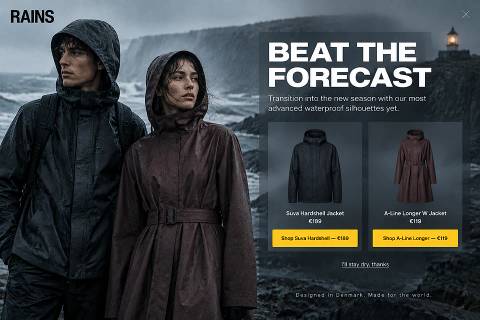
939 popup examples inspired by leading brands, sorted by goal, industry and season. Find one you love and rebuild it for your store in one click.
Upcoming seasons
New this week
The latest popups added to the library.


Browse by industry
Popups designed for stores like yours.
List building popups


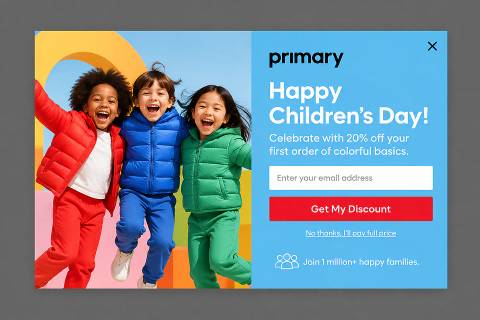
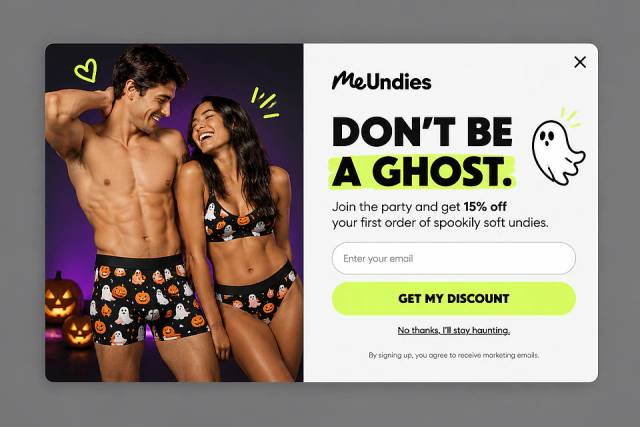
Welcome discount popups


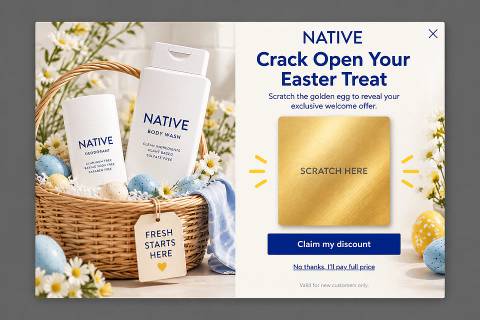
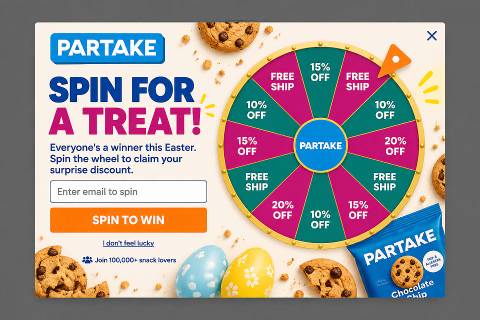
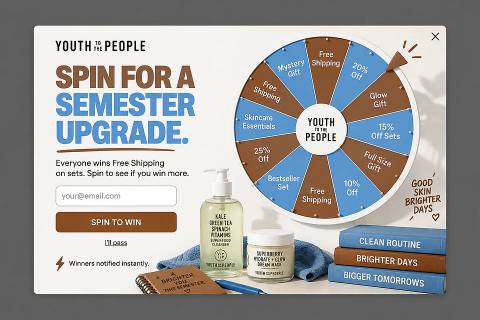
Spin-to-win popups


Popup questions, answered
They are concept designs made with OptiMonk’s AI designer, each inspired by a real store’s website and brand. The brands don’t run them; open any example to rebuild it for your own store.
OptiMonk’s embed code loads asynchronously, so your page renders without waiting for it. Keep popup images light (the library’s examples are a good size reference) and the campaign stays quick when it appears.
Not when they are timed well. Google penalizes intrusive interstitials that cover the content right after a visitor arrives from search on mobile; popups shown after a delay, on scroll or on exit, and banners that use a reasonable share of the screen, are fine.
Usually not on mobile: a well-timed fullscreen with one field and one button often converts better than a small centered box. On desktop a centered popup is the safer default, so test both.
It depends on the job. Welcome discounts and gamified popups (spin-to-win, scratch cards) collect the most emails, quizzes collect the best data, and exit reminders and cart-abandonment popups recover sales.
Open the popup and choose “Use this as inspiration”. The OptiMonk AI designer rebuilds it with your store’s logo, colors and copy, and you can edit or A/B test it before it goes live.
Found one you like?
Open any popup and rebuild it for your brand in one click — copy, colors and logo adapted automatically.
Try it free