


What's New - June 2026
Six new features to help you prep for peak season — from a brand new analytics dashboard to unique coupon codes for Lucky Wheel, autosave, and more.
The last couple of months at OptiMonk were all about improvements. Here's what we've been working on.
In short
Discover OptiMonk's latest features, including Conversational Popups that triple conversion rates, new Cyber Monday templates, and enhanced cart-based targeting. Boost engagement with emojis and streamline your editing process with the upcoming refreshed editor. These innovations are designed to enhance your e-commerce strategy and maximize sales during peak shopping seasons.
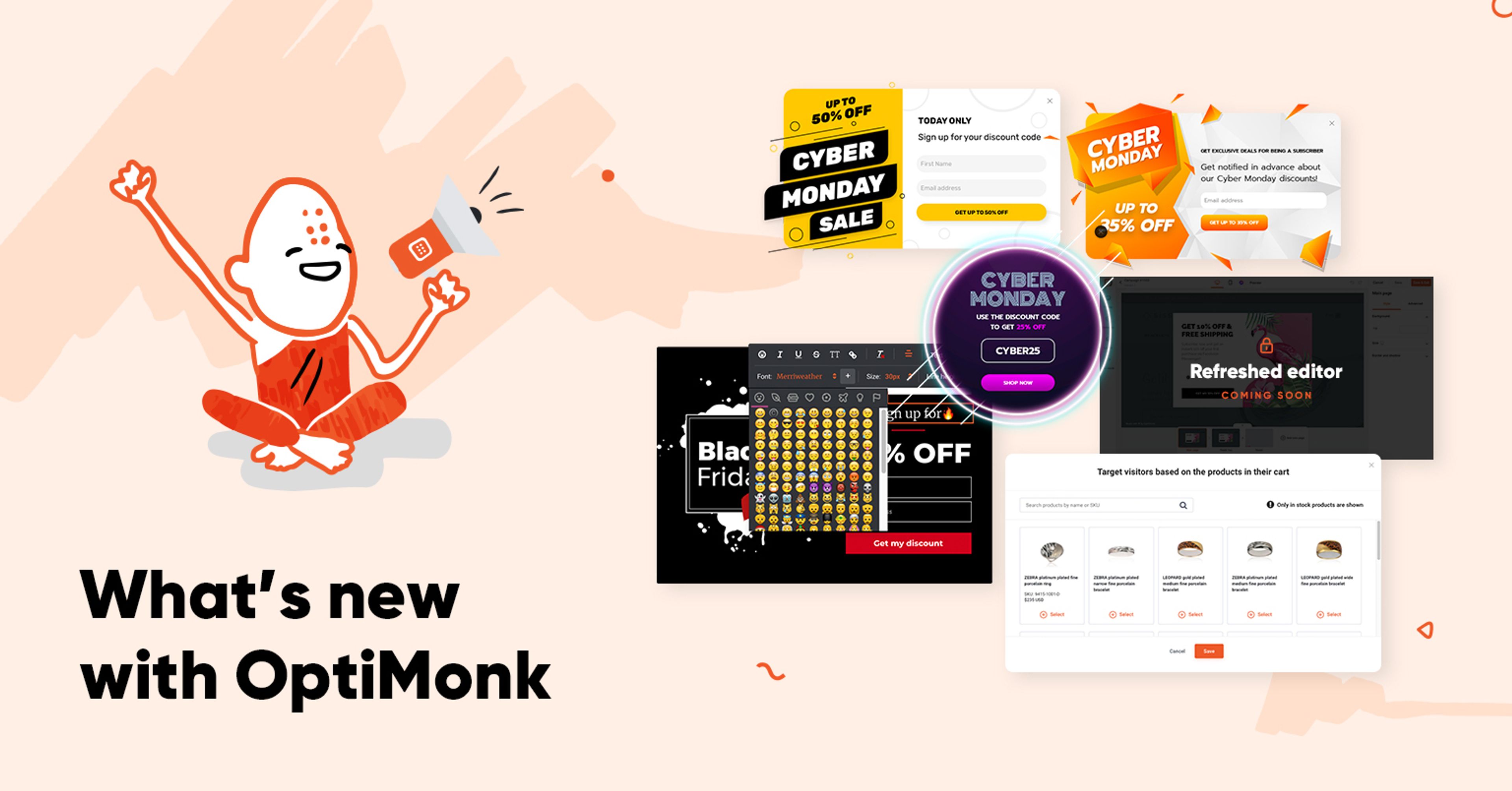
New Conversational Popups that triple conversion rates, new seasonal templates, improved cart-based targeting, and emojis to spice up your popups.
But that’s not all! Big changes that make popup editing faster and more convenient are on their way in the refreshed editor.
Here’s what we’ve been working on:
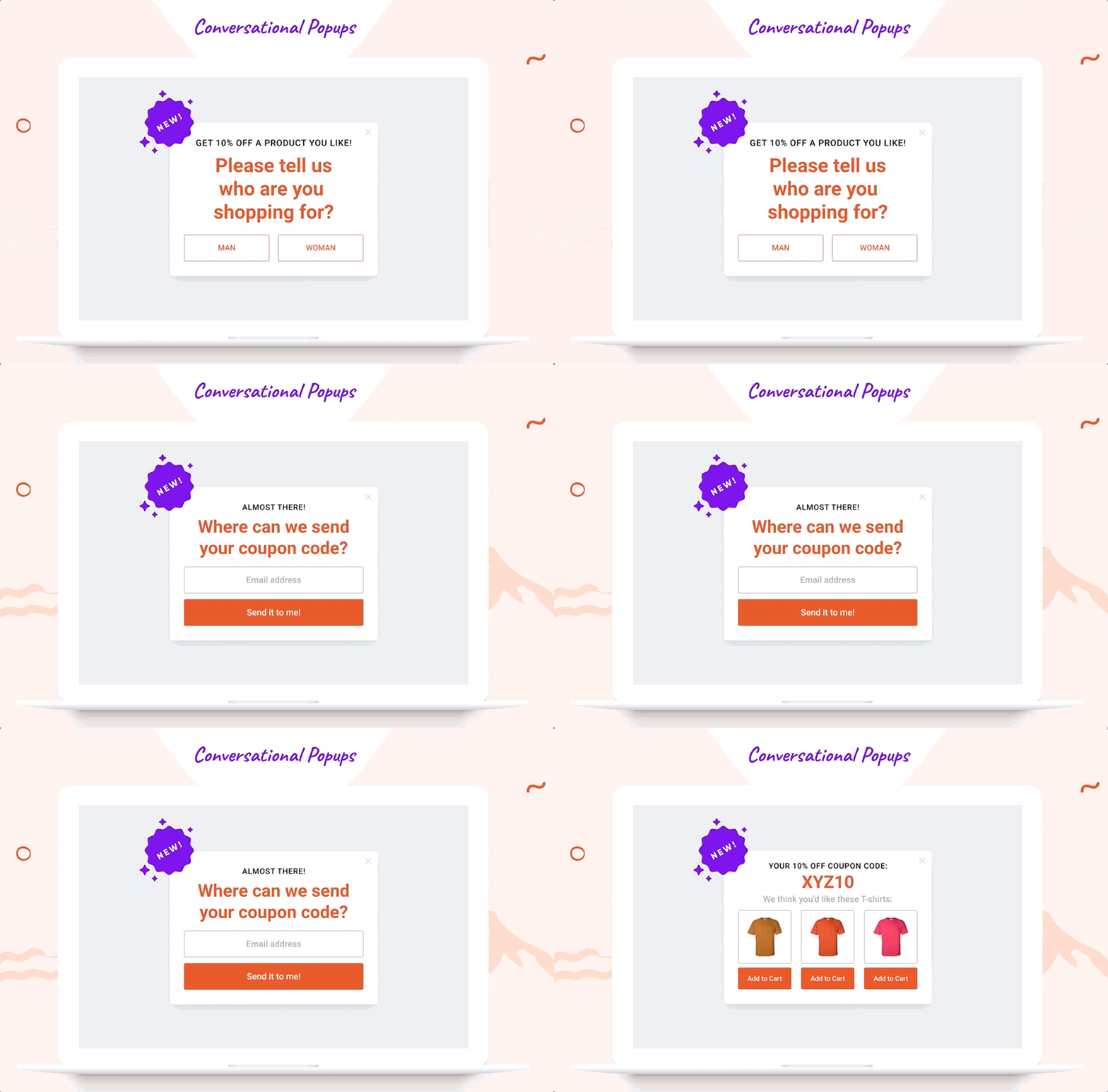
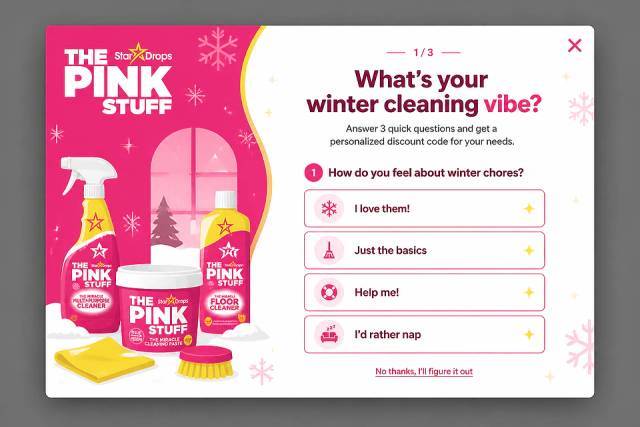
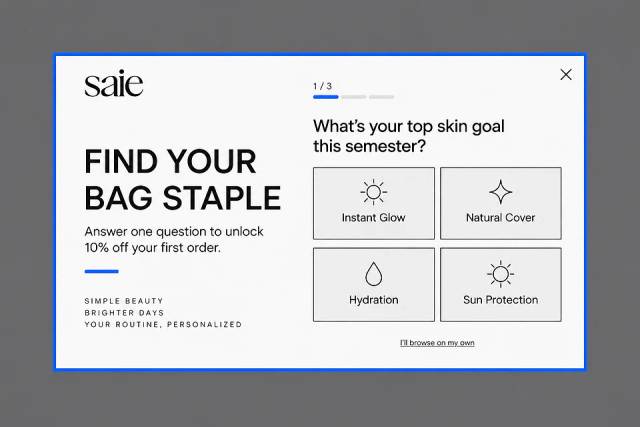
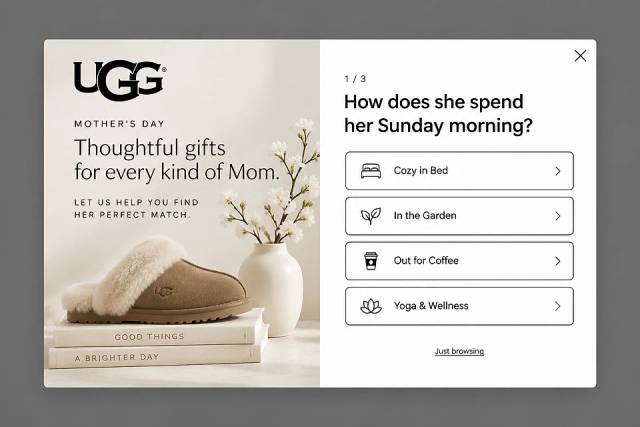
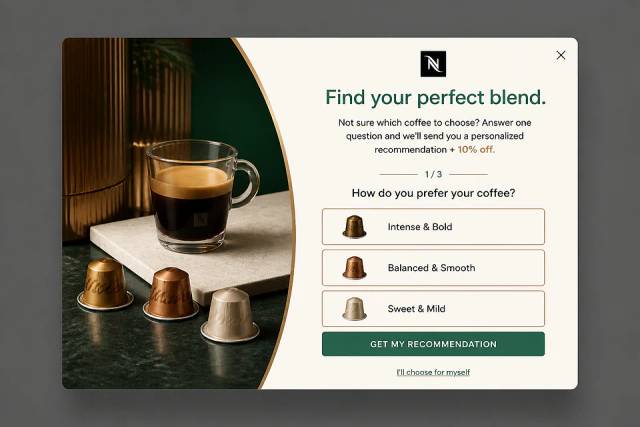
OptiMonk’s new Conversational Popup is an interactive way to collect contact information and data about an individual customer’s preferences. Compared to traditional popups, Conversational Popups are much closer to the natural flow of communication. They’re like a short conversation between a customer and a shop assistant.
Our Conversational Popups have three interconnected stages:
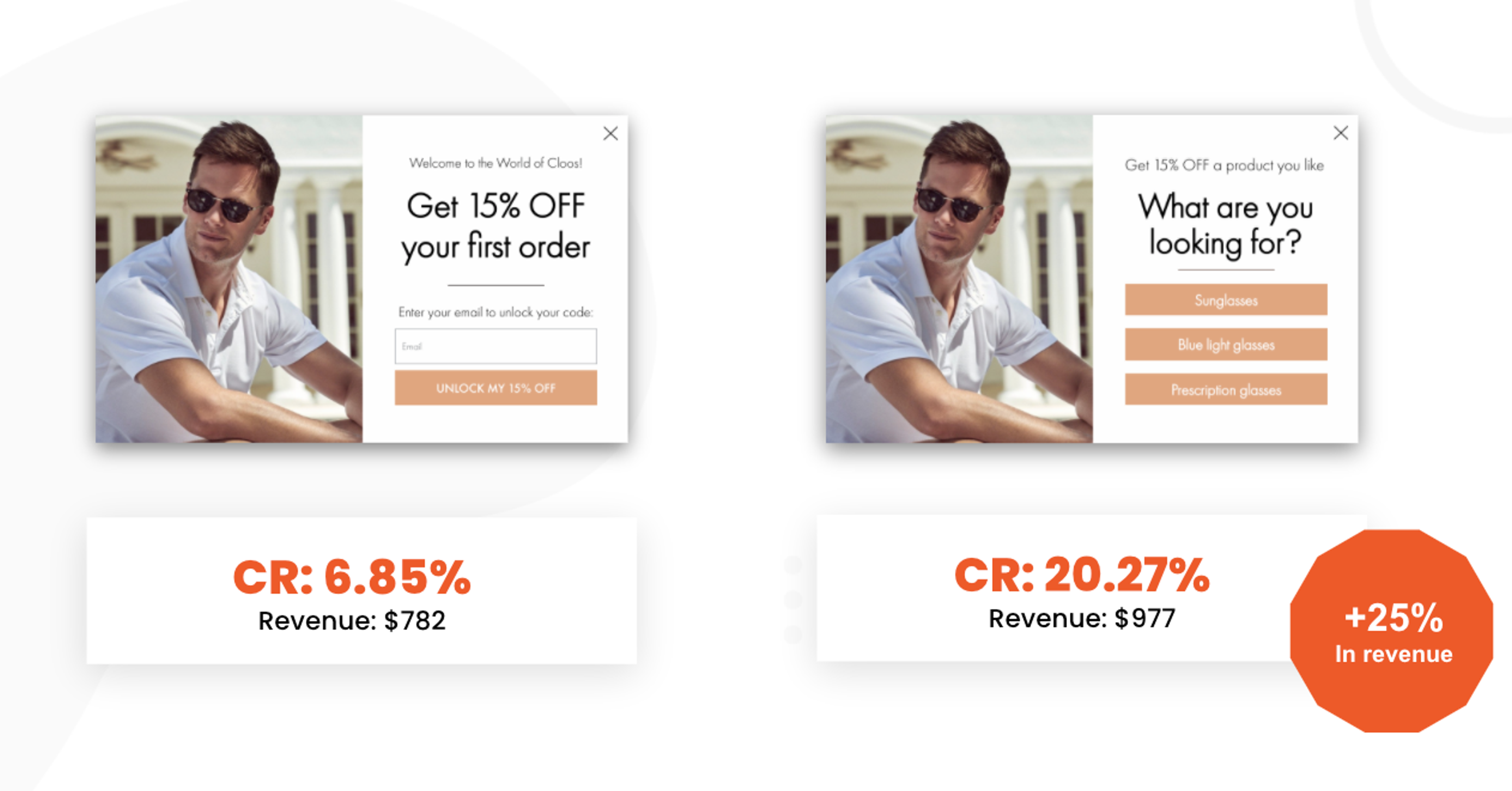
In testing, Conversational Popups are vastly outperforming general popups when it comes to capturing contact information.
Here are some highlights:
🤗 Create yours in minutes by using our free templates.
👩💻 Click here to watch our recorded webinar for more information.
The biggest sales events of the year – Black Friday, Cyber Monday, and Christmas – are just around the corner. This period sees a tremendous increase in website visitors who are eager to buy.
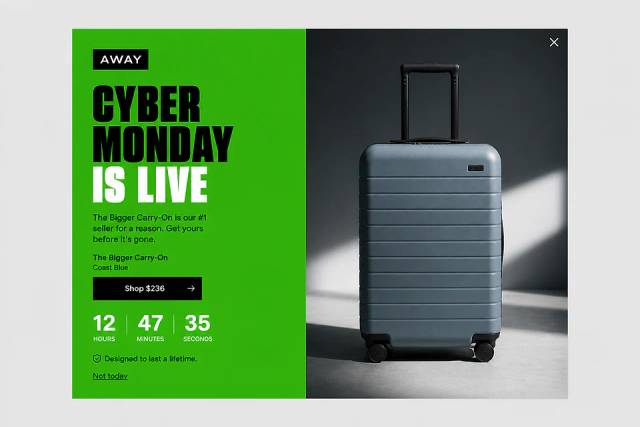
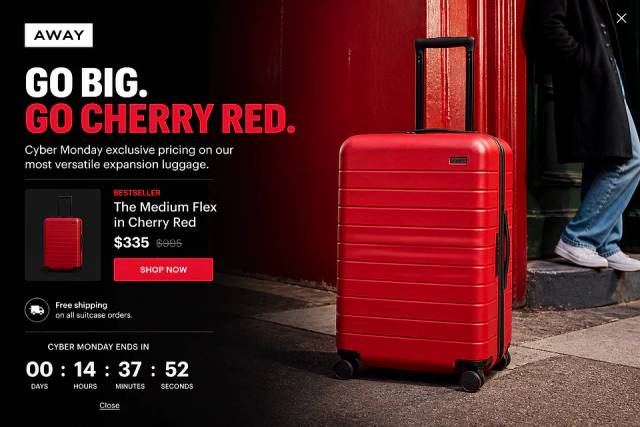
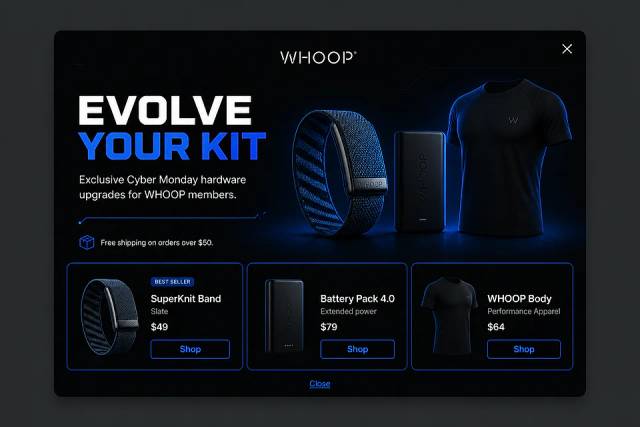
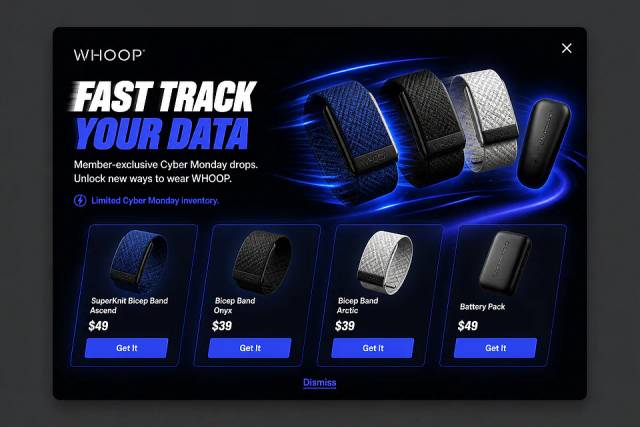
We’ve launched a couple of brand new Cyber Monday templates just in time for the sales season.
These popup ideas can help you make the most of it by:
Try the new Cyber Monday templates and create your campaign in minutes.
If you are looking for Black Friday templates, click here.
With the "Cart rules" targeting rule, you can target visitors based on their product(s) or the product value in their cart. This is especially useful for:
What's changed?
Previously, you needed to enter each product ID manually. We thought that could get a little tedious.
Thanks to this new improvement, now OptiMonk can read your product catalog, so you can simply click on the desired product on a visual interface. This makes it much easier to set up your rule.
Please note, that the product catalog works in Shopify stores.
(If you are not a Shopify user you have to insert a special JavaScript code into the source code of your site, in order to set up targeting, based on cart contents and value.
How to set up a cart rule?
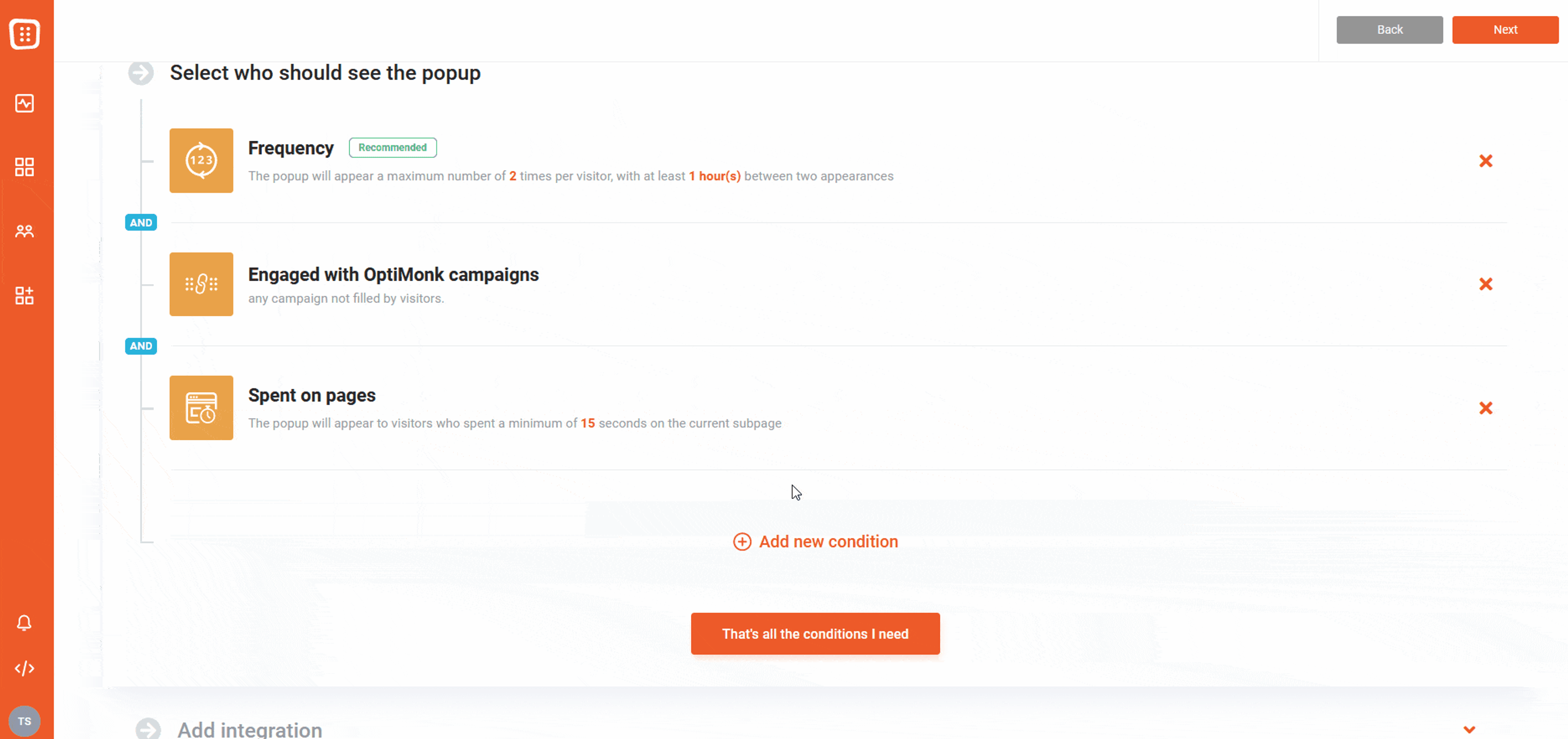
In the Campaign settings page, select "Cart rules" and choose when your message should appear.
For example:
You can also set rules based on the total number of products, product types, or use exclusions – like “none of the following products”.
Previously set Cart rules are not affected:
If you have used this rule previously with product id-s and it is still active in your campaign, you will still see the same user interface and nothing will change.
If you would like to use the new Cart rules, you can delete this rule from your campaign and add the rule again.
Emojis are now available in the OptiMonk text editor. Spice up your headlines, call-to-actions, and any other text elements including lists. Just click on a text element and select the emoji option from the left corner of the text menu.
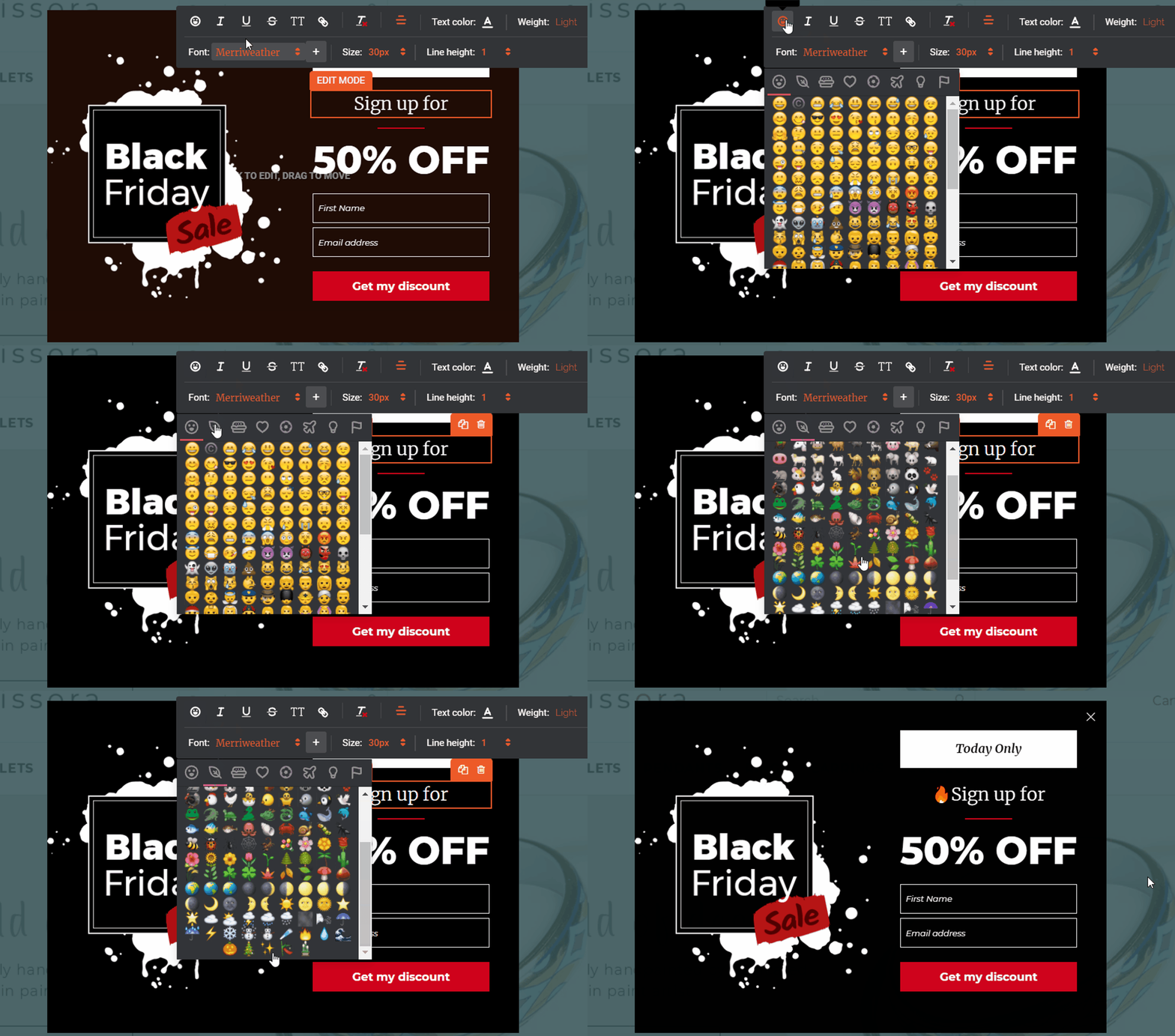
Why should you use it?
Emojis are a fun way for e-commerce businesses to stand out from the crowd. Not only do they make your messages easier to understand and more emotional, but they also boost your conversion rate. You can also use them to shorten headlines and other text elements.
How do you use emojis? Well, it’s an art. But here are some tips:
Wanna try? Register for a free OptiMonk account to put your campaign in motion.
We are working around the clock to make editing your popups even simpler.
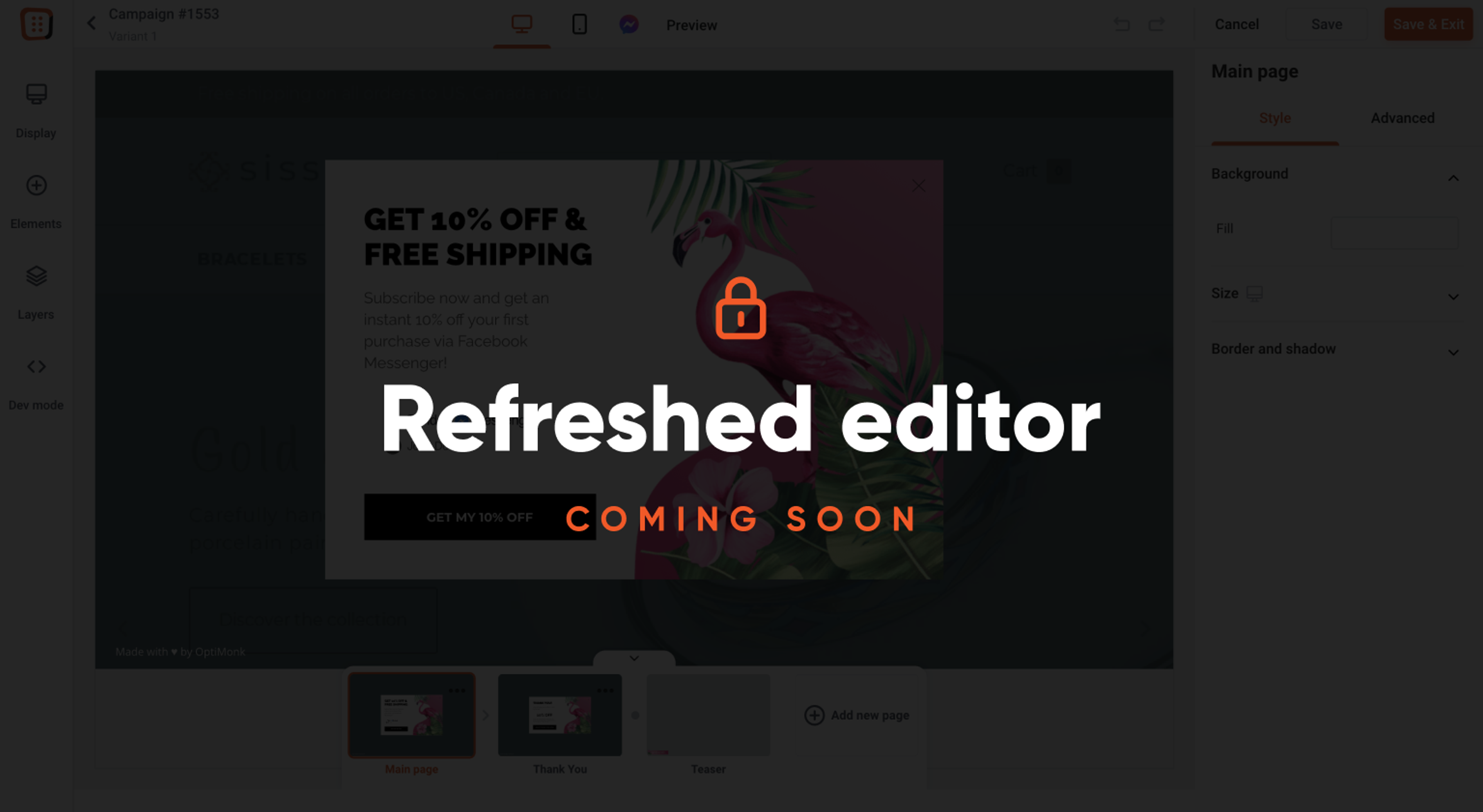
Here’s a sneak peek of some features we’re working on:
Interested in trying the refreshed editor? Click here. (You’ll be able to switch back to the current versions whenever you like.)
We are currently recruiting volunteers to join our VIP Research Group where you can :
Interested? Click here to learn more.
We hope you like our new features. Please give them a try and don’t hesitate to let us know what you think in the comment section. Create a free account or log in, and just get started!


Six new features to help you prep for peak season — from a brand new analytics dashboard to unique coupon codes for Lucky Wheel, autosave, and more.
This release brings smarter, faster, and more personalized popup campaigns, powered by AI Editor, AI Popups, product page optimization, and deeper integrations.

This release focuses on new features that make it easier to turn your visitors into customers, from smart product recos to more flexible campaign management.


