


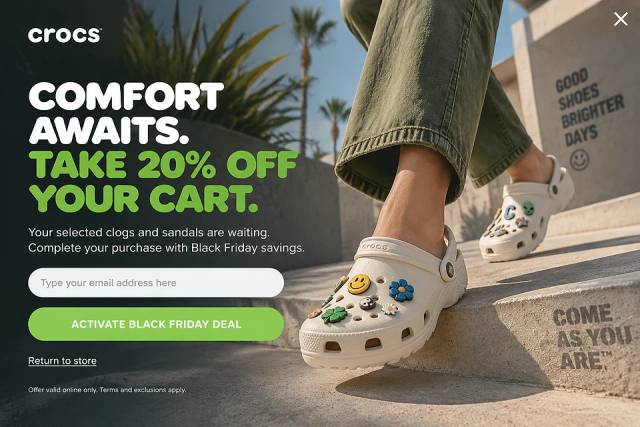
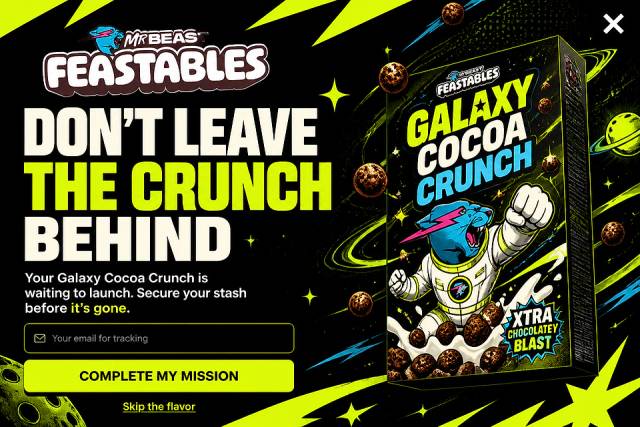
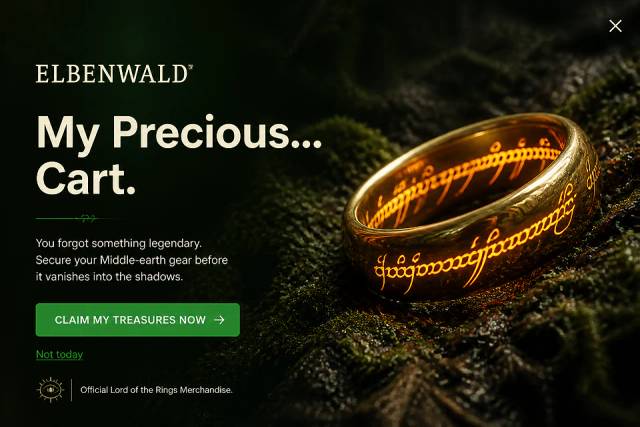
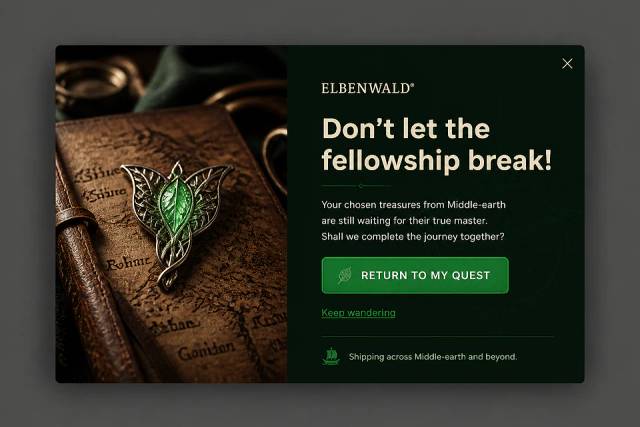
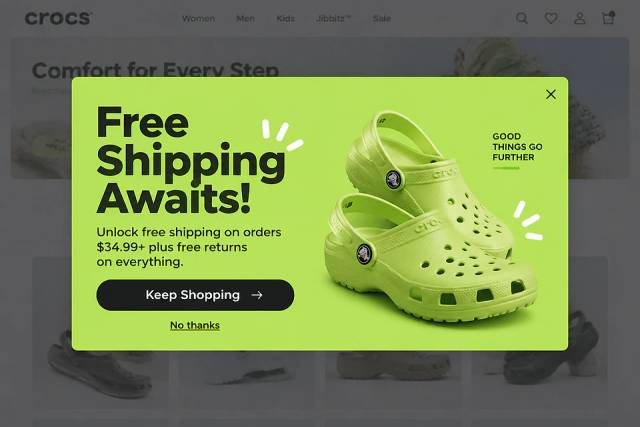
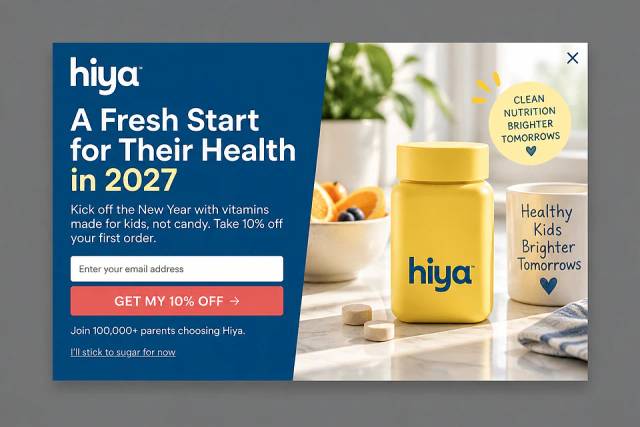
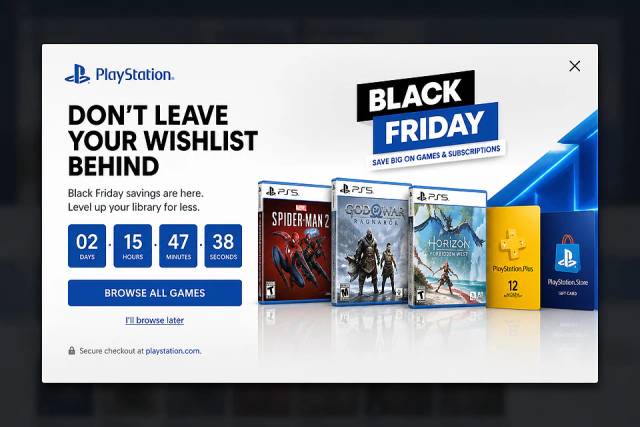
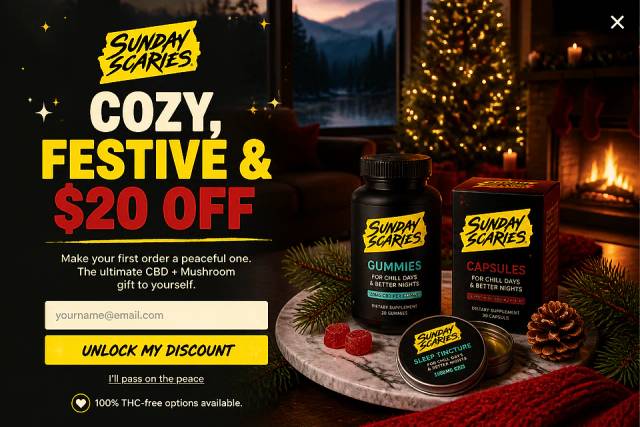
40 Welcome Message Examples for Your Website (Copy and Paste)
40 website welcome message examples for online stores, grouped by situation and industry, ready to copy into a welcome popup.
Boost Shopify sales with discount popups! Easy guide for deals & new products.
In short
Learn how to effortlessly create discount popups for your Shopify store to boost sales and customer loyalty. This guide covers the benefits of discount codes, how to set up popups using OptiMonk, and strategies to maximize their impact. Enhance your conversion rate with tailored offers that engage first-time visitors and retain loyal customers.
Discount popups are a powerful tool to promote special offers in your Shopify store. Whether for seasonal sales, new products, or limited-time deals, popups grab attention and encourage purchases.
If you want to add discount popups to your Shopify store but aren't sure how, this guide is for you.
What are discount popups, how can you add a discount pop-up to your Shopify store, and why should you offer them in the first place?
Let's dive in!
The question of whether to offer discount codes (or coupon codes) is a common one for Shopify store owners. And the answer lies in understanding consumer psychology.
The strategic use of discounts can unlock significant benefits for your online store.
Let's break down how discounts can become powerful tools for Shopify stores.
Now that you know why you should offer discounts, let's talk about exactly what discount pop-ups are.
Discount pop-ups are website overlays that display deals or discount codes to grab visitors' attention.
They can be used in different ways. Some offer deals in exchange for email signups (helping you build your marketing list). However, they can also be effective simply by presenting the discount upfront, without requiring any signup.
Discount pop-ups can be triggered based on various visitor behaviors. For example, when they land on your website, on exit intent, or when they've spent a bit of time on your website.
By using these triggers strategically, you can maximize the impact of your discount pop-ups.
For inspiration, check out how the brand Then I Met You uses them:
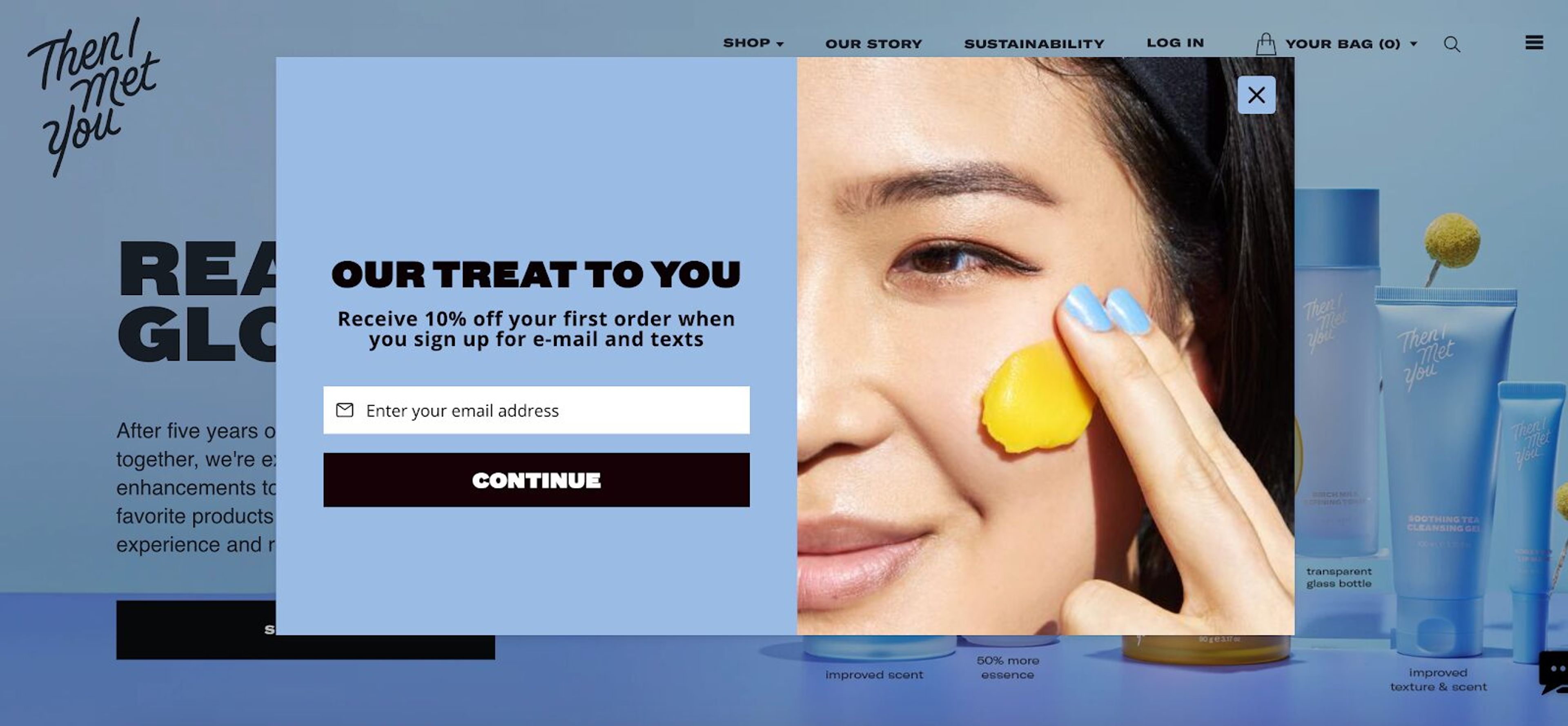
They offer a 10% coupon code for use on the first order if the visitor signs up for the email newsletter and texts. Their welcome popup is great for two reasons: it fits nicely with the website's overall design, and they refer to the discount as a treat.
At this point, you’re probably intrigued about how to add a discount popup to your Shopify store.
Let's take a look at how you can set them up quickly!
Choosing the right app is key when it comes to adding promo codes to your Shopify store.
One popular option is OptiMonk, which offers a wide range of additional features for creating discount popups.
Some of these features are:
Now that you've found your pop-up app powerhouse, it's time to create your popup.
In OptiMonk, there are no templates to pick: describe the discount popup you want, and the AI agent designs it for your brand, with a separate mobile version, so it looks great on any device your customers use.
Let's take a closer look at the most popular discount code popup ideas:
Here comes the exciting part: fine-tuning the concept you picked.
Ask OptiMonk's agent for changes in plain words, or fine-tune the design in the visual editor.
Content is king: make sure your popup design highlights your discount offer and call-to-action (CTA) for your target audience. Think clear, concise, and persuasive.
Consider using strong verbs and highlighting the benefits of your discount (e.g., "Save 15% Now!" or "Get Free Shipping on Your First Order") to capture visitors' attention.
Don't forget the power of visuals! Eye-catching images or graphics can grab attention and make your pop-up stand out.
Then, make it your own. You can fully customize the popup's design to fit with your brand.
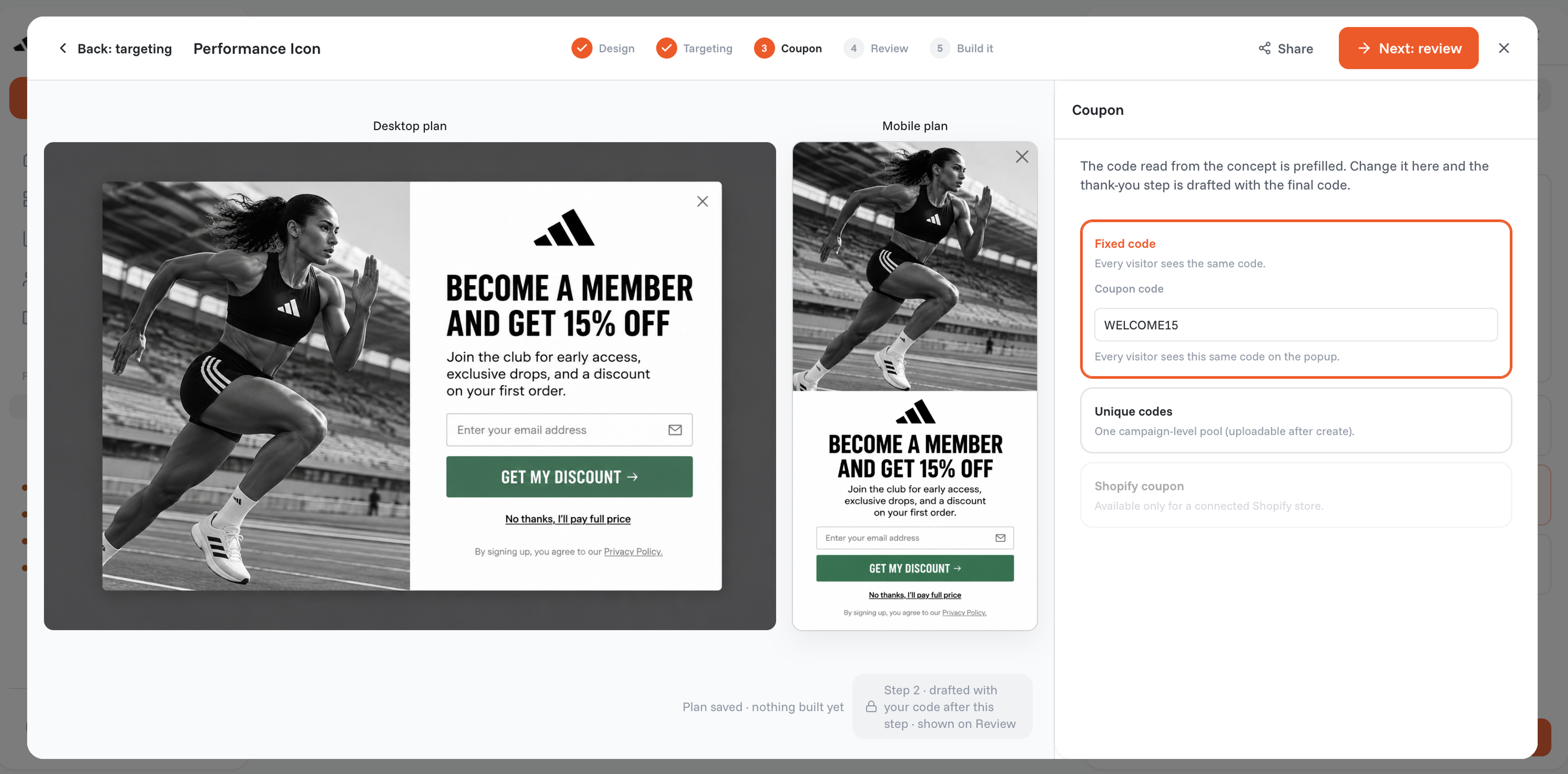
Now, it’s time to configure when your popup will appear. For example, you can set it to appear when a visitor spends a certain amount of time on your site, scrolls down a specific percentage of the page, or tries to exit the site.
Then, set up the targeting (who will see your popup): new visitors, returning ones, or visitors coming from a specific traffic source, just to mention a few examples.
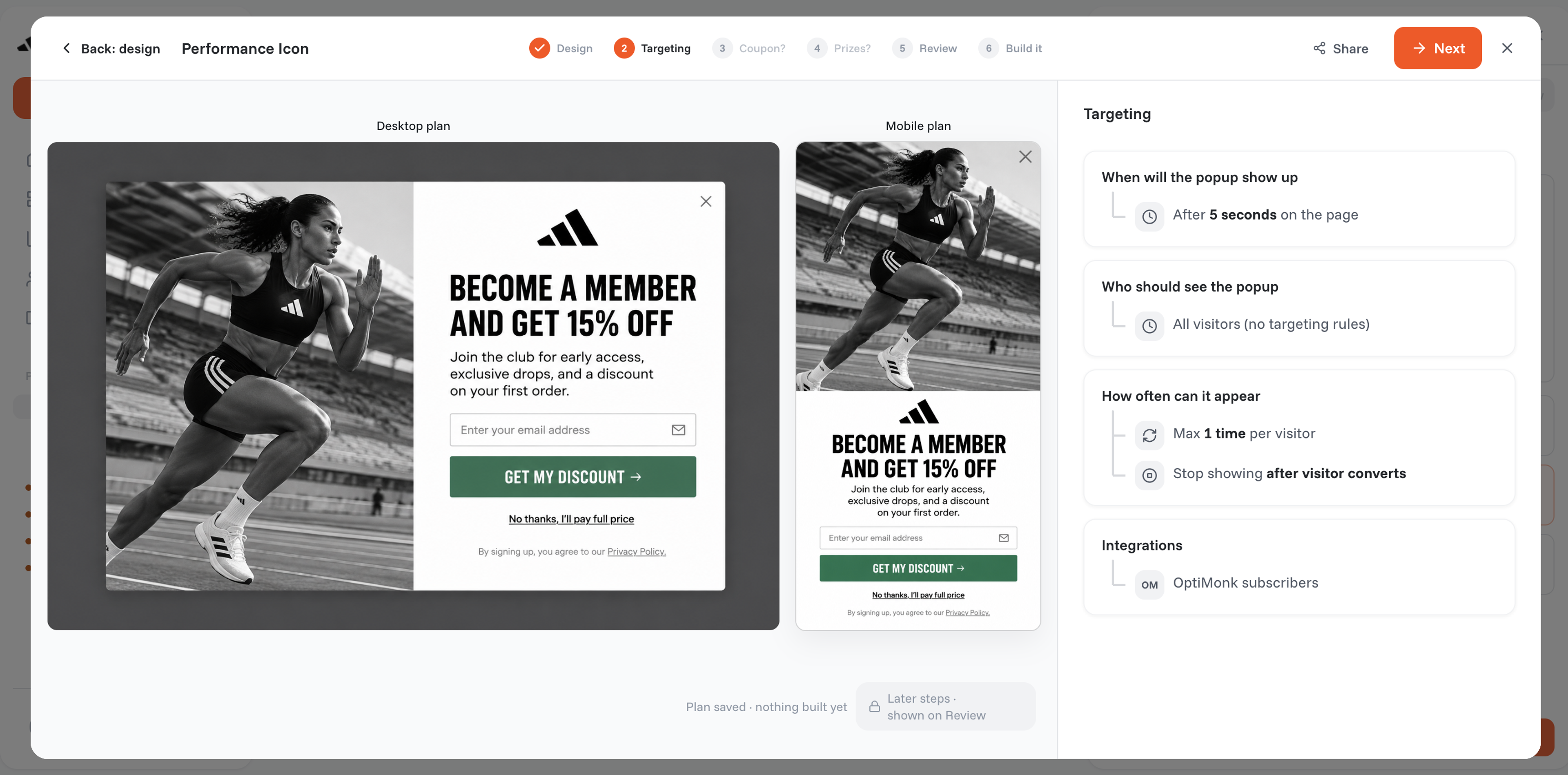
Once you're happy with your customized discount pop-up, it's time to launch it!
Want to squeeze even more effectiveness out of your pop-up strategy? Consider adding a discount reminder campaign!
This is a handy reminder popup that appears later in the visit, gently nudging visitors to use their discount codes. It's a great way to re-engage them and potentially push them towards completing their purchase.
When used strategically, coupon popups can actually enhance the customer experience. They offer valuable deals at relevant moments, potentially saving customers money or providing an incentive to purchase. However, it's important to avoid being overly intrusive. Here are some tips:
OptiMonk provides analytics, allowing you to track the performance of your campaigns.
Here are some key metrics you’ll want monitor:
Now that you have a good handle on discount popups, it’s time to launch your own and start enjoying all the benefits they can bring to your Shopify store. These enticing overlays are a proven way to boost sales, increase your average order value, and build loyalty.
But remember, a well-designed pop-up is great for your customers, too: they'll enjoy savings and a seamless shopping experience.
Why wait? Let OptiMonk help you create tempting discount pop-ups and make your customer's journey even smoother!


40 website welcome message examples for online stores, grouped by situation and industry, ready to copy into a welcome popup.
12 Christmas popup examples for online stores, from welcome offers and spin-to-win wheels to gift quizzes and last-chance countdowns.
In this article, we'll share the best alternatives to Sleeknote that help you to get more leads in 2026.


