


50 CTA Button Examples for Online Stores and Popups
50 CTA button texts for online stores and popups, grouped by the shopper's moment, plus what makes a button worth clicking.
10 CRO tools for online stores compared: free tools that show where shoppers drop off, apps that win them back on site and tools that test the change, with real prices.
In short
CRO tools help online stores turn more visitors into buyers without paying for more traffic. Start free with Clarity or GA4 to spot the drop-offs, act on the visit with popups, upsells or reviews, and A/B test each change against revenue.
Somewhere between your product page and the checkout, shoppers change their minds. On the average online store, fewer than 3 in 100 visits end in an order (Dynamic Yield's ecommerce benchmarks put it at 2.68%), so winning back even a few of the other 97 can matter more than buying more traffic.
The right CRO tools work like a good shop assistant: they notice who is about to leave, find out why, and make the right offer before they go.
Below are the 10 we'd pick for an online store, from free tools that show you where shoppers drop off to apps that win them back on the spot, with real prices and the free plans worth starting with. Prices below are from each vendor's own pricing page, as of October 2026.
| Tool | What it fixes | Free plan | Entry paid plan | Priced by | Best for |
|---|---|---|---|---|---|
| OptiMonk | Popups and offers on site | Yes, all features (10,000 pageviews/mo) | Essential: $19/mo billed yearly ($29 monthly) | Pageviews + AI credits | Stores that want popups designed by AI, with A/B tests built in |
| Justuno | Popups and list growth | No (14-day trial) | Lite: $59/mo (up to 10K visitors) | Monthly visitors | Stores that want a done-for-you option |
| Rebuy | Upsells, cart, recommendations | Rebuy Monetize only (post-purchase offers) | From $25/mo per package (500 orders/mo) | Monthly Shopify orders | Shopify stores raising average order value |
| Octane AI | Product quizzes | No (14-day trial) | Basic: $50/mo ($43/mo billed yearly) | Credits (quiz engagements) | Stores with products that need a recommendation |
| Judge.me | Reviews and social proof | Yes (unlimited reviews) | Awesome: $15/mo (Shopify App Store) | Flat price | Any Shopify store that needs reviews |
| Klaviyo | Abandoned cart and browse emails/SMS | Yes (250 profiles, 500 emails/mo) | $20/mo for up to 500 active profiles | Profiles | Stores recovering shoppers after they leave |
| Microsoft Clarity | Finds drop-offs: heatmaps, recordings | Yes, free with no traffic limit | — | Free | Every store, as the first diagnostic tool |
| Contentsquare (formerly Hotjar) | Finds drop-offs: heatmaps, recordings, surveys | Yes (up to 200k sessions/mo) | Growth: $39/mo billed yearly ($49 monthly) | Sessions | Stores that also want on-site surveys |
| Google Analytics 4 | Finds drop-offs: funnels, conversions | Yes | — | Free | Measuring the whole funnel |
| Intelligems | Tests prices, offers and pages | No (14-day trial) | Build Your Own: from $69/mo | Monthly orders | Shopify stores ready to test prices and shipping |
Tools measure usage in different ways. A pageview is every page loaded, a visitor or session is one person or one visit, an order is a Shopify order, a credit is one quiz engagement, and a profile is everyone on your email list. So compare what each plan costs at your own traffic and order volume, not the headline price.
A CRO tool helps more of your visitors buy, sign up or add more to their cart, without more traffic. For a store, that means two kinds of software: tools that show you where shoppers drop off, and tools that change what shoppers see so fewer of them leave.
Analytics and heatmap tools only report. Popups, upsells, quizzes and reviews act on the visit itself, which is where a store's conversion rate actually moves. For the method behind it, read what conversion rate optimization is and our ecommerce CRO guide.
This list is for stores. If you're looking for page speed and SEO tools, see website optimization tools instead.
A store's CRO work runs in three steps: find the leak, fix it on site, then test whether the fix worked. Most stores need one tool for each step, and two of the three can be free.
| Step | The question | Tool type | From this list |
|---|---|---|---|
| 1. Find | Where do shoppers leave, and why? | Analytics, heatmaps, session recordings | Google Analytics 4, Microsoft Clarity, Contentsquare (formerly Hotjar) |
| 2. Fix on site | What can I show them before they leave? | Popups, upsells, quizzes, reviews, cart recovery | OptiMonk, Justuno, Rebuy, Octane AI, Judge.me, Klaviyo |
| 3. Test | Did the change make more money? | A/B and price testing | Intelligems; A/B tests built into OptiMonk and Rebuy |
Say GA4 shows that many shoppers leave on the cart page. Clarity recordings show them hesitating at the shipping cost. The fix might be a free-shipping threshold message in a popup, then an A/B test against a version without it.
A/B testing tool vs CRO tool: an A/B testing tool is one kind of CRO tool. It tells you which version wins, but it doesn't tell you where to look or what to change. That's why a store usually needs a "find" tool and a "fix" tool before testing pays off. Many fix tools now include A/B testing, so a small store may not need a separate testing tool at all.
We picked tools an online store can set up and run on its own, and compared them on five things:
We left out SEO research tools, form builders and CRMs: they're useful, but they don't change what a shopper sees on your store. Enterprise teams with developers look at Optimizely, VWO or Dynamic Yield.
We're OptiMonk, so we put ourselves first. We've tried to describe every tool fairly, including our own downsides.
These six tools act on the visit itself. They're where most of a store's conversion gains come from.
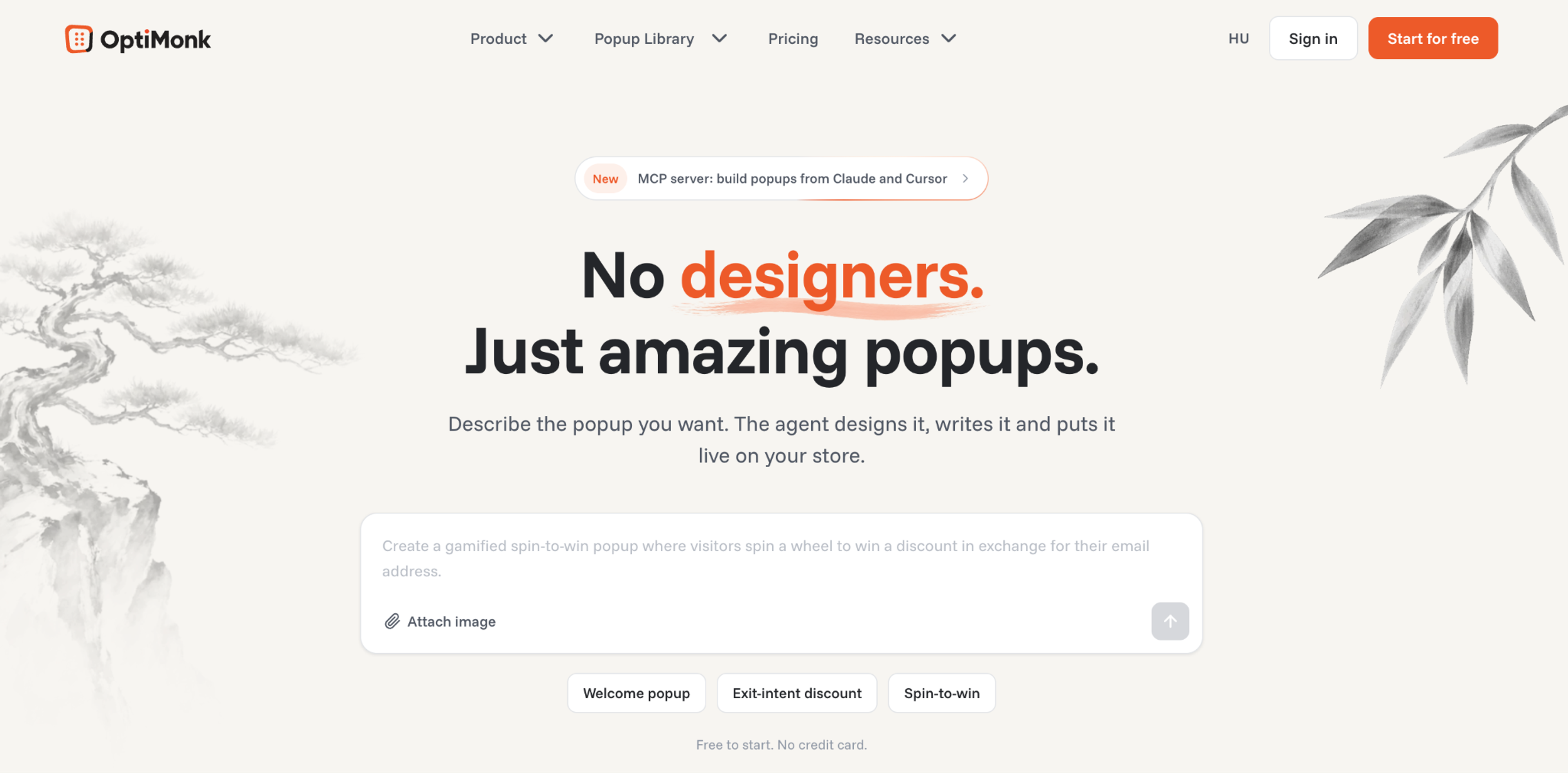
Best for: stores that want targeted popups and offers without designing them, with A/B tests built in.
OptiMonk is an agentic popup builder for online stores. You describe the popup you want in one sentence, for example "a 10% off popup for first-time visitors who are about to leave the cart page". The AI agent designs it for your brand, writes the copy, builds a separate mobile version, sets the targeting and puts it live.
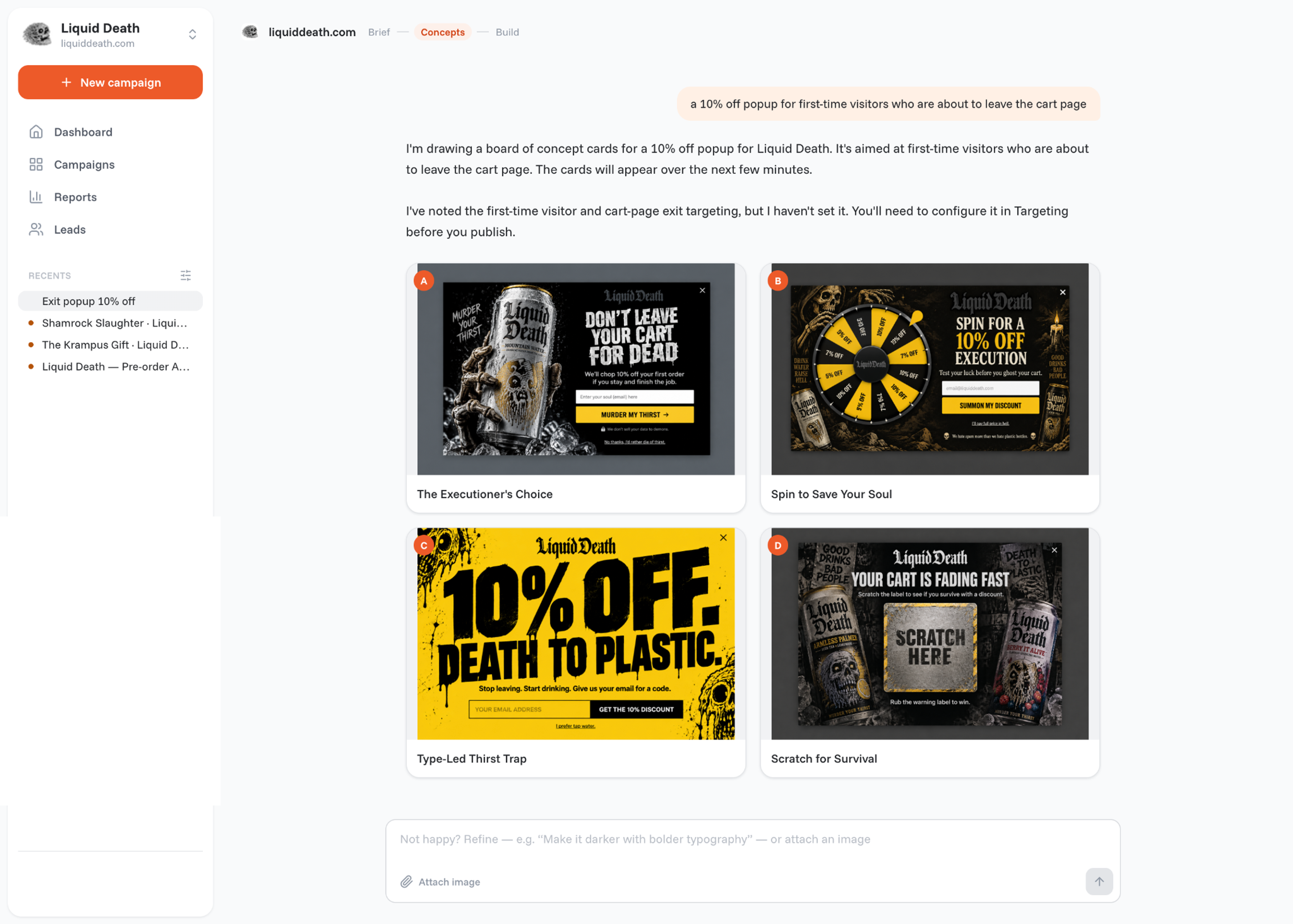
It doesn't stop at publish. The same conversation runs A/B tests, offers to roll out the winner and suggests the next campaign to build.
Key features
Pricing (OptiMonk pricing page, Oct 2026): Free plan with every feature, up to 10,000 pageviews and 1,000 AI credits a month on one domain. Essential from $19/mo billed yearly ($29 billed monthly). Plans differ only in traffic, AI credits and domains. See pricing.
Pros
Cons
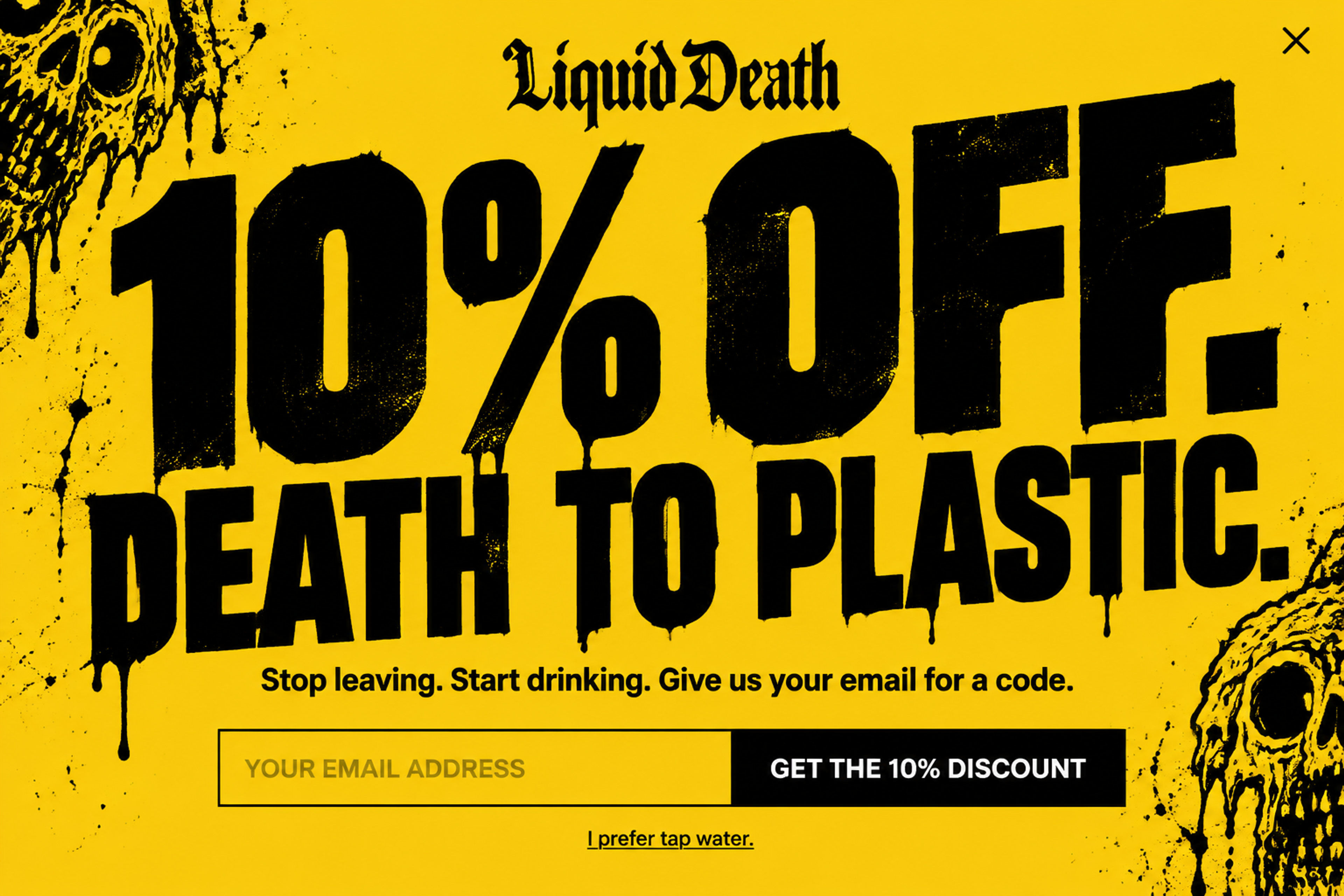
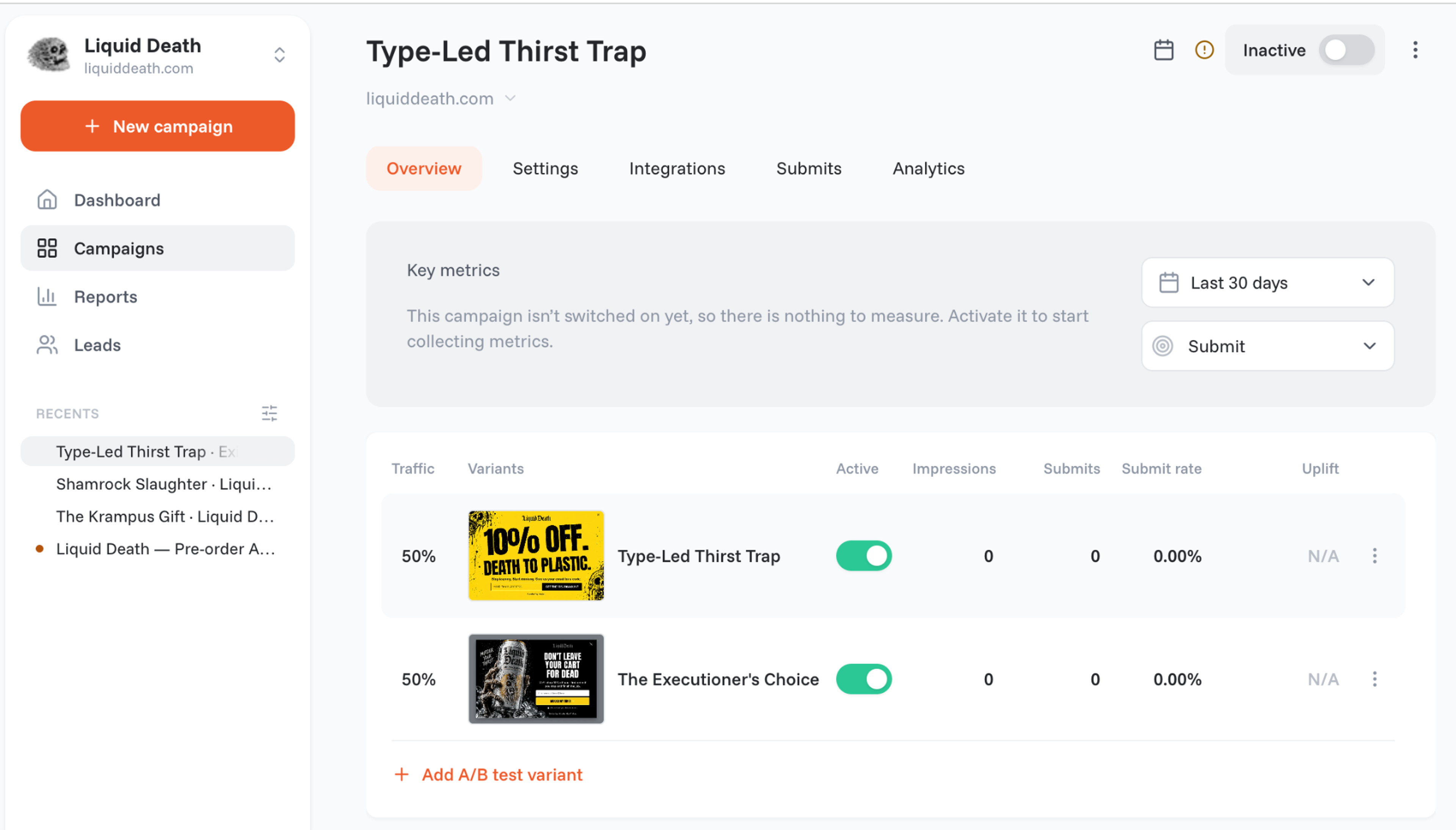
A cart abandonment popup designed for Liquid Death: it shows on exit intent and trades 10% off for an email, with one field and a playful way out.
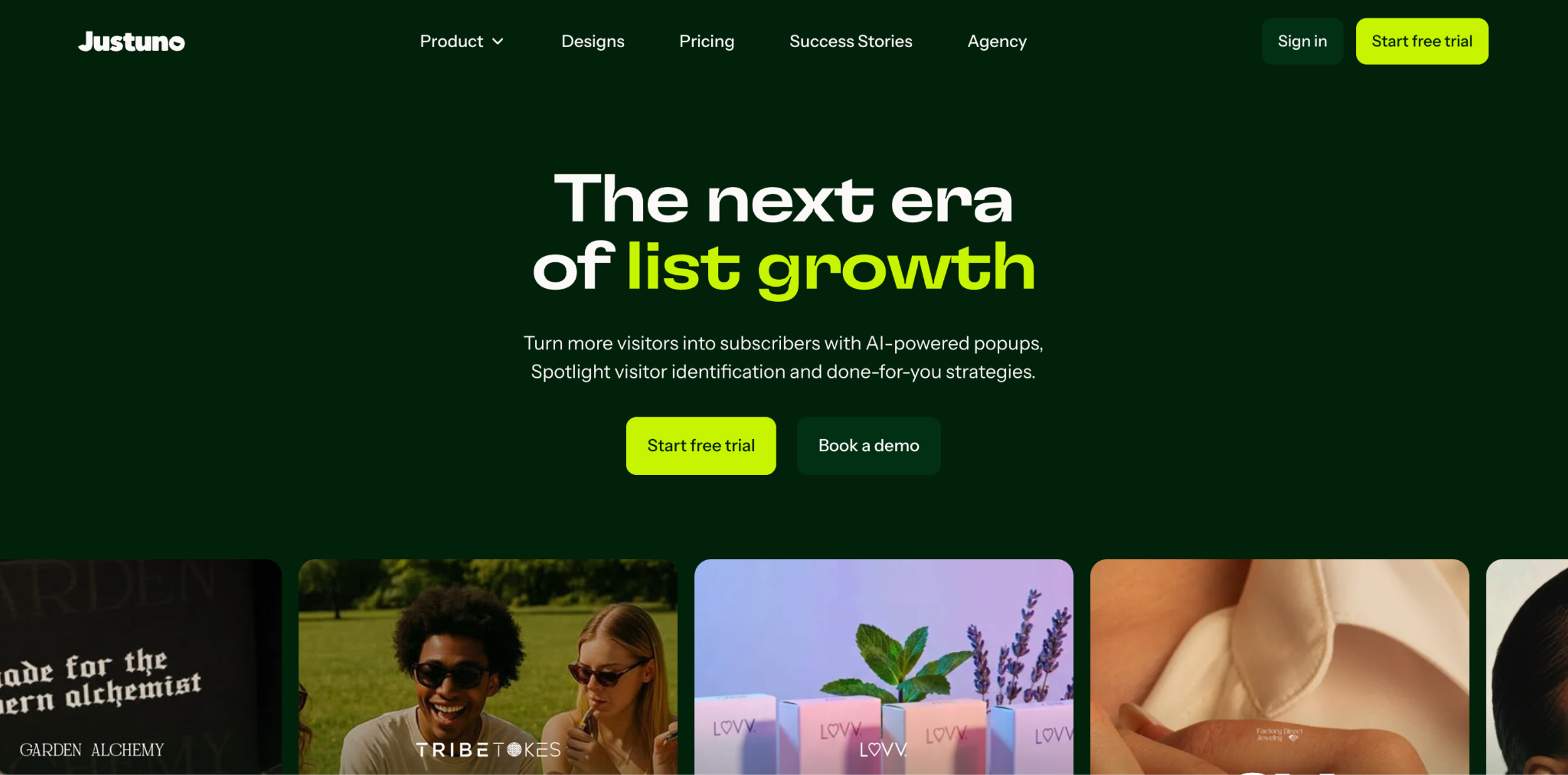
Best for: stores that want popups with the option of a team doing the work for them.
Justuno is an onsite popup and messaging platform for ecommerce. Next to its self-serve plan, it sells a Done-For-You plan where its team runs the campaigns.
Pricing (Justuno's pricing page, Oct 2026): no free plan. Lite: $59/mo for up to 10K visitors a month, with a 14-day free trial. Done-For-You: $299/mo for up to 20K visitors, with a 30-day free trial. Both plans are monthly with no contract; yearly billing saves 10%.
Pros
Cons
Comparing directly? See OptiMonk vs Justuno and Justuno alternatives.
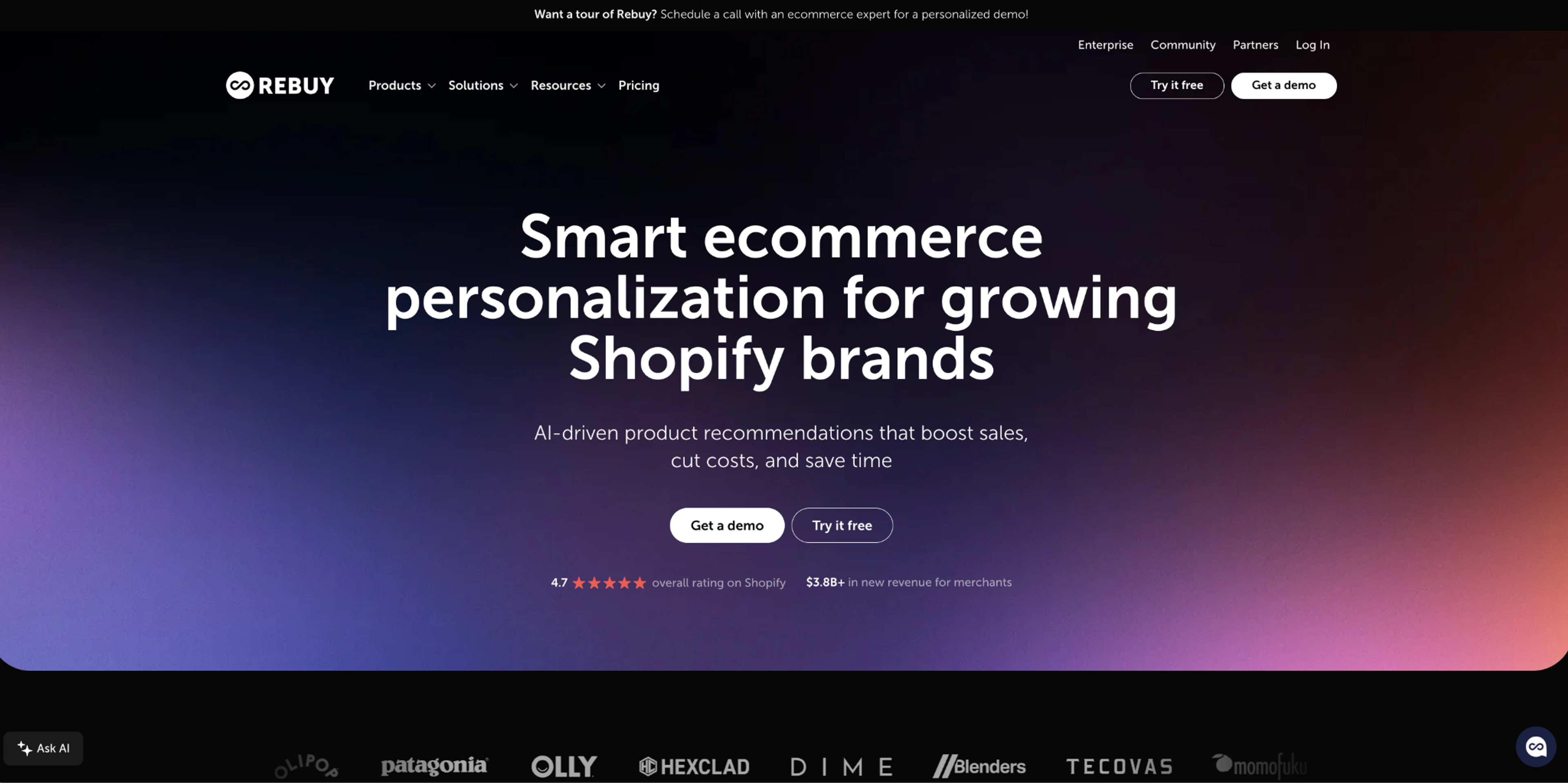
Best for: Shopify stores that want to raise average order value with upsells and smarter carts.
Rebuy adds product recommendations, upsells and cross-sells across a Shopify store. It's sold in four packages: Cart & Merchandising, Checkout & Post-Purchase, Search & Collections, and Flows & A/B Testing.
Pricing (Rebuy's pricing page, Oct 2026): Rebuy Monetize is free: it shows offers from other brands on your post-purchase and thank-you pages and pays you per transaction. The paid packages are priced by monthly Shopify orders: one package starts at $25/mo at 500 orders and $141/mo at 3,000 orders, and at 10,000 orders you talk to sales. Bundles save 10% for two packages, 20% for three and 30% for all four; yearly billing saves another 10%. Packages come with a 14-day free trial.
Pros
Cons
Upsells can also run in a popup: see upsell popups and our list of the best ecommerce apps.
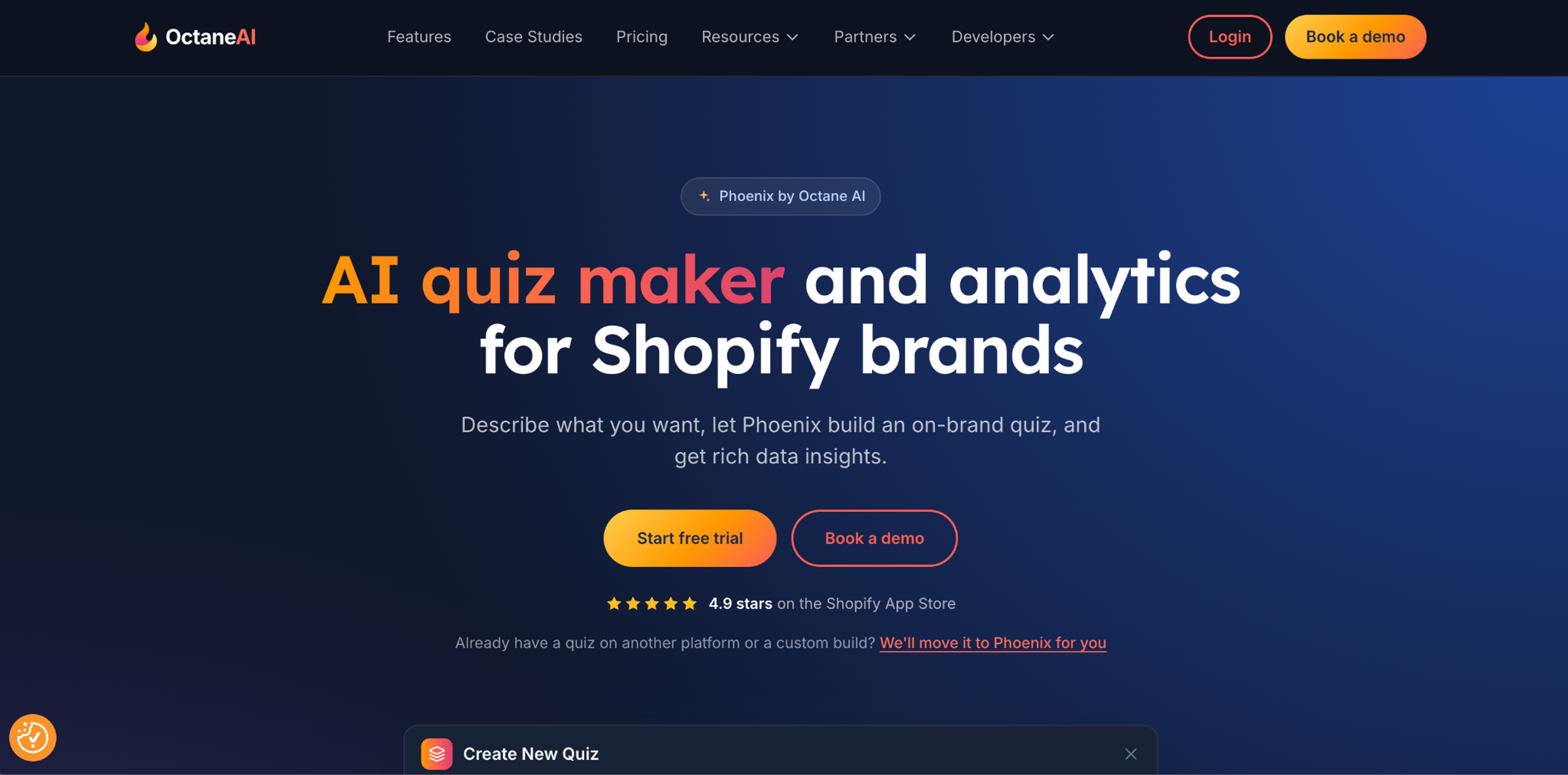
Best for: stores with many products, where shoppers need help choosing (skincare, supplements, pet food, apparel fit).
Octane AI builds product quizzes for Shopify stores. Shoppers answer a few questions and get a product recommendation, and you collect their answers and contact details along the way.
Pricing (Octane AI's pricing page, Oct 2026): no free plan; every plan has a 14-day free trial. Basic: $50/mo, or $43/mo billed yearly, with 400 credits and up to two quizzes. Plus: $200/mo ($170/mo billed yearly) with 2,200 credits and unlimited quizzes. One credit is one quiz engagement; extra credits cost $0.10 each.
Pros
Cons
A short quiz can also run inside a popup: see quiz popups.
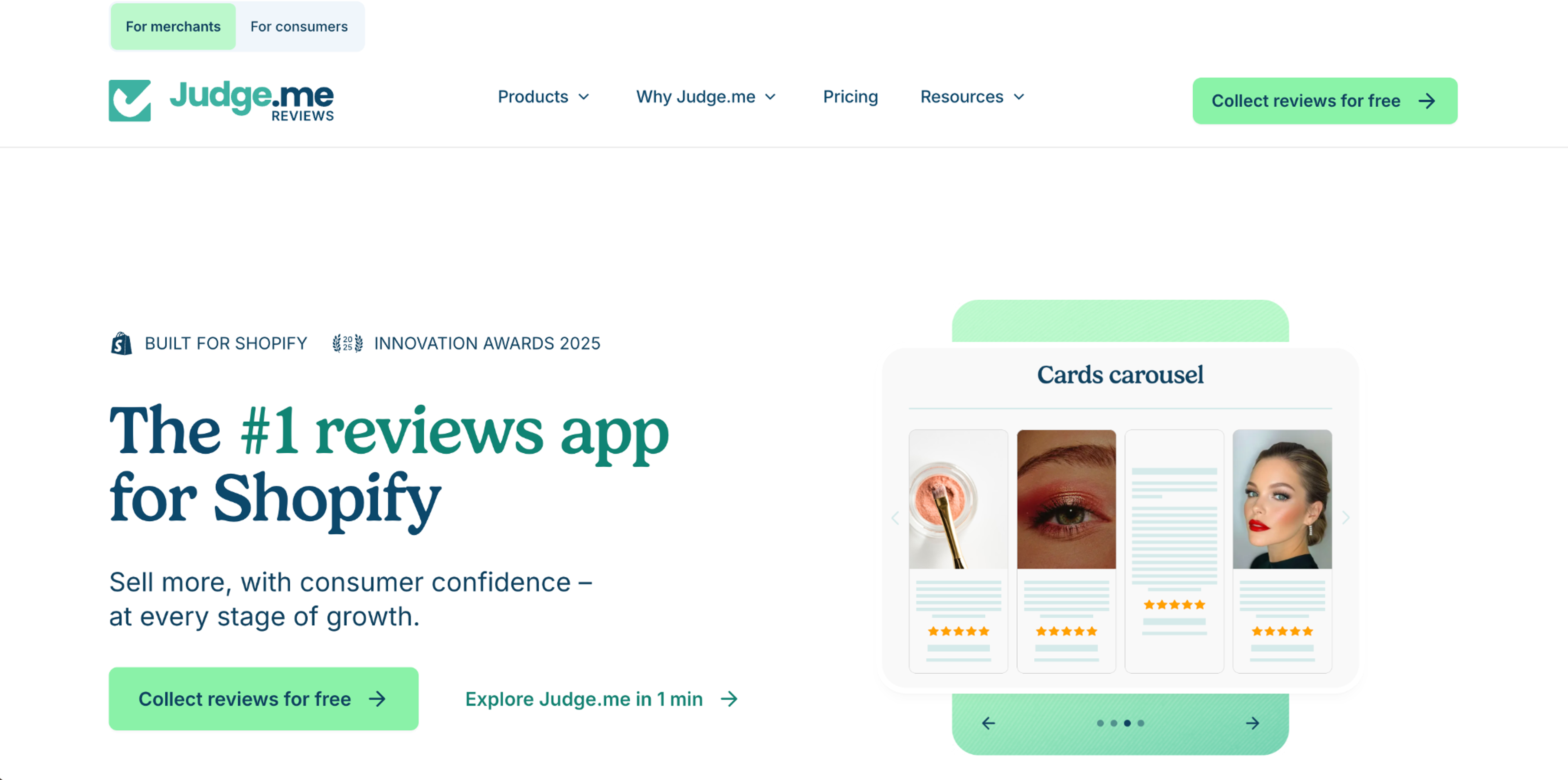
Best for: any Shopify store that needs product reviews on a small budget.
Judge.me collects product and store reviews, with photo and video reviews, and shows them on your product pages. Reviews answer the question a hesitant shopper has: has anyone else bought this and liked it?
Pricing (Judge.me's Shopify App Store listing, Oct 2026): Free: $0, with unlimited reviews, photo and video reviews, review widgets, Google rich snippets and trust badges. Awesome: $15/mo, with a 15-day free trial, adding automatic review reminders, coupons and referrals, Q&A, AI replies and 130+ integrations including Klaviyo.
Pros
Cons
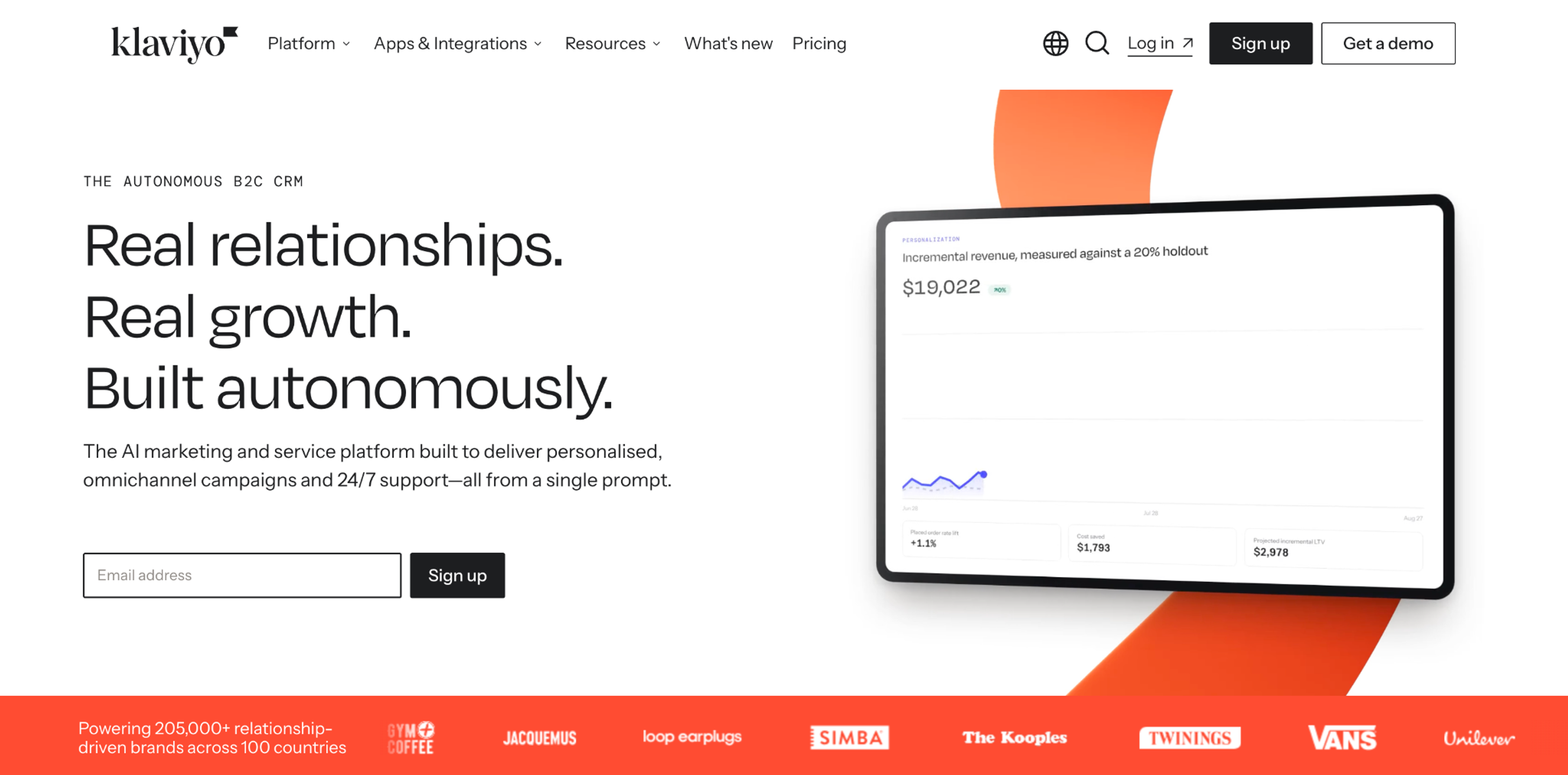
Best for: recovering shoppers after they leave, with abandoned cart and browse abandonment emails and SMS.
Klaviyo is an email and SMS platform built for ecommerce. Its flows send a message when a shopper leaves a cart or a product page, so some of the visitors you didn't convert on site still buy later.
Pricing (Klaviyo's pricing page, Oct 2026): the free plan covers up to 250 active profiles and 500 email sends a month, with web forms included. Paid plans start at $20/mo for up to 500 active profiles and grow with your list: $150/mo at 10,000 and $720/mo at 50,000 active profiles.
Pros
Cons
Already on Klaviyo? OptiMonk can show or hide campaigns by Klaviyo lists and segments, so subscribers don't see a signup popup again. For more tools that grow the list Klaviyo sends to, see email list building tools.
These three tools don't change your store; they show you where to act. Use them before you decide which popup, offer or test to run.
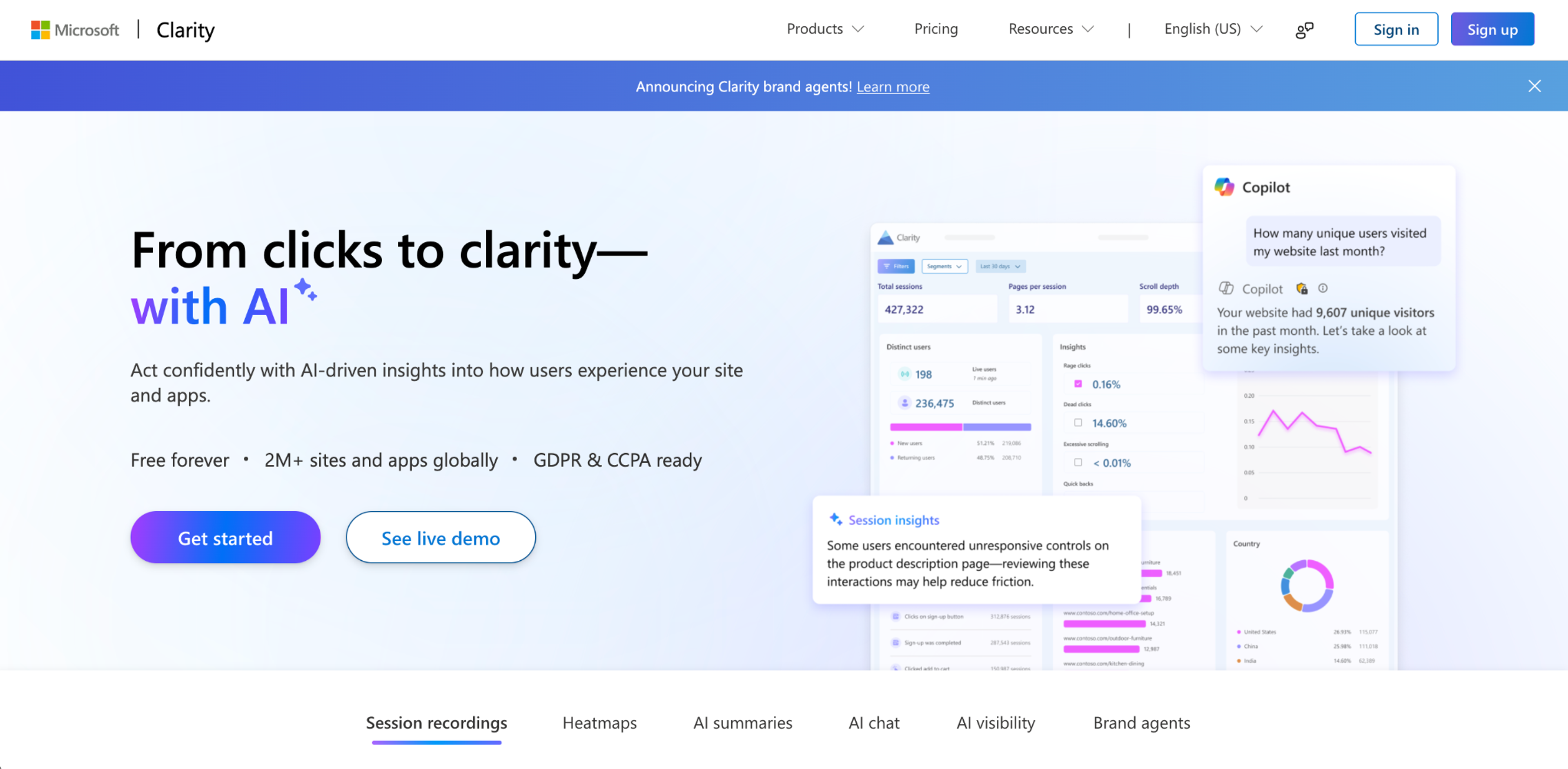
Best for: every store, as the first tool to install.
Clarity records sessions and builds heatmaps of clicks and scrolls, so you can watch where shoppers hesitate or give up. It also writes AI summaries of behavior on a page.
Pricing (Clarity's site, Oct 2026): free. The site says "Free forever" and "No limits on traffic."
Pros: free with no traffic cap; heatmaps and recordings in one place.
Cons: it shows the problem but doesn't fix it; watching recordings takes time.
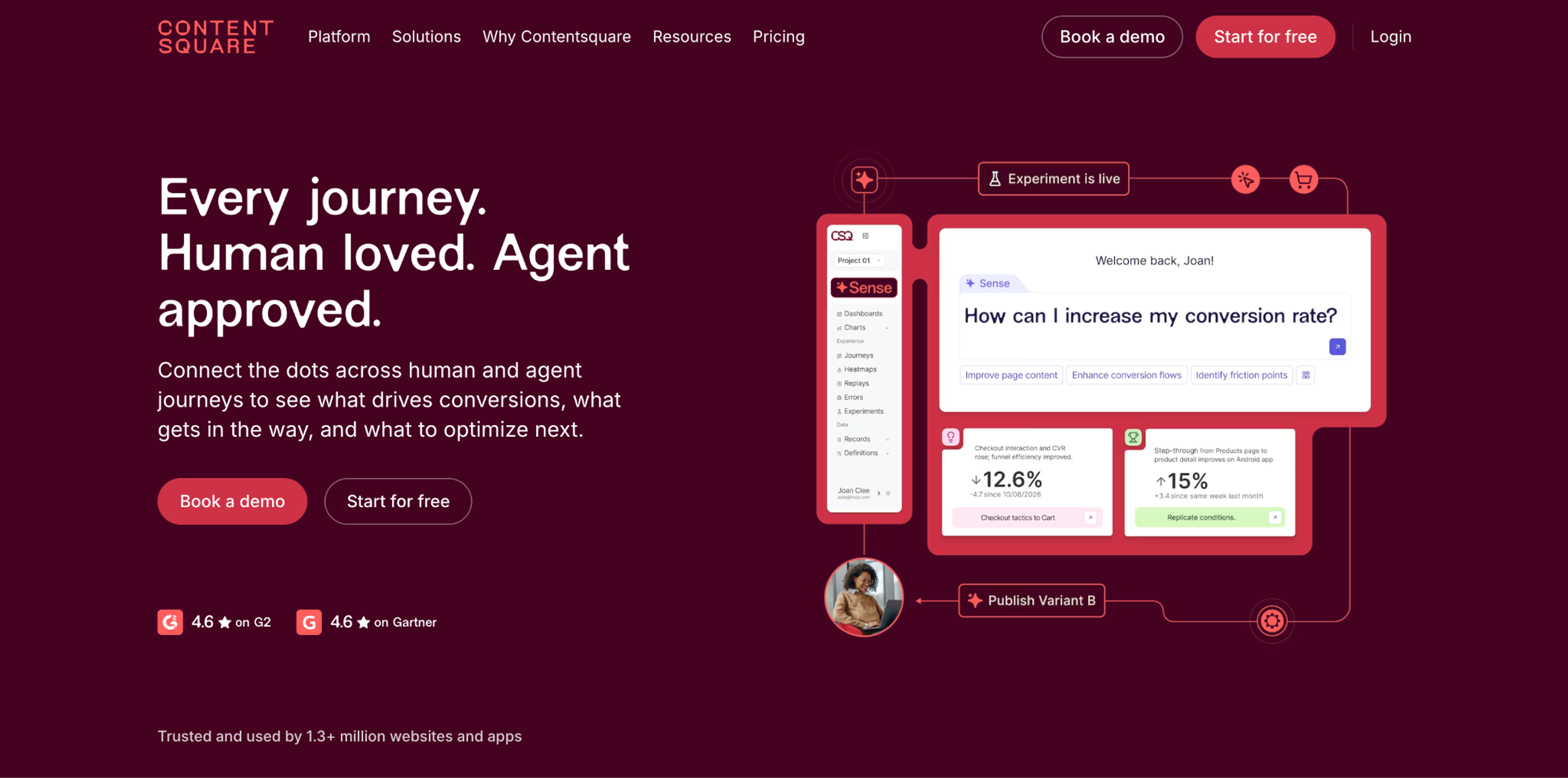
Best for: stores that want heatmaps and recordings plus on-site surveys.
Hotjar is now Contentsquare. Everything Hotjar did, heatmaps, session recordings and surveys that ask shoppers why they didn't buy, is part of Contentsquare, and the free plan adds attention maps, funnels and error monitoring. It also connects to AI assistants through MCP.
Pricing (Contentsquare's pricing page, Oct 2026): Free: $0 for up to 200k sessions a month, one project and one month of data. Growth: $39/mo billed yearly ($49 billed monthly). Pro and Enterprise are custom-priced.
Pros: surveys and feedback next to heatmaps; a free plan.
Cons: only one month of data on Free; plans above Growth are custom-priced.
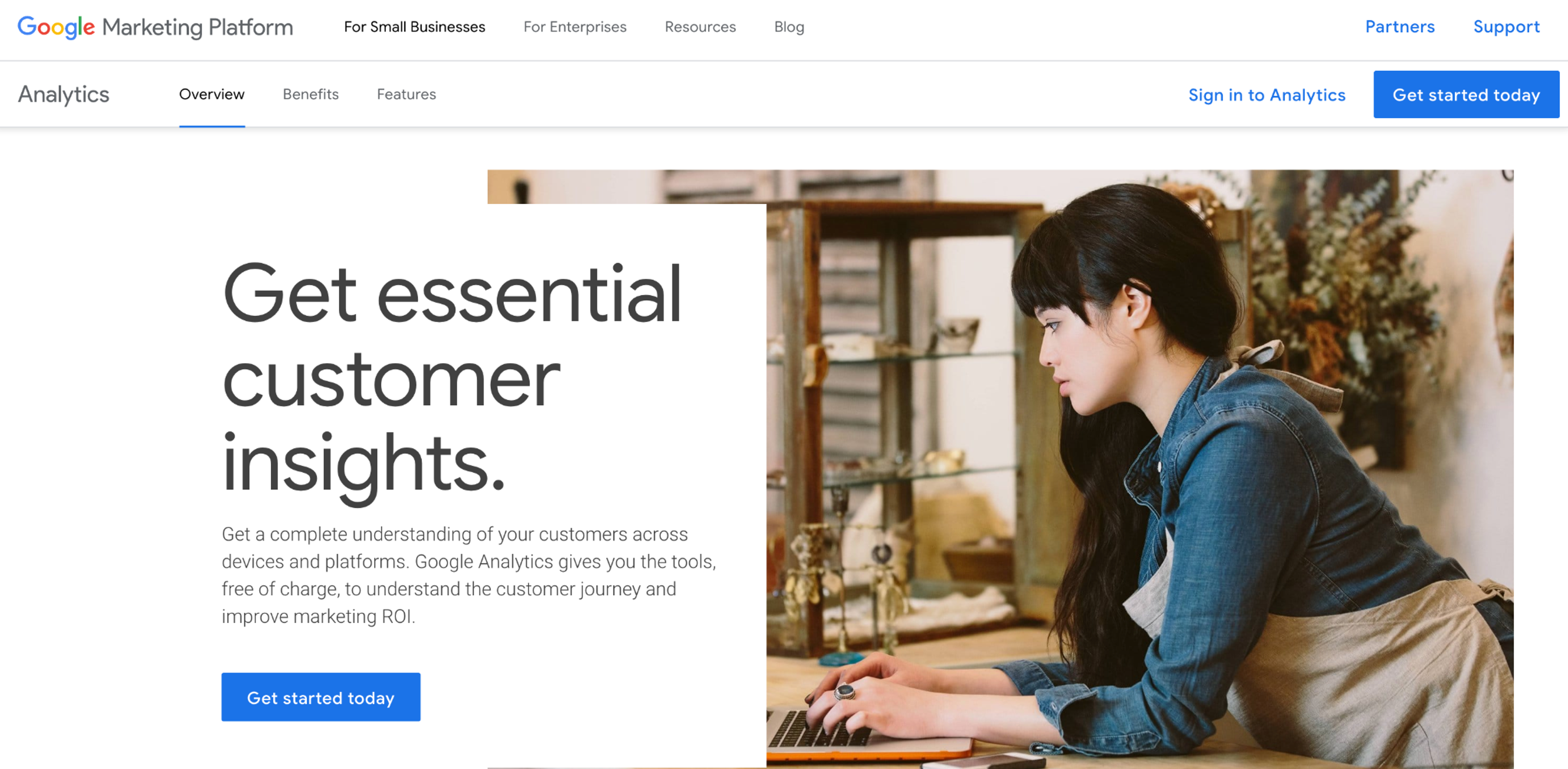
Best for: measuring the whole funnel, from traffic source to purchase.
GA4 shows where visitors come from, which pages they see and where they leave the checkout funnel. It's the baseline every other tool on this list reports against.
Pricing (Google's Analytics page, Oct 2026): free. Google says it gives you the tools "free of charge". Analytics 360, the enterprise version, is paid, priced through Google's sales team or partners.
Pros: free; works with almost every store platform and marketing tool.
Cons: reports take setup to be useful; it tells you what happened, not why.
Which CRO tools integrate with GA4? OptiMonk sends popup data to Google Analytics and Google Tag Manager, so you can see popup conversions next to the rest of your funnel.
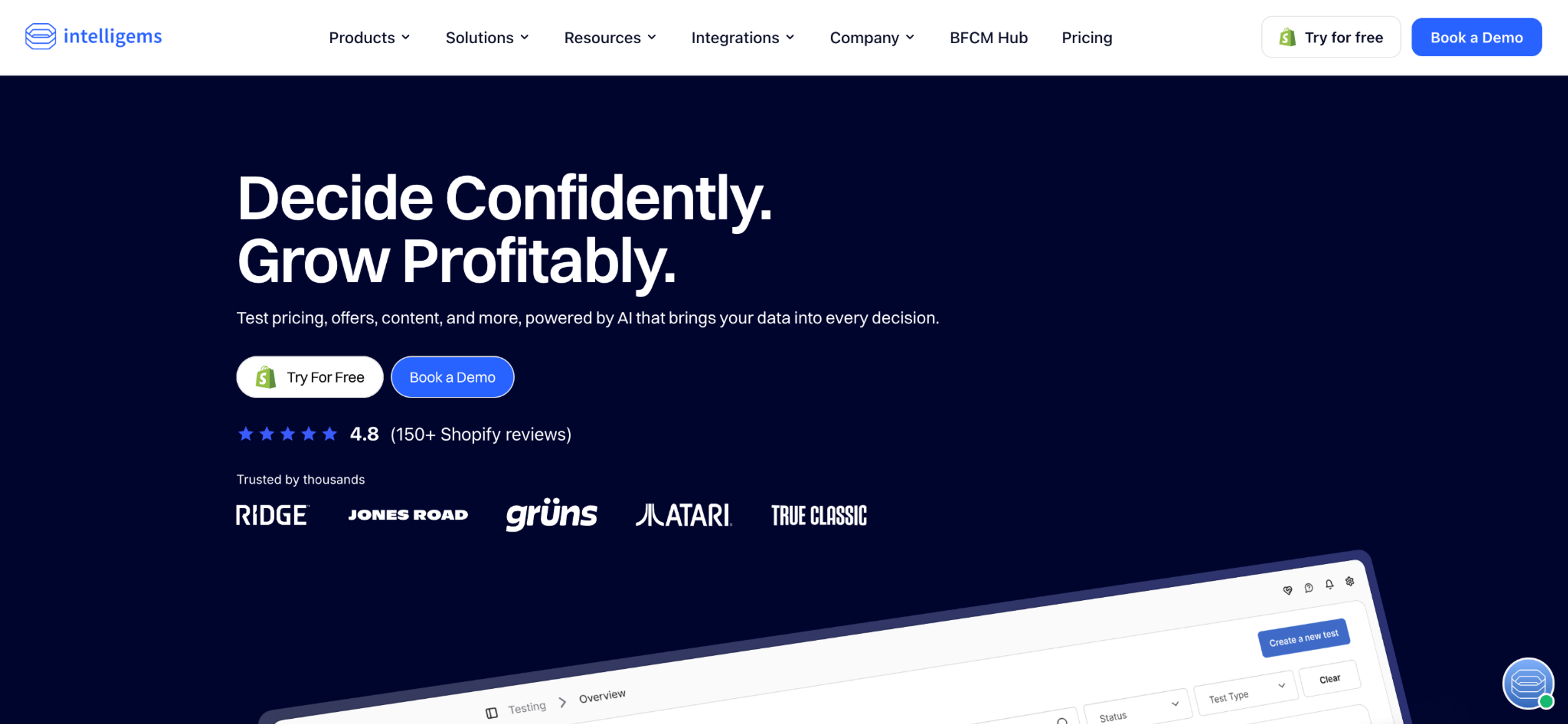
Best for: Shopify stores ready to test prices, shipping thresholds and offers.
Intelligems runs A/B tests on a Shopify store: product prices, shipping rates and free-shipping thresholds, discounts and pages. Content tests are included in every plan. Price, content and post-purchase tests work on any Shopify plan; checkout tests need Shopify Plus.
Pricing (Intelligems' pricing page, Oct 2026): Build Your Own: from $69/mo at the lowest order tier, priced per store by monthly orders, with no per-visitor charges; yearly billing saves 20%. Unlimited: $1,279/mo billed yearly ($2,894 billed monthly). New stores get a 14-day trial on every module except Smart Pricing; Unlimited has no trial.
Pros
Cons
You may not need a separate testing tool to start. Popups are A/B tested inside OptiMonk: copy, offer, design or campaign type, plus holdout tests that compare against shoppers who saw no popup. See A/B testing for popups.
Start with the free stack: Microsoft Clarity and GA4 to find the leaks, Judge.me Free for reviews, and OptiMonk Free for popups with A/B tests. That covers find, fix and test without a monthly bill.
As you grow, add tools in this order:
Before you buy anything, run a quick website conversion audit and work through our ecommerce CRO checklist. On Shopify, see how to raise your Shopify conversion rate and our Shopify marketing guide. For the full strategy, start with ecommerce optimization.
For online stores, OptiMonk, Justuno, Rebuy, Octane AI, Judge.me and Klaviyo convert more shoppers, Microsoft Clarity, Contentsquare (formerly Hotjar) and GA4 show where they drop off, and Intelligems tests prices and pages. Start with the free plans of Clarity, GA4, Judge.me and OptiMonk. Prices as of October 2026.
There isn't one tool that grades your store, but a free combination comes close. Use GA4 to see which pages and funnel steps lose the most shoppers, then Microsoft Clarity's heatmaps and recordings to see why. Then go through our website conversion audit checklist page by page.
An A/B testing tool is one type of CRO tool. It compares two versions and tells you which one converts better. Other CRO tools find problems (analytics, heatmaps) or fix them (popups, upsells, reviews), and many of those now include A/B testing too.
It depends on your current conversion rate and how big a difference you expect, so there's no single number. Test elements many visitors see and where a change can be large, like an offer or a popup, before small page tweaks; these usually reach a result sooner than a full-page test. Use a sample size calculator before you start, and don't stop a test early.
OptiMonk sends campaign data to Google Analytics and Google Tag Manager, so popup conversions show up in your GA4 reports. Most heatmap and testing tools also offer a GA4 connection; check each vendor's integration list before you buy.
You don't need ten tools to raise your conversion rate. Install a free tool to see where shoppers leave, fix the biggest leak first, then test whether the fix made more money. If that fix is an offer, a reminder or a question shown at the right moment, OptiMonk's agent builds it from one sentence, with a separate mobile version and A/B tests built in.
Free to start. No credit card.

50 CTA button texts for online stores and popups, grouped by the shopper's moment, plus what makes a button worth clicking.

40 website welcome message examples for online stores, grouped by situation and industry, ready to copy into a welcome popup.
12 Christmas popup examples for online stores, from welcome offers and spin-to-win wheels to gift quizzes and last-chance countdowns.


