



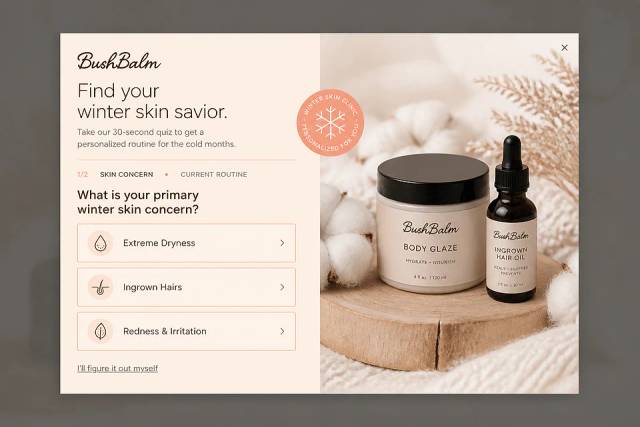


50 CTA Button Examples for Online Stores and Popups
50 CTA button texts for online stores and popups, grouped by the shopper's moment, plus what makes a button worth clicking.
Learn how to perform a website conversion audit for your ecommerce store. This 12-step guide helps you boost conversions and revenue.
In short
Boost your ecommerce sales with a comprehensive website conversion audit. This 12-step checklist guides you through optimizing your site's conversion rate by enhancing user experience, improving ROI, and identifying quick wins. Discover how to effectively analyze website structure, speed, security, and user feedback to transform visitors into loyal customers. Perfect for ecommerce stores aiming for growth and success.
Are you looking to boost your ecommerce sales? One key step is to conduct a conversion rate optimization audit.
It’s a process that helps you understand what's working on your site and what’s not. With a few tweaks, you can turn more website visitors into loyal customers.
In this article, we'll walk you through the benefits of performing a CRO audit, give you a step-by-step guide on how to do it, and help you choose the right tools to get the job done.
Ready? Let’s dive in!
A conversion rate optimization (CRO) audit is a thorough review of your website to identify areas that need improvement to boost conversions. Simply put, it’s like a health check-up for your site.
Imagine your website as a funnel. At the top, you have all site visitors. At the bottom, you have those who actually make a purchase or complete a desired action.
A CRO audit helps find the leaks in this conversion funnel.
During a CRO audit, you examine various elements of your site. This includes design, content, usability, and overall user experience. The goal is to pinpoint what might be stopping visitors from converting.
Think of it as detective work. You look at data, user behavior, and feedback to uncover obstacles. Are visitors abandoning their carts? Are they leaving your site too quickly? A CRO audit helps you answer these questions.
By understanding and fixing these issues, you can improve your site’s performance. This means more customers, more sales, and more growth for your ecommerce business.
CRO audits can be conducted manually or using various tools and software designed for this purpose (we’ll share a few website audit tools below).
Wondering what are the benefits of performing a conversion audit? Let’s break them down.
A conversion rate optimization audit can find problems that affect the website’s conversion rate.
After resolving these problems, you may improve your site’s conversion rate. This means higher sales without needing to increase traffic.
A CRO audit helps improve the overall user experience on your website. When visitors find your site easy to navigate and enjoyable to use, they're more likely to stay longer and complete purchases.
Investing in a comprehensive conversion audit can yield a high return on investment (ROI).
By improving your conversion rate, you get more value from your existing traffic. This is often more cost-effective than trying to attract new website visitors.
A CRO audit can uncover quick wins—simple changes that can have a big impact.
These can include tweaking a call-to-action button, improving product descriptions, or streamlining the checkout process.
Now that you know how a proper conversion audit can benefit your business, use the following steps as your CRO audit process checklist.
Defining your goals and objectives is essential to any successful website audit. Deciding what you want your website to do and how to optimize it to reach those goals is vital.
So, which key performance indicators (KPIs) should you consider measuring on your website?
That depends on your company and what’s most important to you. However, some common KPIs include website traffic, user engagement, and conversion rates.
Website traffic is an important KPI because it measures how many people visit your site. It’s essential to track this metric to see if your efforts to drive traffic to your site are working.
User engagement is another crucial KPI because it tells you how people interact with your site. This includes metrics like bounce rate, time spent on site, and pages per session. You may decide how to enhance the user experience by knowing how visitors engage with your website.
Conversion rates are also an essential KPI because they measure how well your website is performing in terms of achieving your business goals. This can involve anything from submitting a contact form to completing a purchase.
It’s important to answer a few basic questions before starting your audit:
By answering these questions, you’ll be ready to make the most of your CRO audit.
Navigation is the first factor to consider while assessing your website’s structure and design. Any website’s foundation is its navigation, which is how users discover the content they’re looking for.
Asking yourself the following questions can help you evaluate the navigation on your website:
In addition to navigation, you’ll also want to consider the overall page layout:
A well-designed website should be scannable and direct the user’s eye to important information.
Color scheme and branding consistency are also essential elements to evaluate. Consistency in branding across your website and other marketing platforms helps to strengthen your brand identity in the customer’s mind.
Having a responsive website is no longer optional. With the increasing number of people accessing the internet via their phones and tablets, having a mobile-friendly website will naturally increase your conversion rate.
Website speed and performance are critical components that can make or break the user experience, and they also affect your ranking on search engines. It’s crucial to take the necessary steps to ensure your website’s speed and performance are top-notch.
You can use tools like Google PageSpeed Insights or GTmetrix to test your website’s speed and performance.
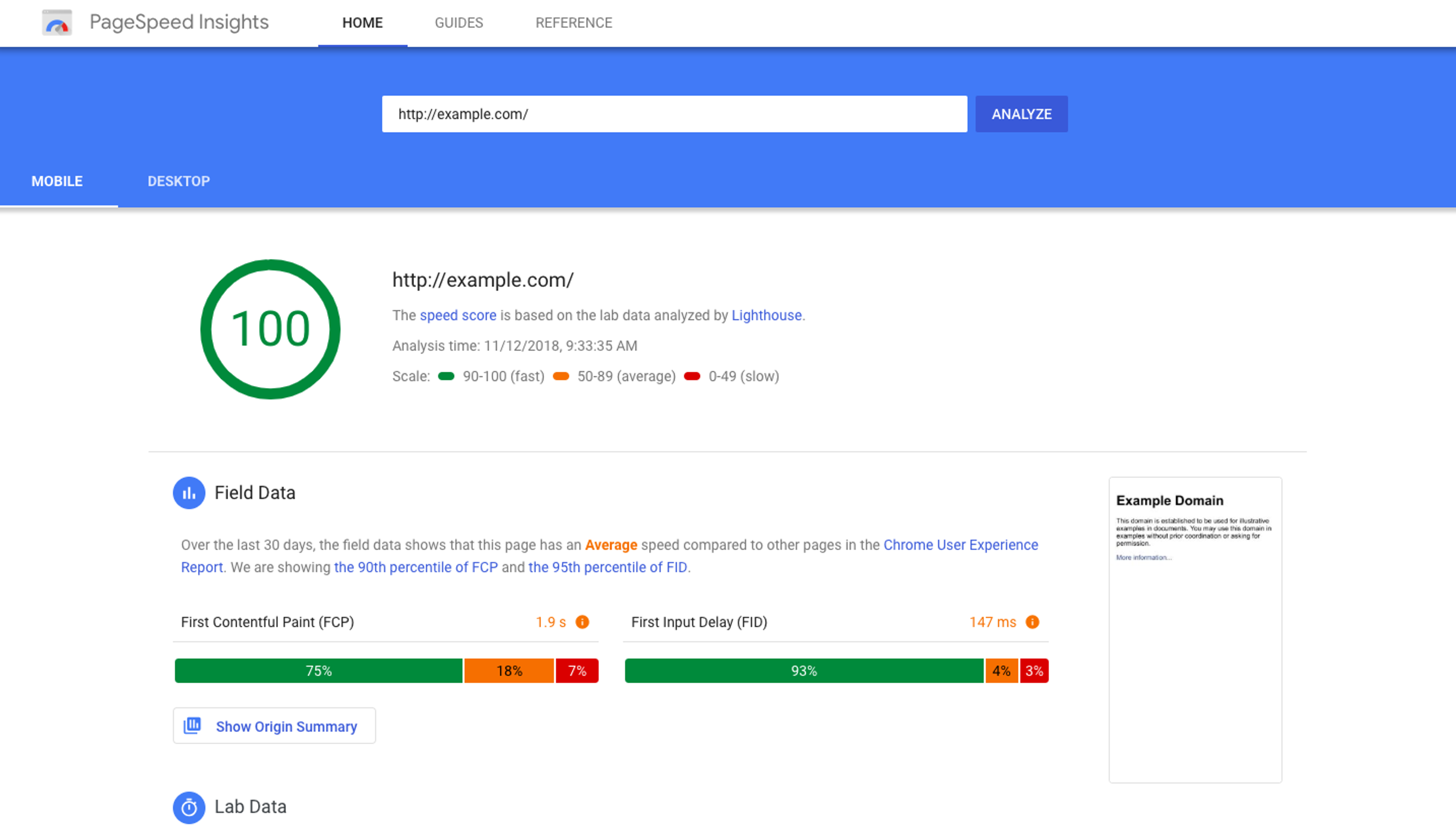
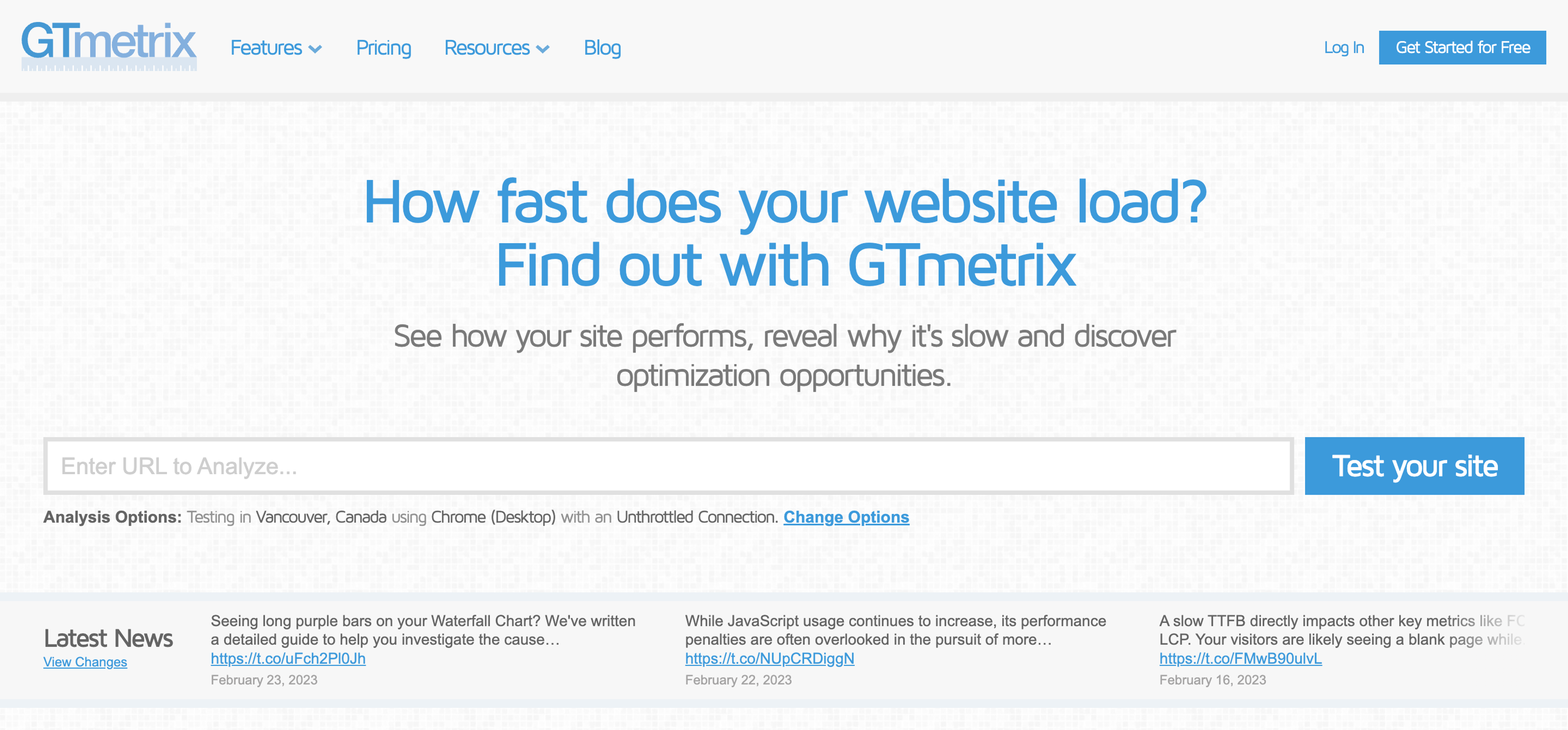
These analytics tools provide insights into metrics affecting your website’s performance, including page load time, page size, and requests.
Based on the results, you can optimize your website to improve its loading time.
Did you know that one way to optimize your website’s loading time is by minimizing the size of your images?
That’s right. Large images can significantly impact your website’s loading time, so you can consider compressing the images without compromising their quality using tools such as Adobe Photoshop or TinyPNG.
Another optimization technique is compressing your code. This technique removes unnecessary characters, spaces, and comments from your website’s code to make it smaller and easier to load.
According to SiteLock, websites encounter an average of 94 attacks per day and receive 2,608 bot visits per week based on an analysis of 7 million websites. Paying attention to your website security has never been more critical.
One way to improve website security is by implementing HTTPS encryption. By using HTTPS encryption, all the data transmitted between the website and the user’s browser is secure and encrypted, which prevents any unauthorized access or interception of data.
HTTPS also adds a layer of trust and authenticity to your website, as it verifies that the website is legitimate and not a phishing site.
Regularly updating software and plugins is another crucial step in improving website security. Outdated software and plugins are often the targets of hackers, who exploit vulnerabilities in the code to gain access to the website.
By analyzing data from Google Analytics, you can identify areas that need improvement and optimize your website accordingly.
One way to use Google Analytics effectively is by setting up goals to track important KPIs.
Goals can help you track specific actions that users take on your website, such as filling out a contact form or making a purchase. By tracking these actions, you can measure the success of your website and make data-driven decisions to improve user experience and conversion rates.
You can analyze user behavior on your website using Google Analytics.
By looking at metrics such as bounce rate, session duration, and pages per session, you can identify areas where users may be experiencing difficulties or losing interest. This information can help you optimize your website’s content and layout to improve user engagement and reduce bounce rates.
You can also use Google Analytics to identify your top-performing pages.
By analyzing which pages receive the most traffic and engagement, you can optimize those pages to drive even more traffic and engagement. You can also identify which pages may need improvement and adjust them accordingly.

Analyzing your website’s traffic sources can help you understand where your visitors are coming from and how they find your website. This information can help you optimize your marketing strategies and focus on the channels driving the most traffic.
Evaluating user engagement metrics such as time on site, scroll depth, and click-through rates can provide valuable insights into how users interact with your website. By identifying areas where users may be dropping off or losing interest, you can make adjustments to improve user experience and increase engagement.
As a website owner, it’s crucial to understand your visitors’ needs and preferences to improve their user experience.
One way to gain valuable insights into your visitors’ opinions is by asking for feedback directly from them.
This feedback can come in the form of surveys, forms, or feedback widgets.
Check out this example from Kiss My Keto. They use an exit-intent popup to ask website visitors why they didn't buy.
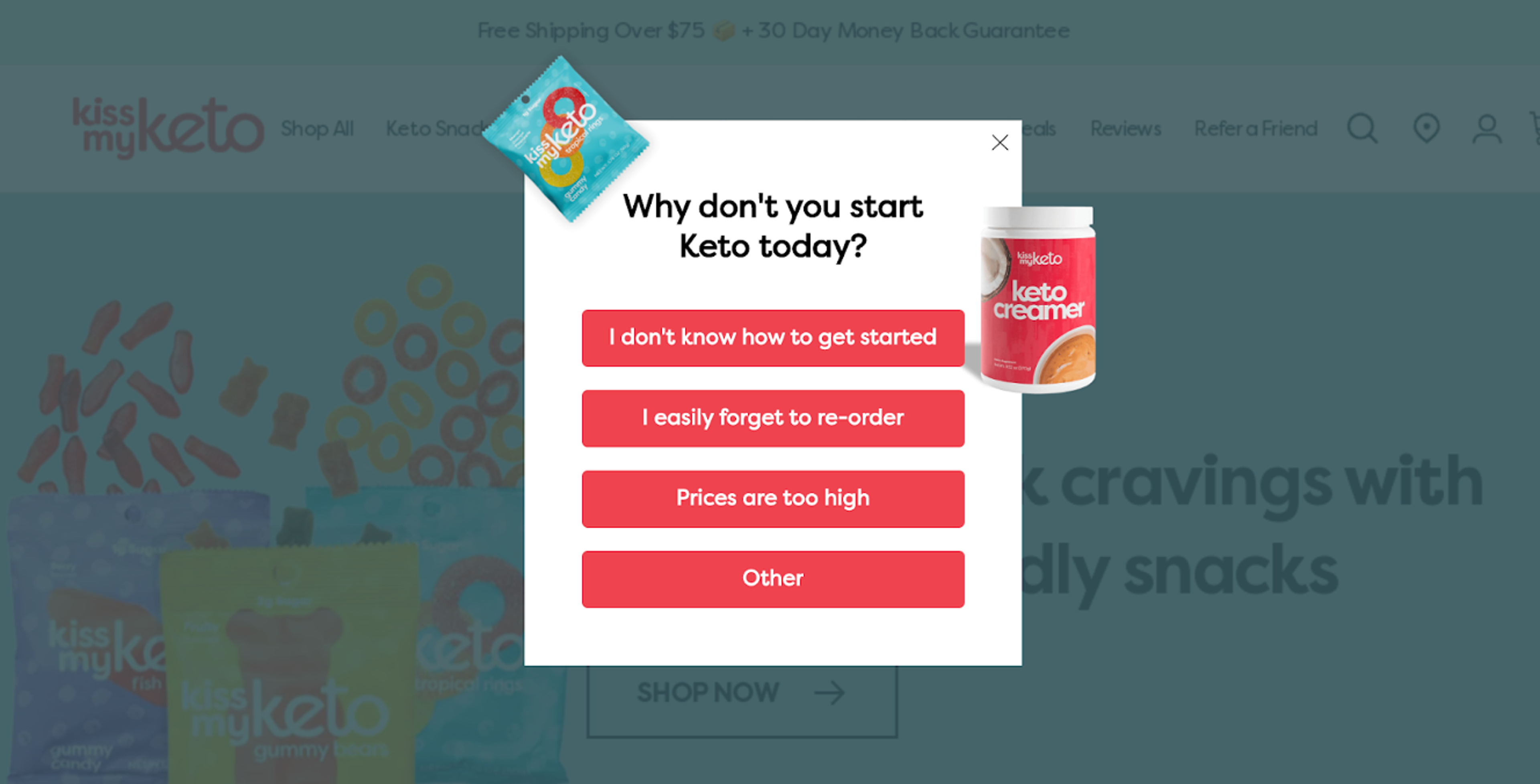
By gathering feedback from your visitors, you can identify issues that you may not have even considered like difficulties in finding certain pages or confusion with specific features.
This information can help you make targeted improvements that will ultimately benefit your visitors and improve their overall experience on your website.
To encourage visitors to leave feedback, consider using the popup idea below:
Once you receive feedback, make sure you analyze it carefully.
Look for common themes or issues that are mentioned repeatedly, and prioritize addressing those issues first.
Heatmaps provide a visual representation of how visitors interact with your website.
They show where users click, how far they scroll down a page, and which areas they spend the most time on. This information can help you identify problem areas and improve your website’s design and content.
Using heatmaps, you can understand how visitors behave on your website and use that information to optimize their experience.
Your CRO audit should include an SEO audit. This involves analyzing your website’s content for relevance, quality, and optimization.
It’s vital to provide trustworthy, meaningful, and high-quality content for your visitors. This will be appreciated not only by your visitors but also by search engines.
Google wants to provide only accurate, reliable search results for its users. So make sure that you’re providing content that is well-written, informative, and relevant to your target audience.
What visitors see immediately after the page loads has a disproportionate impact on conversions.
Within the first few seconds, your page should clearly answer four questions:
If these answers aren’t obvious without scrolling, visitors will likely leave.
During your audit, check:
Images shouldn’t just make your site look nice. They should support your message and increase trust.
When auditing your visuals, ask:
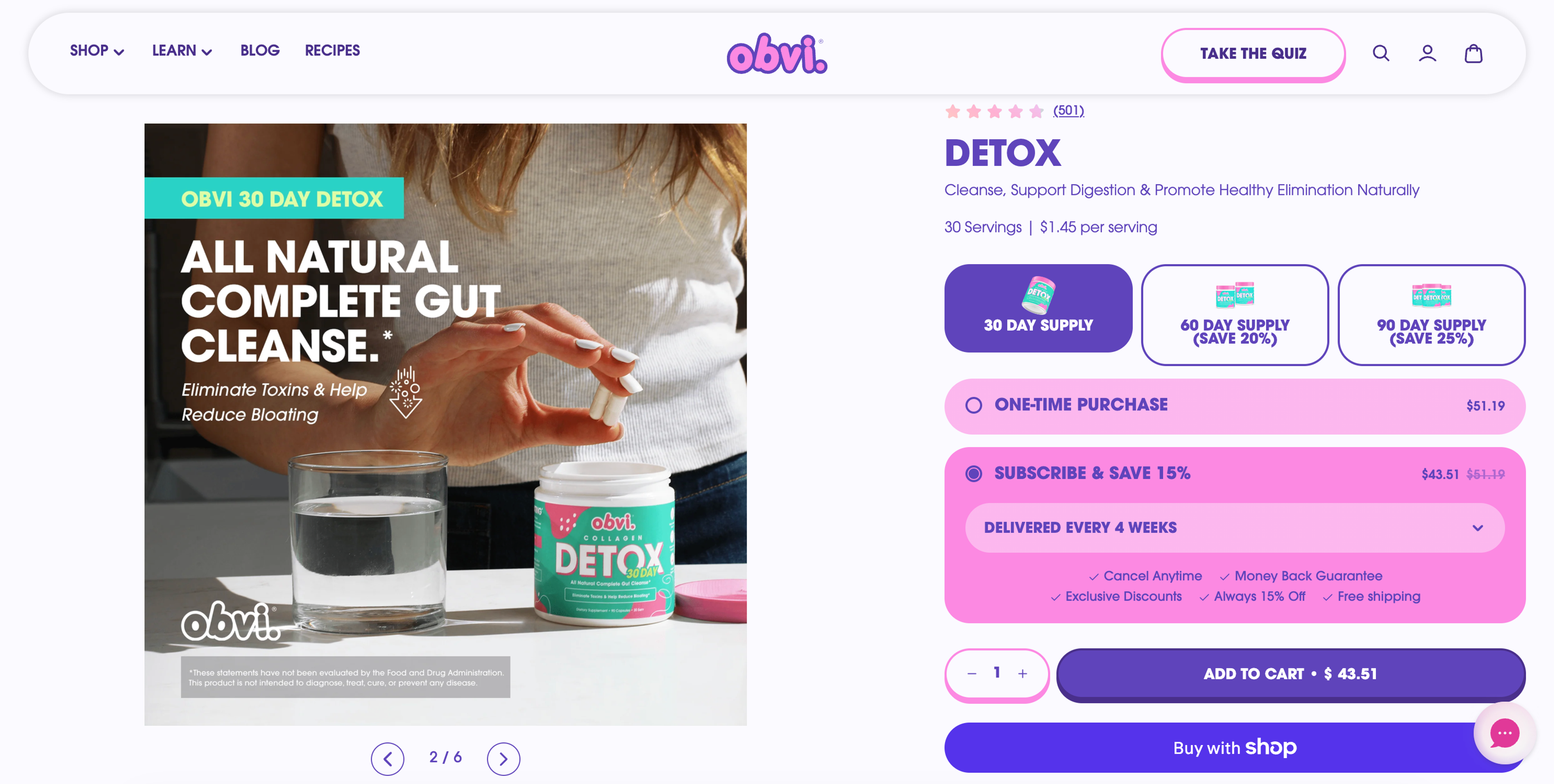
Avoid obvious stock photos that feel staged or generic. Instead, prioritize:
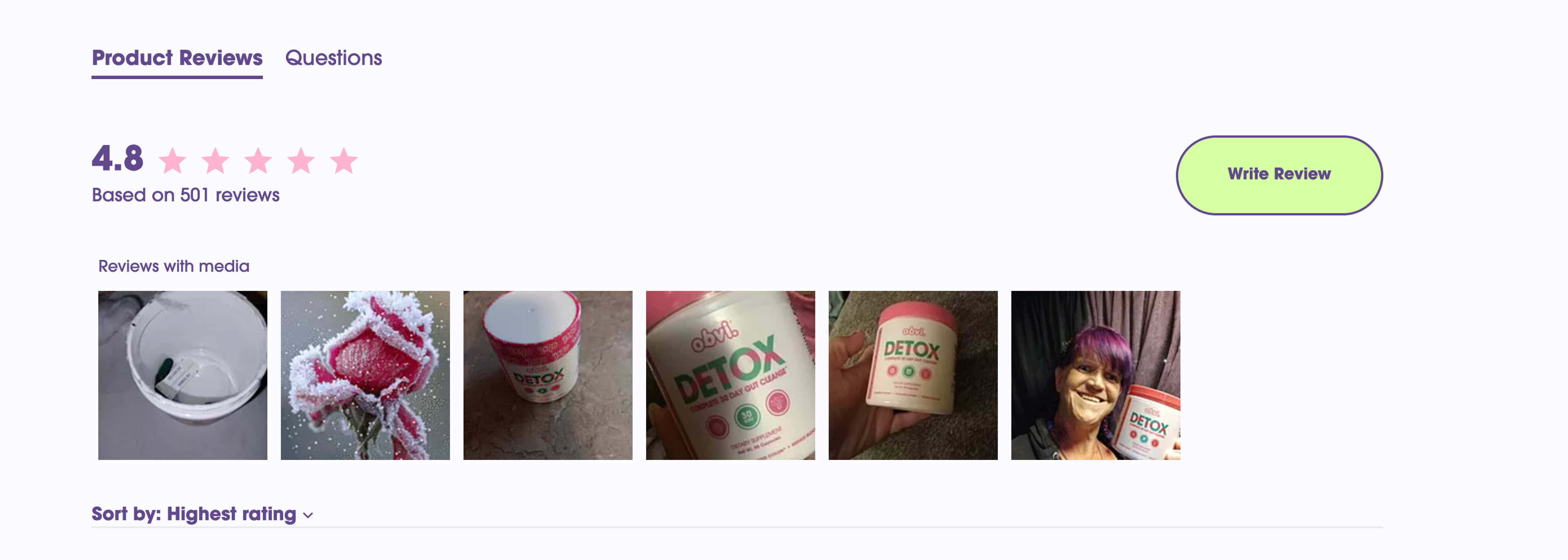
Relevant, authentic visuals reduce uncertainty and make your offer feel more credible.
The above-the-fold area isn’t decoration. It’s your first (and often only) chance to keep visitors engaged.
Your site should communicate that real people are behind the business and that your brand is different from competitors.
During your audit, look for signs of personality:
Adding personality — through your messaging, visuals, and story — builds emotional connection and makes your brand more memorable.
Check out how Poppi does it:


Before converting, visitors look for signals that your business is legitimate and reliable.
A strong CRO audit should evaluate whether your site includes enough proof, such as:
Pay attention to quality, not just quantity. Strong testimonials should highlight a specific result or benefit, not just generic praise.
The goal is simple: reduce risk in the visitor’s mind and make the decision feel safe.
Now that you know the different steps you’ll need to take while performing a complete website audit, it’s time to take a look at the tools you can use to get the best results from your audit:
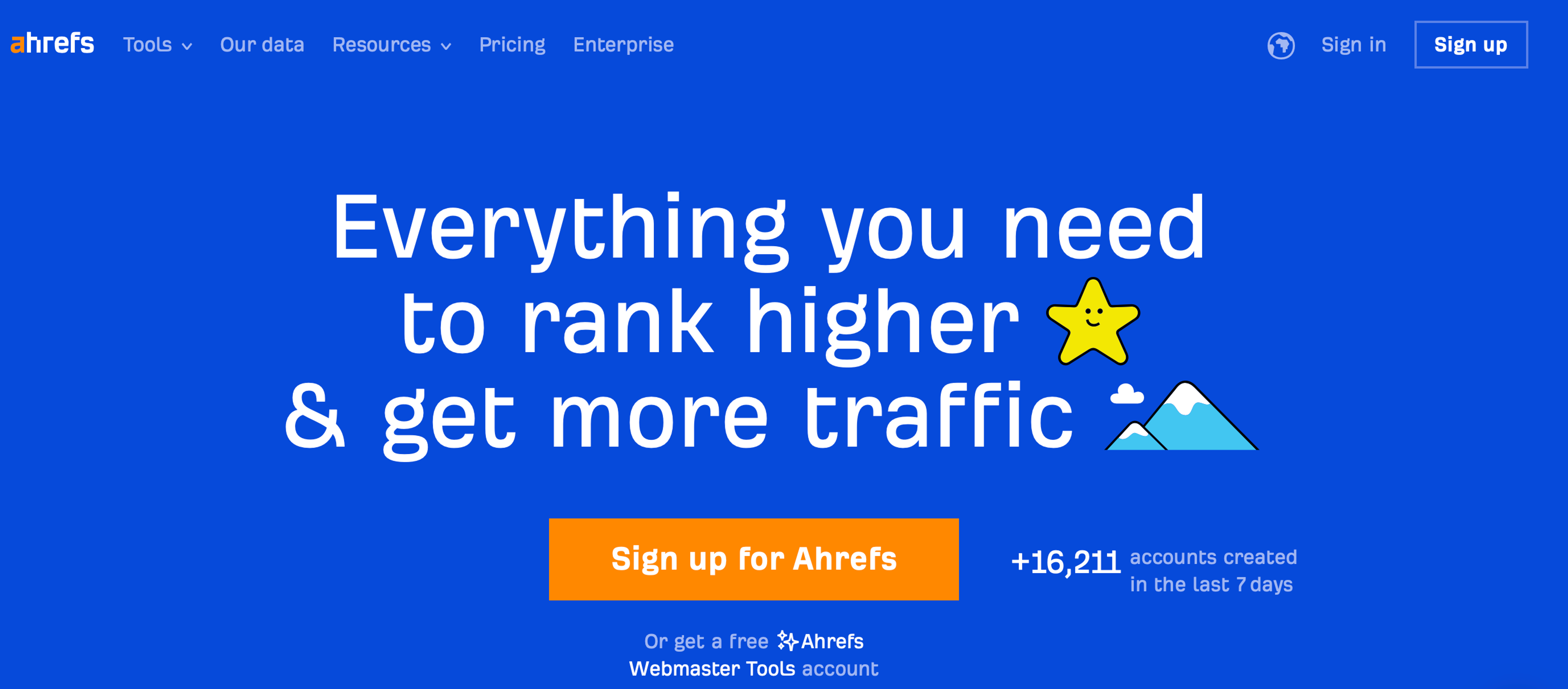
Ahrefs is an all-in-one toolset for search traffic and optimizing your website. Ahrefs crawls the web, collecting tons of data and making it accessible to the user. With Ahrefs you can get an in-depth look at the backlink profile and search traffic of any website.
Pricing: You can get free access to their Webmaster Tool Account. Basic price starts at $99.

Google Analytics is a free website audit tool that collects data from your websites and apps to create reports that provide insights into your business.
The service is part of the Google Marketing Platform, and it can help organizations determine top sources of user traffic, gauge the success of their marketing activities and campaigns, track goal completions (such as purchases, and adding products to carts), discover patterns and trends in user engagement and obtain other visitor information such as demographics.
Small and medium-sized retail websites often use Google Analytics to obtain and analyze various customer behavior analytics, which can be used to improve marketing campaigns, drive website traffic and better retain visitors.
Pricing: This is a free platform.
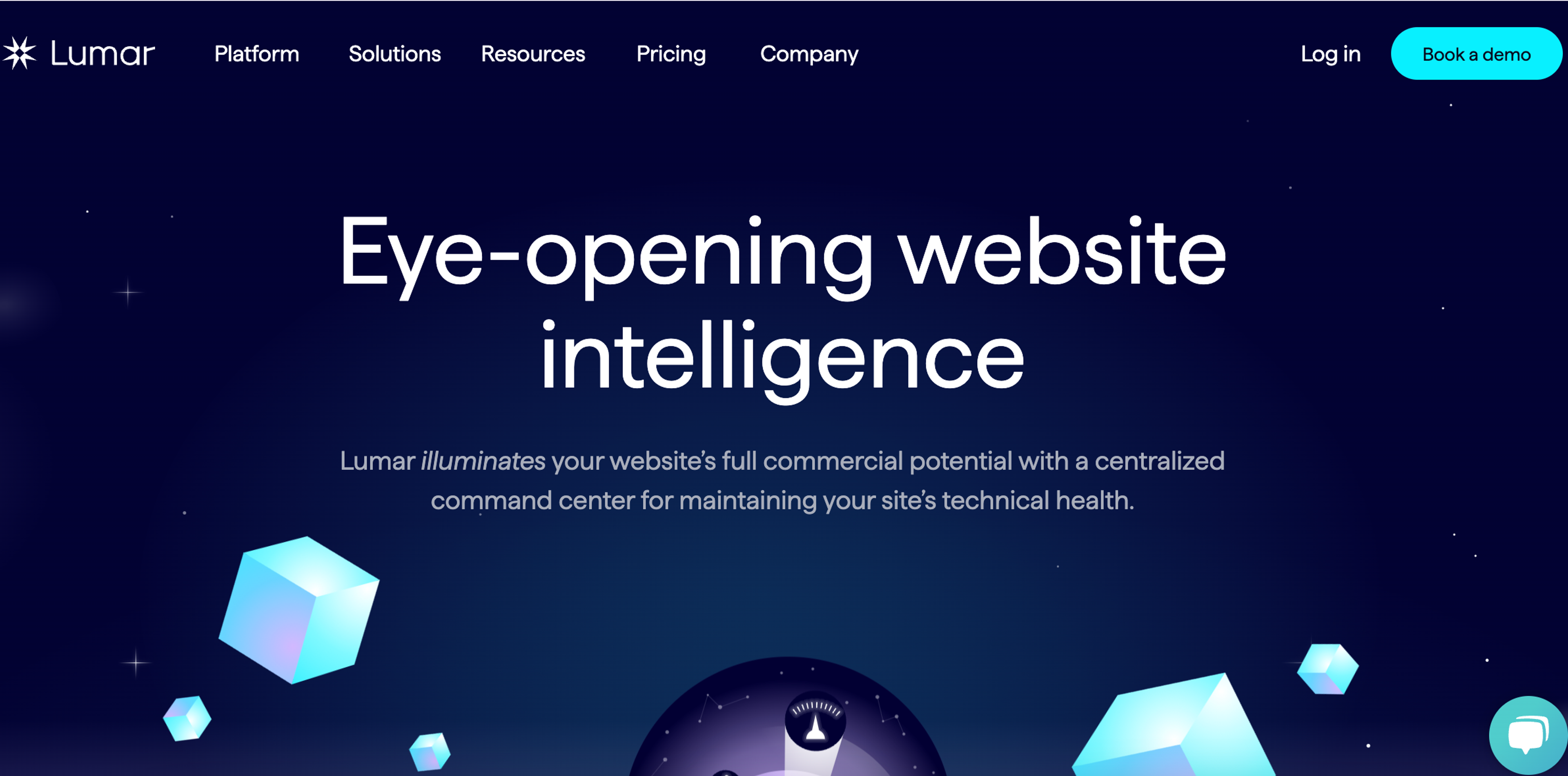
Lumar is a robust platform that crawls websites and doubles as a site architecture analysis tool. The software is used by SEOs and web developers to understand a site’s staging environment, analyze data, monitor external sites, conduct backlinks, and organize sitemaps.
Pricing: Prices are available upon request.
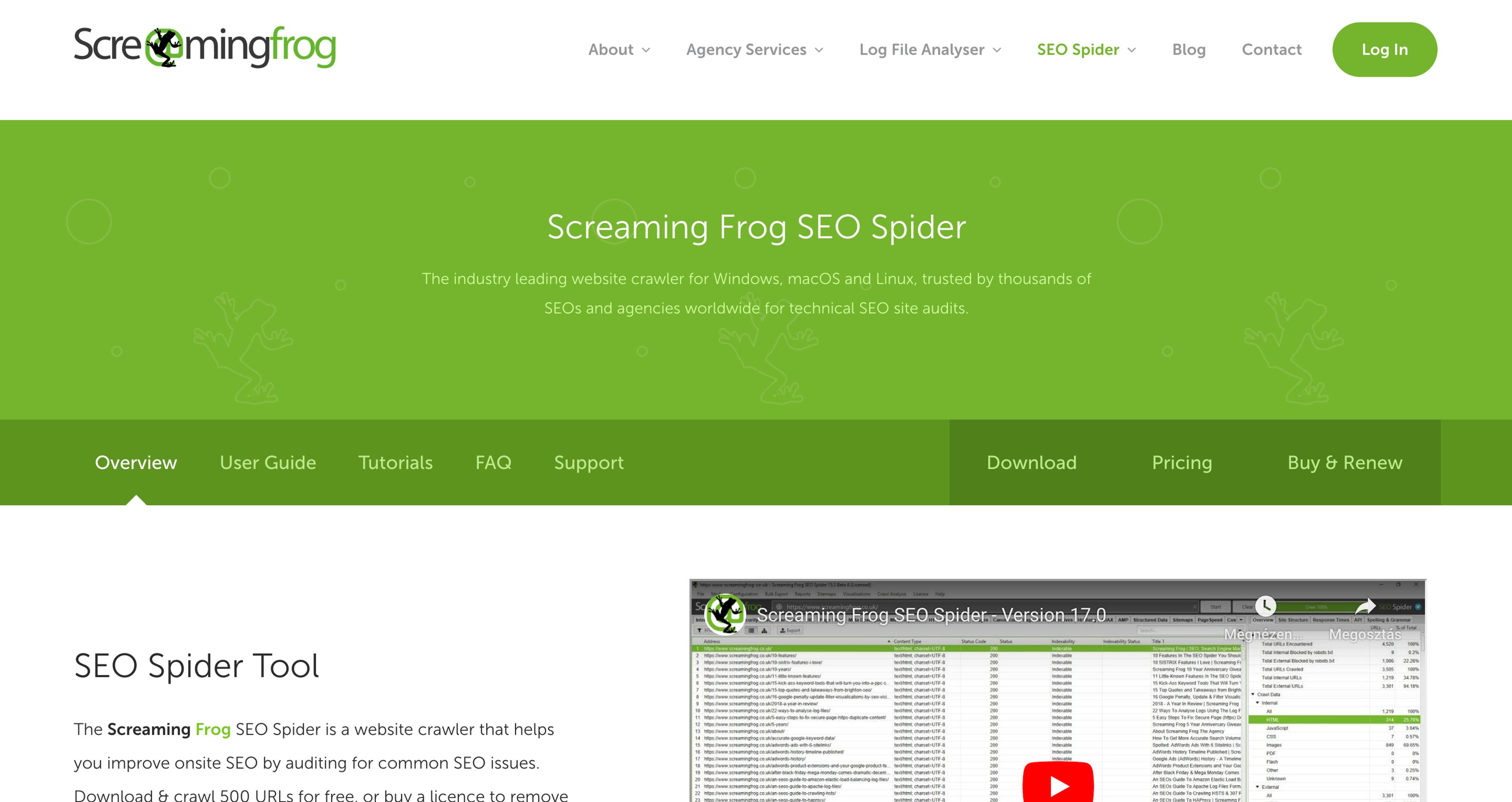
ScreamingFrog is a powerful tool that allows you to find broken links, examine page titles, meta descriptions, and meta keywords, and get a view of all the external links. With this tool, you will get clear tips on what to improve to better prepare the site for search engines, web browsers, and users.
Pricing: There’s a free version available. Prices start at $259/year.
Another excellent tool from Google is PageSpeed Insights. PageSpeed Insights (PSI) reports on the user experience of a page on both mobile and desktop devices and provides suggestions on how that page can be improved.
PSI provides both lab and field data about a page. Lab data is helpful for debugging issues, as it is collected in a controlled environment.
Pricing: It’s a free tool.
A website conversion audit is a structured analysis of your website to identify friction points that prevent visitors from taking action. It evaluates elements such as messaging, user experience, page structure, trust signals, performance, and user behavior data to uncover opportunities to improve conversion rates.
A CRO audit is crucial because it helps identify potential obstacles that prevent visitors from converting into customers. By addressing these issues, you can improve your website’s effectiveness, increase revenue, and achieve better ROI from your marketing efforts.
A comprehensive website conversion audit should include:
These components help identify where visitors get confused, lose trust, or drop off.
A website audit typically evaluates technical aspects such as website speed, mobile-friendliness, and security and content-related factors such as quality, relevance, and optimization. A website audit often includes SEO-related elements like keyword research, on-page optimization, and backlink profile.
The frequency of your conversion rate audit should depend on the website’s size and activity level. Generally, you’ll want to perform a conversion audit at least once a year or whenever there are significant changes to the website, such as a redesign or a major update.
The cost of a website conversion audit varies depending on the scope and provider:
Many businesses start with a self-audit and then invest in professional support for deeper analysis and testing.
Yes. Even small improvements in conversion rate can significantly increase revenue. For example, increasing your conversion rate from 2% to 3% results in 50% more sales from the same traffic. A well-executed audit often delivers a strong ROI.
A basic audit can take a few days, while a comprehensive audit that includes data analysis, user research, and testing recommendations may take 2–4 weeks.
Staying profitable online today is a battle of constant improvements. To keep your competitive edge, you have to eliminate the guesswork, discover what’s working (and what’s not), and make improvements.
Performing a regular CRO audit is one of the best ways to achieve all of these. In this article, you’ve learned about the benefits of a comprehensive conversion audit, how to perform one for your company, and the best tools to use.
Now it’s time to put everything you’ve learned to work!
If you'd like to increase conversions in your ecommerce store, give OptiMonk a try.


50 CTA button texts for online stores and popups, grouped by the shopper's moment, plus what makes a button worth clicking.
40 website welcome message examples for online stores, grouped by situation and industry, ready to copy into a welcome popup.

12 Christmas popup examples for online stores, from welcome offers and spin-to-win wheels to gift quizzes and last-chance countdowns.