






Black Friday Marketing Strategy: 30 Ideas for 2026
In this article, we'll share 30 actionable Black Friday marketing ideas for ecommerce businesses to make 2026 your most successful yet.
In this article, we will showcase the 11 best online form builder apps that are easy to use and are available right now!
In short
Discover the top 11 online form builder apps for 2026, featuring user-friendly interfaces, customizable templates, and seamless integrations. Enhance your data collection with tools like OptiMonk, Visme, and Typeform, which offer innovative features such as drag-and-drop editors, conditional logic, and security measures. Perfect for businesses seeking efficient form creation and data management solutions.
Looking for the best online form builders that offer features like drag-and-drop form creation, customizable templates, and conditional logic?
You’re in the right place! We've done the research for you and compiled a list of the 11 best online form builder apps.
Let's dive in!
When selecting the best form-building software for your website, there are a few key factors to consider.
Let's take a closer look at what makes a form builder stand out:
As you’re creating an online form, it’s important to take into account the following factors:
Now that you know what you should look out for in an online form builder, let’s dive into our roundup of the best apps:
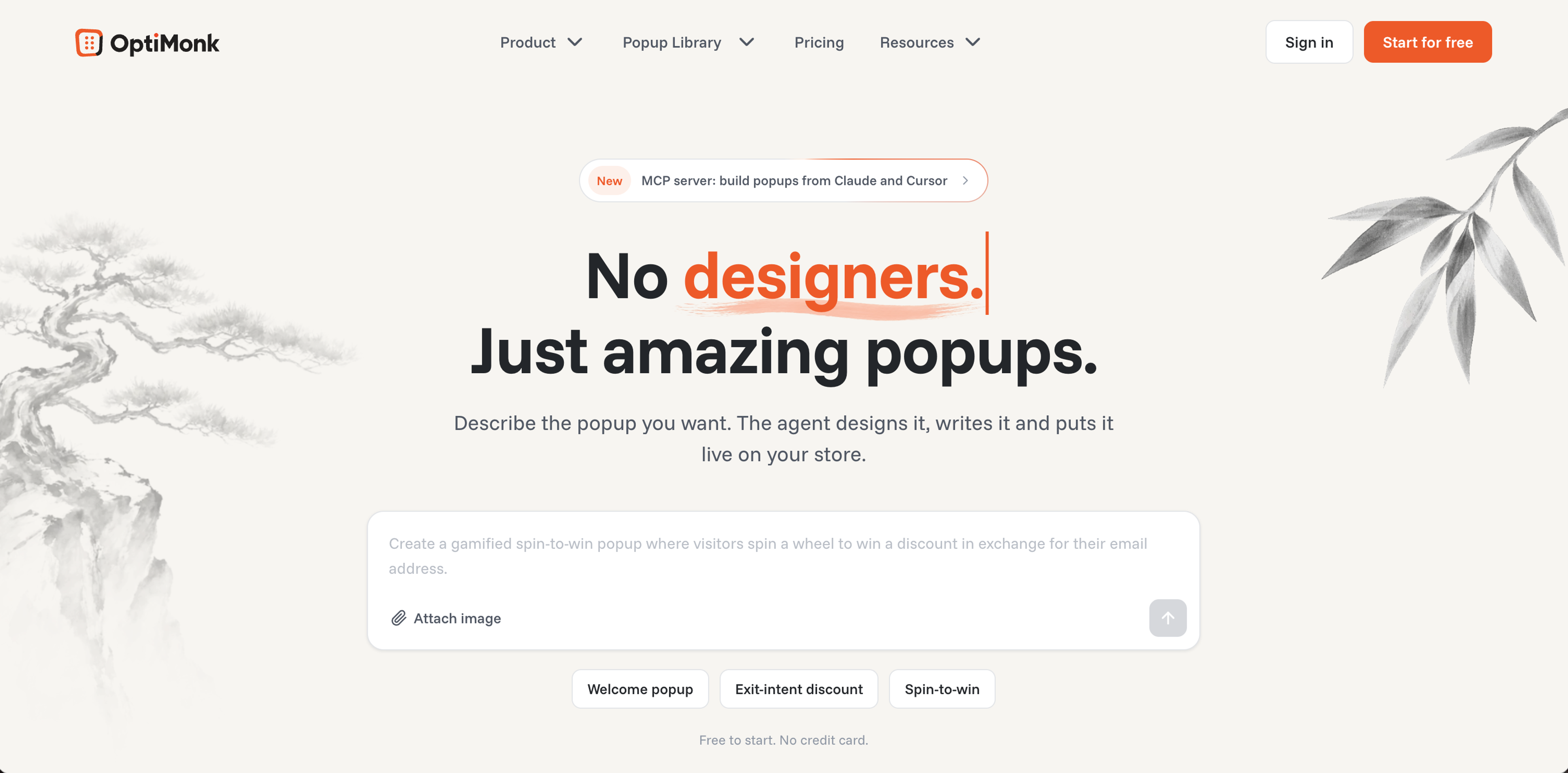
OptiMonk is an agentic popup builder: you describe the form or popup you want, and the AI agent designs it on brand, writes the copy and builds a mobile version. Here are the features that matter most for forms.
Describe the form you need, for example "an email and birthday signup with 10% off", and the agent draws four concepts in your brand's colors, fonts and logo. For inspiration, browse the Popup Library.
You can build forms to grow your list, collect feedback or run surveys. Ask visitors whether they found what they were looking for, what stopped them from buying, or ask for post-purchase feedback.
Let’s take a look at some of the popup ideas that you can get started with:
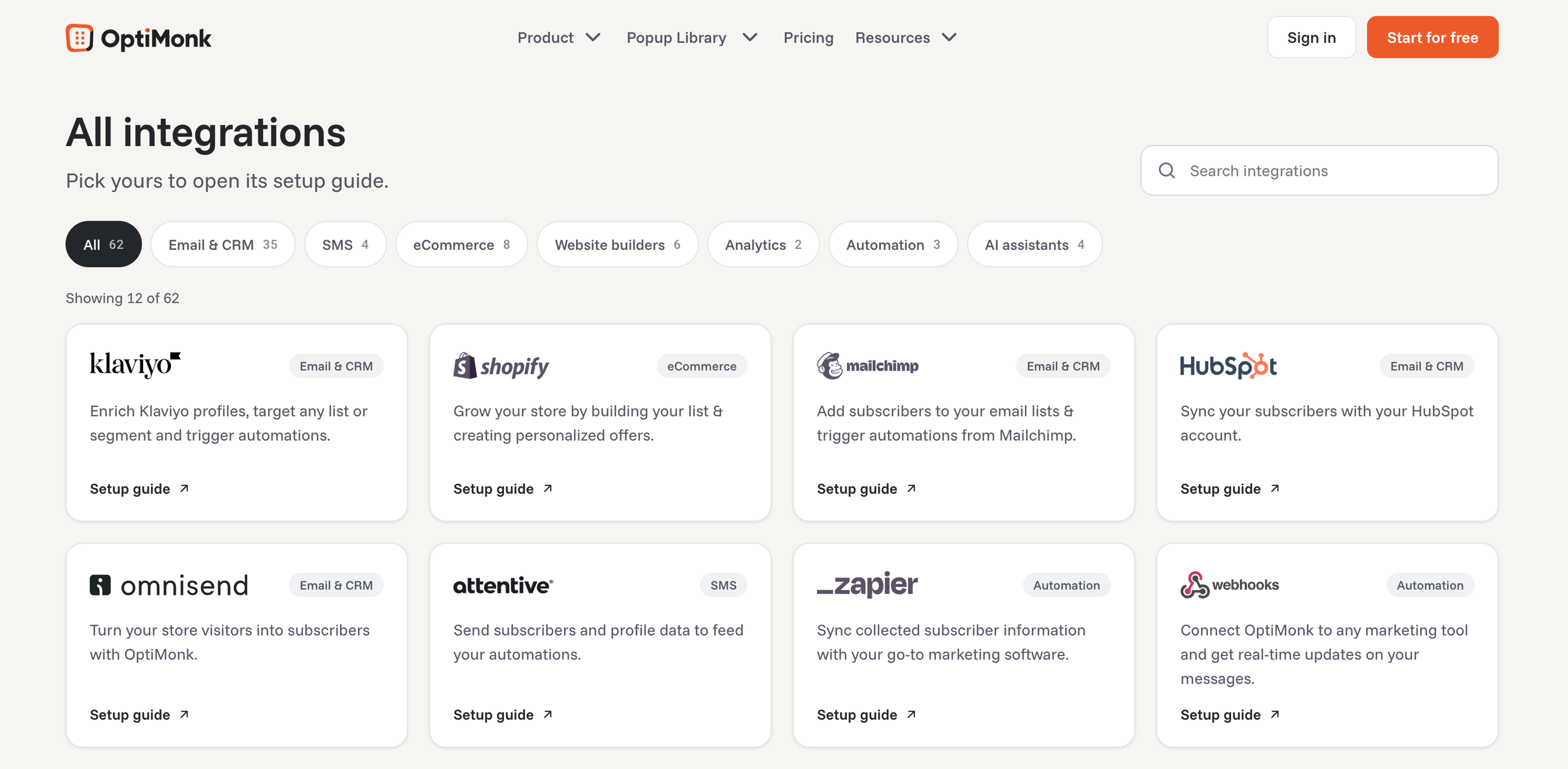
OptiMonk integrates with Shopify, Klaviyo, Mailchimp, HubSpot, Zapier, webhooks and 60+ other tools.
This wide range of integrations ensures that you can easily synchronize OptiMonk with your preferred tools and maximize its effectiveness.
To change a form, tell the agent what should be different, such as "add a phone number field" or "make the button black". You can also fine-tune it by hand in the visual editor.
Pricing: Free plan available. Paid plans start at $19/month billed yearly ($29 monthly).
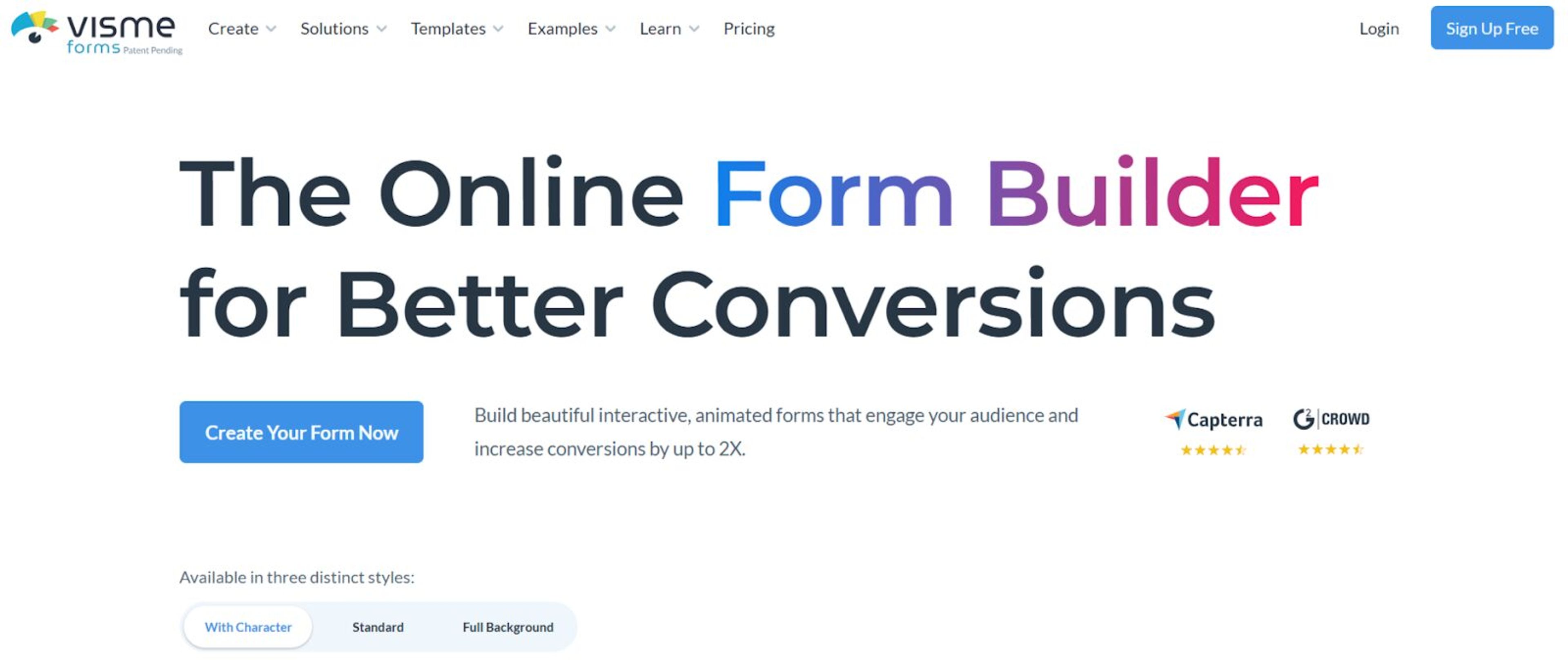
Visme online form builder stands out for its user-friendly interface, and fully customizable options. Users have full control over the look and feel of their forms. With Visme’s intuitive interface, and easy drag-and-drop functionality, you can create high-converting, and highly engaging forms in minutes.
Powered by AI, Visme forms are intuitive, efficient, and designed for better conversions. Create extensive forms including signup forms, lead generation forms, registration forms, survey forms, etc.
Visme forms are not only visually appealing, but also highly functional resulting in significantly higher response rates – boosting lead generation by up to 207%.
Seamless integration options make Visme’s form builder one of the top tools in its niche.
Plus, Visme provides 24*7 customer support via chat and email to all its customers.
Pricing: Starts at $12.75 per month (billed annually.)
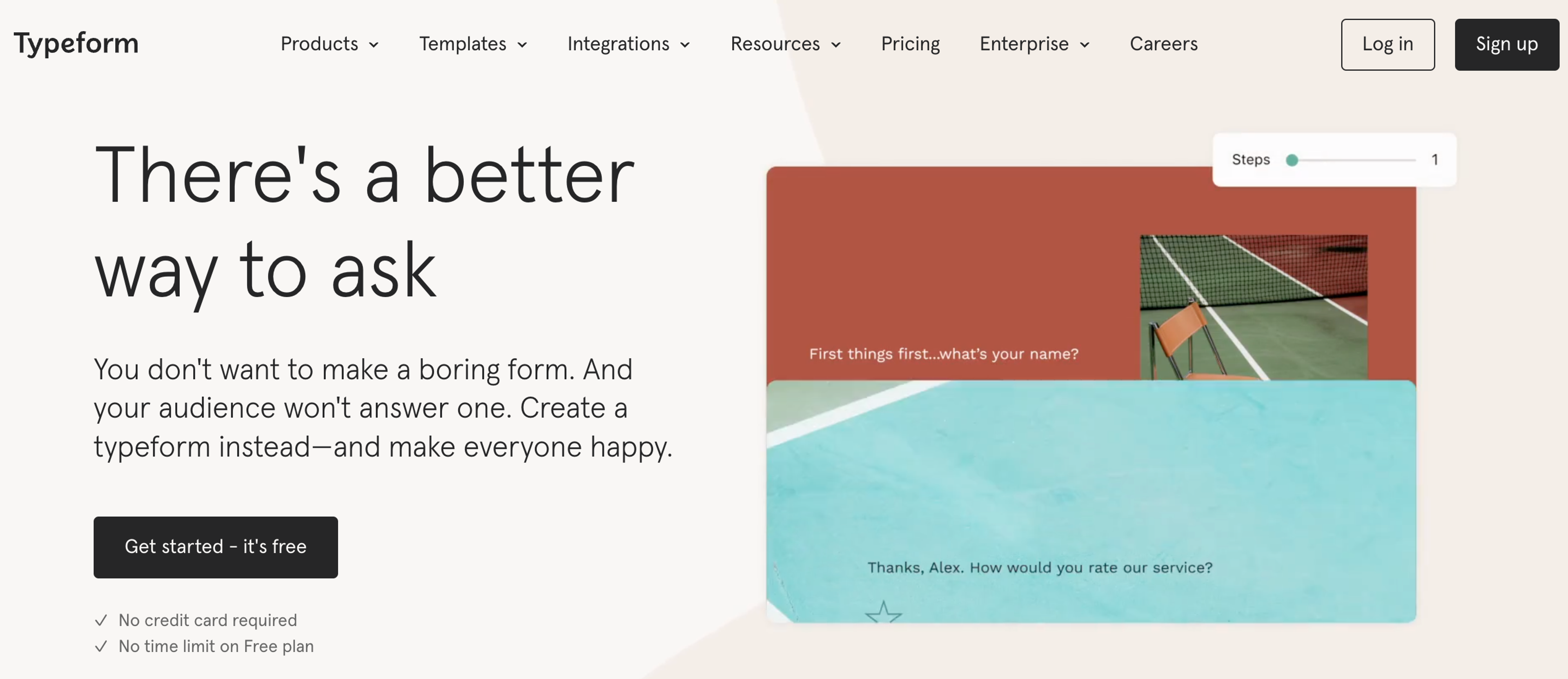
Typeform stands out with its visually appealing, conversational form-building approach. It enables you to create interactive forms that engage respondents through an innovative conversational interface.
Typeform's logic jumps and conditional questions make the form completion process personalized and user friendly. With its seamless integration options, you can connect Typeform with your favorite apps like Zapier and Hubspot.Pricing: Starts at $35 per month.
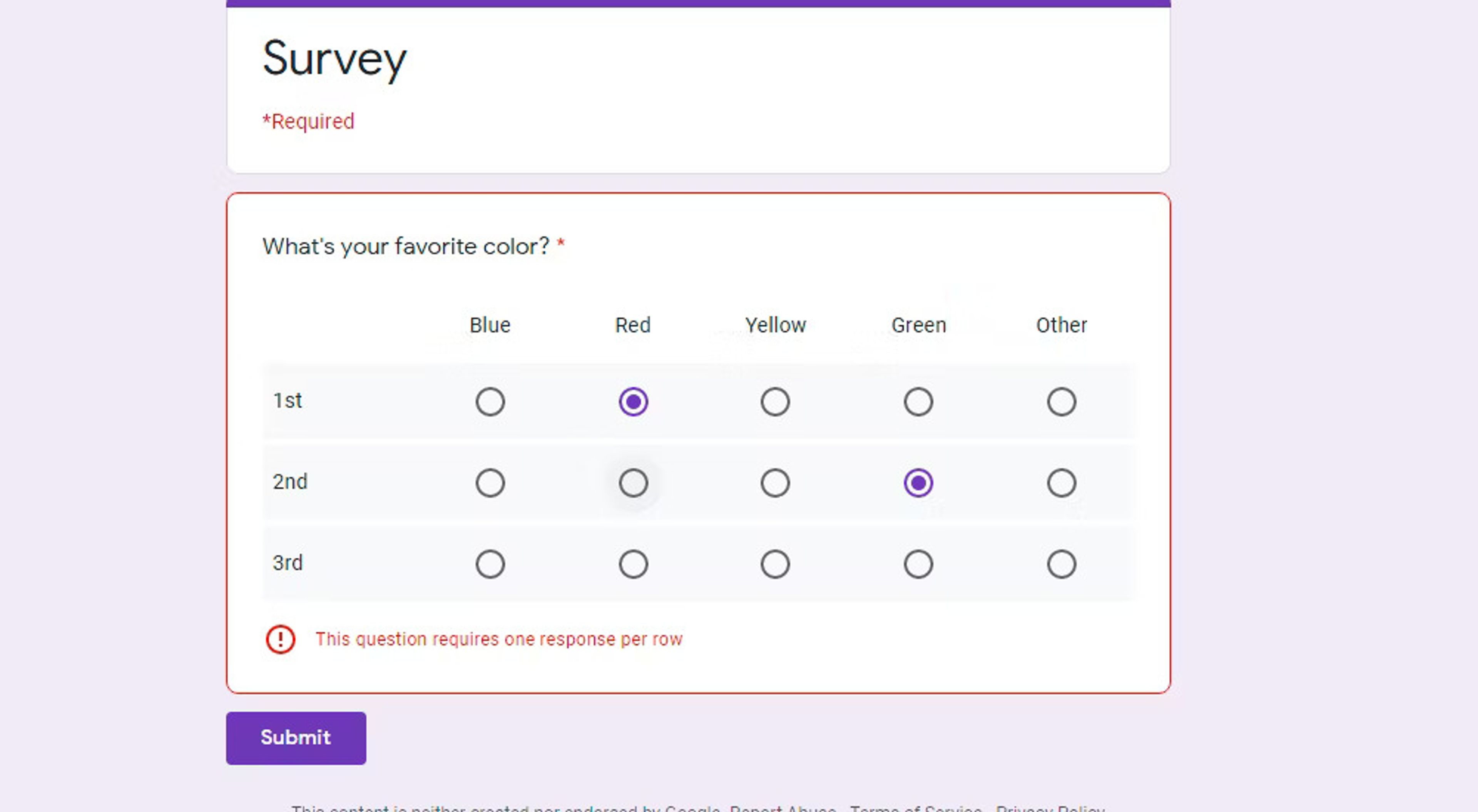
As part of the Google Workspace suite, Google Forms offers a straightforward, free solution for creating online forms. It provides a clean and intuitive interface with a range of question types. Google Forms excels in collaboration, allowing multiple users to work on the same form simultaneously.
Furthermore, it seamlessly integrates with other Google tools such as Google Sheets and Google Drive, making it an excellent choice for teams already using the Google ecosystem.
Pricing: Google Forms is available for free.
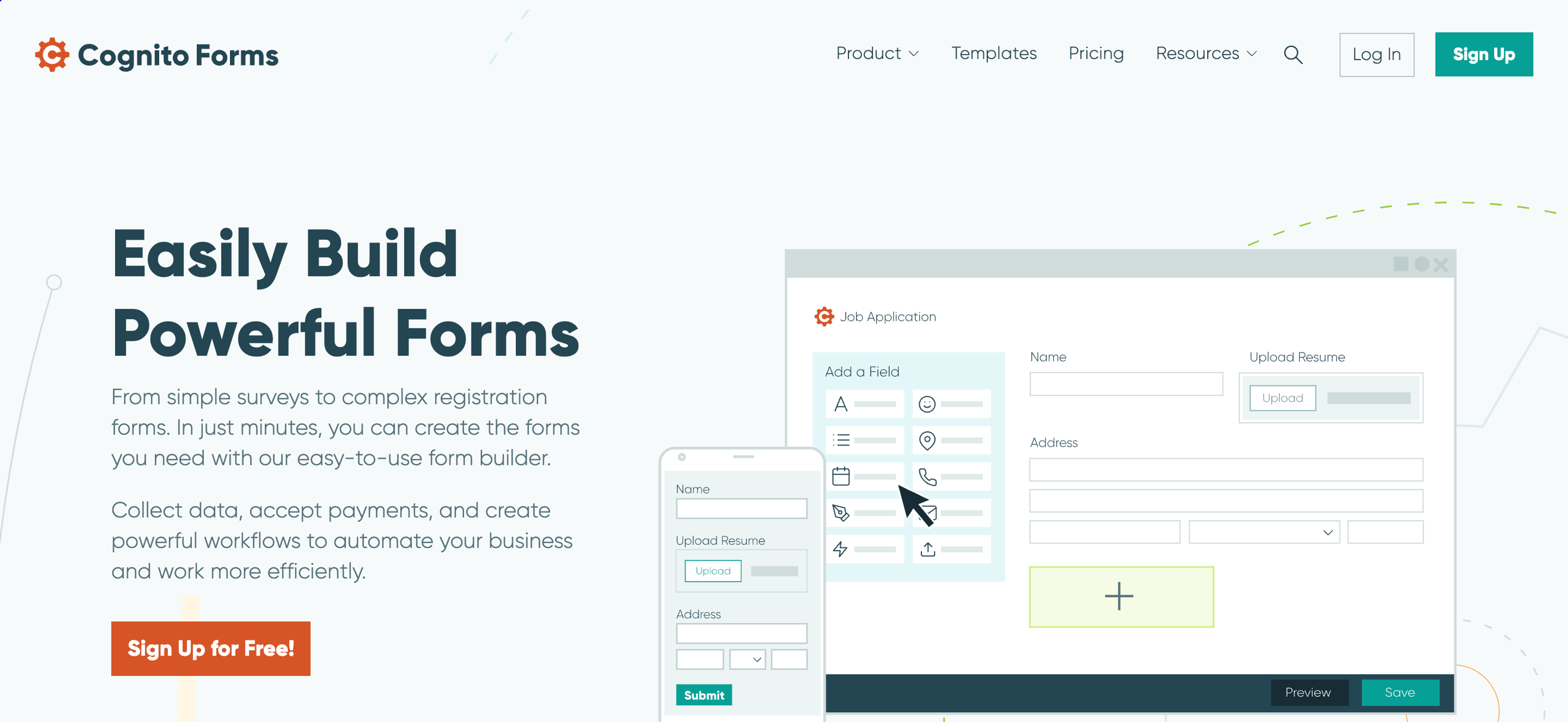
Cognito Forms is a powerful form builder that offers advanced features, allowing you to create complex forms without any coding knowledge. It provides a user-friendly interface and offers robust customization options, including conditional logic, calculations, and repeating sections.
Cognito Forms also integrates with various payment processors, making it a great choice for creating order forms, event registrations, and online payments. It also offers HIPAA compliance for healthcare organizations.
Pricing: Starts at $10 per month.
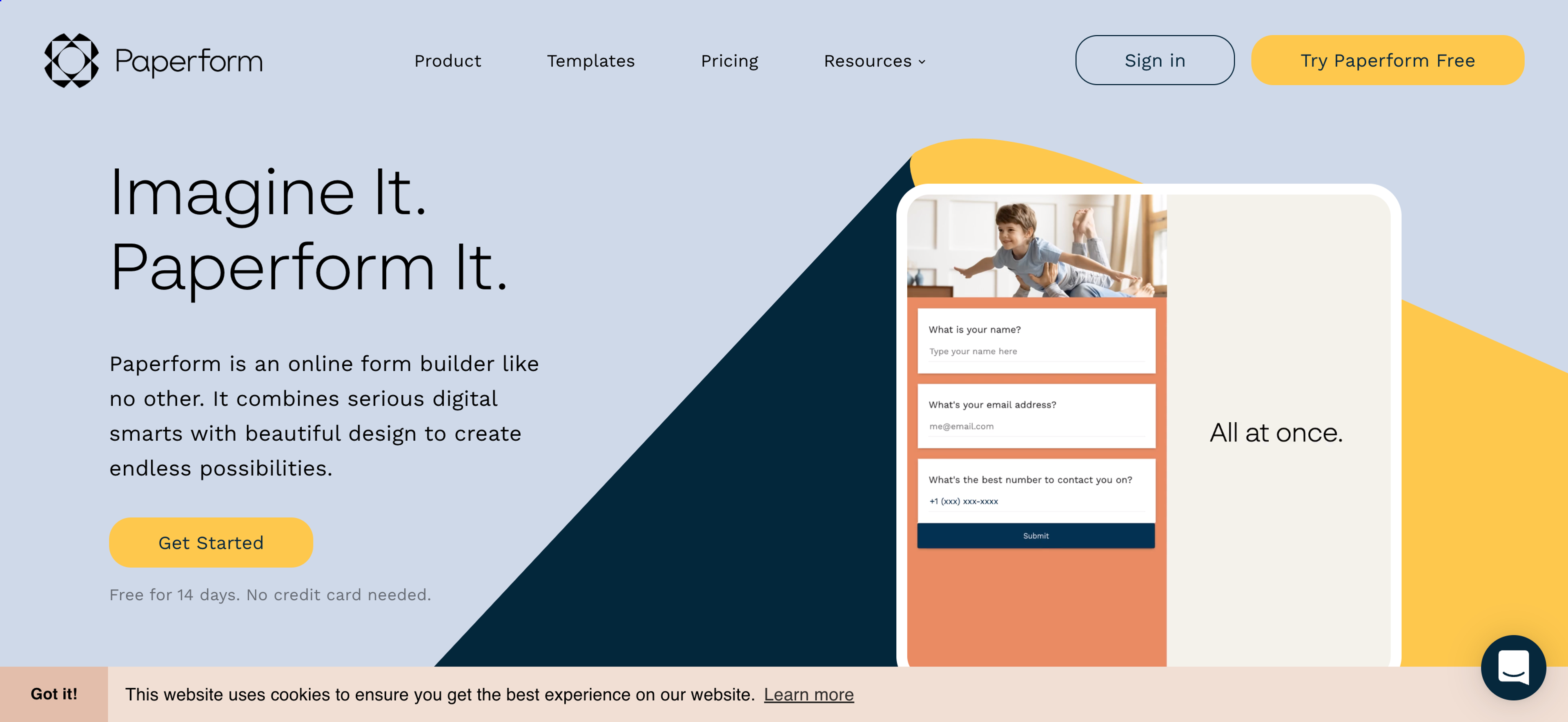
If you're looking for a form builder that combines simplicity and flexibility, Paperform is worth considering. It allows you to create visually stunning forms with its rich text formatting and media embedding capabilities.
Paperform's unique "Calculator" feature enables you to create dynamic forms with real-time calculations, making it ideal for pricing calculators, quizzes, and surveys. With its Stripe and PayPal integrations, you can easily collect payments through your forms.
Pricing: Starts at $20 per month.
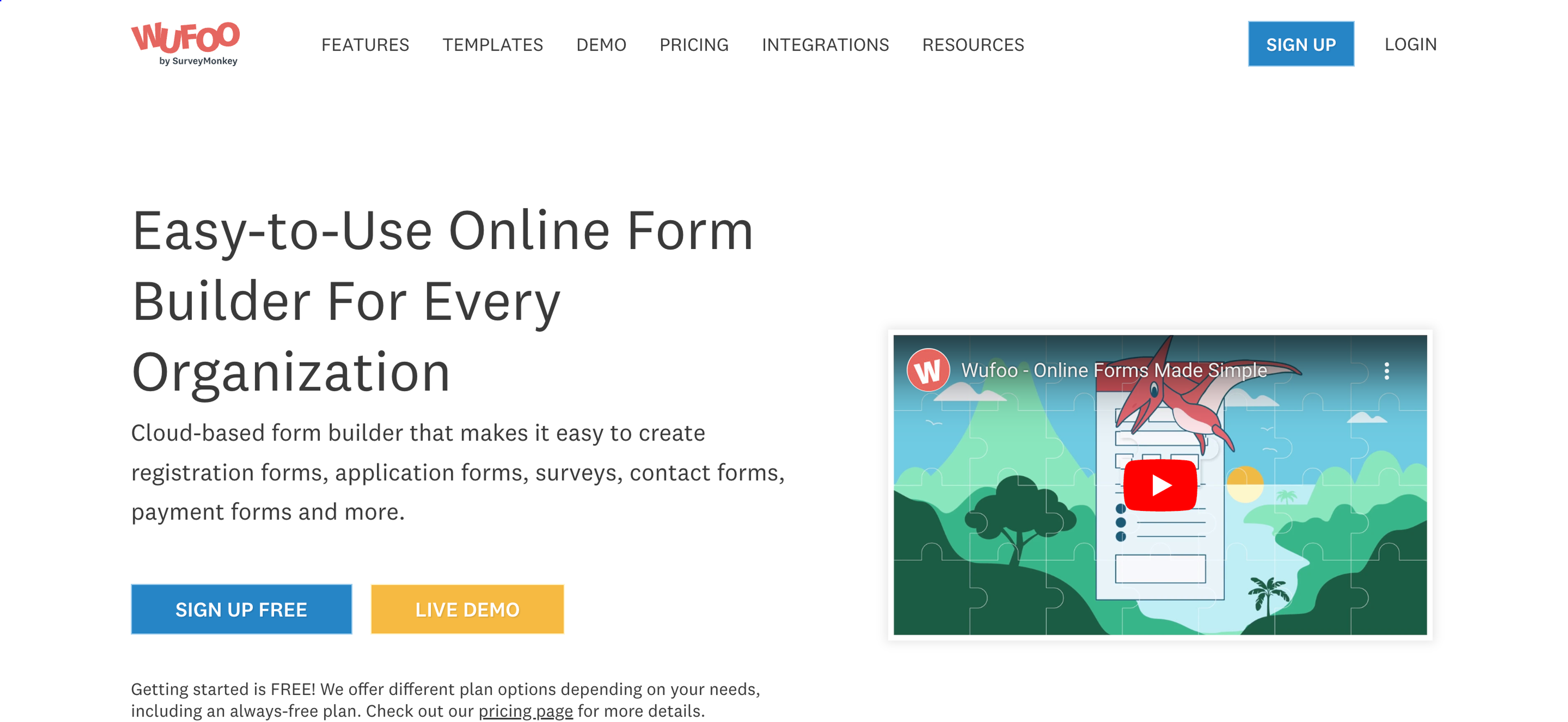
Wufoo is a user-friendly online form builder that offers a wide variety of templates and customization options. It provides a drag-and-drop interface for effortless form creation.
Wufoo's extensive form field options, including file uploads and digital signatures, make it suitable for a broad range of use cases. It also offers seamless integrations with popular apps like Mailchimp, Slack, Paypal, and Zapier, enabling efficient data management.
Pricing: Starts at $14.08 per month.
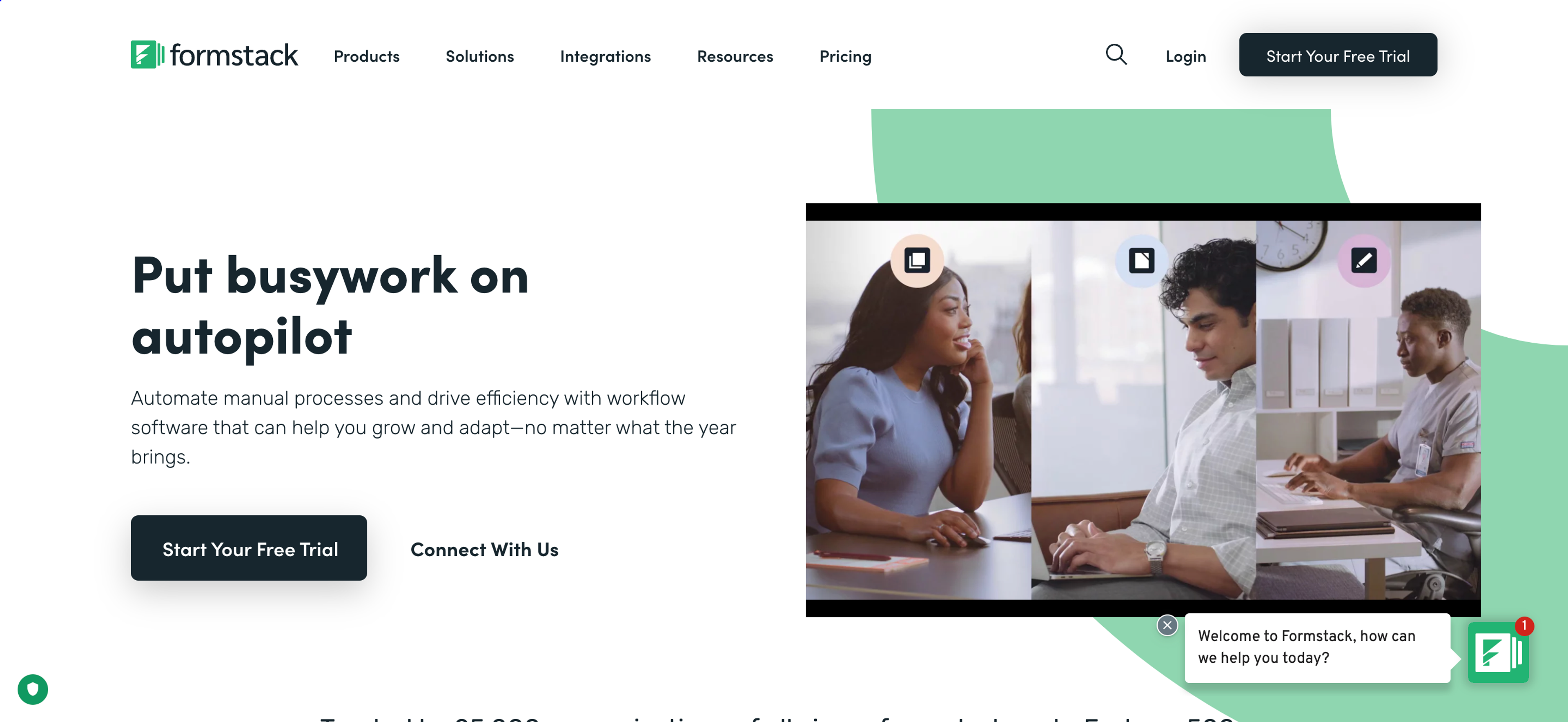
Formstack is a comprehensive form builder that caters to businesses of all sizes. Its robust features include conditional logic, data routing, and powerful analytics. Formstack's intuitive interface allows for easy form creation, and its advanced security measures ensure data protection.
It also offers plenty of customization options, integrations with over 50 popular tools, and HIPAA compliance for healthcare organizations.Pricing: Starts at $19 per month.
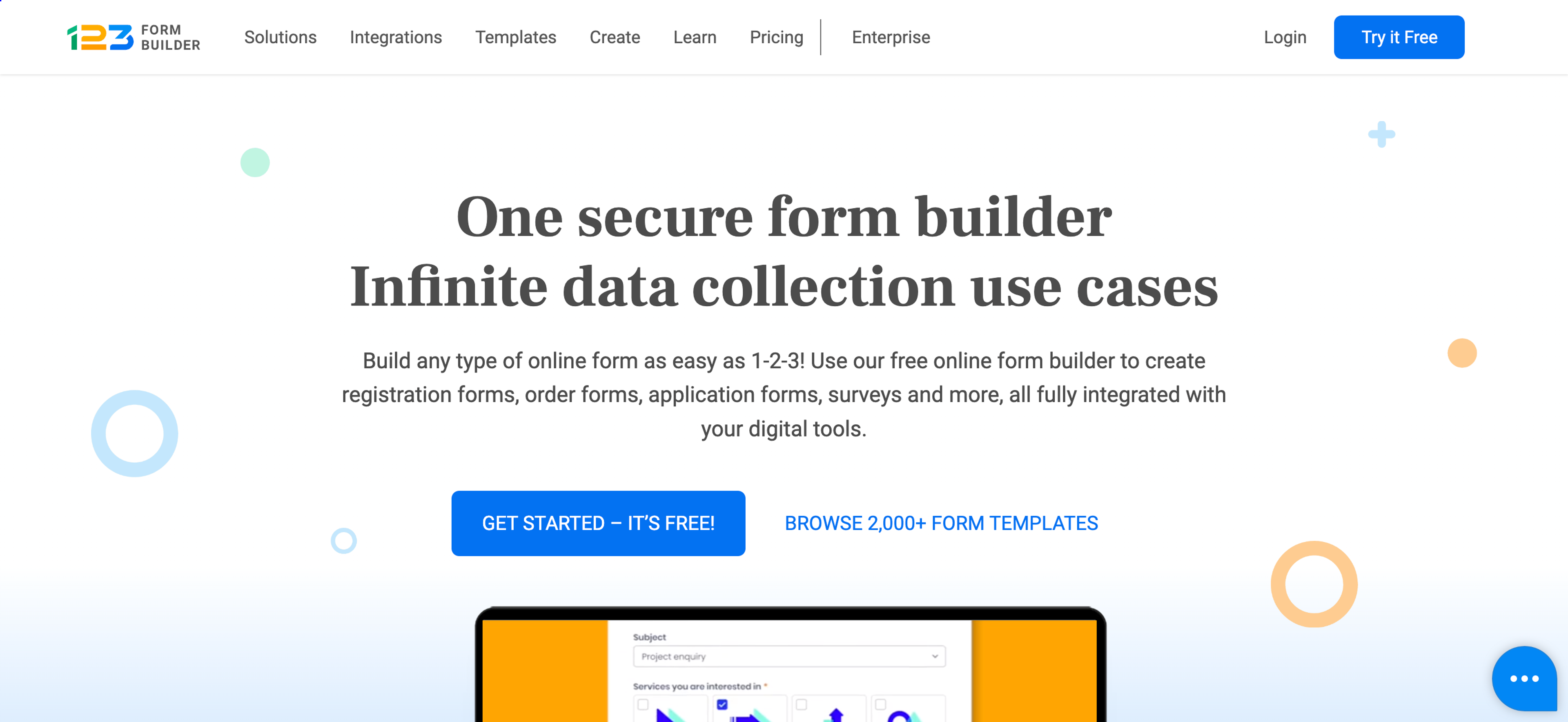
123FormBuilder simplifies the process of creating forms with its user-friendly interface and drag-and-drop functionality. It offers a wide range of form templates and customization options, including conditional logic and file uploads, allowing you to create personalized forms that align with your brand.
With its extensive integration capabilities, you can seamlessly connect 123FormBuilder with popular tools like Mailchimp, Google Drive, Paypal, and Google Analytics, enabling efficient data management and analysis.
Pricing: Starts at $24.99 per month.
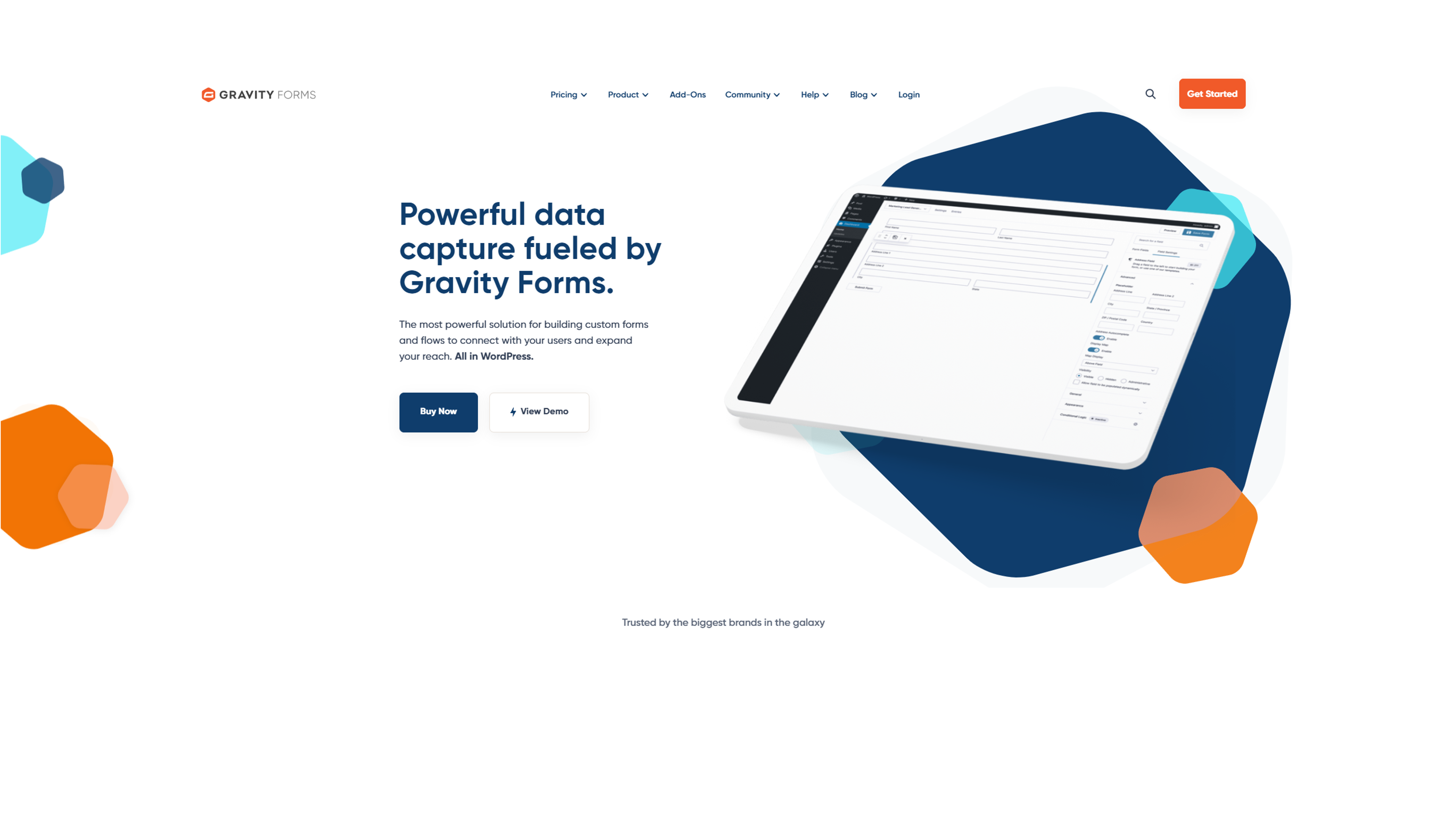
Gravity Forms is a powerful WordPress plugin that provides highly customizable forms. With its extensive add-ons and integrations, you can extend the functionality of Gravity Forms to meet your specific requirements. It offers advanced features like conditional logic, file uploads, and multi-page forms.
Gravity Forms is an excellent choice for businesses and individuals who require flexible and feature-rich form building capabilities within the WordPress environment.
Pricing: $59 per year for a single site license.
Zoho Forms is a comprehensive online form builder that offers a variety of features for businesses of all sizes. With an intuitive drag-and-drop interface, users can easily create custom forms, surveys, and quizzes. Zoho Forms also provides robust customization options, such as branding, conditional logic, and field validation.
With its seamless integration with other Zoho applications, you can automate data transfer and enhance your productivity.
Pricing: Starts at $10 per month for the Basic plan.
There are several ways to create online forms, such as using an online form builder, building a custom form using HTML and CSS, using a CMS plugin, or hiring a developer. No matter how you choose to build it, be sure to test your form thoroughly before publishing.
Most form builder apps provide a user-friendly interface where you can drag and drop form elements, customize fields, and design the layout. Once you've created the form, you can embed it on your website or share it via a unique link.
Responses submitted through the form are typically collected in a centralized dashboard or sent to your email, allowing you to manage and analyze the data easily.
Yes, you can find some apps that offer a free plan, allowing you to create new form and use limited features.
In the world of online form builders, your options are abundant. Whether you need customization options, seamless integrations, advanced security features, or user-friendly interfaces, there is a form builder app to suit your needs.
From OptiMonk's AI-powered popup and form creation to Google Forms' simplicity, these 11 best online form builder apps offer a range of features and pricing options.
Explore the possibilities, select the best form builder for your requirements, and bid farewell to the days of drowning in paperwork. Say hello to the convenience and efficiency of online form creation and sharing!


In this article, we'll share 30 actionable Black Friday marketing ideas for ecommerce businesses to make 2026 your most successful yet.

Learn about email marketing frequency for ecommerce stores. Most send 1-3 emails per week, with frequency adjusted by subscriber engagement and store type.

Let's take a look at the 21 best lead generation software for 2026 and discuss the features that any lead generation tool should have.